
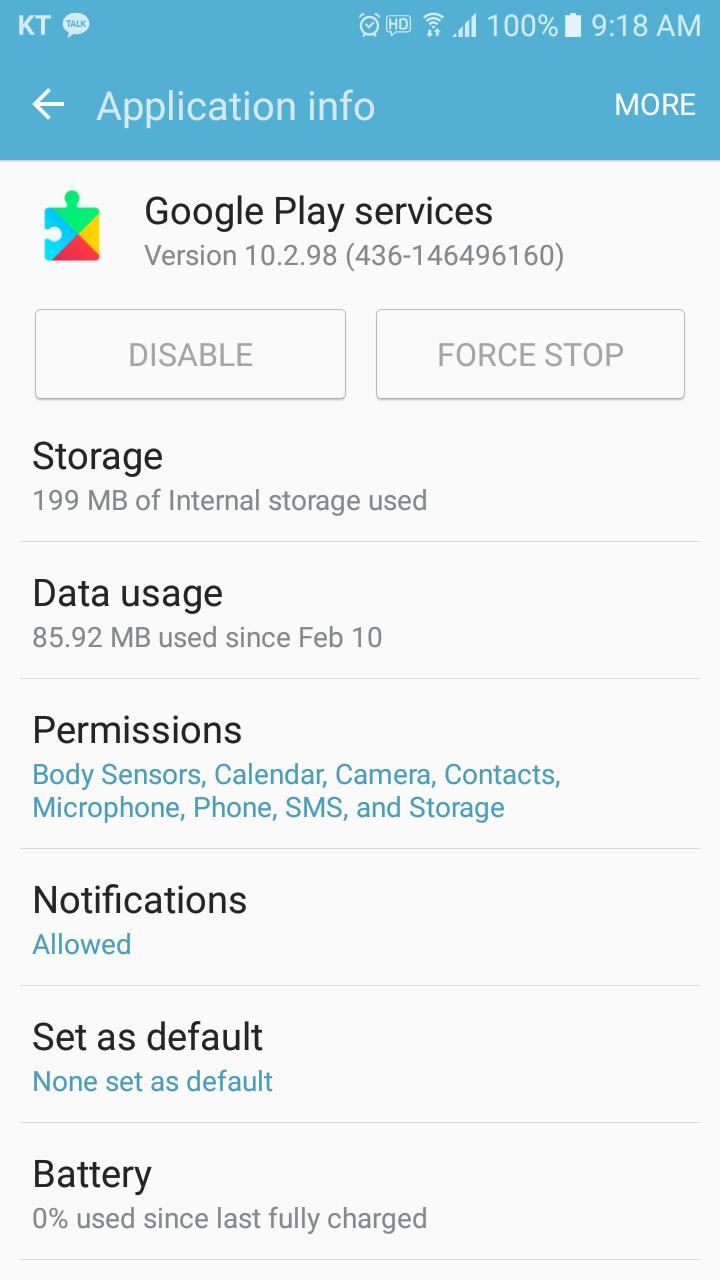
This app provides a solution when Google Play service app has problem, and can use the app to install or update the Google Play service.
Also, this app is to check status, information, install and update information of Google Play service App.
There are five kinds of solution provided for an error of “Google Play Service has stopped.”
Solution 1. Update of Google Play service
Solution 2. Delete Cache
Solution 3. Delete Data
Solution 4. Initializatoin of Google Play Service
Solution 5. Reboot
Play Services Info, Play Services Infomation
Latest Version
1.7Uploaded by
陈锋
Requires Android
Android 4.0.3+
Category
Free Tools AppContent Rating
Everyone
Report
Flag as inappropriateLast updated on Mar 8, 2020
bug fix





APKPure - A multi-platform app store primarily focused on Android, providing extensive app-related content. Discover the app you want easier, faster, and safer, with quick and efficient downloads and installations.