
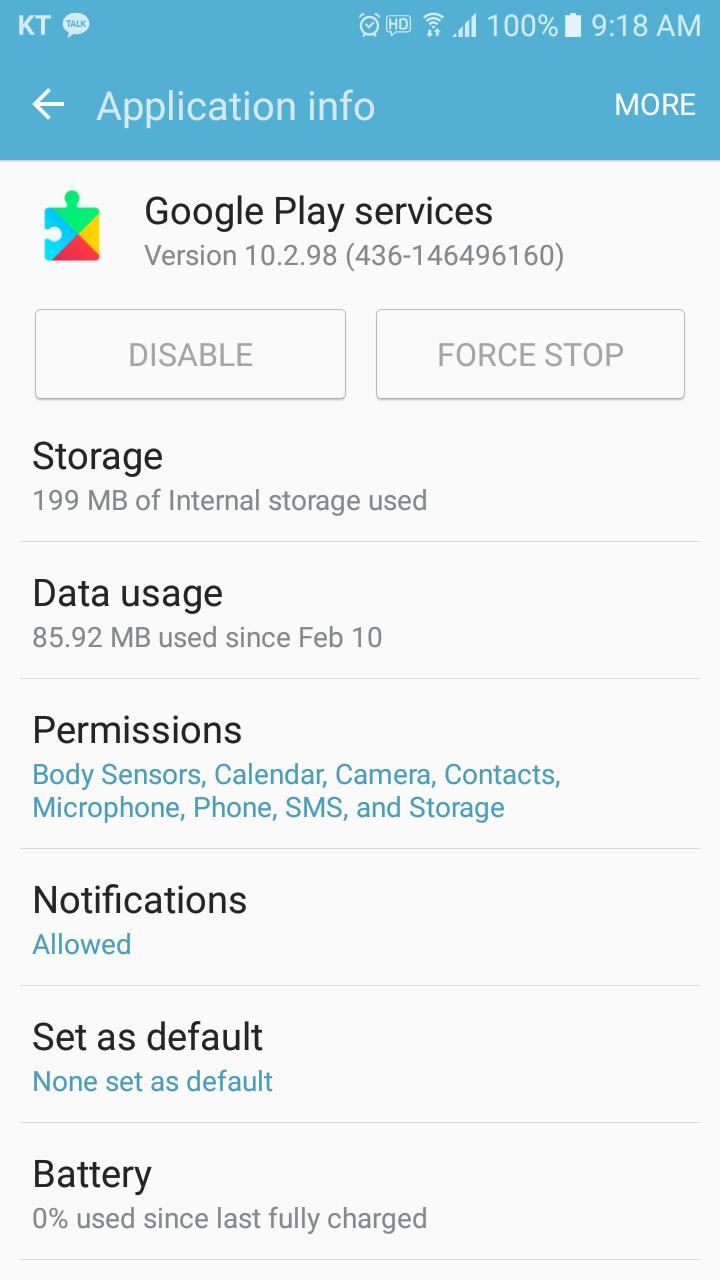
This app provides a solution when Google Play service app has problem, and can use the app to install or update the Google Play service.
Also, this app is to check status, information, install and update information of Google Play service App.
There are five kinds of solution provided for an error of “Google Play Service has stopped.”
Solution 1. Update of Google Play service
Solution 2. Delete Cache
Solution 3. Delete Data
Solution 4. Initializatoin of Google Play Service
Solution 5. Reboot
Play Services Info, Play Services Infomation
Versi Terbaru
1.7Diunggah oleh
陈锋
Perlu Android versi
Android 4.0.3+
Kategori
Gratis Alat APLIKASIRating konten
Everyone
Last updated on Mar 8, 2020
bug fix





APKPure - Toko aplikasi multi-platform yang terutama berfokus pada Android, menyediakan konten terkait aplikasi yang luas. Temukan aplikasi yang Anda inginkan dengan lebih mudah, cepat, dan aman, dengan unduhan dan pemasangan yang cepat dan efisien.