
Sentio Desktop creates a familiar PC like layout on your phone or tablet so you can work across several apps with better organization. You can connect a keyboard, mouse, or an external monitor for a full desktop workflow, or simply rotate to landscape and use it on the device. It works with Sentio Apps, including the Sentio File Explorer, to streamline everyday productivity. The experience comes from Andromium Inc., the team behind the Superbook project, and it focuses on a clean interface that feels natural on Android. Download Sentio Desktop APK on APKPure to try a desktop-style workspace without changing your device.
Familiar desktop layout
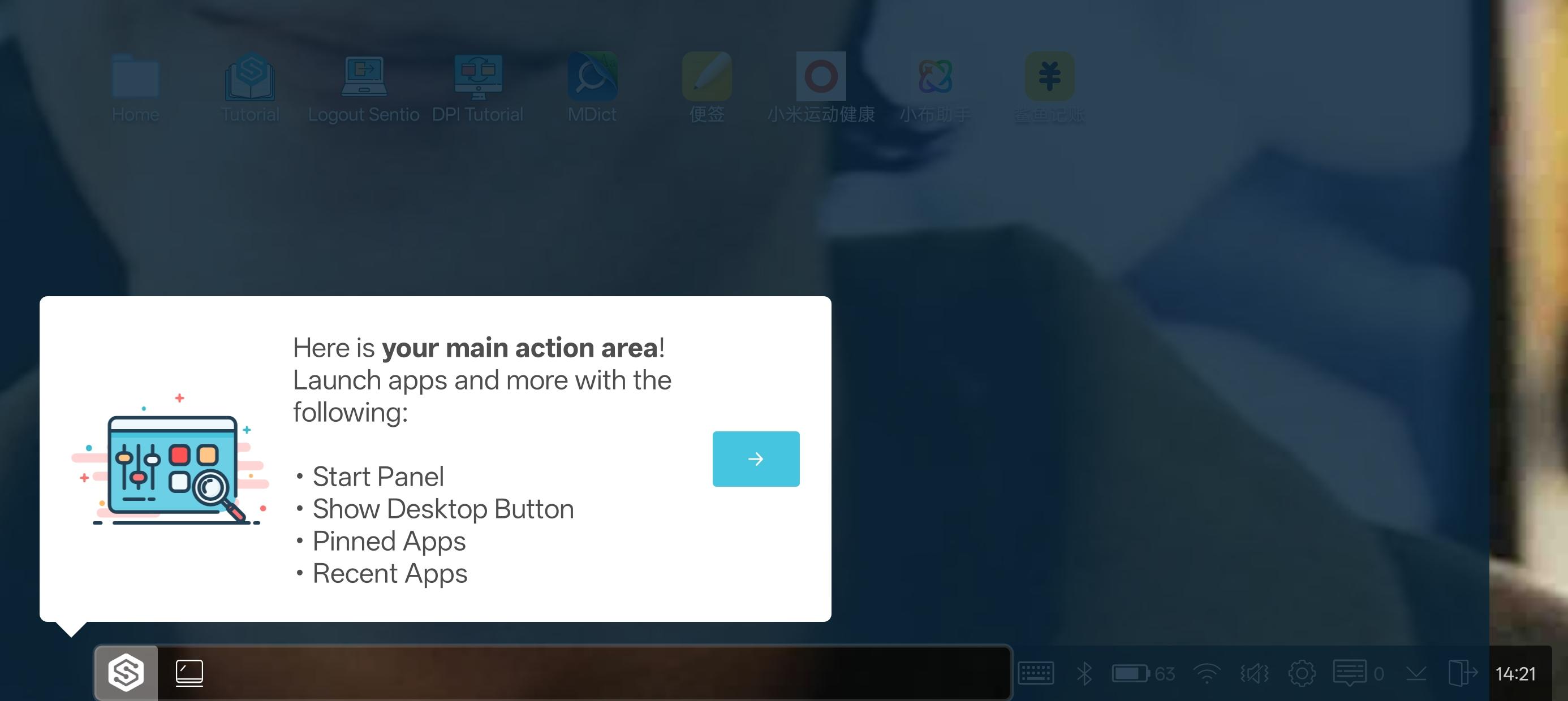
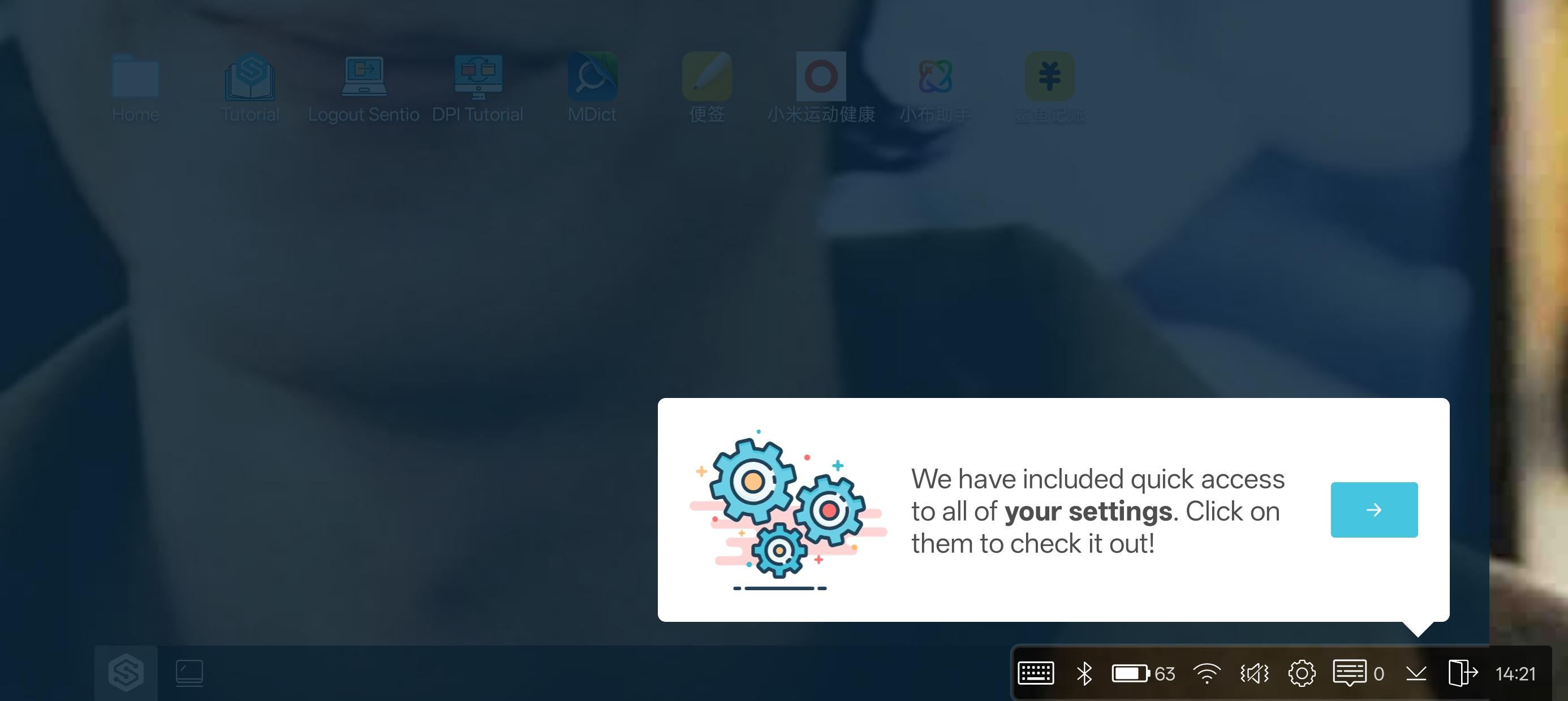
Sentio Desktop adds a start menu, taskbar with system tray, and a notification center that looks and behaves like a computer. You get quick access to apps, settings, and controls in one place. This helps you focus on work without relearning your device.
True multitasking with window controls
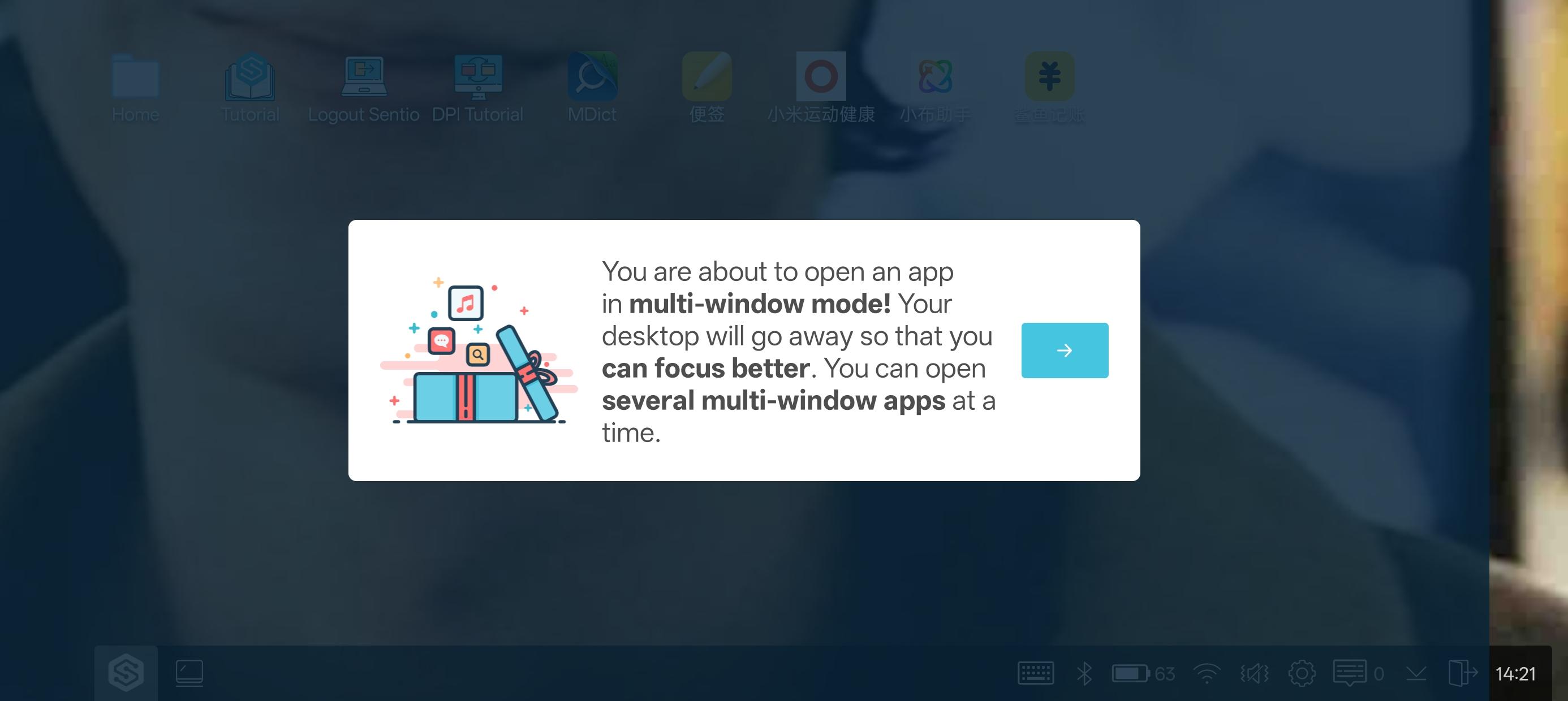
You can open multiple Android apps in resizable windows and arrange them side by side. Sentio Desktop lets you drag, snap, and switch between tasks with simple clicks. Therefore, your phone or tablet handles documents, chats, and media at the same time.
Peripheral and display support
Connect a keyboard and mouse for precise input, and plug into a monitor for a larger canvas. Sentio Desktop can auto-launch when it detects accessories, so you can start working faster. In addition, you can adjust DPI or resolution on supported devices for clearer text.
File shortcuts and desktop links
Sentio Desktop integrates with Sentio File Explorer so you can link files and folders on the desktop. You can open, move, and manage items without digging through menus. This saves time when you handle repeated tasks or shared content.
Smarter app access and shortcuts
Use the improved app chooser and app shortcuts to open your tools quickly. With Sentio Desktop, you can pin favorites to the taskbar or start menu for one-click access. Moreover, you can keep your workspace clean by grouping apps the way you prefer.
Lightweight and cost-free
The Sentio Desktop APK is small and uses minimal resources, which keeps battery and memory impact low. You can try a desktop-style interface without extra cost or complicated setup. This makes it practical for everyday use on many devices.
Many phones do not include a built-in desktop mode. Sentio Desktop offers a DeX-like experience so you can still work on a monitor with a keyboard and mouse. It is a practical option if your device lacks a manufacturer's desktop feature.
Sentio Apps enhance the experience with tools like Browser, File Explorer, and Media Player that fit the desktop layout. The integration helps you move files, browse, and play content in a consistent interface. You can also pair your device with the Superbook for a laptop-style setup.
Follow this quick guide to set up Sentio Desktop for productive multitasking. You can start on a device or connect external accessories for a larger workspace.
Download Sentio Desktop APK on APKPure, install the Sentio Desktop APK, and open the app on your Android device.
Grant the requested permissions so that window controls, notifications, and the taskbar work correctly.
After that, connect a keyboard and mouse by USB or Bluetooth, and plug into a monitor with a compatible adapter if you want a larger screen.
Open the start menu, choose your apps, and arrange them as multi-window layouts. Resize and move windows to match your workflow.
Then enable auto-launch on accessory detection in settings, and adjust DPI or resolution if your device supports it for better readability.
Sentio Desktop brings a desktop-style interface to Android so you can run multiple apps in windows with a keyboard and mouse. Download Sentio Desktop APK latest version on APKPure for a clean setup and secure updates. Start your workspace with a simple download and organize your apps the way you prefer.
How is Sentio Desktop different from phone desktop modes like DeX?
Sentio Desktop provides a similar desktop-style interface for devices that do not include a built-in desktop mode. It focuses on multi-window Android apps, a start menu, and a taskbar, so you get a computer-like workflow on more phones and tablets.
Can I use Sentio Desktop on PC?
No, Sentio Desktop is designed for Android devices. You can connect your Android device to a monitor and use Sentio Desktop for a desktop-style experience, but it does not install on Windows.
Latest Version
1.7.6Uploaded by
بشار فلاحه غزوان
Requires Android
Android 7.0+
Category
Free Productivity AppContent Rating
Everyone
Report
Flag as inappropriateLast updated on Nov 4, 2018
Added stability
Fixed firmware update issue






APKPure - A multi-platform app store primarily focused on Android, providing extensive app-related content. Discover the app you want easier, faster, and safer, with quick and efficient downloads and installations.