This app is used to called "Note Securia"
Protect notes, passwords, or any other secret messages stored on your Android device with a master password. Data are stored encrypted in the build-in SQLite database, and can be exported to text files in encrypted form.
The first question many people asked is "How can I trust you with all my passwords?" Well, there are 2 reasons:
1. I give you my word that I'm not collecting any information with this app...
2. If you try to install the app you'll see it require no networking permission at all, it don't even have any ad. So bottom line is if you trust Google then you can trust this app... pretty weak I'll admit :)
3. You can get the source code to see for yourselves... (I know, but #1 is really not a reason...)
This is an open-source software, and is released under the GNU GPLv2 license. Source code is available upon request (paul@sea9.org).
Instructions:
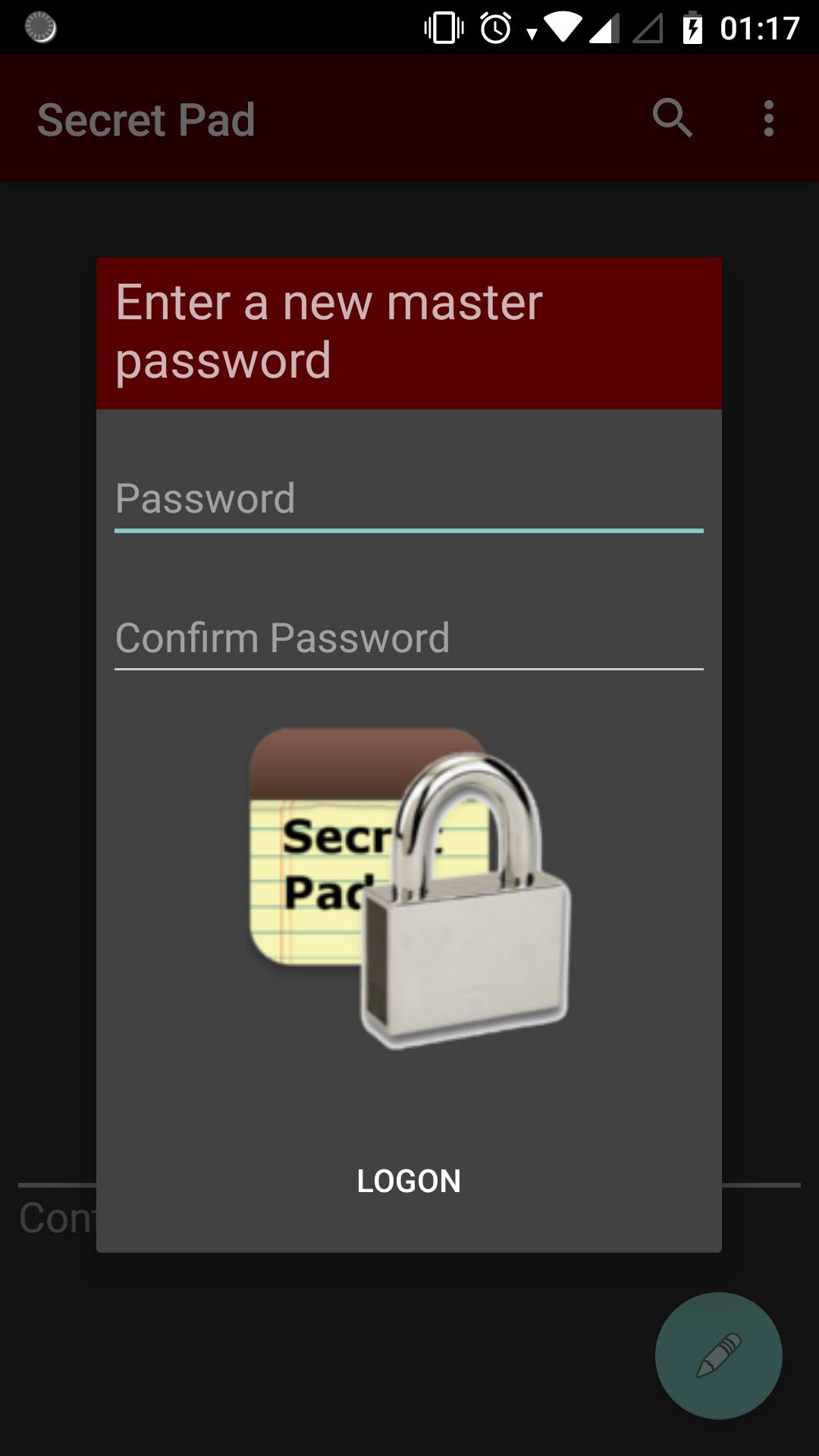
1. Launching for the first time, the app will ask you to choose a password.
IMPORTANT: Your password is not stored anywhere. Therefore there is NO WAY to recover it.
2. The main screen will show up with an empty list. Add notes at will. Remember to quit the app with the 'Back' button when finish.
3. The next time the app is launched, enter the same password to access your notes.
4. Use the 'Export' option to export notes to a text file. The export data stay encrypted.
5. 'Import' is only enabled when the app has no note in it. The same password is needed to import notes from a previous export.
6. To return to the initial state (thus import is enabled) use the 'Clear data' function from the device's 'Manage apps' menu.
Latest Version
3.0.0Uploaded by
Bartek Drabik
Requires Android
Android 7.0+
Category
Free Tools AppContent Rating
Everyone
Report
Flag as inappropriateLast updated on Jan 30, 2019
CAUTION! This update is completely rewritten from the ground up. Please make sure to export existing data from the previous version before update. Data can be imported afterward.




APKPure - A multi-platform app store primarily focused on Android, providing extensive app-related content. Discover the app you want easier, faster, and safer, with quick and efficient downloads and installations.