Scan Date:May 6, 2026
Show More
Screen Mirroring for Smart TV is a user-friendly application that revolutionizes the way you connect and share your Android devices to big TV screens. It supports a wide range of smart TV models with DLNA built in: Roku, Fire TV, LG, Samsung, Panasonic, TCL, Hisense, Vizio, Sony, etc. It can work normally on all Android mobile devices with Android 7.0+ stably.
Whether you're binge-watching your favorite shows, playing mobile games, holding family gatherings and movie nights or presenting slideshows, with Screen Mirroring for Smart TV app, your content takes center stage, ensuring an immersive viewing experience for all. Download now and unlock the power of wireless screen mirroring!
Unique Features:
☆ Screen mirror and cast web videos & browsers to home TV in real-time without compromising quality.
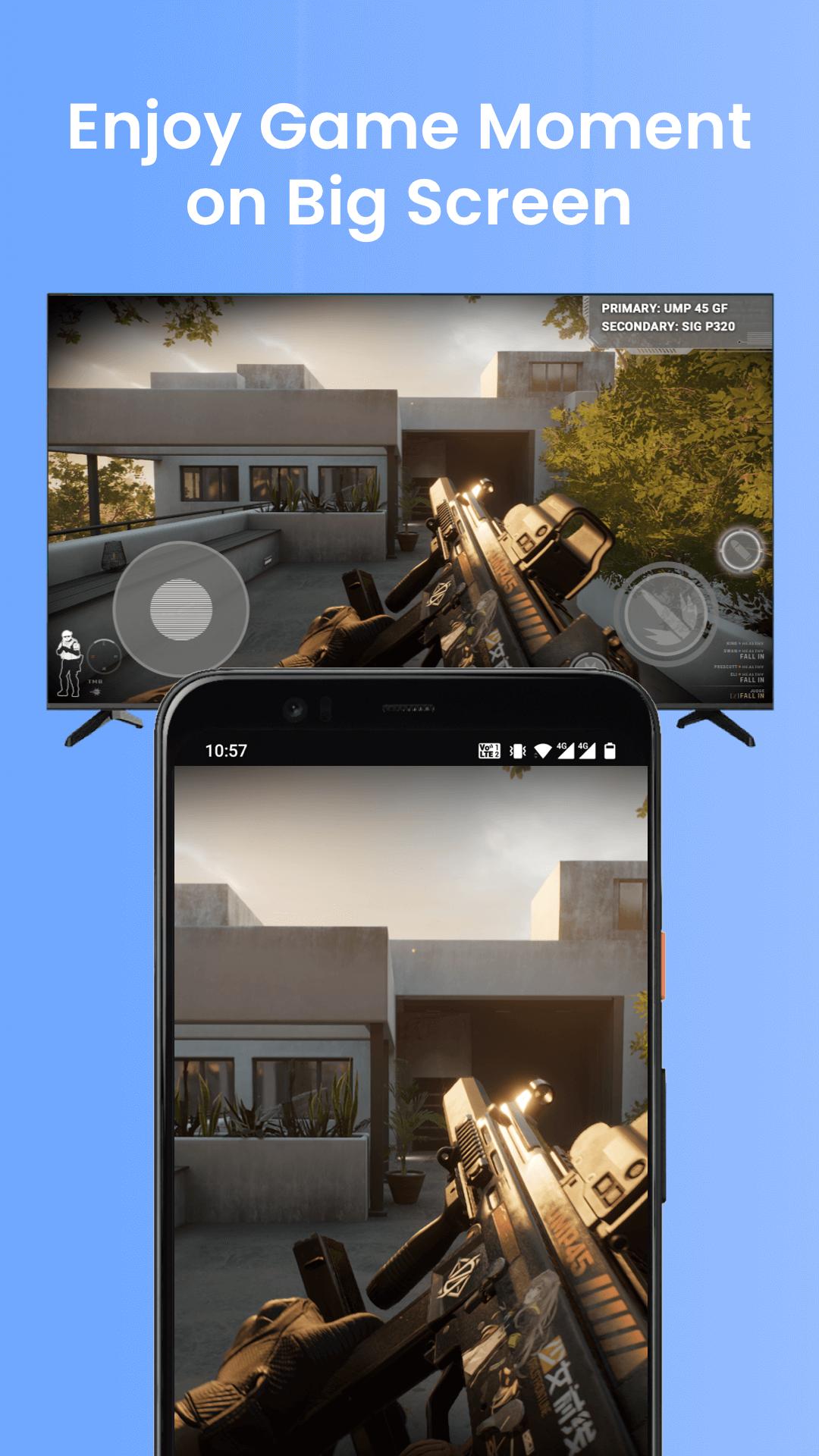
☆ Screen mirror music, photos and play games on your large smart TV without any lag or delay.
☆ Simple & fast connection with just one tap over WiFi.
☆ Support for all media files, including videos, photos, audios and more.
☆ Cast from Google Photos, Google Drive and Dropbox fast and stably.
☆ Cast local media and photoslideshow to big-screen TV.
Versatile Usage Scenarios:
1. Mirror your favorite movies, TV shows and web videos to a larger screen for better entertainment.
2. Take your gaming experience to the next level by casting your gameplay to a bigger display.
3. Share special moments with friends and family by wirelessly mirroring photos and videos to TV.
4. Mirror your device's screen to display your slides, data, and documents with your co-workers.
5. Screen mirror online courses from your device to the TV screen for an immersive learning experience.
Please follow the steps bellow to screen mirror your mobile on TV:
1. Make sure your smart TV and the phone/tablet are connected to the same network.
2. Enable Miracast Display on your TV.
3. Enable Wireless Dispaly option on your phone.
4. Choose your smart TV to connect with the app.
5. All done. Enhance your visual experience now!
Troubleshoot:
• The screen mirroring app can only work when it is on the same WiFi as the smart TV.
• Reinstalling this screen mirror app and rebooting the TV can fix most of the connecting issues.
• Upgrading the screen mirroring application to the latest version can solve some connection issues.
• For connection issues with mobile devices, try downloading the screen mirror app to another device.
DISCLAIMER:
"Screen Mirroring for Smart TV" application isn't affiliated with any of the TV brands above. And due to the limited number of device models we can test, our mirroring app can't be compatible with all TV models.
Terms of Use: https://www.boostvision.tv/terms-of-use
Privacy Policy: https://www.boostvision.tv/privacy-policy
Visit Our Page: https://www.boostvision.tv
Latest Version
2.0.3Uploaded by
Ory Ory
Requires Android
Android 7.0+
Category
Free Video Players & Editors AppContent Rating
Everyone
Security Report
Report
Flag as inappropriateLast updated on May 6, 2026
We’ve improved device compatibility and optimized our proprietary mirroring technology for more brands! 🚀
Enjoy a faster, more stable mirroring experience across all your favorite smart TVs! 📺✨






APKPure - A multi-platform app store primarily focused on Android, providing extensive app-related content. Discover the app you want easier, faster, and safer, with quick and efficient downloads and installations.