Why use buttons in the era of touch screens? Is your lock button not working anymore? Do you love your phone too much to not let it go even if it is seriously outdated? Screen Locker is your solution. Screen locker is a one touch screen locker app. Double your device’s life by opting for on Screen Locker.
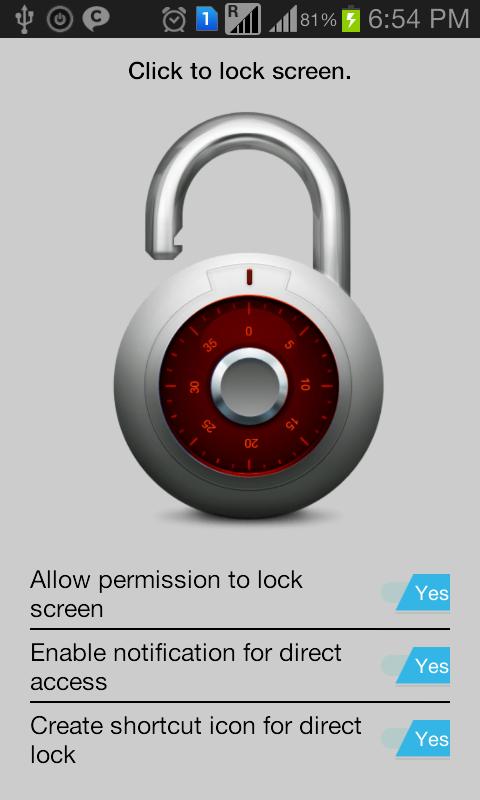
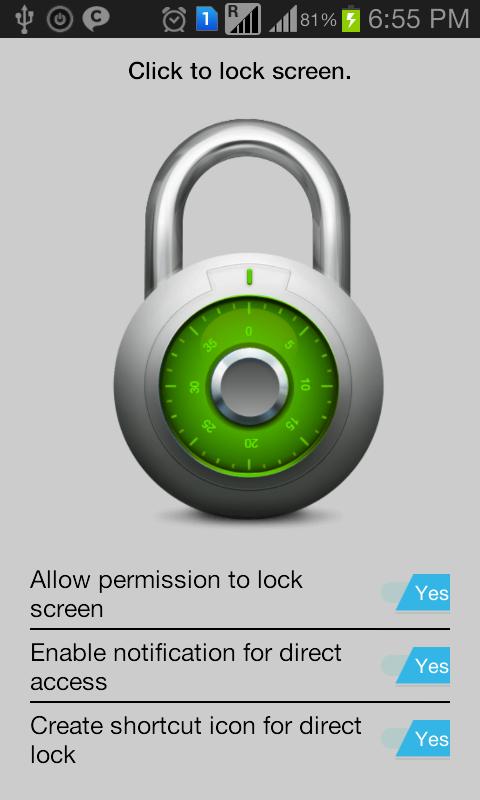
Whether you are viewing your notifications or browsing through apps, lock your phone in one tap using Screen Locker’s Sticky Notification or Widget.
Features:
1. One tap screen lock
2. Sticky Notification to lock your phone from notification screen
3. Option to add shortcut icon to lock the screen from Home/Menu
4. Supports version 2.2 and above
What you get? (Optional)
1. Double your device life
2. Sticky Notification
3. Peace of mind
Give your phone the extra life it deserved using Screen Locker.
Problems Uninstalling this App?
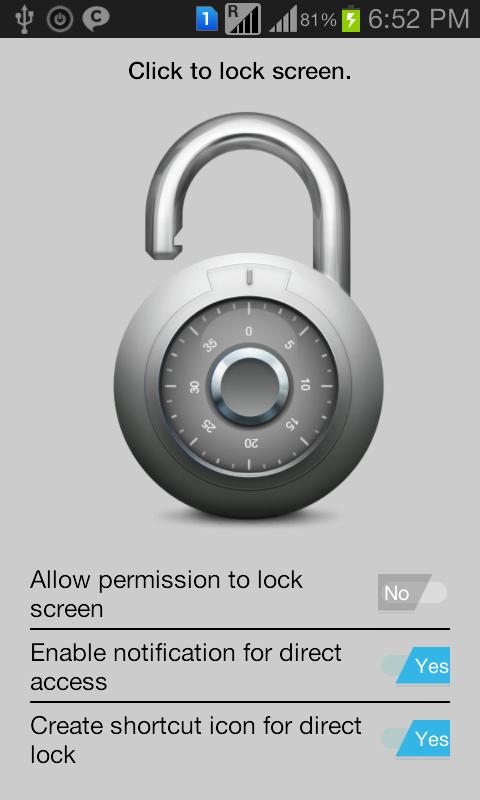
You can uninstall by modifying the app setting "Allow permission to lock screen" to "No" and then uninstall through Manage App.
Or you can do the below
If the uninstall button is greyed out in System Settings > Manage App, first navigate to System Settings > Security > Device administrators and deactivate Screen Locker. Then uninstall the app through Manage App.
Latest Version
1.0Uploaded by
Ahmed Moawad
Requires Android
Android 2.2+
Category
Free Personalization AppContent Rating
Everyone
Report
Flag as inappropriateLast updated on Sep 20, 2015
This release includes minor bug fixes and general improvements. Update to the latest version for the best experience.



APKPure - A multi-platform app store primarily focused on Android, providing extensive app-related content. Discover the app you want easier, faster, and safer, with quick and efficient downloads and installations.