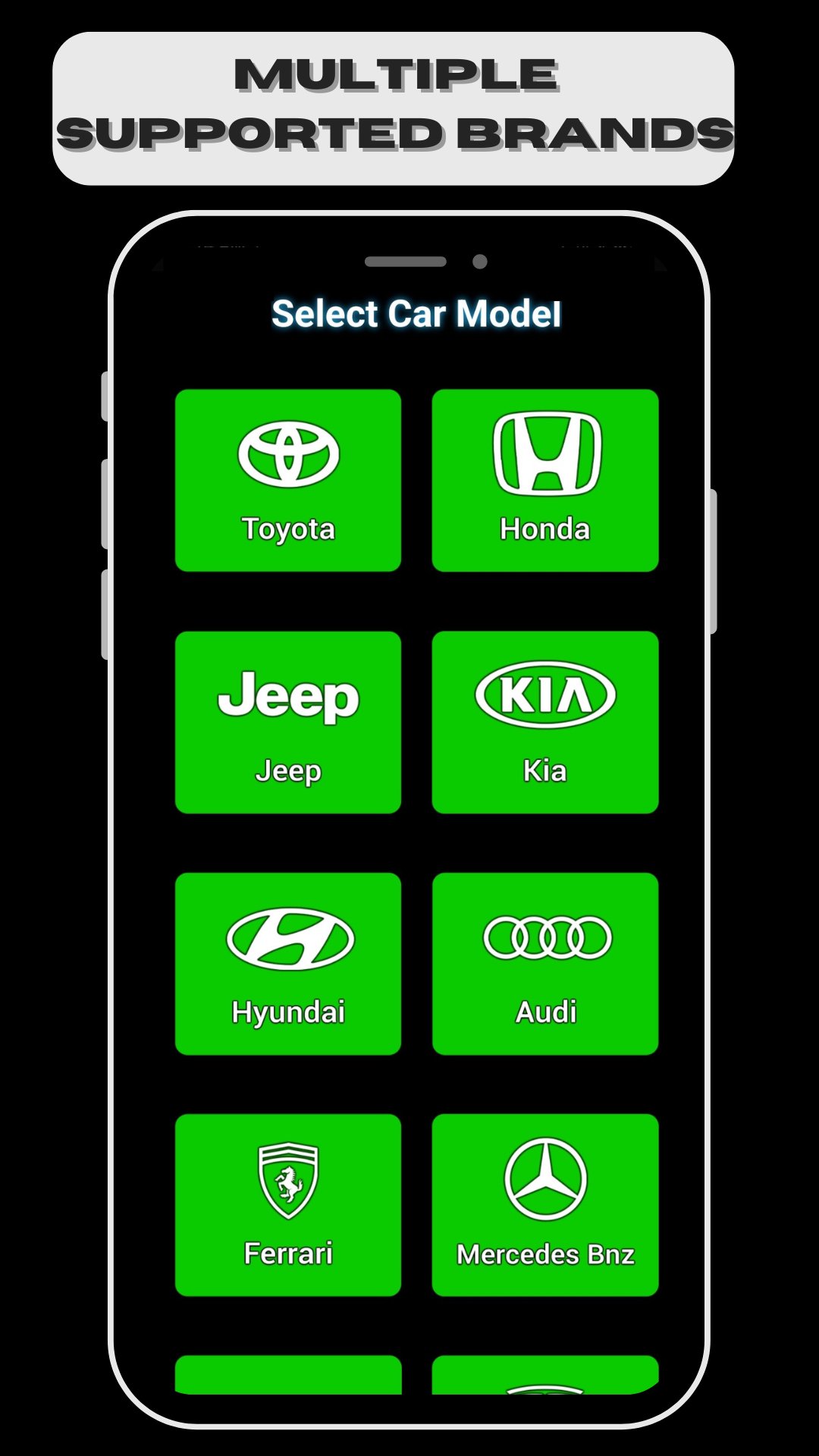
Welcome to Screen 2 Auto Android Carplay – the ultimate solution for enhancing your driving experience with seamless Android Auto integration. Transform your car into a smart driving assistant with our advanced features and intuitive design.
Experience the Future of Driving with Android Auto
With Screen 2 Auto Android Carplay, you can take control of your car using your Android device. Whether you're navigating through busy streets, managing your music library, or staying connected on the go, our app makes it all possible. Enjoy a safer and smarter driving experience with the best of Android Auto features.
Key Features:
1. Seamless Android Auto Integration
Effortlessly connect your Android device to your car’s display.
Access all your favorite apps, including navigation, music, messaging, and more.
2. Carplay Android Auto Compatibility
Experience the power of Carplay Android Auto for enhanced connectivity.
3. Music and Media Control
Enjoy your favorite playlists, podcasts, and audiobooks with easy-to-use media controls.
4. Hands-Free Communication
Make and receive calls, send messages, and stay connected without taking your hands off the wheel.
5. Safety and Convenience
Reduce distractions with a simplified, driver-friendly interface.
Why Choose Screen 2 Auto Android Carplay?
Screen 2 Auto Android Carplay stands out in the crowded market of Android Auto apps by offering unparalleled ease of use and a comprehensive suite of features. Designed with drivers in mind, our app ensures that you have everything you need for a safe, enjoyable, and connected driving experience.
How to Get Started:
Download Screen 2 Auto Android Carplay from the Google Play Store.
Follow the simple setup instructions to connect your Android device to your car’s infotainment system.
Start exploring the powerful features and enjoy a smarter way to drive.
Download Now and Transform Your Driving Experience!
Make the smart choice and upgrade your car with Screen 2 Auto Android Carplay. Download today and take the first step towards a safer, more connected driving experience.