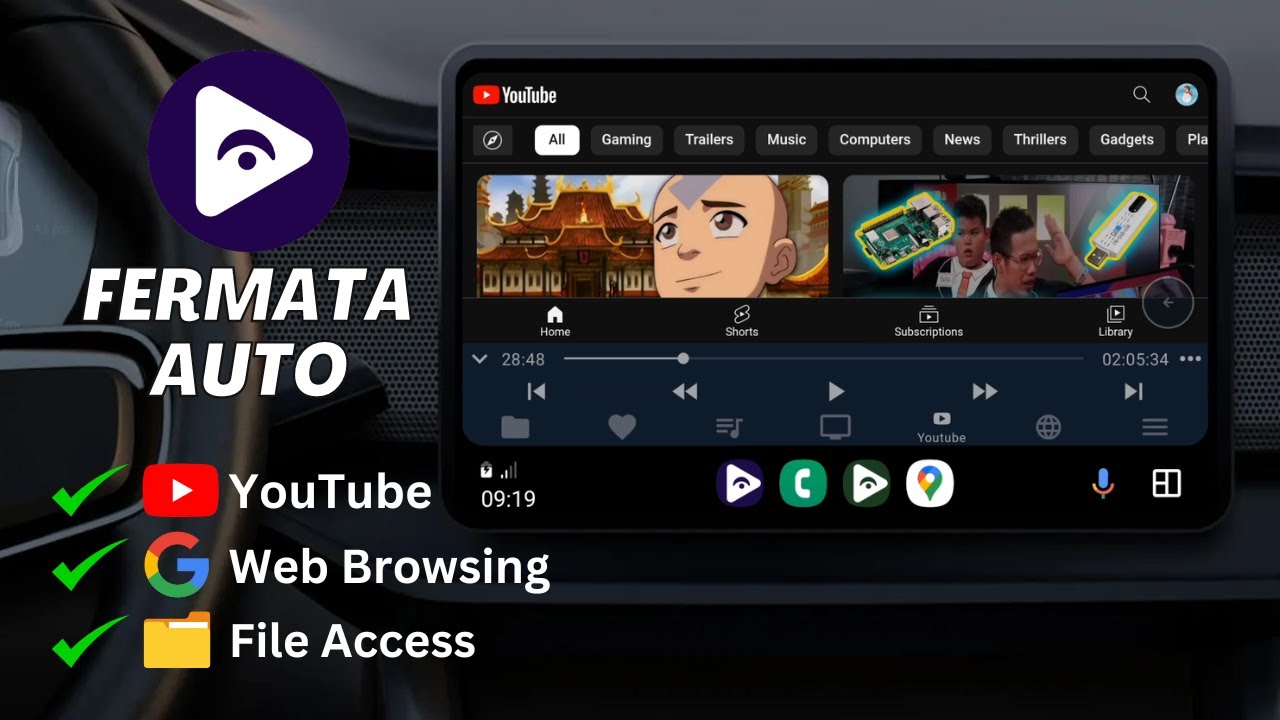

Fermata Auto suits users who want a straightforward way to manage music and video libraries in the car. It focuses on folders and playlists, which makes browsing simple during quick stops and longer trips. The interface presents clear controls on in car screens, and navigation stays consistent across sections. If you prefer manual installation, the Fermata Auto APK can be installed on supported Android devices, and it works with Android Auto once permissions and settings are configured.
Android Auto support
Fermata Auto works with Android Auto on compatible phones and head units. Controls are presented clearly on car displays for easy access. Before you download Fermata Auto, check device compatibility and allow required permissions for media access.
Folder and playlist control
Audio effects and speed
You can adjust sound with an equalizer, bass boost, and virtualizer. Configure audio effects and playback speed for individual tracks or entire folders to match listening needs.
Sources, addons, and playback engines
Fermata Auto focuses on folder based playback and clear controls for in car use. Set up sources and adjust audio effects as needed, then use Android Auto to access your library on the road. For the Fermata Auto latest version, review update details and install on supported devices.
Latest Version
1.9.9Uploaded by
Andrey Pavlenko
Requires Android
Android 6.0+
Available on
Andrey Pavlenko
Category
Free Music & Audio AppReport
Flag as inappropriateLast updated on Dec 10, 2024
Minor bug fixes and improvements. Install or update to the newest version to check it out!




APKPure - A multi-platform app store primarily focused on Android, providing extensive app-related content. Discover the app you want easier, faster, and safer, with quick and efficient downloads and installations.