Package Name:com.scaniq.app.ai
SHA-256:d5f0fd8fe54c92b9ed53e2136893c24724c8fc9ffbb2ec7eab05d8139dc4465d
Show More

ScanIQ turns your smartphone camera into a powerful AI assistant, helping you understand the world around you in seconds. Simply point your camera, capture an image, and receive clear, structured insights across a wide range of everyday scenarios.
Whether you're identifying objects, reading text, exploring plants, or analyzing colors, ScanIQ delivers fast, reliable results in an easy-to-understand format. Designed for real-world use, it combines multiple smart scanning tools into one clean and intuitive experience.
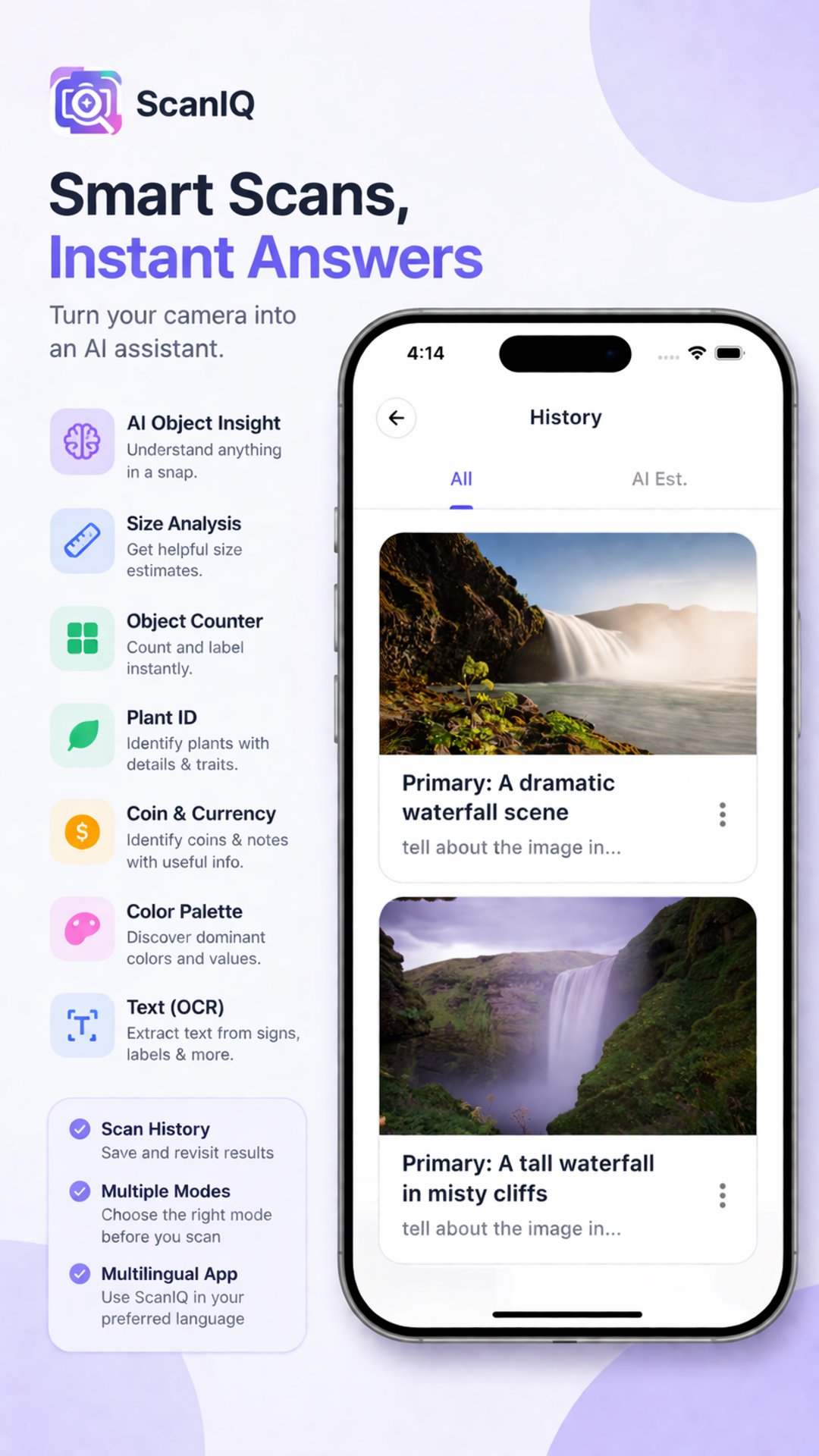
With AI Object Insight, you can quickly understand what you’re looking at through concise summaries. Size Analysis provides helpful dimension-style estimates when the scene allows, giving you a better sense of scale. The Object Counter detects and counts visible items in the frame, making it useful for quick assessments.
Nature lovers can use Plant ID to discover common and scientific names, along with key visible traits of plants they capture. For collectors and curious minds, the Coin & Currency feature helps identify coins and banknotes with useful contextual details.
ScanIQ also includes a Color Palette tool that extracts dominant colors from any scene, complete with names and approximate values—perfect for designers or anyone curious about color composition. The built-in OCR (text recognition) feature lets you extract readable text from signs, documents, labels, or screenshots instantly.
The app is built with a clean, modern interface that keeps things simple and efficient. With multiple scan modes, you can choose the right tool before capturing your image for more accurate results. Scan history allows you to revisit past scans anytime without repeating the process.
ScanIQ also supports multiple languages, making it accessible to users around the world. Whether you're learning, exploring, or just curious, ScanIQ makes discovering information from your surroundings faster and smarter.
Turn every photo into knowledge with ScanIQ.
Latest Version
1.0.1Uploaded by
ไม่รู้จัก เเจ๊ค ทักหาพ่อง
Requires Android
Android 7.0+
Category
Free Tools AppContent Rating
Everyone
Security Report
Check Now
Report
Flag as inappropriateLast updated on Apr 22, 2026
🚀 First Release — ScanIQ
Turn your camera into an AI assistant 📸✨
🔍 Object insights
🌿 Plant ID
🪙 Coin & currency scan
🎨 Color palette
📝 Text (OCR)
🔢 Object counter
⚡ Fast, simple & smart
🗂 Scan history included
Start scanning today! 🔥





APKPure - A multi-platform app store primarily focused on Android, providing extensive app-related content. Discover the app you want easier, faster, and safer, with quick and efficient downloads and installations.