SAFE SCREEN LOCK
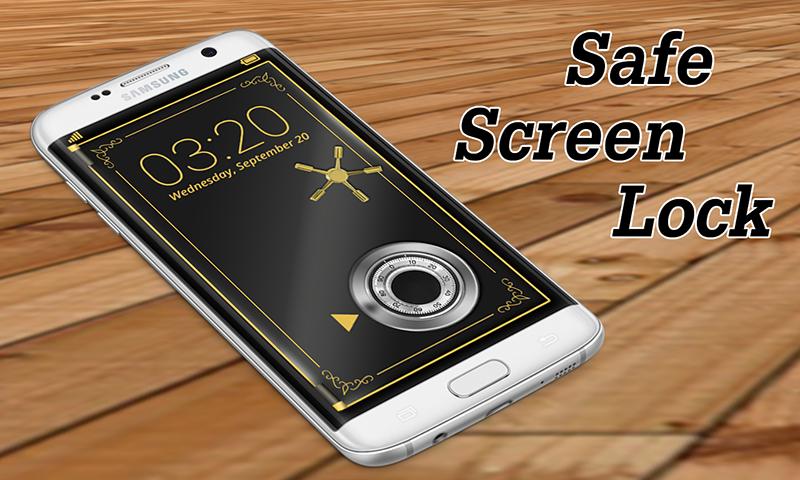
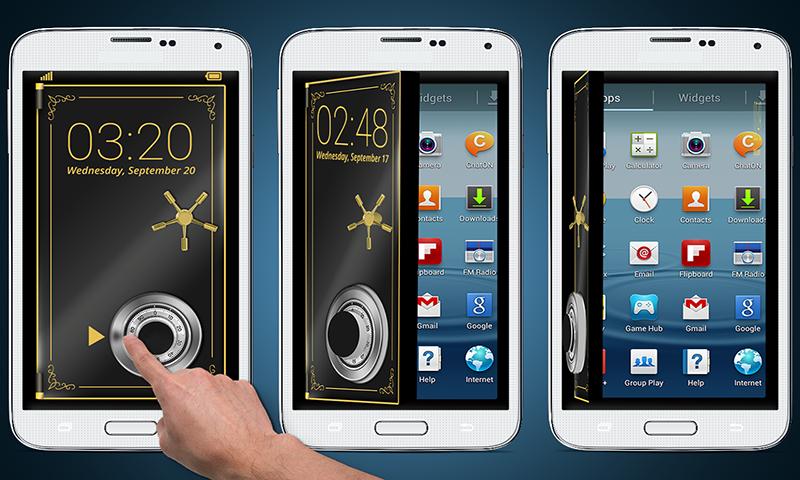
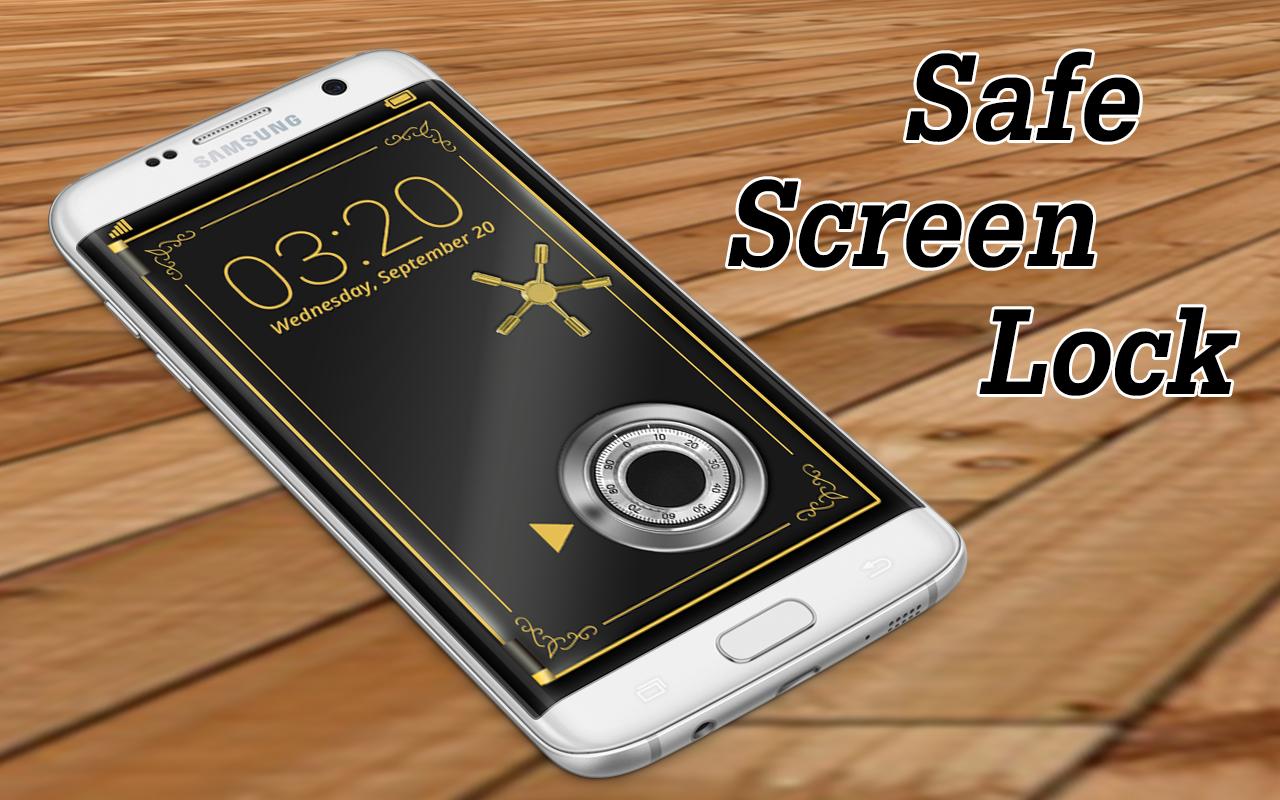
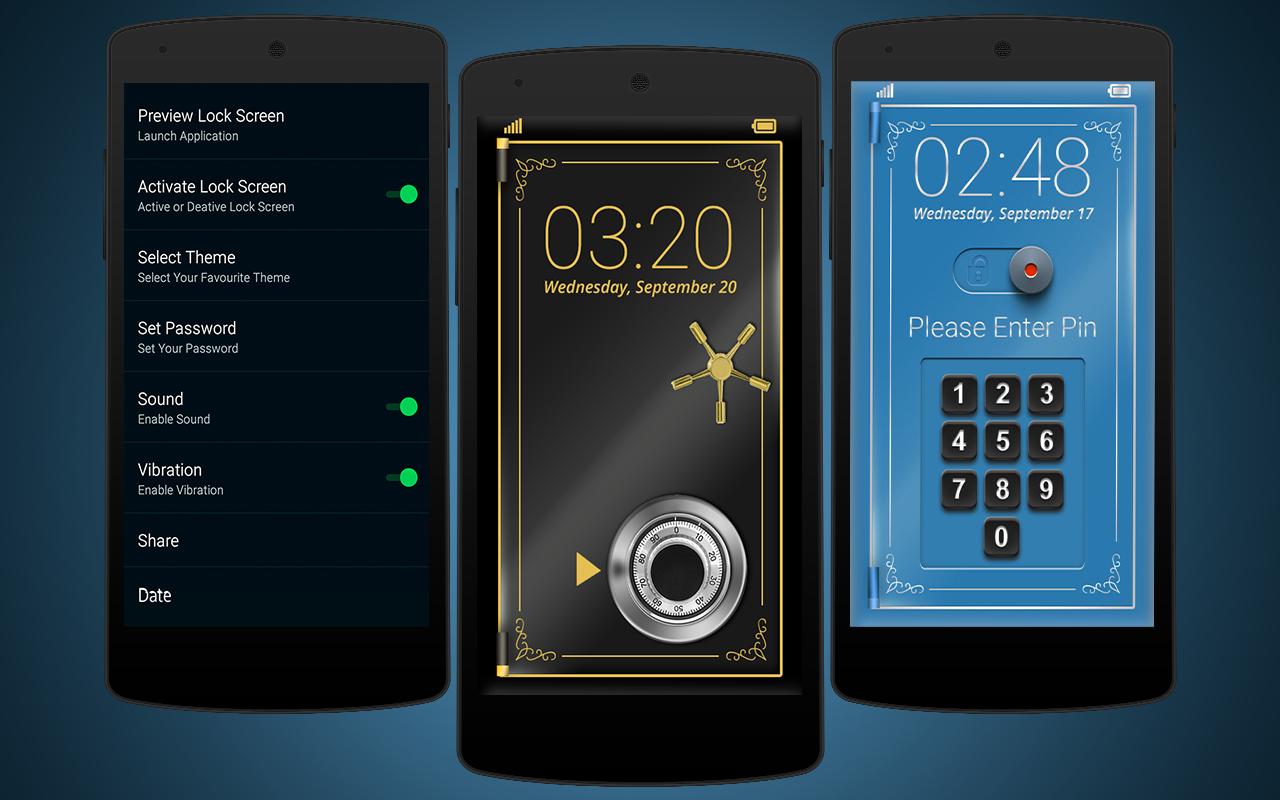
Professional way to lock your device with complete security and privacy. No chance of hack your passcode in safe screen lock.Download this awesome Safe Locker app with HD & beautiful 3D safe .This application will work as Safe door lock in real life and we need to match the pattern that are stored in settings.
Safe Screen Lock is just like combination of safe lock and a custom screen lock application for Android Smart Phones and Tablets. Whether you are after increased security or simply a unique way of unlocking your device, safe combination lock screen acts as a safe vault to give you an alternative way to secure your device with as many different pattern combinations, as complex or simple as you like.
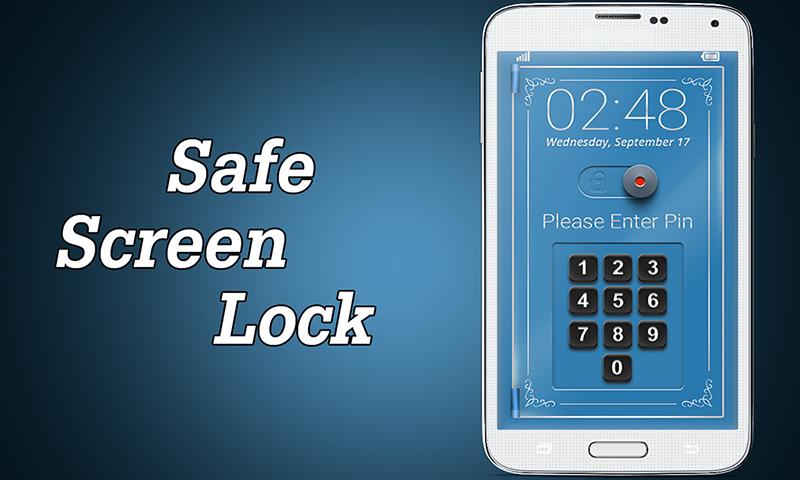
Safe screen lock having a unique MASTER PASSWORD to override the normal password in case if you lost your original password of safe screen lock. This safe lock screen will also protect your sensitive data and apps and you need a secure pin code to unlock the phone screen.
How to Use this SAFE LOCKER TOOL
1. By default password is 1234
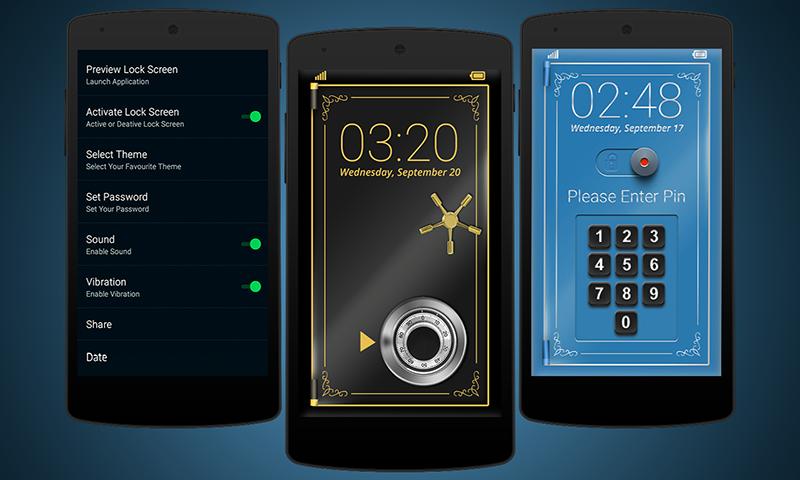
2. Set a PIN containing a maximum of four numbers in the settings section of the application.
3. Set a Master Passcode of maximum of four numbers ( this super security is in case you loss first password)
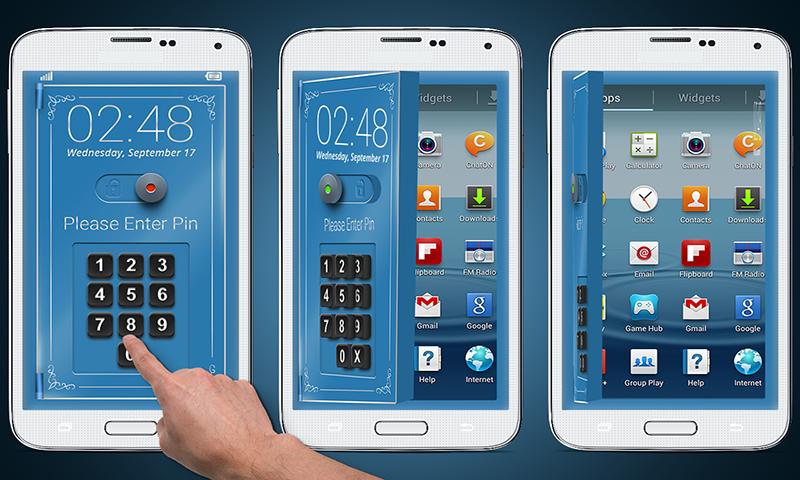
4. To unlock your phone enter your correct password or master password
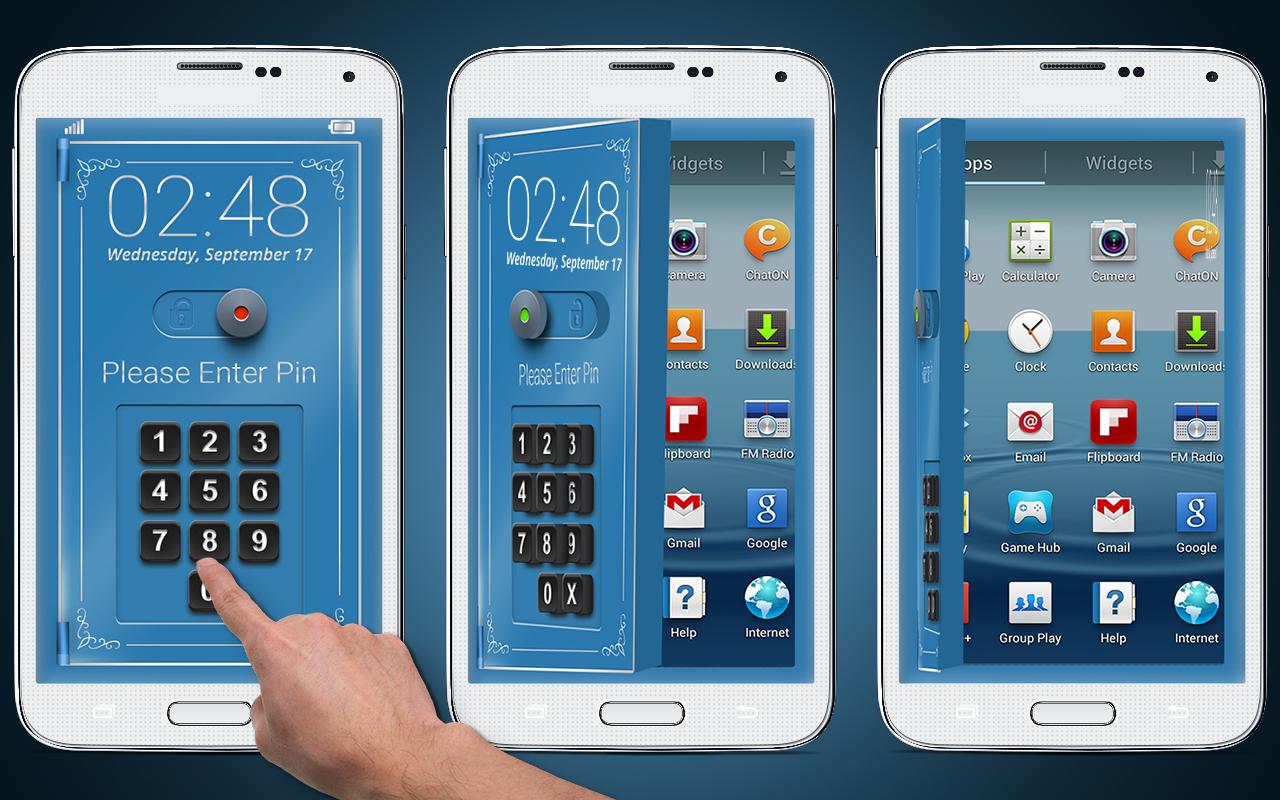
5. On entering the right code, the safe door animation will open and your device will unlock
Features of Safe Screen Locker
- Beautiful & stylish interface
- Set your as a password
- Useful Safe screen lock
- No privacy invasion
- No chance of hack of your password
- Best android security with Advance safe lock screen
- Real sound effects
- Safe lock animation
- Master Password
- Record complex or simple lock patterns to be enforced on your screen lock safe vault.
- New era of safe lock screen
-----------FAQ---------
1)How to avoid double lock screen?
Go to - "Setting" - "Turn off System lock".
2)How many types of password in this lockscreen ?
There are two type of password first is the main password for security and second is the Master password in case you loss your first password to make you secure in professional way with safe screen lock
.
3) How can I unlock my device if I forgot the passcode?
In this safe lock screen you are given a Master password to secure you. so you can enter the super password to avoid the unlock
Latest Version
1.0Uploaded by
Patti Robinson Hackenberg
Requires Android
Android 4.0+
Category
Free Tools AppContent Rating
Everyone
Report
Flag as inappropriateLast updated on Dec 19, 2016
This release includes minor bug fixes and general improvements. Update to the latest version for the best experience.

APKPure - A multi-platform app store primarily focused on Android, providing extensive app-related content. Discover the app you want easier, faster, and safer, with quick and efficient downloads and installations.