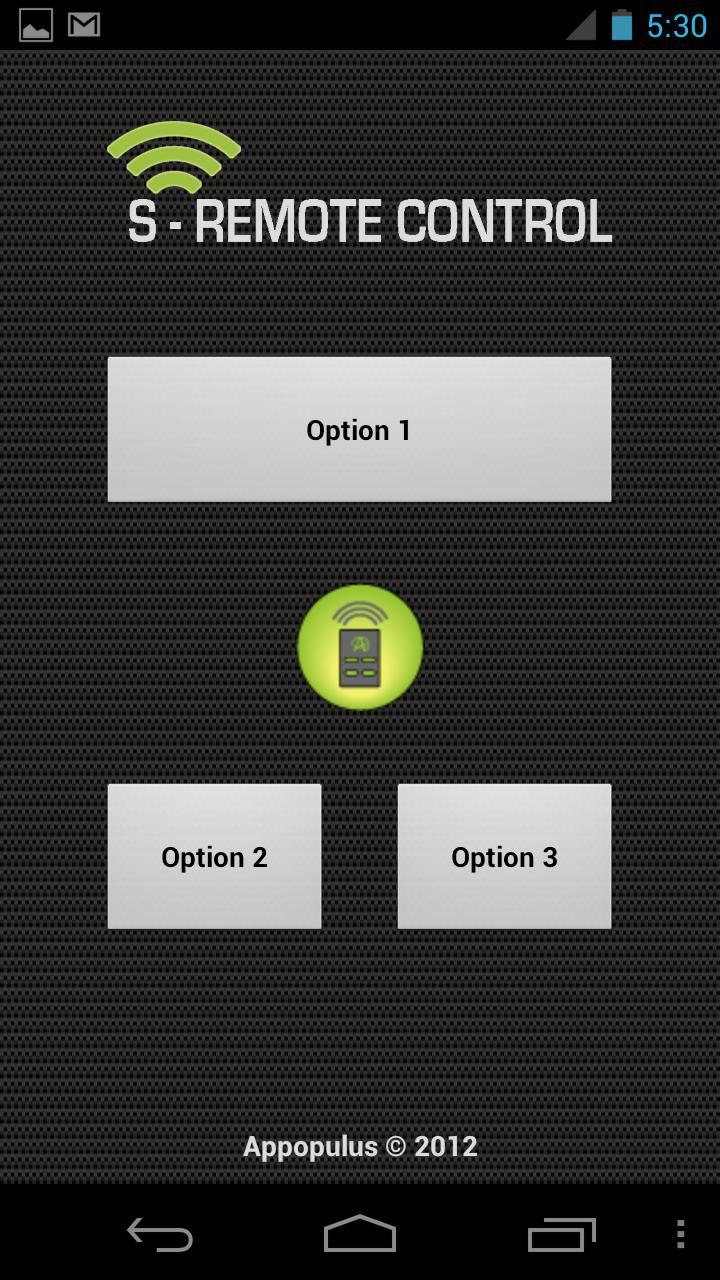
S-Remote Control is an app that allows you to control devices through a network, WIFI&3G. With S-Remote Control you decide which devices and how they are controlled. You will be able to customize buttons to send the appropriate command to the device in a quick and easy way.
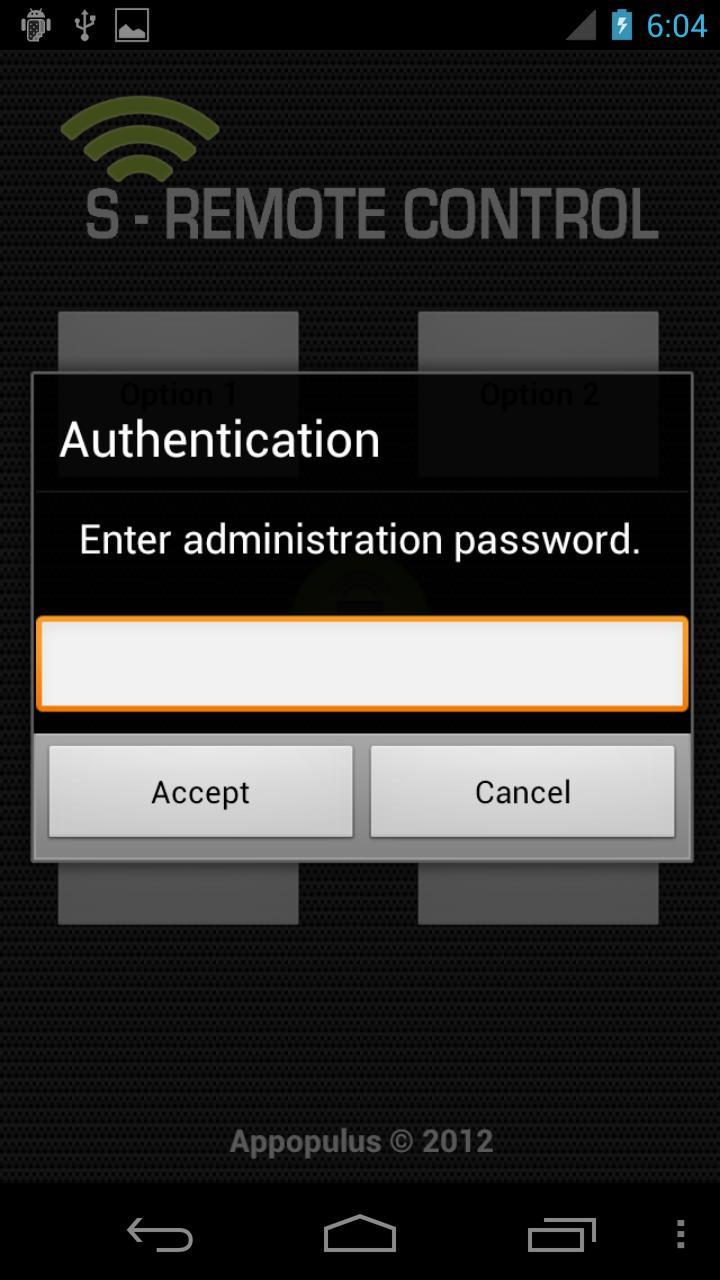
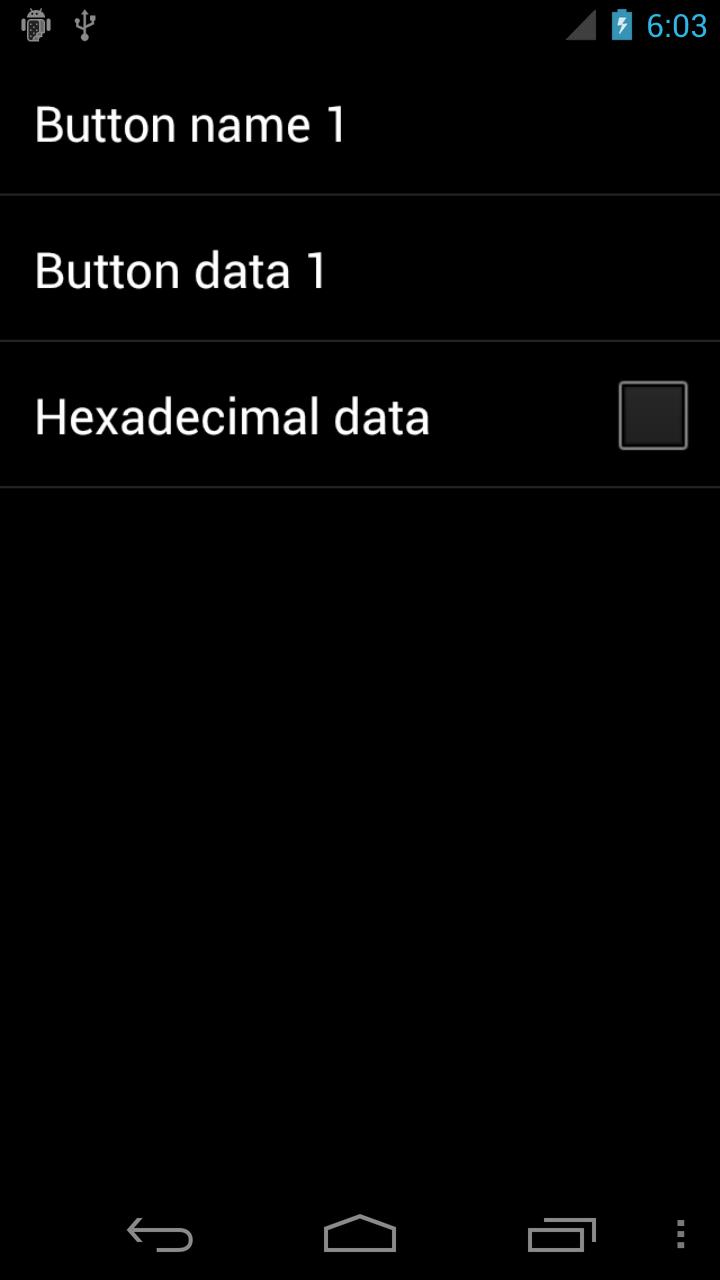
The setup menu can be protected with a password to avoid user modification or visibility of private information in the commands. To access this setup menu put your finger on the icon in the screen, and keep it there for a predetermined time (the user can modify this time property, by default it is 0 second).
FUNCTIONALITIES
• Control functions on any kind of device over IP/UDP/TCP protocols.
• Three kind of controls, Buttons, Check Boxes(switch funtion) and Bar to control position of items.
• Several functions at the same time on a device.
• Any kind of command, ASCII or HEX.
• Customize the text of each control.
User manual:
http://db.tt/D4h7t1yf
Appopulus also allows you to customize the GUI with your corporate information and design in the advance version. If desired contact support@appopulus.com.
Usefull with http://www.openpicus.com/ and arduino.
Latest Version
1.2Uploaded by
لولي ماء الذهب
Requires Android
Android 1.6+
Category
Free Communication AppContent Rating
Everyone
Report
Flag as inappropriateLast updated on Nov 6, 2015
v 1.2 Seekbar bugfixes.
v 1.1 Corrected error in command transmission over TCP.






APKPure - A multi-platform app store primarily focused on Android, providing extensive app-related content. Discover the app you want easier, faster, and safer, with quick and efficient downloads and installations.