


Package Name:com.thmobile.rollingapp
SHA-256:9733eca48f9bbbfac27010ae07426d7609952a75596021fe4fd1a3b6eddbc709
Show More

🌏 Bring Your Home Screen to Life
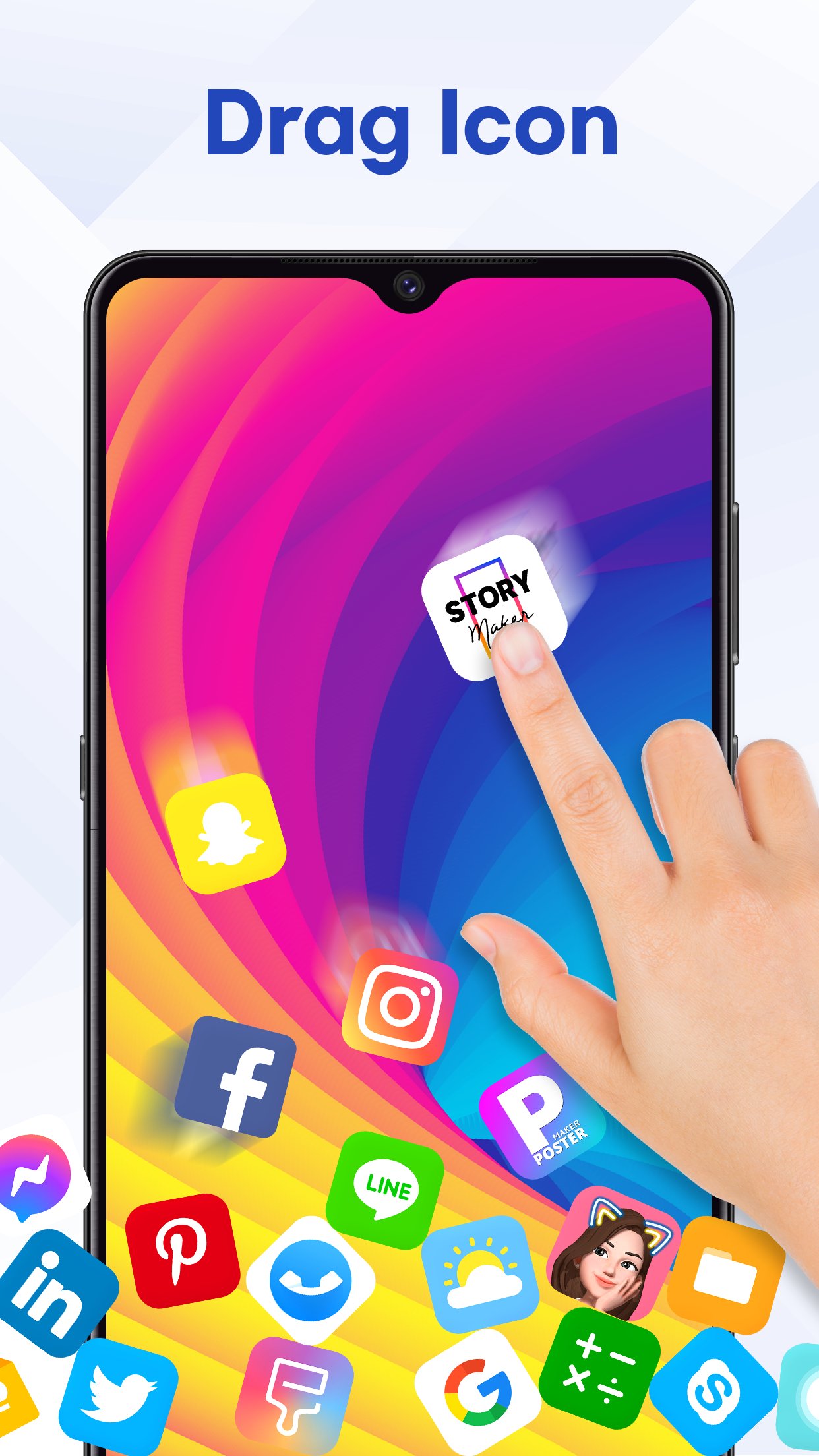
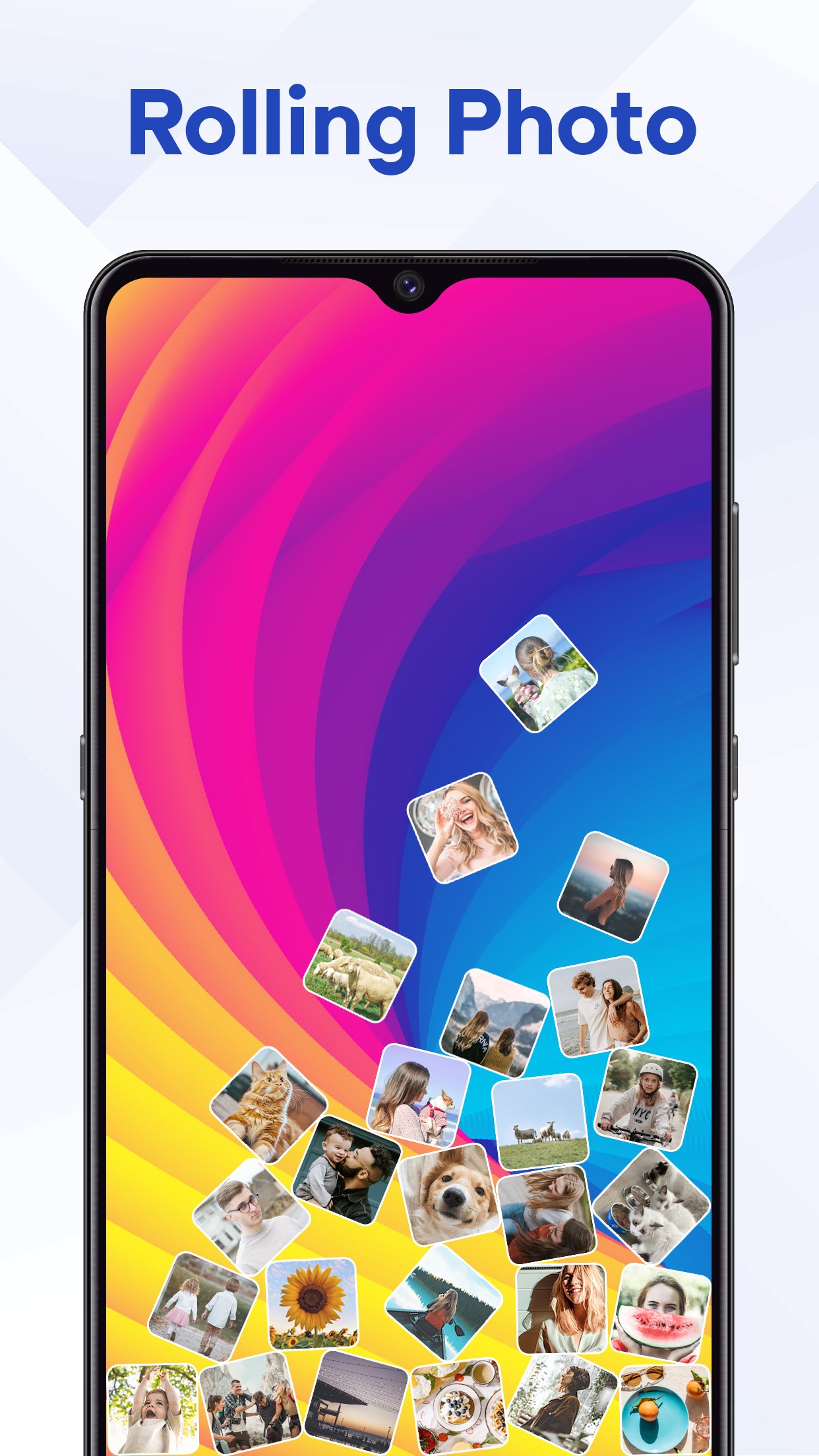
Want to make your phone feel more fun, interactive, and personal? Rolling Icon - 3D Wallpaper gives your home screen a new look with moving icons, gravity effects, 3D launcher experiences, and animated wallpapers. Instead of looking at the same static layout every day, you can watch your app icons roll, spin, fall, and react to movement while exploring creative ways to customize your phone.
Using this app when you want to:
- Enjoy falling icons and gravity effects
- Create a playful rolling icon wallpaper
- Change icon app with stylish themes, then watch your new icons roll
- Add interactive movement to your phone
- Try a different way to personalize your home screen
Whether you like relaxing physics effects or simply want something different from a traditional launcher layout, Rolling Icon gives your icons more movement and personality.
🔄 Add Motion with Icon Spinning & Icon Spinning
Want your icons to do more than stay in one place?
Icon Spinning adds smooth rotation and movement to your app icons, creating a more dynamic home screen experience. Combine spinning icons with animated backgrounds or rolling effects to create a setup that changes the way your phone feels every time you use it. It is ideal for users who enjoy moving icons, animated home screens, and visual effects that make everyday phone interactions more interesting.
🎨 Change Icon for Every Style
Personalize your home screen with a variety of icon app, from minimalist and pastel designs to cute, neon, dark, retro, and futuristic styles. Easily change app icon designs to match your wallpaper, mood, or aesthetic. When you want a new look, simply change icon styles and make your customized icons roll and move across the screen.
🧊 Explore Your Apps with Icon Rubik – 3D Launcher
If you are looking for a unique 3D launcher instead of a standard app grid, try Icon Rubik. Your app icons are arranged on an interactive Rubik-style cube that you can rotate and explore from different sides. It offers a creative way to browse apps while giving your home screen a distinctive 3D appearance.
Icon Rubik is designed for people who want:
- A creative alternative to a traditional launcher
- A 3D way to explore app icons
- Futuristic home screen customization
- Interactive layouts instead of a fixed app grid
🌌 Turn a Static Background into a 3D Wallpaper Experience
A wallpaper can do more than sit behind your icons. Explore 3D wallpapers, live wallpapers, and animated backgrounds that add movement and depth to your screen. Pair your favorite background with rolling or spinning icons to create a home screen that feels more immersive and personal. Whether you are searching for a live wallpaper, an animated background, or a fun 3D wallpaper for your phone, you can experiment with different combinations until you find a style that fits you.
✨ Customize Your Phone for Different Moods and Styles
Some days you may want a simple animated background. Other days you may want icons rolling around the screen, spinning effects, or a completely different 3D launcher layout.
Rolling Icon brings these experiences together so you can change the way your home screen looks and feels without being limited to just one customization style.
⭐ Why Choose Rolling Icon: 3D Wallpaper?
This app is made for users who want more than a normal wallpaper or a traditional home screen. Instead of only changing the image behind your apps, you can add movement, physics, 3D effects, and interactive layouts to the way you use your phone. Use it when you want to refresh a boring home screen, create a unique phone setup, experiment with moving app icons, or simply make your device feel more personal.
Privacy Policy: https://www.maxlabs.hk/privacy-policy
Contact Us: android-support@maxlabs.hk
Latest Version
7.7.6Uploaded by
Hoàng Skys
Requires Android
Android 7.0+
Category
Free Personalization AppContent Rating
Everyone
Security Report
Check Now
Report
Flag as inappropriateLast updated on Nov 3, 2026
🎨 New: Icon Snake! Turn your app icons into a fun snake that slithers across your screen. Customize the snake head, trail effects, size, and speed for a playful home screen experience.
✨ Improved performance and fixed bugs.







APKPure - A multi-platform app store primarily focused on Android, providing extensive app-related content. Discover the app you want easier, faster, and safer, with quick and efficient downloads and installations.







