


Package Name:com.resume.builder.cvmaker
SHA-256:97bd00228b788a1f7ccdadf3263791c04d589715b7c85731dc08df6d8ab65ad1
Show More
Looking for the easiest way to build a professional resume or CV in minutes?
Resume Builder - CV Maker app is a smart and easy solution to create resume & CVs instantly right from your Android device.
By using Resume Maker app, create job-winning resumes with ready-to-use professional resume templates, easy-to-fill sections, and instant save as PDF!
After successfully create resume, it allows you to edit or preview your resume before downloading the perfect resume. Whether you’re a fresher, student, or an experienced professional, no design skills are required to create resume!
Key Features:
📄 Multiple Professional Templates: Choose from attractive, modern, and professional resume templates.
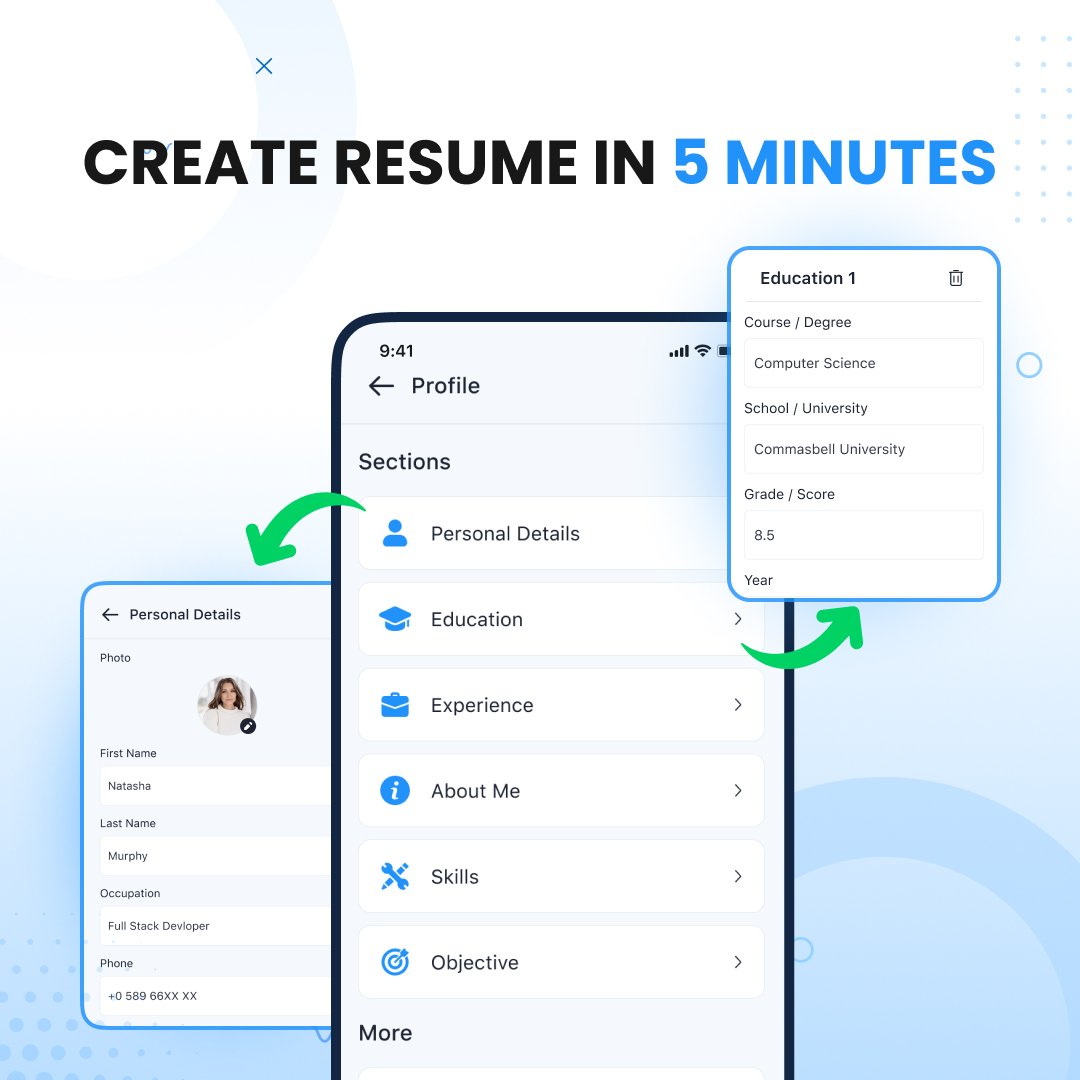
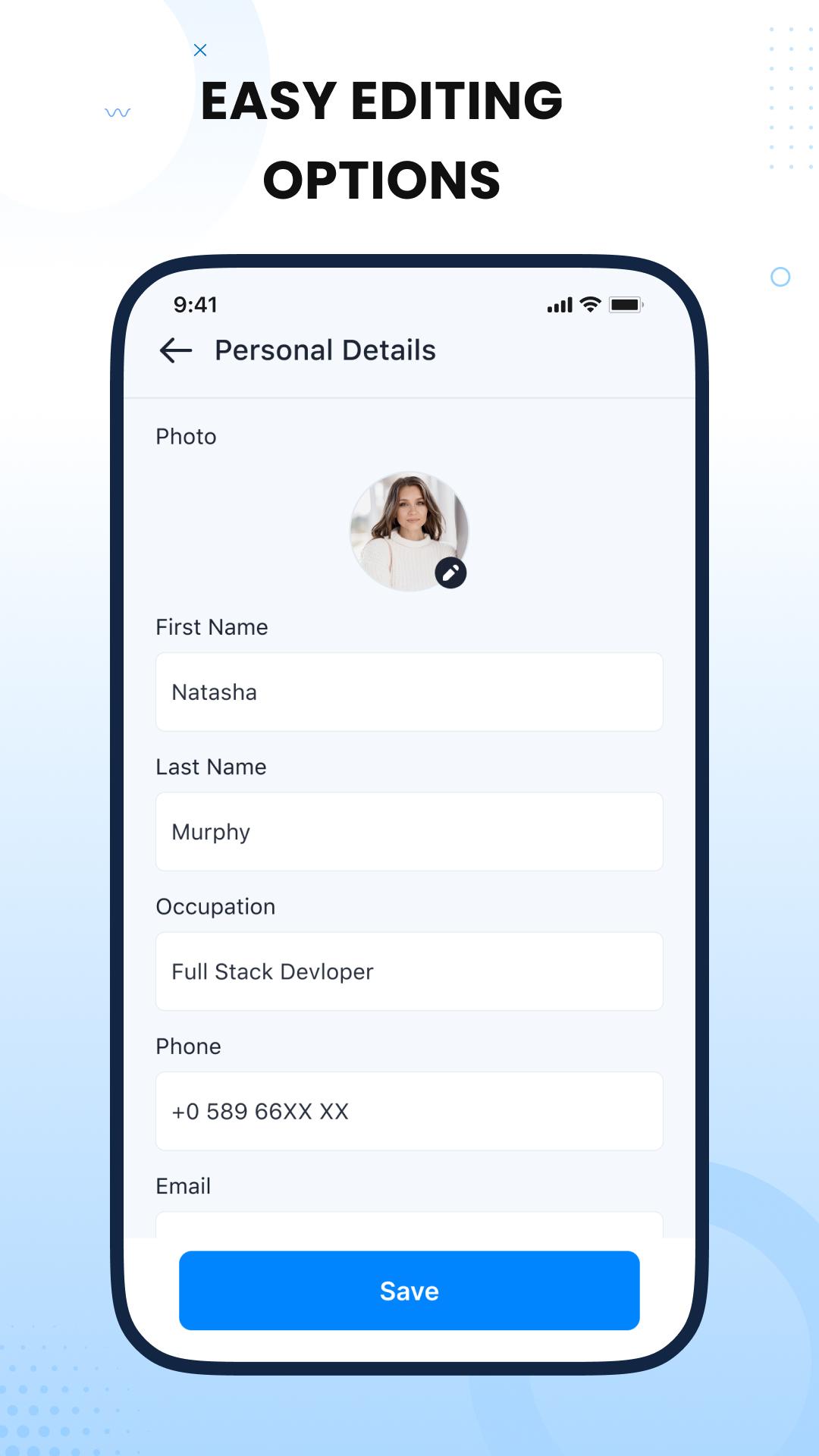
📝 Easy Resume Maker: Quickly fill in your resume details in CV templates - personal information, education, work experience, skills, certifications & more.
🔄 Edit anytime: Go to the "Saved Drafts" section to update, modify, or enhance your CV whenever you want.
📷 Add your photo: Some CV templates support profile photos - Just select a photo, crop it, and apply to your resume.
🎯 Ready-made career objectives: Don't know what to write? Choose from the professional career objectives in the CV templates provided in resume maker.
🎨 Change the design instantly: Not happy with the template? Just preview the template and change it - your information is saved to create a perfect resume!
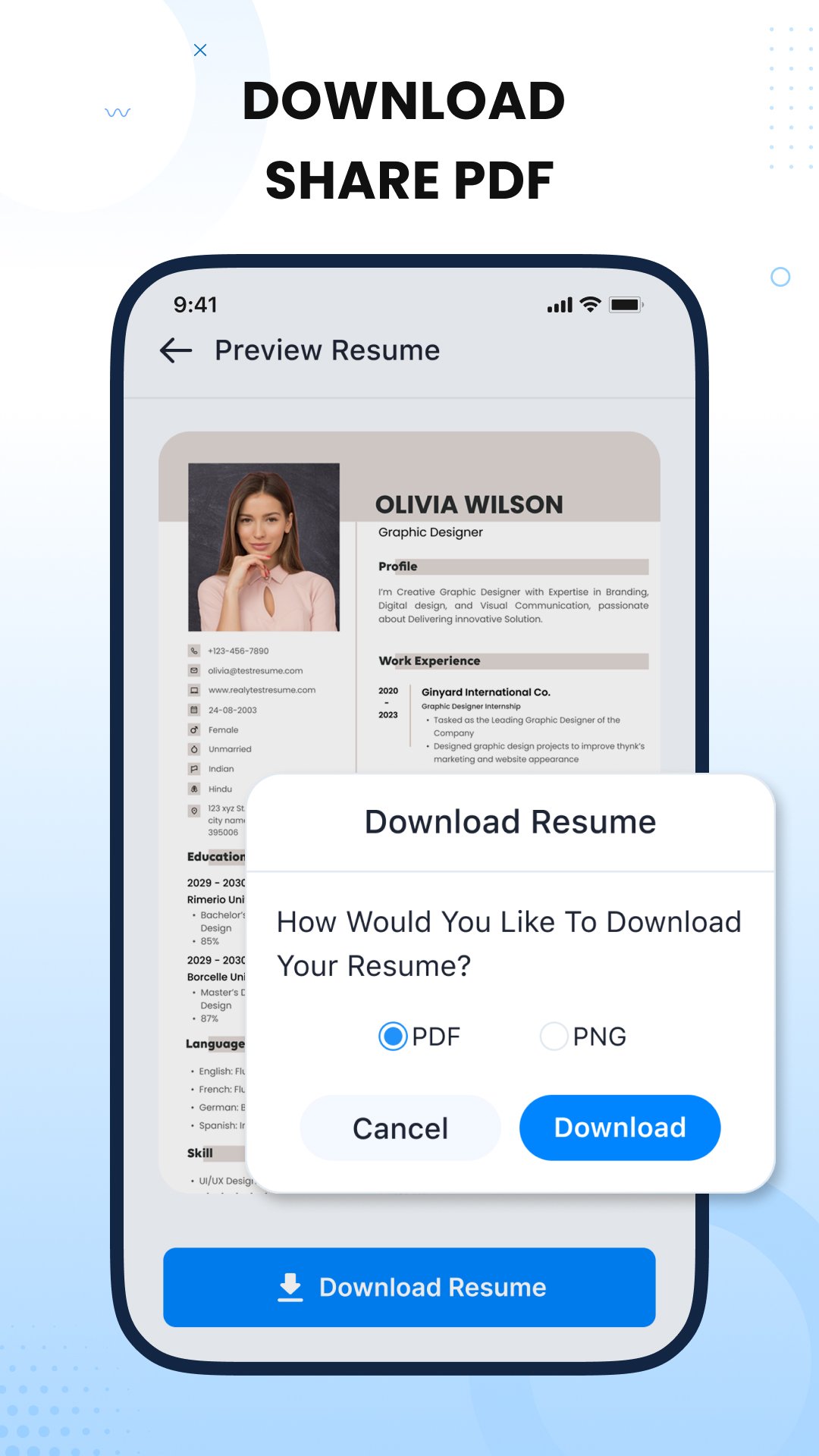
📤 Instant sharing: Download your CV in PNG/PDF format and share with the recruiter via the social platform.
How to use the Resume maker app?
1. Tap on "Resume Builder" and choose from a variety of CV templates.
2. Enter your details - personal information, education, experience, skills and more.
3. Add more sections as needed in the CV maker.
4. Preview resume before download.
5. Save resume in PDF/PNG format.
Why choose our resume builder app?
✔ Create professional resume in minutes
✔ Various professional resume templates
✔ Anytime edit CV
✔ Multiple resumes for different jobs
✔ Add photos, preview, and customize your CV
✔ Save a perfect resume as PDF/PNG
✔ Share resume instantly with recruiters
✔ 100% secure app
Create a Perfect resume for job seekers, students, and professionals who want to impress recruiters and get hired fast!
Download Resume Builder, CV Maker app and create amazing, professional resumes in minutes! Start creating a resume and take the first step toward your dream job!
Latest Version
1.3Uploaded by
Trần Phú Thắng
Requires Android
Android 7.0+
Category
Free Business AppContent Rating
Everyone
Security Report
Check Now
Report
Flag as inappropriateLast updated on Jul 8, 2025
✔ No limits on template data
✔ Add custom fields in templates
✔ Performance improvements
✔ Bug fixes and stability enhancements





APKPure - A multi-platform app store primarily focused on Android, providing extensive app-related content. Discover the app you want easier, faster, and safer, with quick and efficient downloads and installations.










