Scan Date:Apr 26, 2026
Show More


Remini helps when a photo looks soft, a family snapshot is faded, or a quick clip needs clarity. It focuses on bringing out believable detail so faces, textures, and colors look consistent from screen to print. You can tidy up old albums, prepare profile pictures, or polish product images for listings. For quick social sharing or professional use, the workflow stays simple from import to export, and you can download Remini to handle both everyday fixes and higher stakes projects.
One tap Enhance and Unblur
Remini quickly improves soft or low resolution photos with a single action. It restores detail and reduces blur without harsh artifacts, then lets you fine tune strength if needed. When an image shows visible grain, you can add Denoiser to clean it before saving or sharing.
Old Photo Restorer
For scanned prints and album shots, Remini helps lessen scratches, fading, and surface damage while keeping faces and textures believable. This is useful for family archives and classroom projects where legibility and identity matter. As a result, old images become easier to view, share, and reprint.
Face tools and balanced color
Face Enhancer and Face Glow focus on eyes, skin, and hair so portraits look consistent across different lighting. Auto Color adjusts balance and contrast toward natural tones, which helps headshots, resumes, and creator profiles look clean across devices. You can apply these tools together or separately based on the source.
Upscaling and video clarity
Remini can upscale images and clips up to 2x to support tighter crops, product pages, and small print layouts. Unblur and Sharpener improve edge definition so textural details hold up better. The Video Enhancer raises overall clarity on low quality footage, which suits quick social posts, tutorials, and educational materials.
AI Photos and flexible access
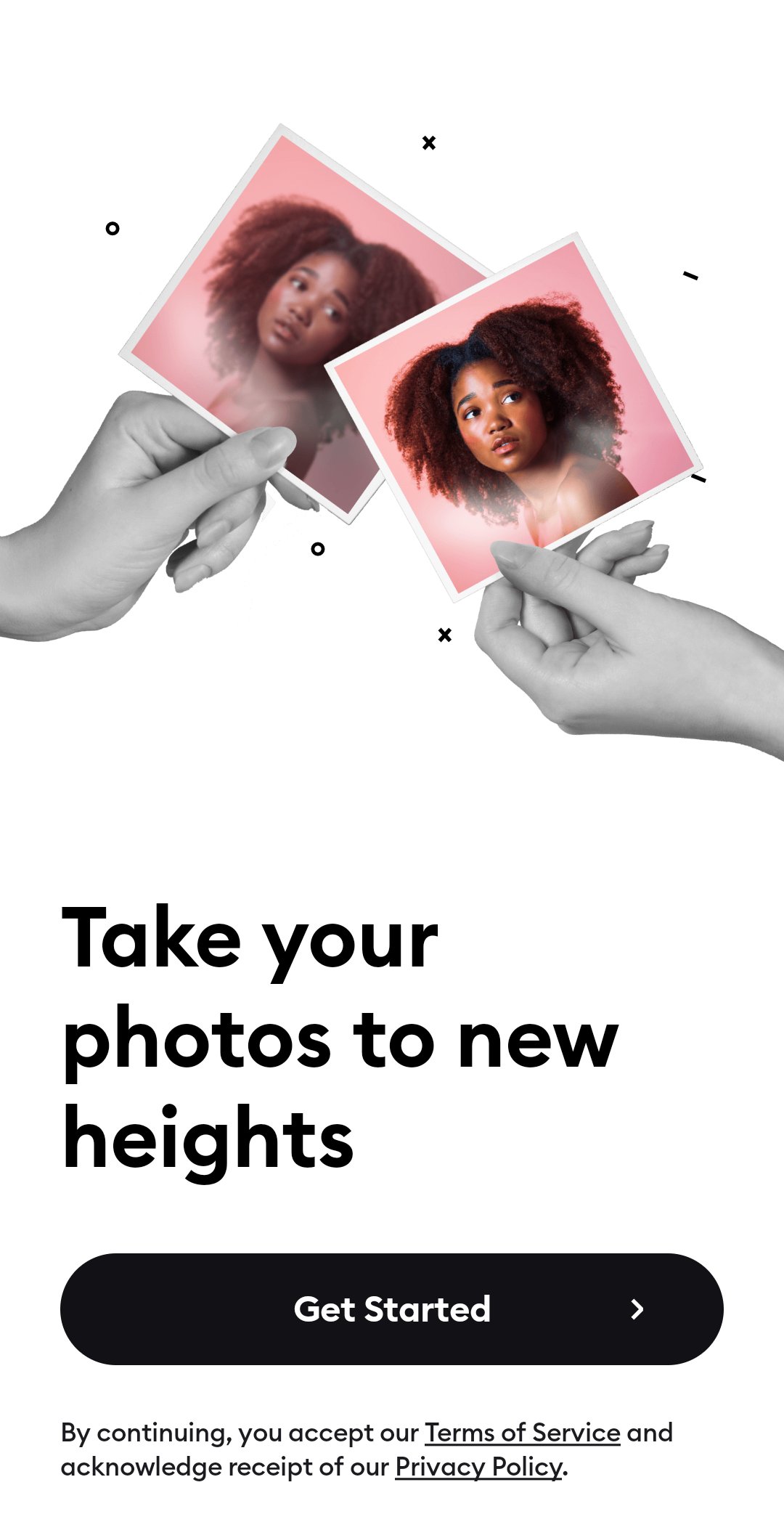
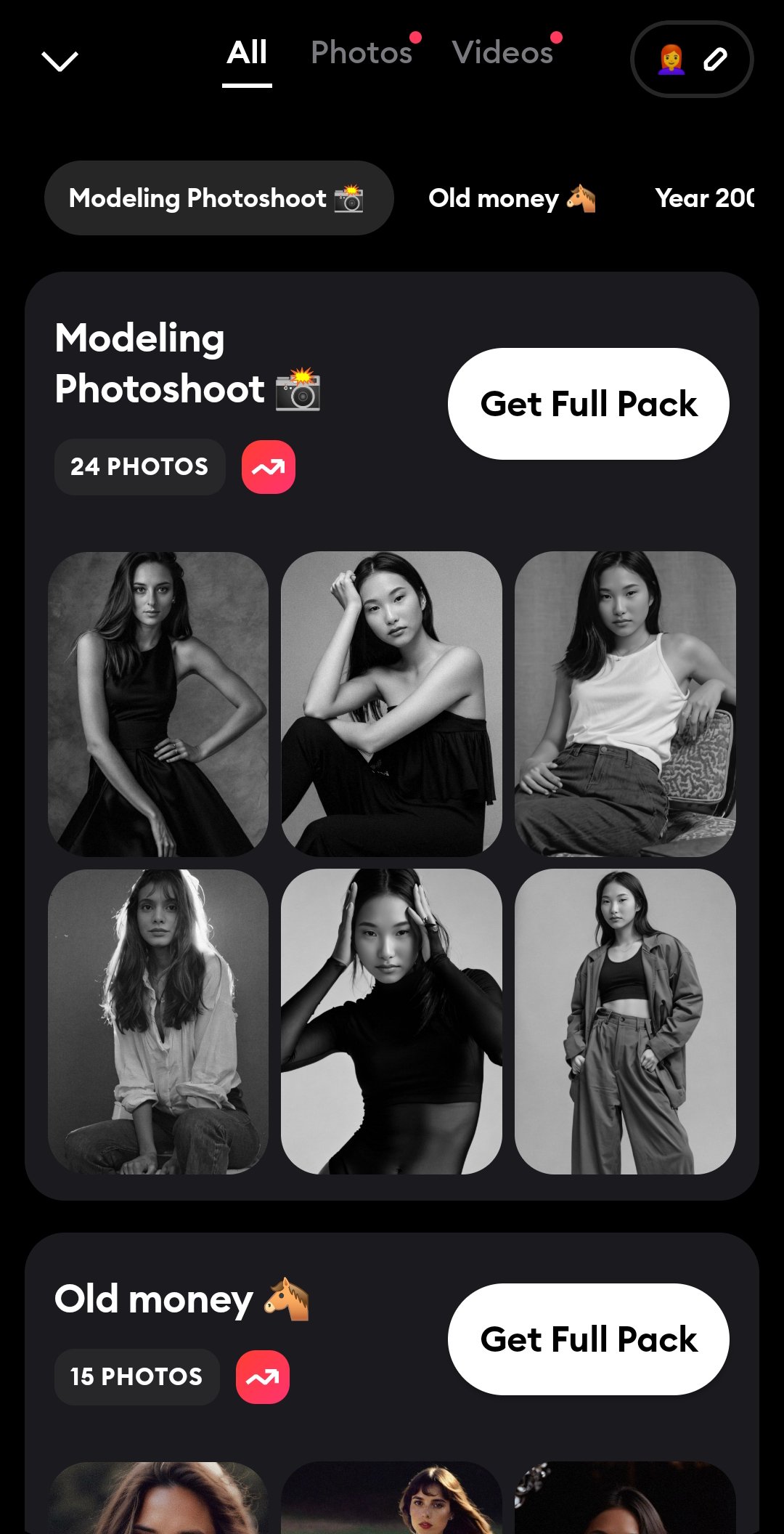
AI Photos generates studio style portraits or alternate looks from your selfies, which can help with creator profiles or editorial visuals. You can try a range of styles, compare outputs, and pick the one that fits your use. Multilingual support and a web version make it easier to work across teams and devices.
Remini includes a free tier with ads. Premium options are available on a weekly or yearly basis for more flexibility and faster processing in busy times, and exact prices can vary by region. Many users install the Remini APK for direct setup on Android, and staying on the Remini latest version helps with tool accuracy and stability over time.
Remini also runs in a web browser so you can process images and videos on a computer without additional software. This is helpful for larger tasks such as e commerce product batches, editorial sets, or classroom assets. Before and after previews represent the same processing you get on export, though final results always depend on the quality of the original file.
Getting started takes only a moment. After installing the Remini APK, open the app and prepare a photo or clip you want to improve. The steps below outline a simple flow from import to save.
Open Remini, then choose Photo, Video, or AI Photos on the home screen.
Select an image or clip from your gallery and confirm the import to continue.
Pick a tool such as Enhance, Restore, Face Enhancer, Denoise, Unblur, or Video Enhancer, then start processing.
When the preview is ready, compare before and after, and adjust strength or switch tools if needed.
Save the result to your device, then share it or export for printing, listings, or profiles.
Remini provides focused tools to clean up soft photos, repair old images, and improve video clarity for many everyday tasks. It supports quick social posts, family restorations, and professional assets without a complex setup. To keep features current and stable, use the Remini latest version when you begin.
For official information or support, use the links below.
Website: https://remini.ai/
Support email: support-android@remini.ai
General contact: hello@remini.ai
Latest Version
3.7.1314.202520815Uploaded by
Bending Spoons
Requires Android
Android 7.0+
Category
Free Photography AppContent Rating
Everyone
Security Report
Report
Flag as inappropriateLast updated on Apr 26, 2026
Make your photos stand out with AI-enhanced editing on Remini! We’ve fixed some pesky bugs and made performance improvements to ensure a seamless experience.
Love from the Remini team





APKPure - A multi-platform app store primarily focused on Android, providing extensive app-related content. Discover the app you want easier, faster, and safer, with quick and efficient downloads and installations.