Scan Date:Nov 13, 2025
Show More


Filmic Pro suits creators who want predictable results when shooting on a phone, from social clips to short films. It focuses on giving you direct control over exposure, focus, and color so you can match a consistent look across shots. Whether you record quick vlogs or plan a multi scene project, the layout is designed to keep key tools close at hand. If you plan to download Filmic Pro, this overview explains what to expect before your first shoot.
Redesigned v7 interface
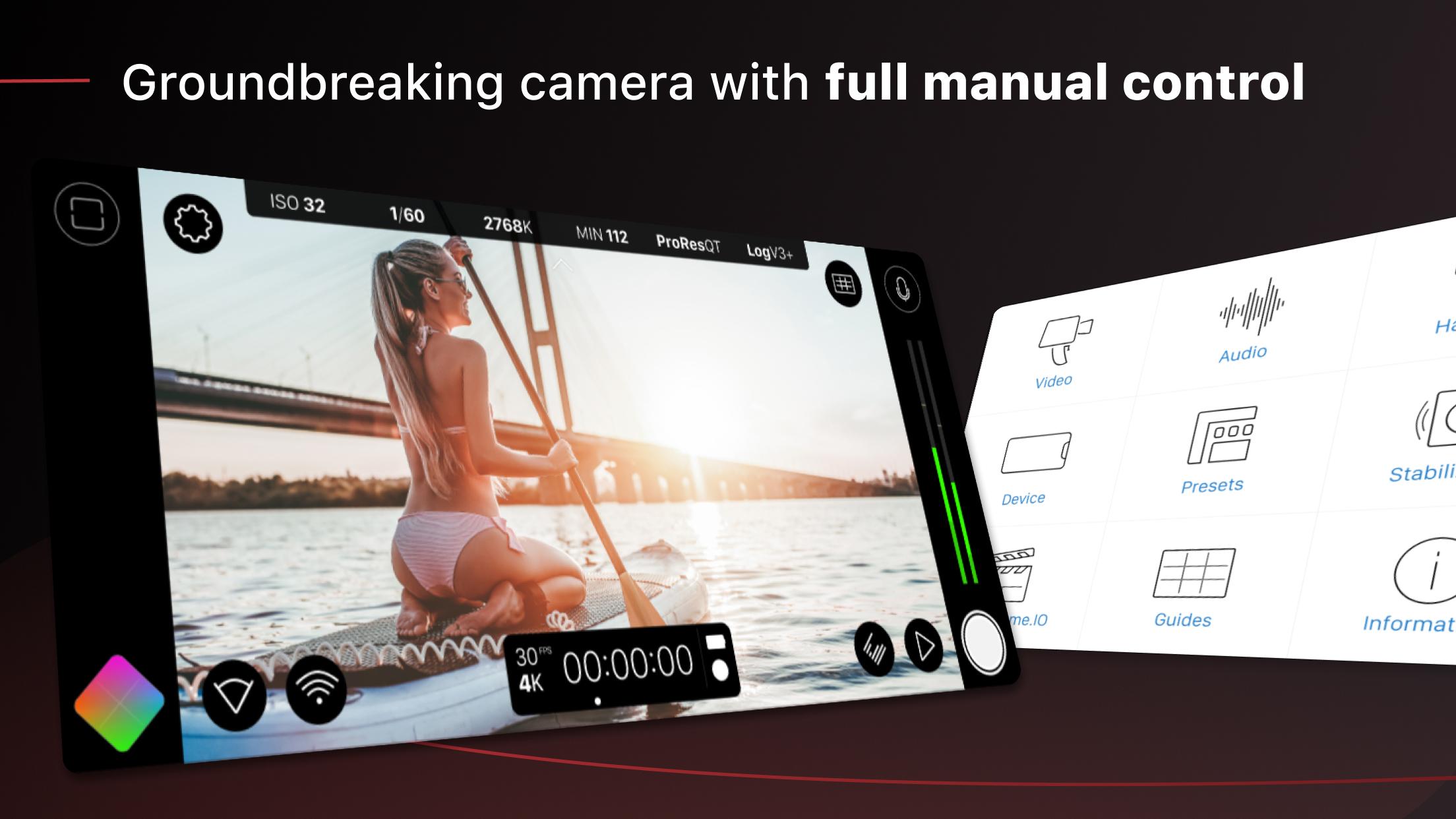
Filmic Pro v7 introduces Quick Action Modals and an Action Slider for fast changes without leaving the live view. Dedicated Focus and Exposure modes let you move between precision control and quick adjustments as scenes change. ISO, shutter speed, white balance, and gamma are accessible with minimal taps so you can set up a shot quickly.
Manual camera control
You can set focus, exposure, frame rate, bitrate, aspect ratio, and audio levels directly on the screen. A customizable Fn button lets you map a frequently used control to a single action, which shortens setup time on repeat shots. This approach helps keep filming consistent from clip to clip.
Cinematic imaging tools
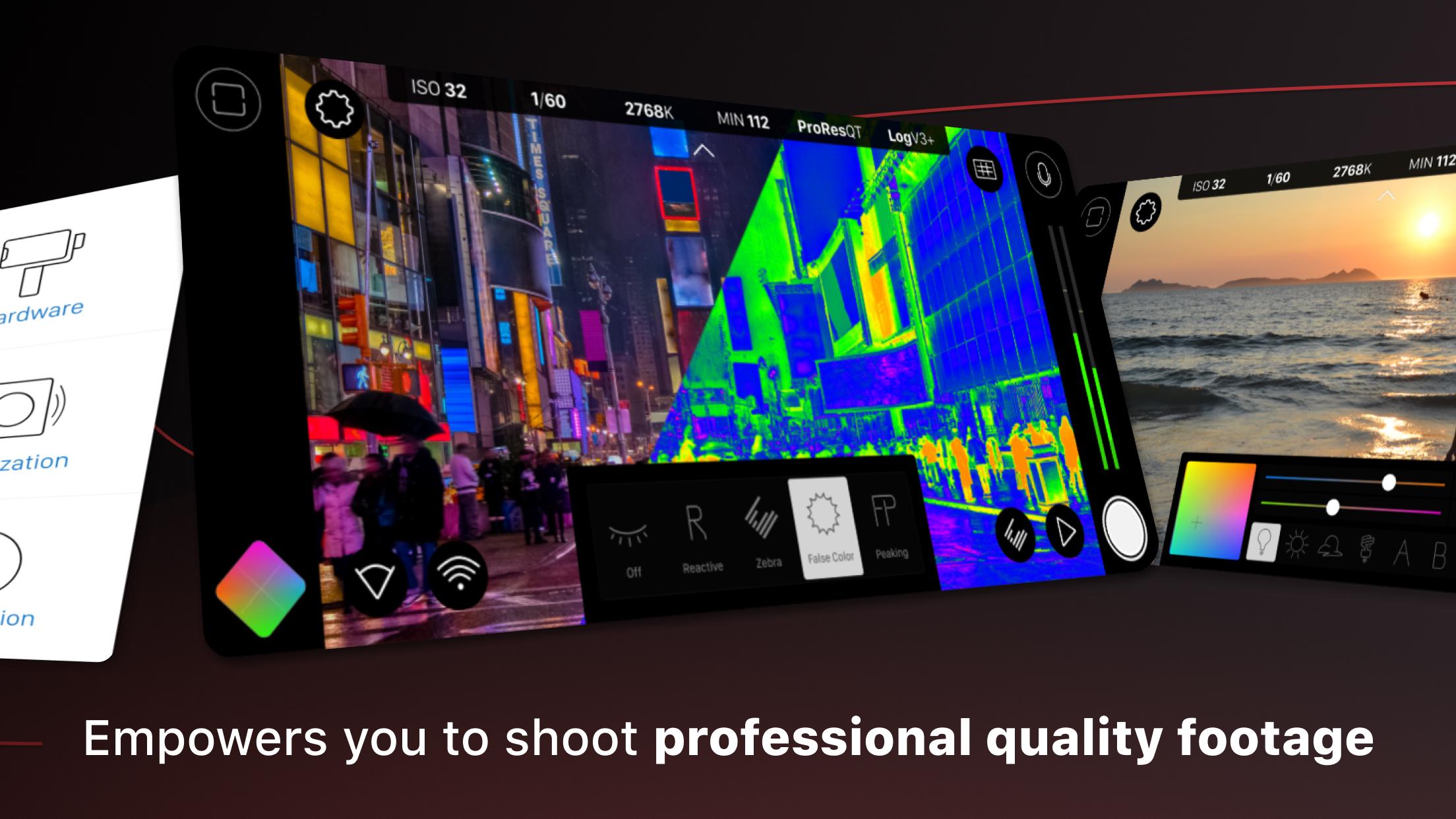
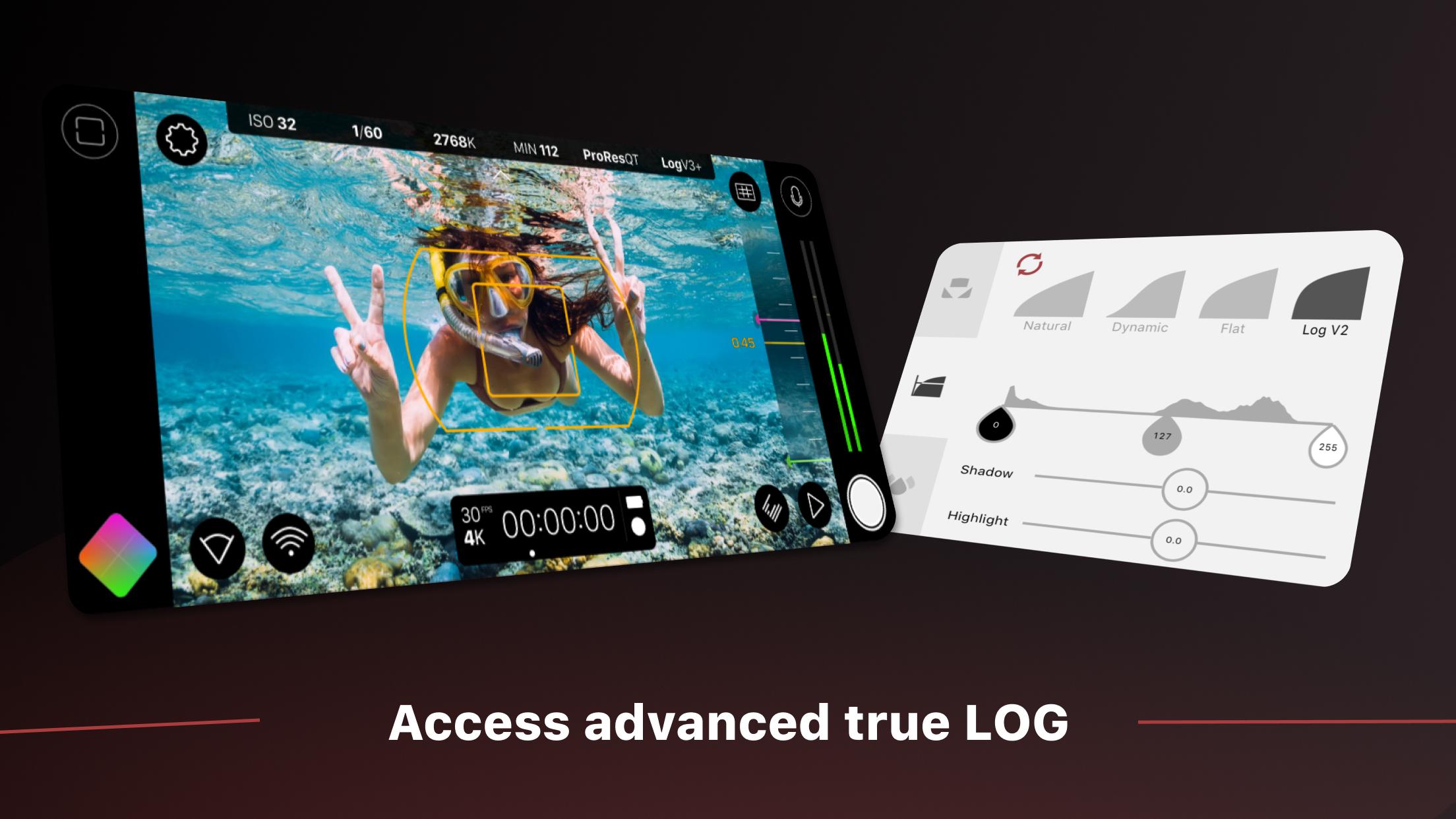
Filmic Pro offers Log and Flat gamma options to capture a wider range for grading. Realtime Film Looks provide visual styles during capture if you want an in camera preview of a grade. Live analytics including zebras, false color, and focus peaking help you confirm exposure and focus before you roll.
Advanced recording formats and speeds
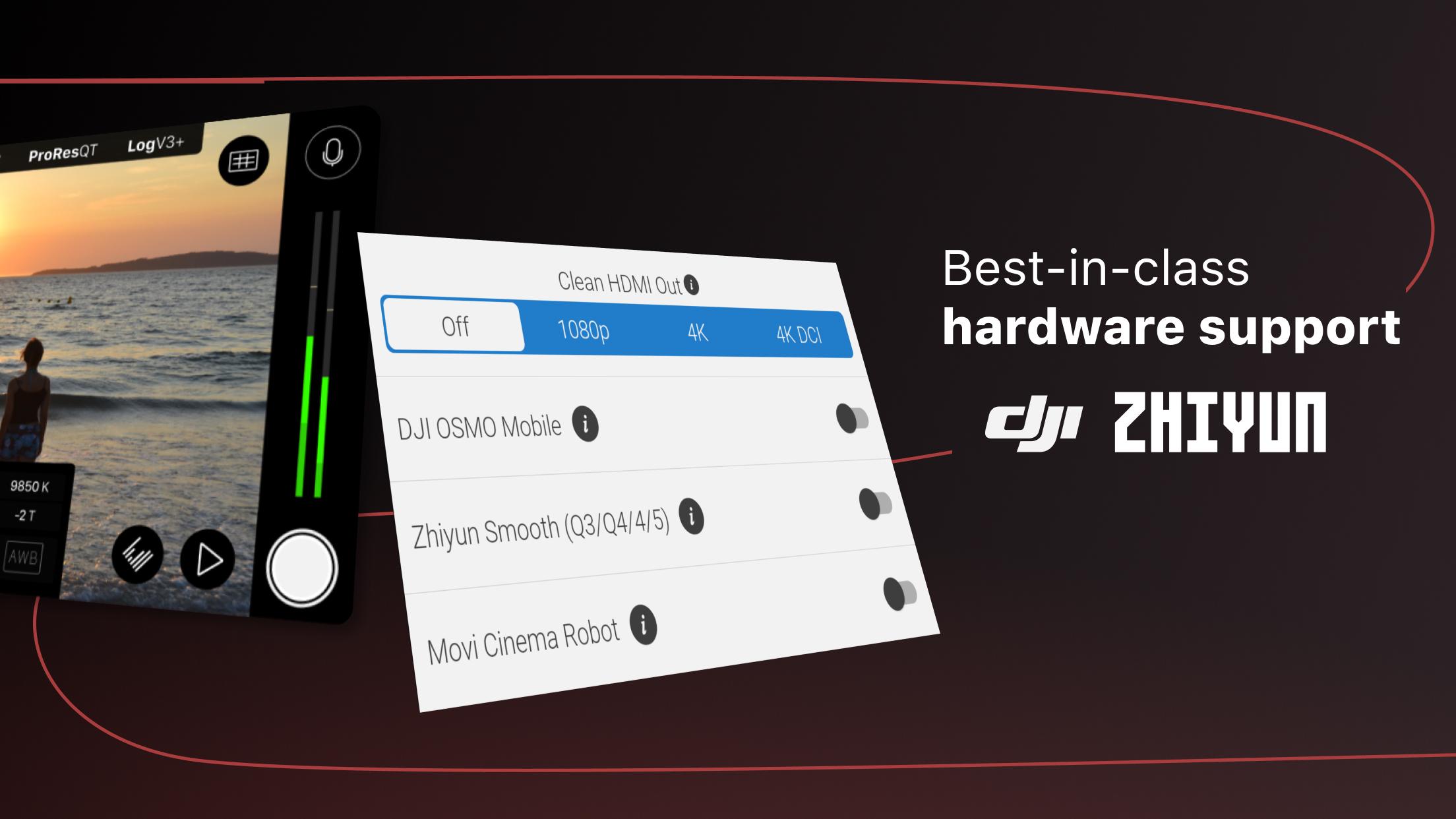
The app supports 10 bit HDR capture where available, along with 8 bit HEVC or H.264. You can enable clean HDMI out, record time lapse, and switch to slow or fast motion. High speed frame rates up to 240 fps are available on supported devices, and quality presets include FiLMiC Ultra for higher data rates.
Workflow, audio, and hardware support
Filmic Pro integrates with Frame.io Camera to Cloud for direct clip upload, and uses industry standard clip naming to keep files organized. You can sync presets across devices, set 16 or 24 bit audio, adjust input gain, monitor sound, and check levels with professional meters. Hardware integrations include anamorphic de squeeze at 1.33x and 1.55x, support for 35mm adapters, and gimbal support for DJI OSMO Mobile, Zhiyun Smooth, and Movi.
Filmic Pro has been used on notable projects, which helps set expectations for what a skilled user can achieve. Films include Steven Soderbergh’s Unsane and Tangerine, and music videos for artists such as John Legend, Selena Gomez, and Lady Gaga. These examples show how phone based capture can fit into different production levels when planned carefully.
Capabilities such as high frame rates, 10 bit capture, and clean HDMI vary by device hardware. Accessory support also depends on your lens or gimbal model, so check your gear before a critical shoot. For a quick check of device specific features, use the Filmic Evaluator app to verify support in advance.
This quick start walks through core steps for first time setup so you can record with confidence. If you use the Filmic Pro latest version, the layout and controls below match the v7 design. Follow the sequence and adjust settings as needed for your scene.
Filmic Pro brings manual control, imaging tools, and workflow options to phone based video production. To begin, install the Filmic Pro APK and follow the quick start steps to set format, exposure, and focus. As you become familiar with the interface, you can refine presets to match your projects.
For official resources and support, visit:
Latest Version
7.6.4Uploaded by
Randa Widyantara
Requires Android
9
Category
Free Photography AppContent Rating
Everyone
Security Report
Report
Flag as inappropriateLast updated on Nov 13, 2025
Minor bug fixes and improvements. Install or update to the newest version to check it out!

APKPure - A multi-platform app store primarily focused on Android, providing extensive app-related content. Discover the app you want easier, faster, and safer, with quick and efficient downloads and installations.