RakDroid supports users who want to maintain account activity on SAMP servers while away from a computer. It helps handle routine steps from a phone so you can stay available and focus on other tasks. You can tailor alerts, review status at a glance, and use an optional paid tier for managing multiple accounts in parallel. Before starting, consider each server’s rules to avoid violations that might affect your progress. If you are looking for the RakDroid latest version, check inside the app after installation.
Mobile activity management
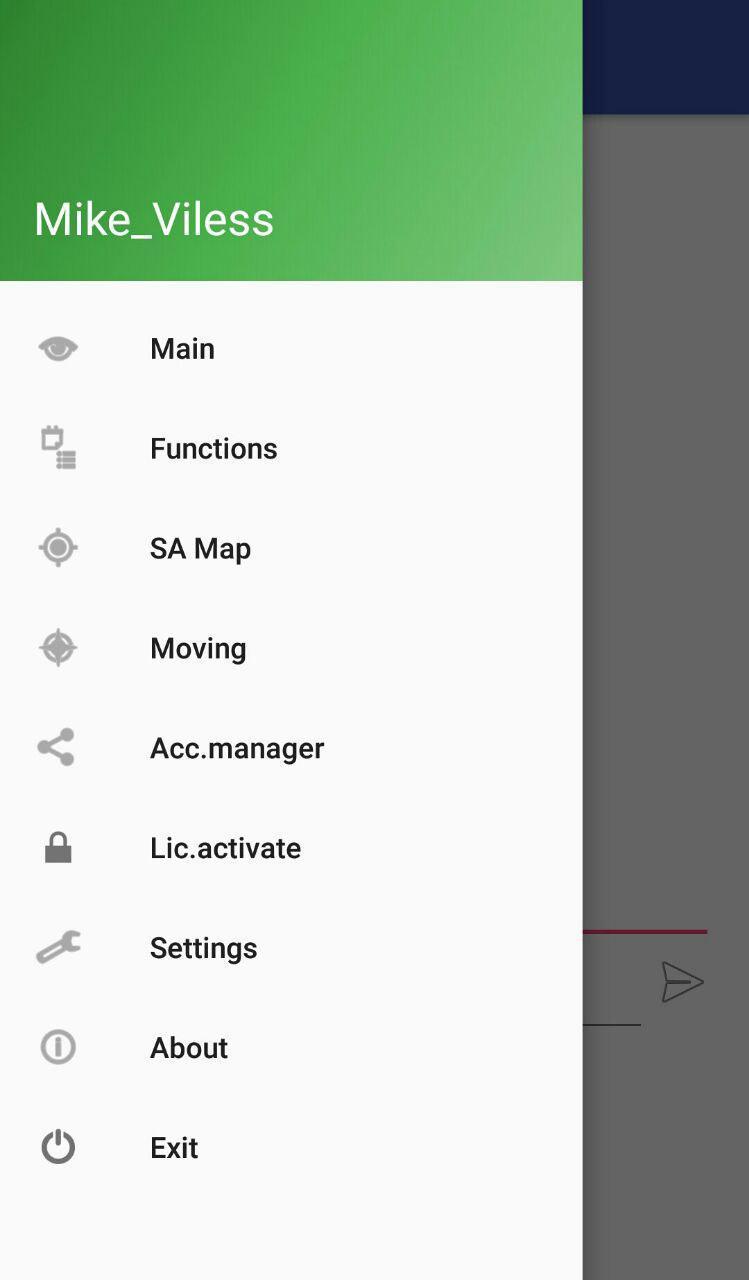
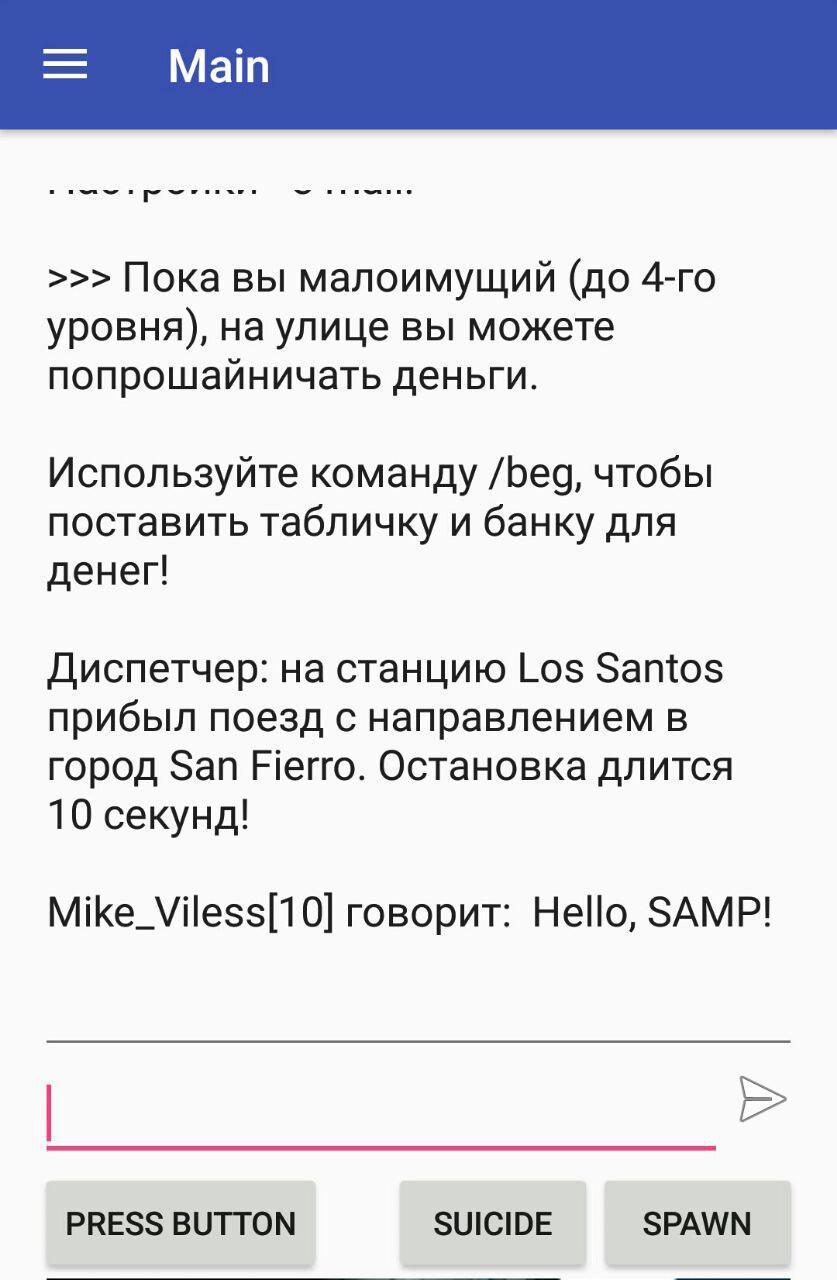
RakDroid runs core activity tasks directly on Android, so there is no need to keep a PC powered on. You can start or stop sessions from your phone and see current status without logging into a desktop. This approach suits users who prefer quick checks during breaks or while on the move.
AntiAFK and NoAFK modes
AntiAFK and NoAFK modes help prevent AFK kicks and keep your account present on the server. You choose how the app maintains activity based on your routine and server expectations. This reduces interruptions and supports steady account progression.
Account handling tools: CoordMaster and AutoReger
CoordMaster lets you manage in-game coordinates and positions to keep account handling organized. AutoReger automates registration and re-entry steps when applicable, which cuts down on repeated manual actions. Together, these tools simplify setup so you can focus on when and where to stay active.
Admin activity detection and alerts
RakDroid can detect when an administrator appears online and notify you right away. You can customize notification behavior so you respond only to the events that matter. This helps time your activity to align with key moments on the server.
Multi-account boosting option
An optional paid feature enables multi-account boosting with separate configurations for each account. You can set preferences per profile and run them at the same time to support activity across several servers. This is helpful for users who manage more than one account and want a consistent setup.
Server policies vary across SAMP communities. Some servers limit or prohibit automation and activity tools. Before you enable any automation, review the rules of each server to avoid penalties or account issues.
RakDroid relies on background activity and notifications to do its work. You may need to adjust battery optimization or allow background running so sessions remain stable. Notification settings can be tuned to reduce interruptions. The multi-account capability requires payment within the app, and availability can change over time.
Getting started is straightforward and can be done on a phone. To download RakDroid and set it up, follow these steps and adjust options based on your server’s rules.
RakDroid helps keep SAMP accounts active and automates recurring steps directly on Android. Review server rules first, then configure the modes and alerts that fit your routine. If you prefer installing via APK, the RakDroid APK offers the same core experience on compatible devices.
Latest Version
2.58Uploaded by
Mobamed Murtada
Requires Android
Android 4.0.3+
Category
Free Tools AppContent Rating
Everyone
Report
Flag as inappropriateLast updated on Nov 23, 2018
Fixed:
-List of servers
-Crash when selecting some previously added accounts
-Crash at a resolution of more than one bot




APKPure - A multi-platform app store primarily focused on Android, providing extensive app-related content. Discover the app you want easier, faster, and safer, with quick and efficient downloads and installations.