


Package Name:info.example.imagetopdf
SHA-256:88a697334107a080ed26da6c77458ad9c40c10bfcbaa48aad740998029c0ecfc
Show More

All PDF Tools – Your Complete PDF Solution
Manage your PDF files easily with a powerful collection of PDF tools in one simple app.
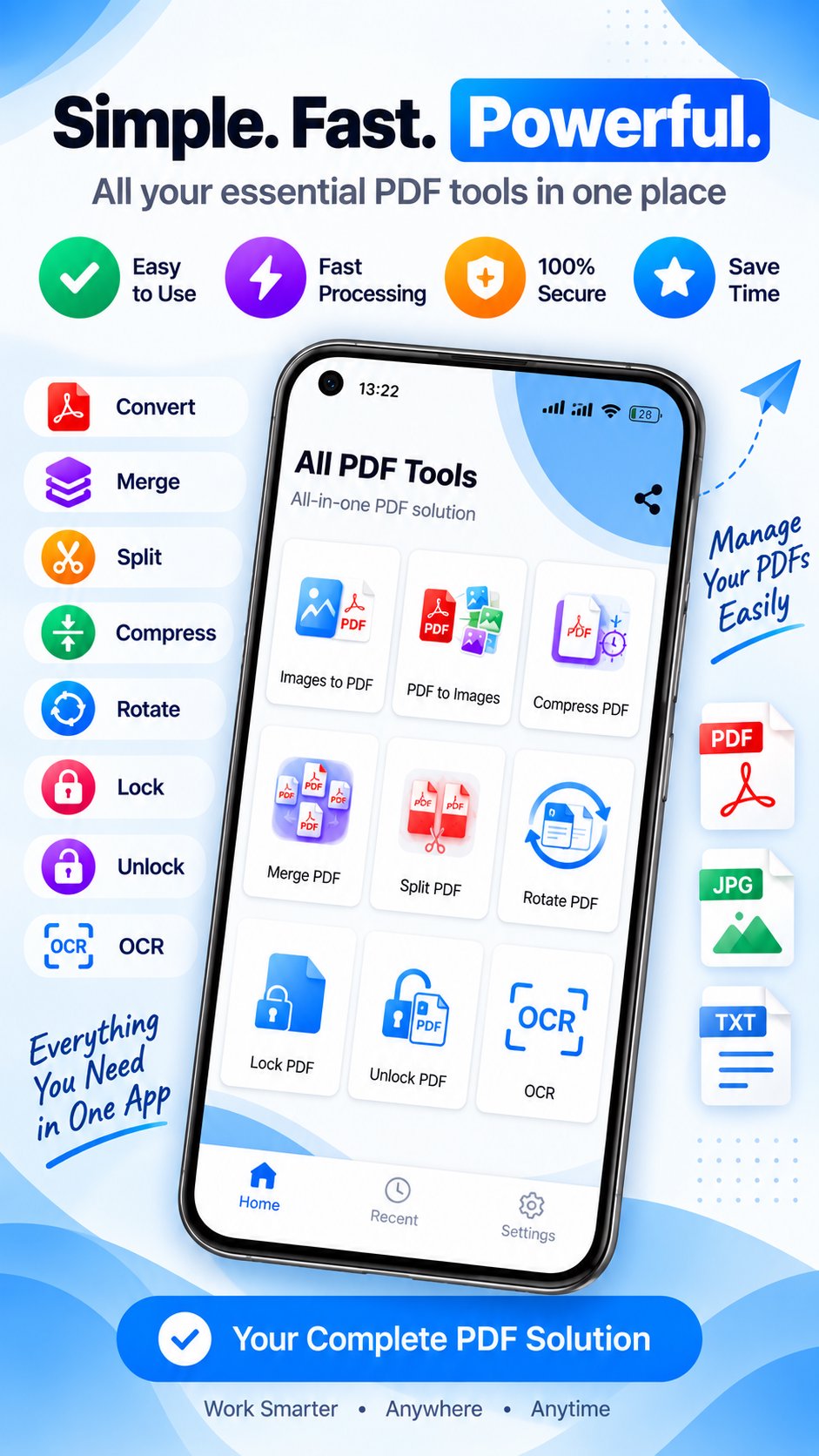
Whether you need to convert images to PDF, merge multiple PDF files, split documents, compress PDFs, extract images, rotate pages, protect files or recognize text with OCR, All PDF Tools gives you the tools you need in one place.
📄 Powerful PDF Tools
🖼️ Images to PDF
Convert your images into high-quality PDF documents.
📷 PDF to Images
Convert PDF pages into image files.
📦 Compress PDF
Reduce PDF file size while keeping your documents easy to use.
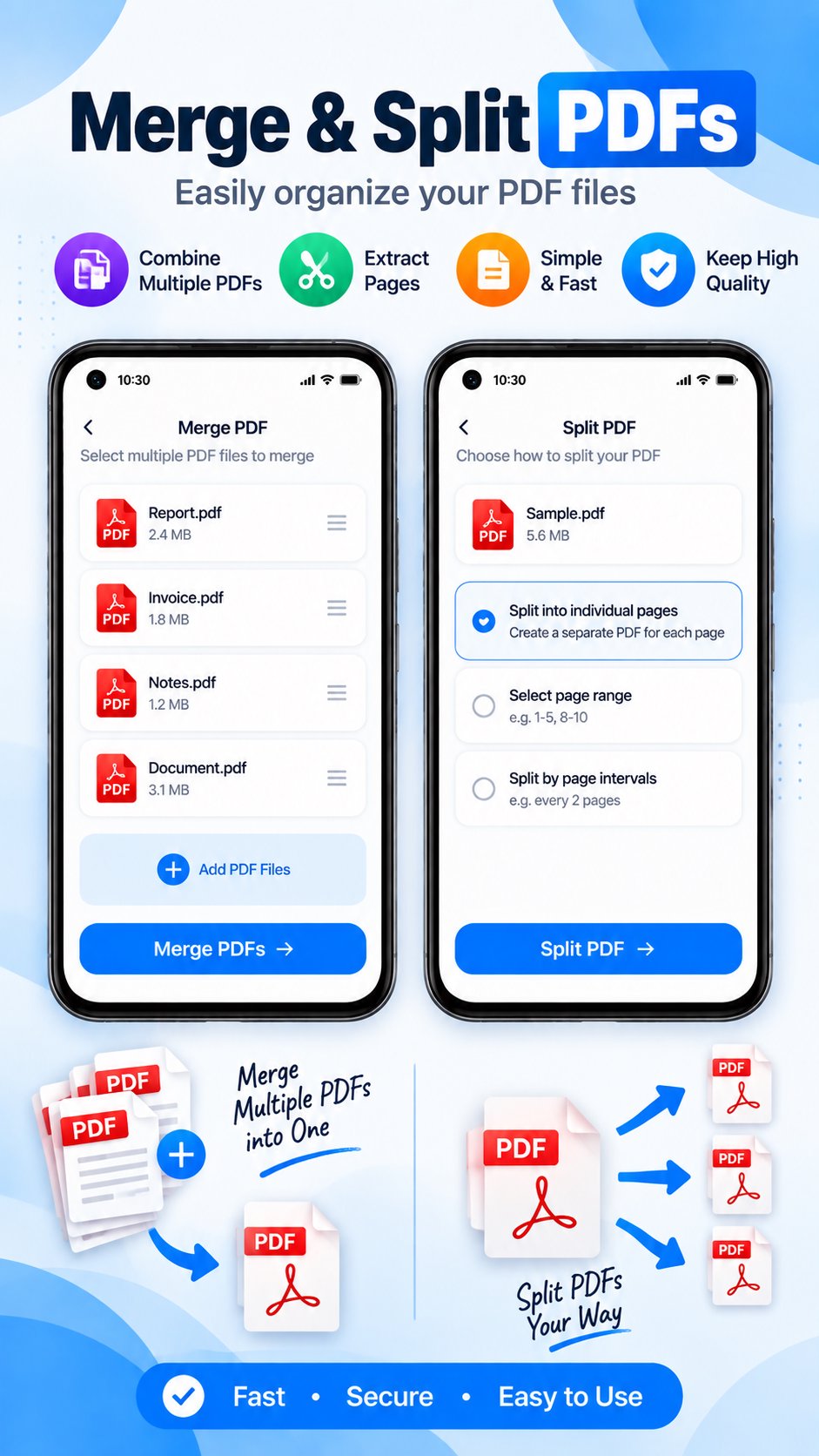
🔗 Merge PDF
Combine multiple PDF files into one document.
✂️ Split PDF
Split PDF documents and extract the pages you need.
🔄 Rotate PDF
Rotate PDF pages to the correct orientation.
🔐 Lock PDF
Protect PDF documents with a password.
🔓 Unlock PDF
Remove password protection from PDFs when you have permission to do so.
🔎 OCR
Extract text from supported documents and images using OCR.
✨ Why Choose All PDF Tools?
• Multiple PDF tools in one app
• Simple and clean interface
• Fast PDF processing
• Easy document management
• Useful for students, professionals and everyday users
• No complicated PDF workflow
📱 Perfect For
• Students
• Office workers
• Freelancers
• Teachers
• Business users
• Anyone working with PDF documents
Download All PDF Tools and keep your essential PDF tools in one place.
Latest Version
1.1Uploaded by
Anton Schrejder
Requires Android
Category
Free Productivity AppContent Rating
Everyone
Security Report
Check Now
Report
Flag as inappropriateLast updated on Jun 1, 2026
This release includes minor bug fixes and general improvements. Update to the latest version for the best experience.






APKPure - A multi-platform app store primarily focused on Android, providing extensive app-related content. Discover the app you want easier, faster, and safer, with quick and efficient downloads and installations.









