Package Name:com.tk.quicksearch
SHA-256:b9e33e96287c4ded8b998ef3dc84367bc1b5d2c4c0f3eec47c618f07ecd9be9f
Show More

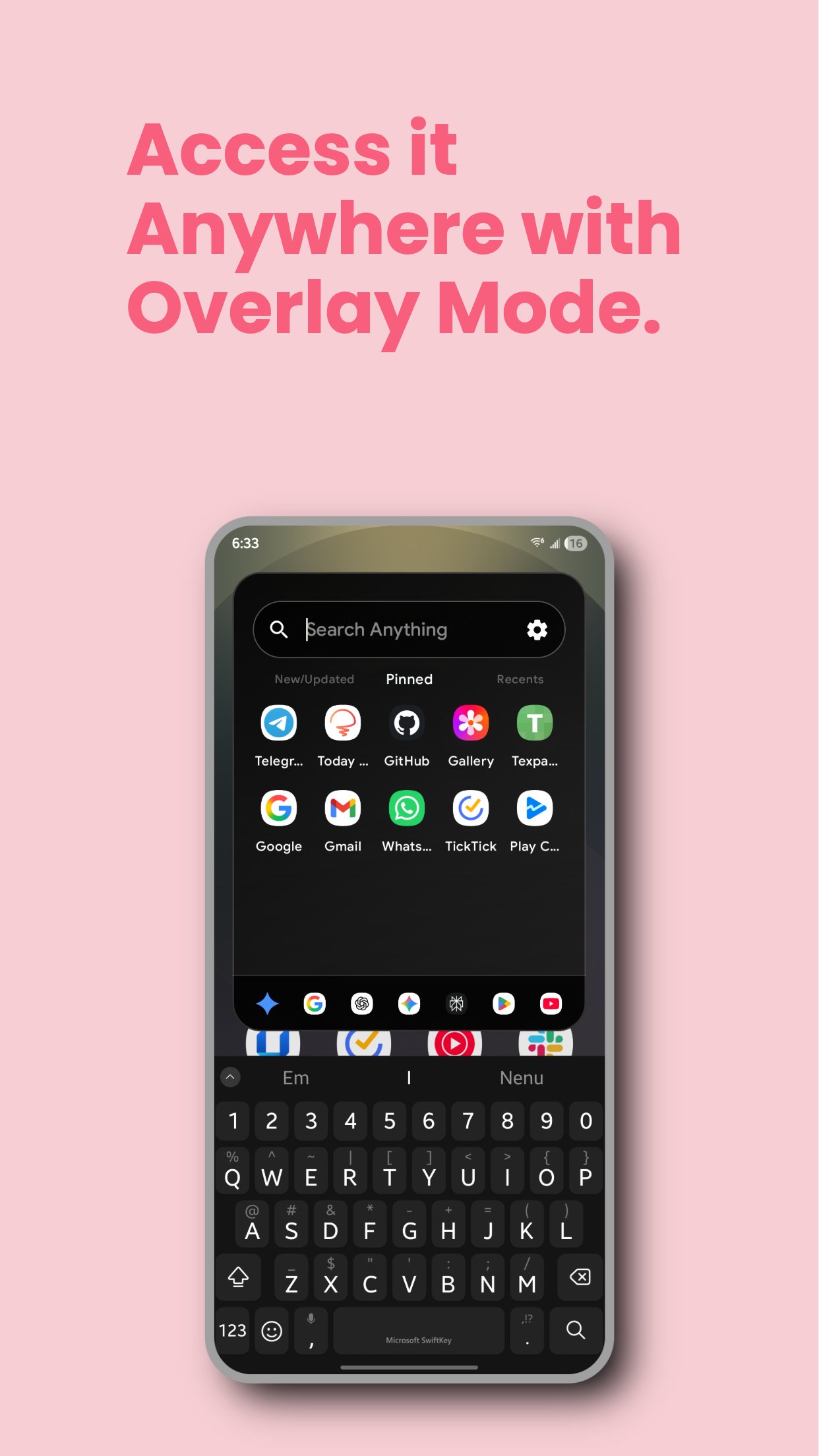
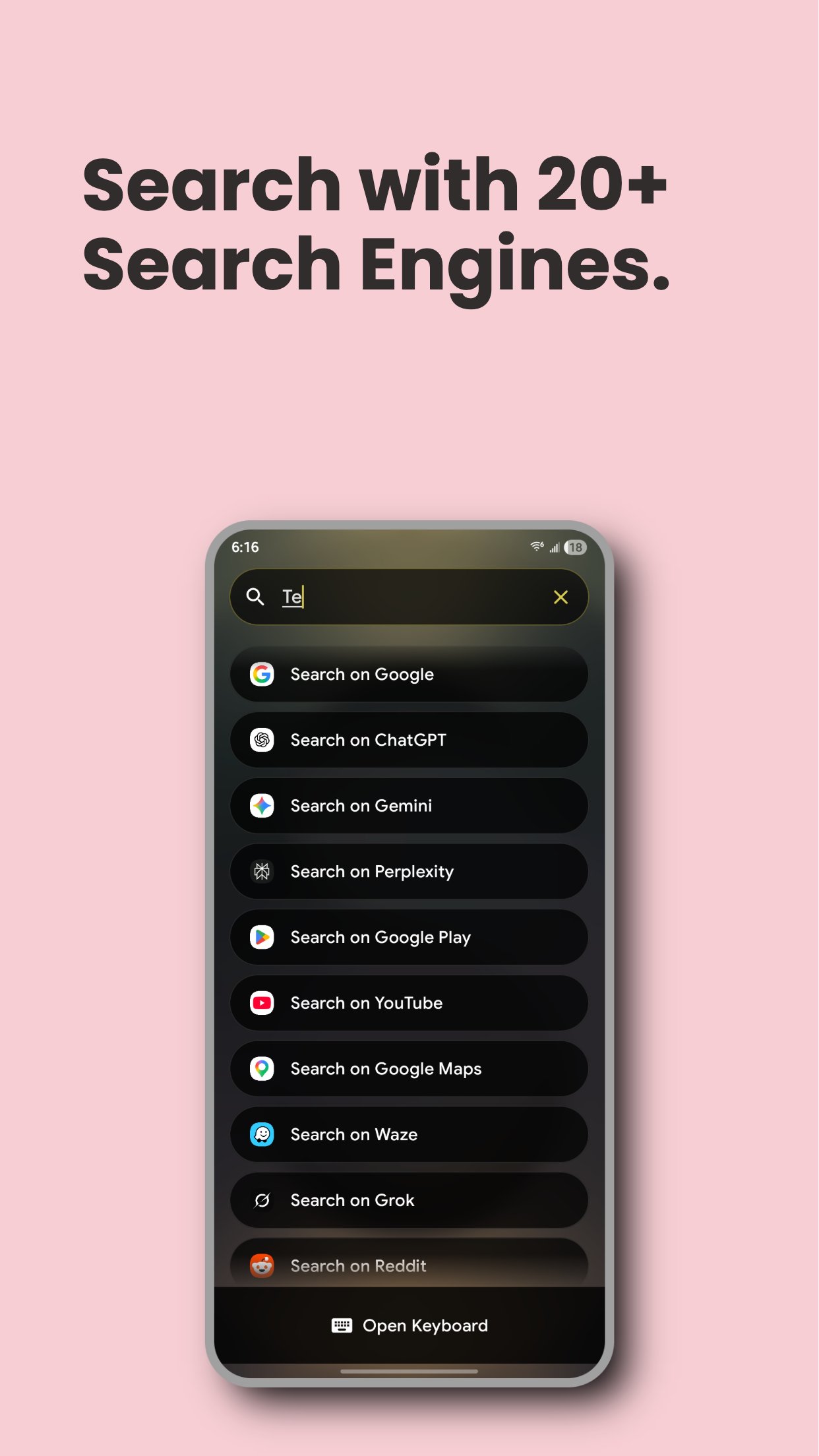
Quick Search lets you search apps, shortcuts, contacts, files, calendar events, notes, and settings — plus the internet with 25+ search engines — all from one search bar. It comes with an optional overlay mode that works similar to Spotlight on macOS.
Privacy First: Quick Search is completely ad-free and open source. Your data stays on your device. Built for speed and flexibility — whether you want a clean launcher-style search or a powerful all-in-one tool, Quick Search adapts to your workflow.
Key Features:
- Search apps, contacts, files, calendar events, notes, and device settings with near-zero lag
- 25 search engines – Google, ChatGPT, Perplexity, YouTube, DuckDuckGo, Gemini, Grok, Claude, and more
- Overlay mode: Pull up search over any app (Spotlight-style)
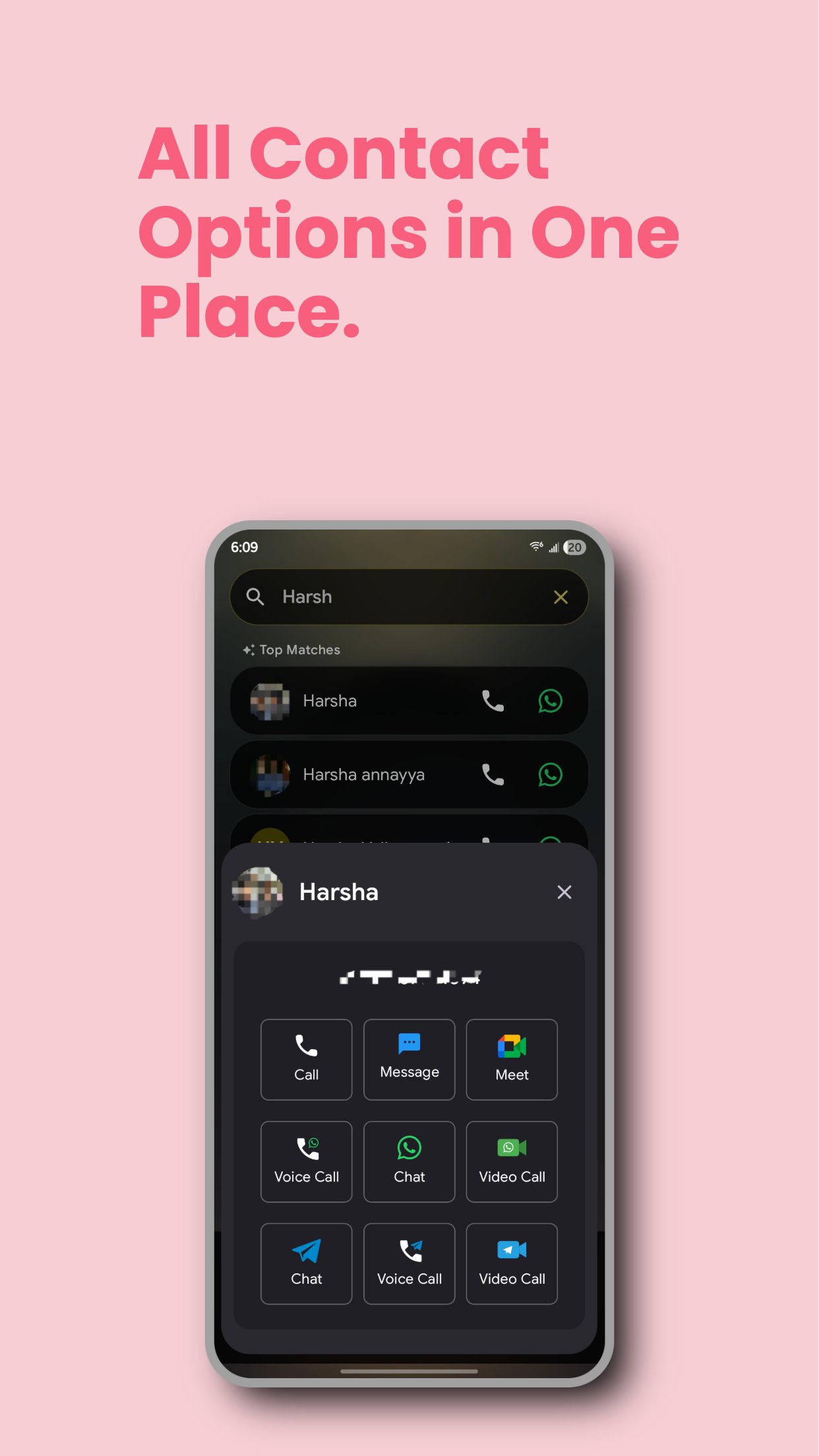
- WhatsApp, Telegram, Signal & Google Meet integration for contact results
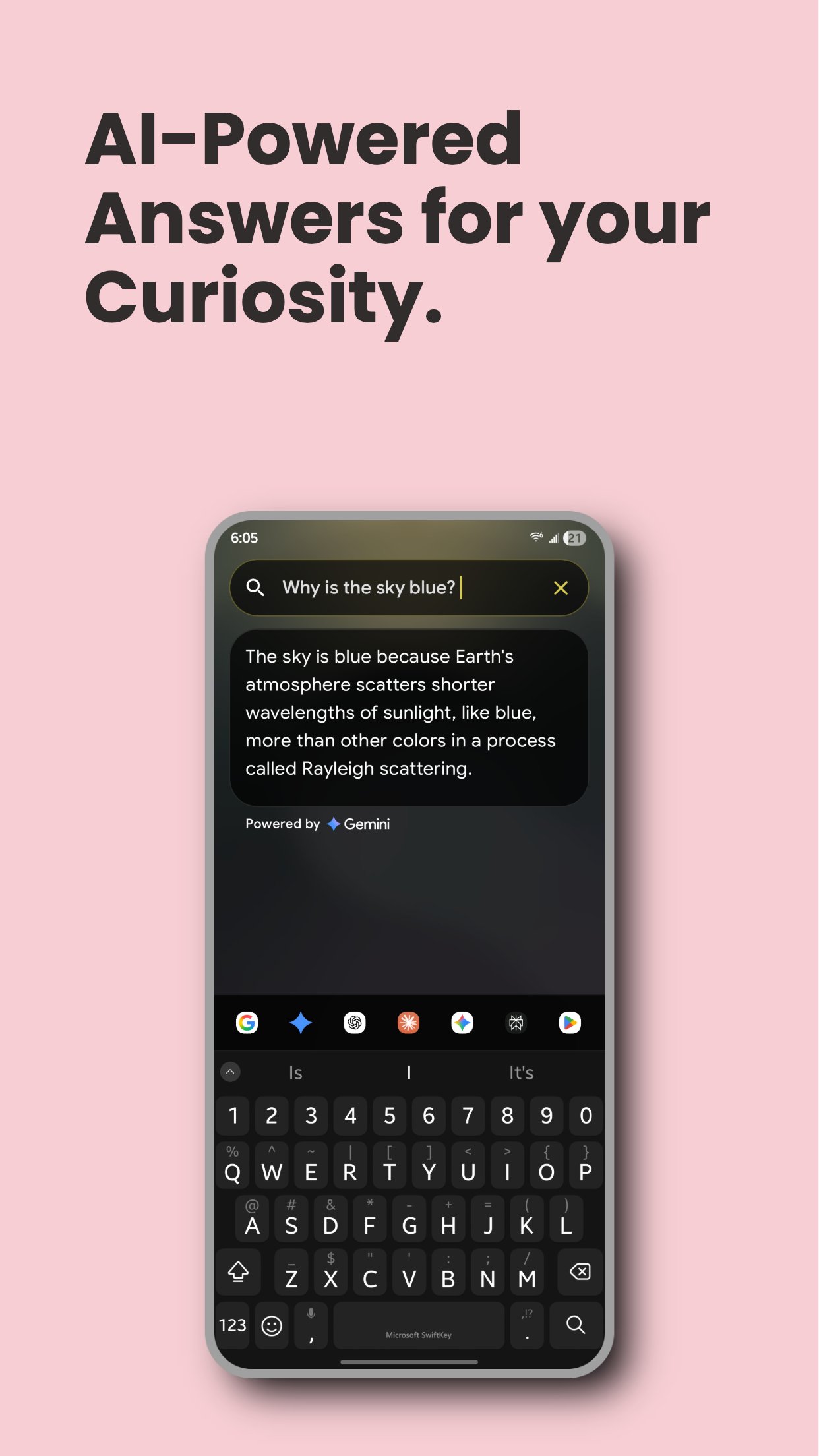
- AI Search: Gemini, OpenAI, Claude, Groq — configure your preferred AI provider for answers right inside the app
- Built-in tools: Calculator, Unit Converter, Currency Converter, World Clock, and Date & Time Calculator — all from the search bar
- Aliases to quickly trigger any search engine, section, or tool
- Pin apps, contacts, files, and settings to your home screen for one-tap access
- In-app browser option to keep you in the app
- One-handed mode for easier use
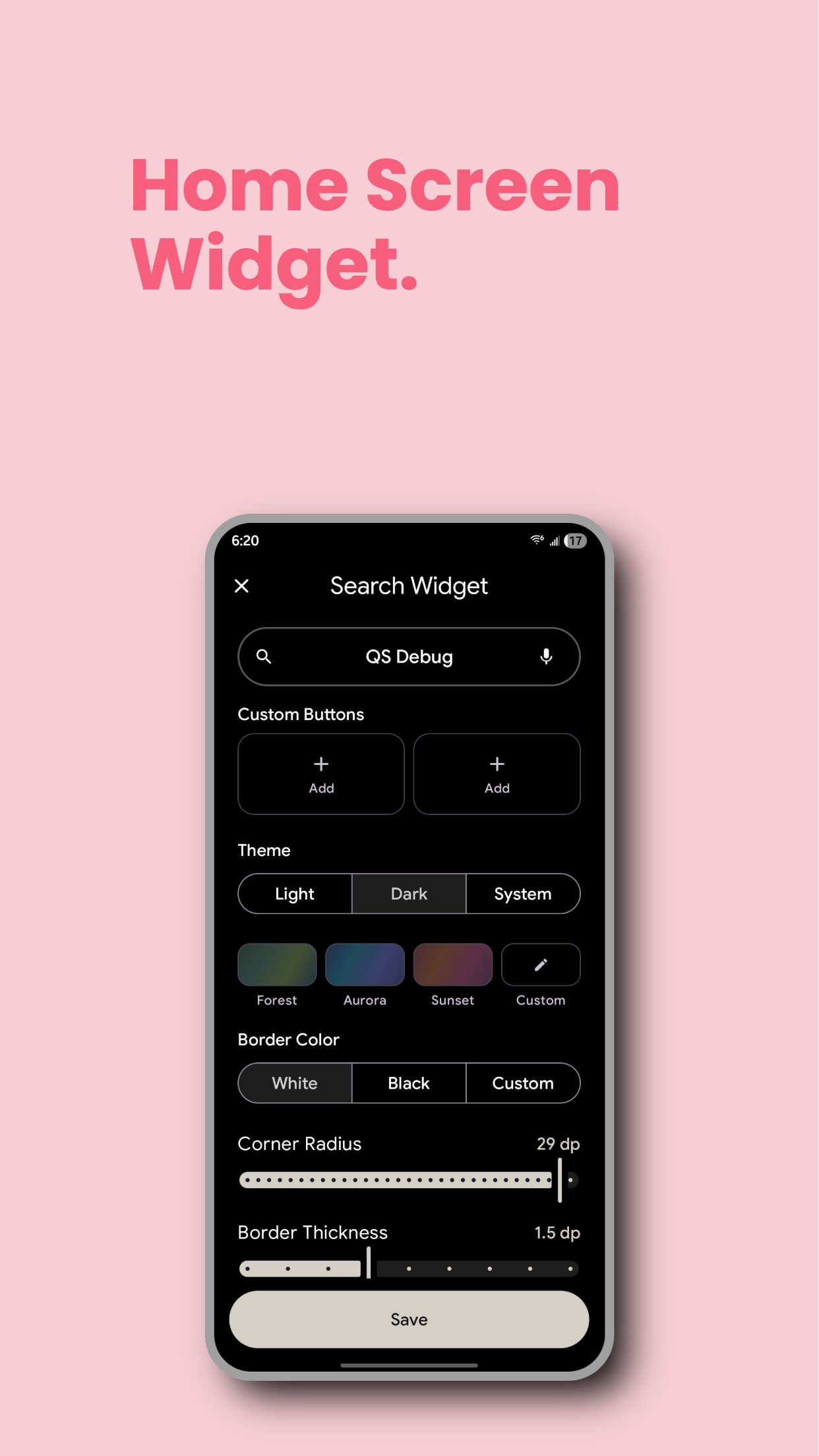
- Home screen widget, Quick Settings tile, and launcher support
- Backup & Restore your settings when switching devices
- Completely ad-free and open source
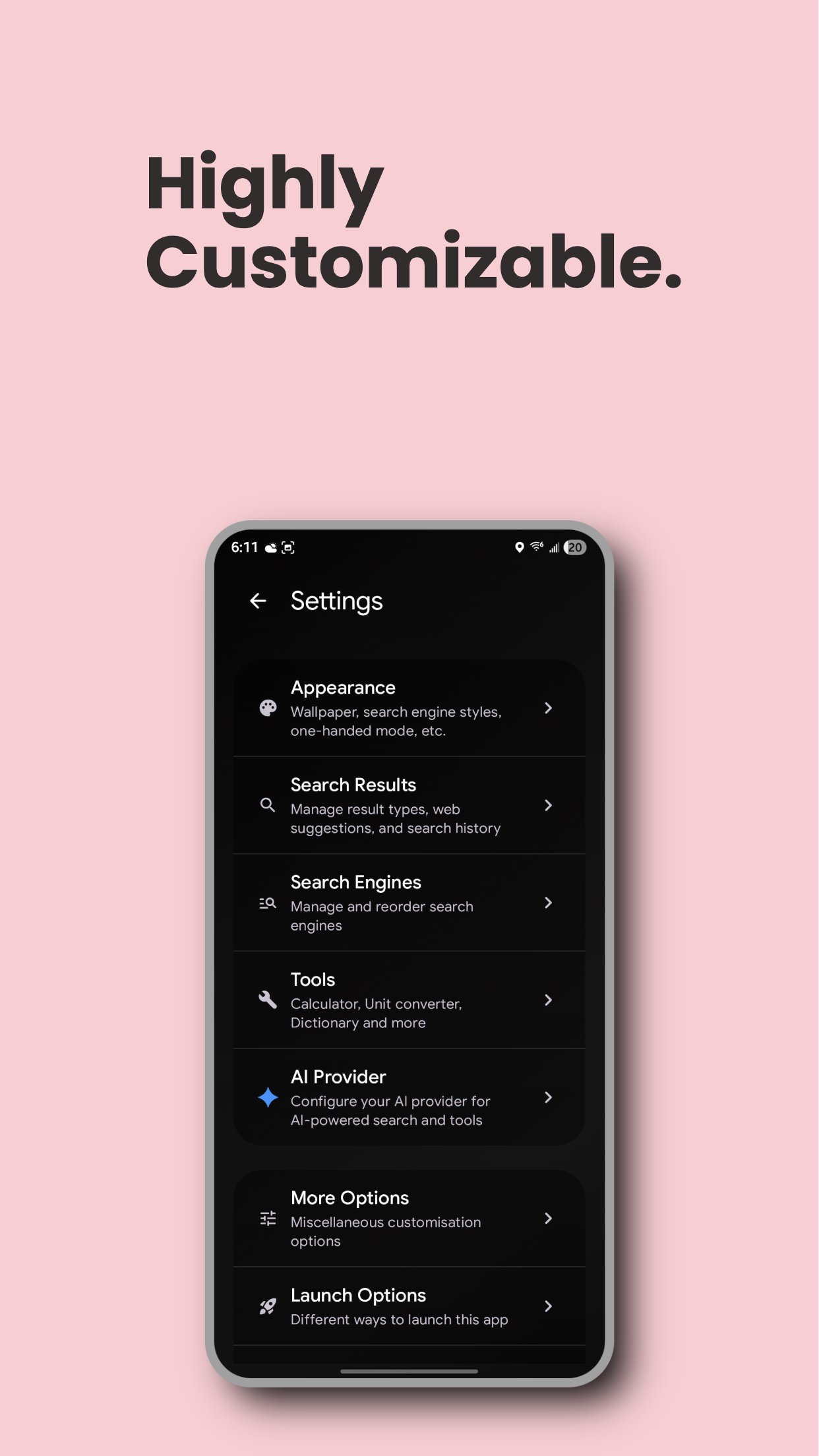
Fully Customizable:
- Material You support and multiple themes (Mono, Forest, Aurora, Sunset) with light/dark mode
- Wallpaper or custom image as search screen background
- Adjust layout, appearance, font size, and icon style to match your setup
- Filter which file types appear in results, with folder whitelist/blacklist
- Add custom search engines and custom AI providers
- Icon pack support
Permissions: All permissions are optional and are only used to unlock more features. Quick Search continues to work if you decline them.
- Accessibility service: Used only for the optional double-tap Home gesture to perform Android's system Lock Screen action. Quick Search does not read, collect, store, or share screen content or other personal data through this service.
- Usage access: Shows recently used apps and improves app suggestions.
- Contacts and phone: Lets you search contacts and start calls or messaging actions.
- Files and calendar: Includes device files and calendar events in search results.
- Display over other apps: Enables the optional Spotlight-style overlay.
- Notifications: Enables notification-based features such as pinned items.
Latest Version
4.7Uploaded by
Hamad Abdulla
Requires Android
Category
Free Tools AppContent Rating
Everyone
Security Report
Check Now
Report
Flag as inappropriateLast updated on Oct 8, 2026
- New At a Glance section in Home shows useful info at relevant times: events, reminders, media controls, birthdays, OTPs, timers & stopwatch, calls, and more
- Create reminders directly from search.
- Add widgets to Home.
- Create app folders in Pinned Apps.
- New ways to launch: a system-wide edge swipe gesture and a floating button.
- New Widgets: Notes, Media Controls & Countdown
- Ask Quick Search for help with the any questions related to the app by typing @help in search bar




APKPure - A multi-platform app store primarily focused on Android, providing extensive app-related content. Discover the app you want easier, faster, and safer, with quick and efficient downloads and installations.