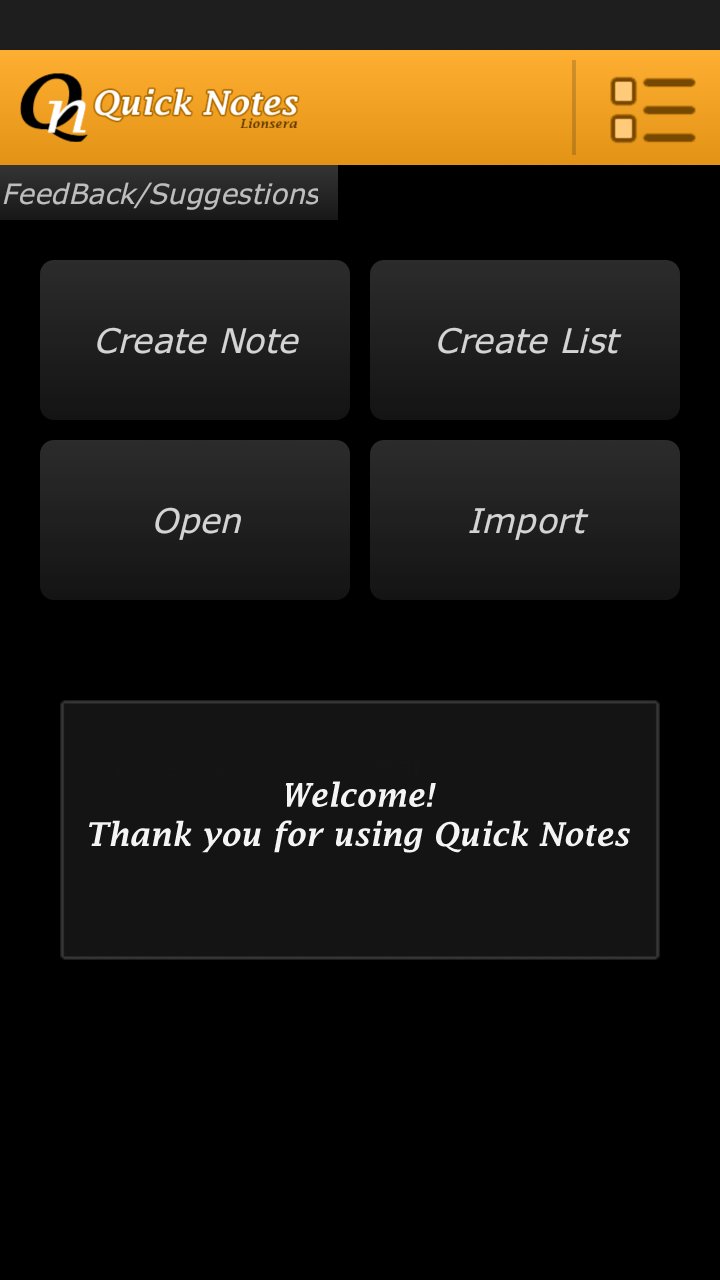
User-friendly and Simple to create Notes & Task Lists.
Create, Save & Share. Write Story articles or mails.
Create shopping list, or track daily errands with task list.
Assign color tag to files to organize.
Create Notes, save and share with your friends.
Create Task List with status update for every tasks.
Task include three type of Status.
- "DONE" , "UDONE", "PENDING". (D) (U) (P)
Sharing system is organized.
- Notes and Task List file can be shared as attachment or
- Contents can be shared as message.
- When send as attachment, File name will be automatically in the subject of mail.
Backup:
- Backup of files can be saved on device memory.
- Backup can be later Imported back
- Backup of files can be send as attachment on mails
- Backup files can only open in Quick Notes Plus App.
No annoying ads. Only a small banner at homescreen.
Latest Version
1.1Uploaded by
LIONSERA
Requires Android
Android 2.2+
Category
Free Productivity AppContent Rating
Everyone
Report
Flag as inappropriateLast updated on Feb 1, 2024
Minor bug fixes and improvements. Install or update to the newest version to check it out!



APKPure - A multi-platform app store primarily focused on Android, providing extensive app-related content. Discover the app you want easier, faster, and safer, with quick and efficient downloads and installations.