Package Name:com.tencent.iglite
SHA-256:3ac76aeccaae3d927c520f8fe5eb8dcb8947e9791808cf0c7f7a45f7cd07a913
Show More

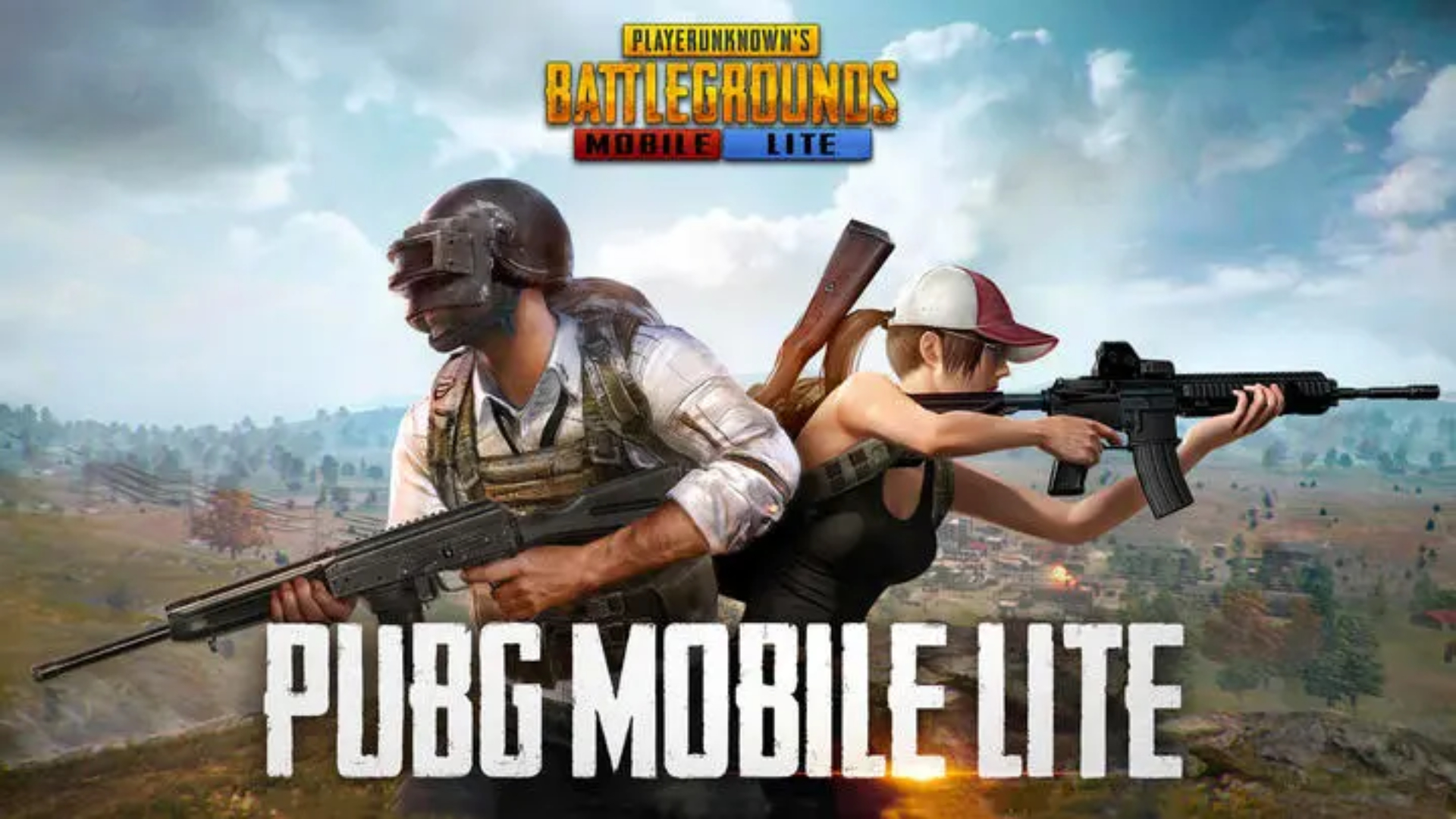
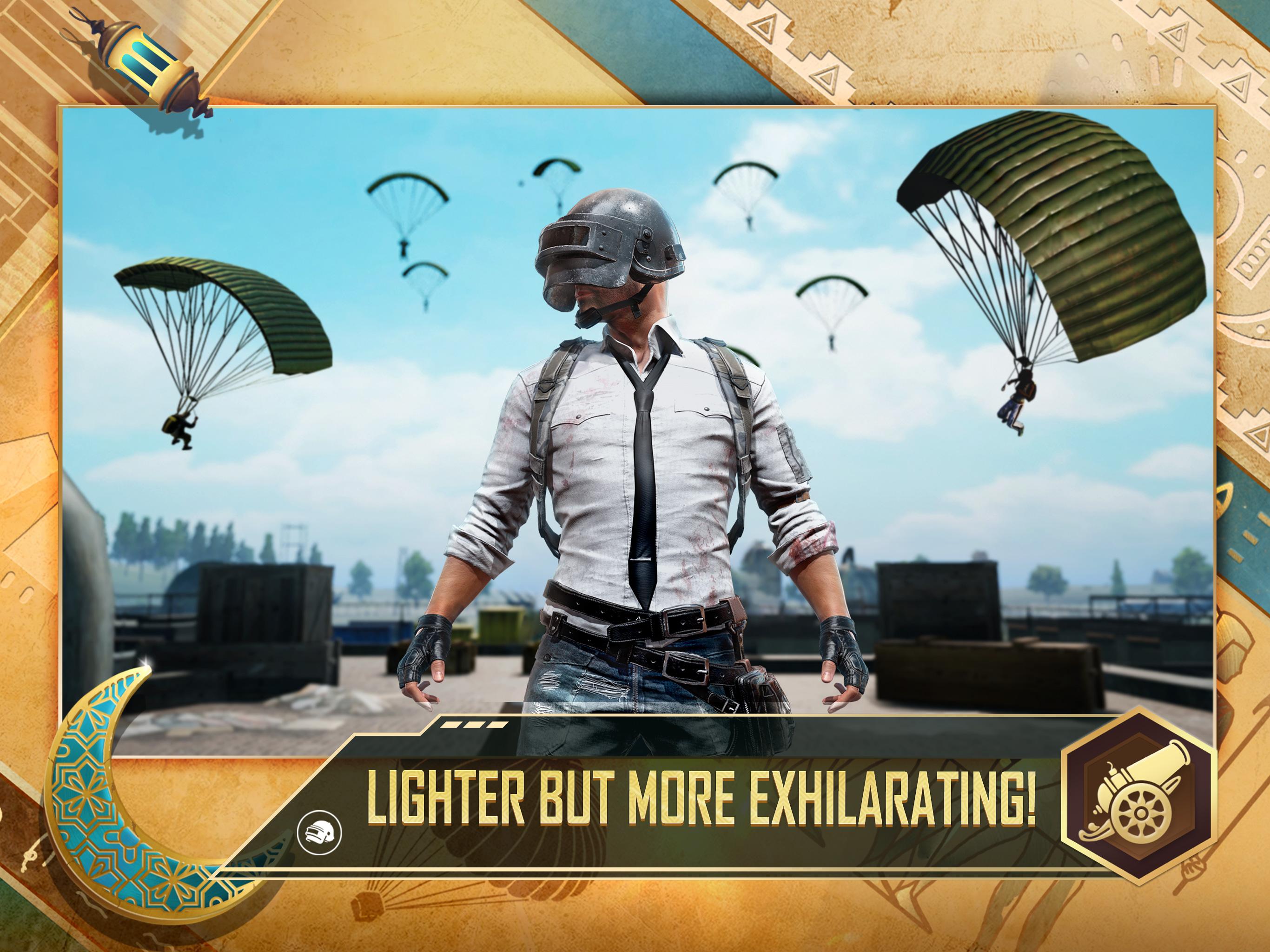
PUBG MOBILE LITE suits players who want quick survival rounds without long waits or large downloads. It trims the classic format into shorter sessions that fit daily breaks or commutes, while keeping looting, firefights, and last circle pressure familiar. Because it is designed for broader hardware, it loads fast and stays smooth during action, and it offers options for both open battles and close-quarters practice. If you prefer a compact installer, the PUBG MOBILE LITE APK keeps things lightweight and consistent with the core experience.
Lightweight and optimized
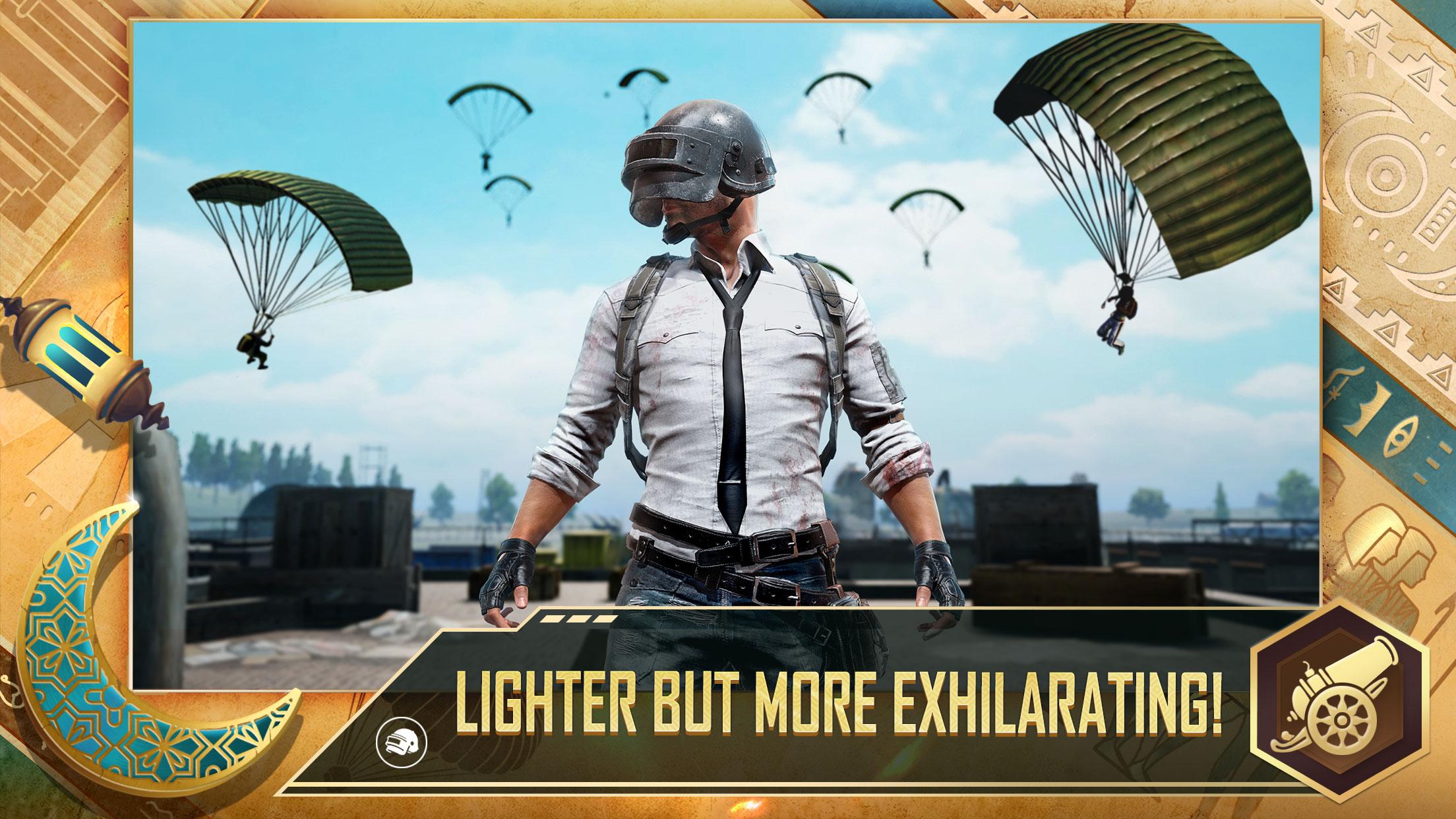
PUBG MOBILE LITE streamlines setup with a smaller install and is tuned for devices with 1 GB RAM. Performance remains steady during firefights and rotations, so you can focus on movement and timing. The interface is clean and familiar, which helps new users get into a match quickly. This approach reduces wait time from launch to drop.
Fast battle royale on a compact island
Matches put 60 players on a 2 km by 2 km island that keeps the action tight. Circles close faster and rounds typically finish in 10 minutes or less. This structure suits short play windows while still rewarding smart looting and positioning. You can jump in for a quick session and finish a full match without a long commitment.
Arena Warehouse mode for instant action
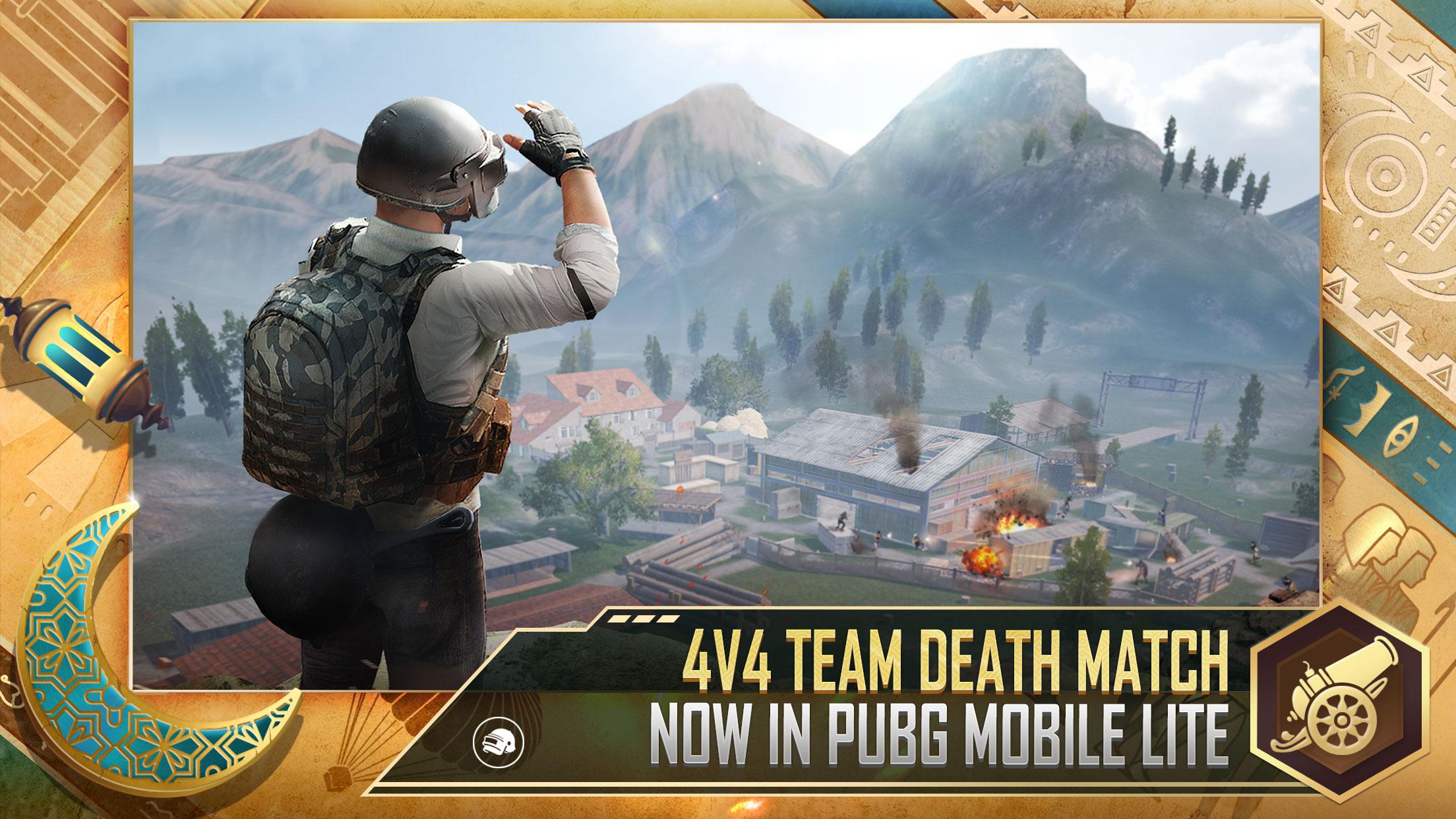
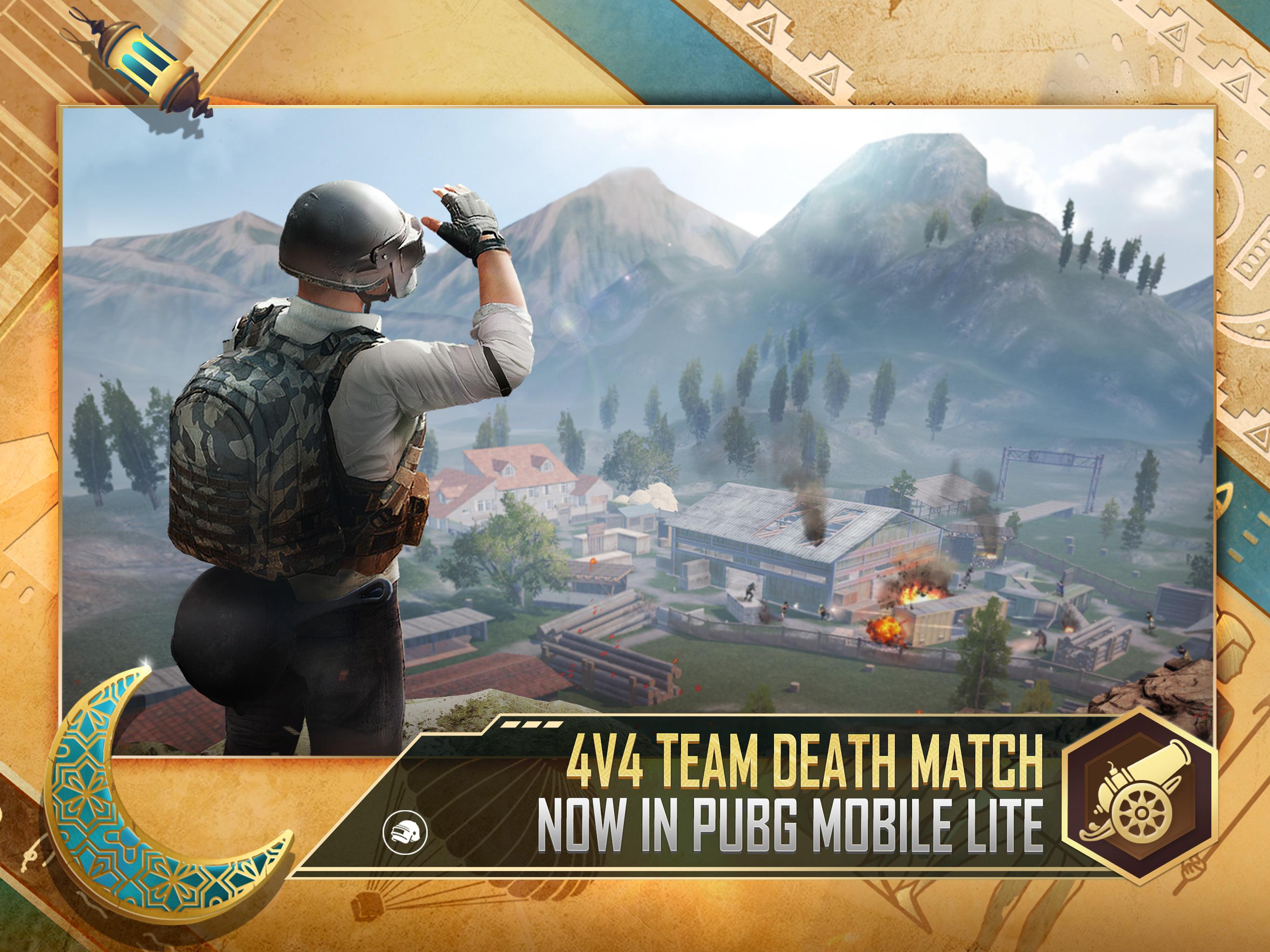
When you want quick practice, Arena offers 4v4 Warehouse battles with respawns. It is a clean way to warm up recoil control, peeking, and close-range timing before returning to battle royale. The mode cycles fights quickly, which helps you test different weapons and loadouts. It also lets teammates drill callouts and push timing in a low-risk setting.
Squad tools for coordination
PUBG MOBILE LITE includes built-in voice chat, local team-up, clans, and room cards for organized sessions. These tools support clear callouts for flanks, revives, and rotations. You can choose solo, duo, or squad and adjust your approach to match the lineup. Consistent communication helps teams stabilize after early fights and reach later circles together.
Fair play and audiovisual clarity
Advanced anti-cheat systems work across modes to help maintain fair matches. HD visuals and directional 3D audio from Unreal Engine 4 provide clear cues for footsteps, vehicles, and shots. You can track threats by sound and adjust your positioning accordingly. This clarity supports steady decision making in both open terrain and indoor fights.
PUBG MOBILE LITE uses a smaller map, a 60-player count, and shorter rounds than PUBG MOBILE. Accounts, items, and progress do not transfer between the two, and each version runs a separate economy. There is no cross-play across these titles. Choose the version that fits your session length and device capability before investing time in progression.
PUBG MOBILE LITE supports 12 languages to help more players navigate menus and settings comfortably. The game is built to run on low to mid-range Android phones, which broadens access for users who want quick matches without heavy hardware demands. This design allows more players to stay connected with friends and join squads, even on older devices.
This short guide covers the basics on Android so you can enter matches quickly. It applies to the PUBG MOBILE LITE latest version and focuses on early choices that shape each round. Follow these steps to move smoothly from lobby to your first fights.
First, install and launch the game, complete the initial setup, and sign in or continue as a guest. Check audio and control prompts so you know how to aim, move, and interact.
Next, pick a mode that fits your time. Choose Battle Royale for full matches, or select Arena Warehouse for fast 4v4 action. Decide between solo, duo, or squad based on your group.
Then open settings to tune sensitivity, controls, and graphics to your preference. Enable voice chat and set push-to-talk or open mic so teammates can hear callouts.
After that, start a match and set a drop point near buildings for early loot. Land quickly, grab a weapon, armor, and healing, then move with the safe zone while watching cover and sightlines.
Finally, communicate positions and revive plans with your team. Use cover to reset between fights, and rotate early when the circle shifts. When you need practice, return to Warehouse to refine recoil and close-range aim before jumping back to Battle Royale.
PUBG MOBILE LITE focuses on short matches, clear audio cues, and practical tools for squads across a wide range of phones. To enter fast sessions and refine close-range skills, download PUBG MOBILE LITE and choose the mode that fits your available time.
For official resources and support, use the information below.
PUBG MOBILE LITE official website: https://www.pubgmlite.com
Support email: PUBGMOBILElite_CS@tencentgames.com
Latest Version
0.27.0Uploaded by
علاء احمد
Requires Android
Android 10.0+
Category
Free Action GameContent Rating
Teen · Violence, Blood
Security Report
Check Now
Report
Flag as inappropriateLast updated on Jan 19, 2024
0.20.0 November Update: Winter Festival
Varenga Snow Fight
Winter Winter Chicken Dinner
Varenga's first snow and many snowy features await
Snowboard: New gameplay! Climb up a snowy mountain to speed downhill
Winter Festival "Specialty": Frozen Egg! Throw it to the ground for a life-saving Ice Sculpture barrier
Winter Castle: Grab your gear and adventure in a new area
Winter Festival vibes in the Lobby and Spawn Island
Universal Mark: Real-time marking gives teammates more accurate combat info


APKPure - A multi-platform app store primarily focused on Android, providing extensive app-related content. Discover the app you want easier, faster, and safer, with quick and efficient downloads and installations.