Package Name:com.tazapps.privight
SHA-256:7db8c69db8fa8277399444bd991447b973745903535d07284a2126631b83fadc
Show More

PriVight is a customizable screen dimmer and display filter for Android. Make bright pages easier to view at night, create viewing profiles and add extra visual discretion when you want it.
PriVight applies a local, adjustable overlay over compatible apps. It does not read, capture or analyze what is displayed on your screen.
ADAPT YOUR DISPLAY
• Adjust dimming intensity with Extra Dim
• Use warm and red filters for different viewing situations
• Start with built-in profiles for bedtime, deep night, work, public transport and bright pages
• Create your own reusable viewing profiles
AUTOMATE YOUR PROFILES
• Apply a chosen profile when a selected app is in the foreground
• Schedule profiles by day and time, including overnight periods
• Return to normal display quickly from the app, notification or Quick Settings tile
LOCAL BY DESIGN
• No account or cloud service required
• Functional settings and configurations stay on your device
• Foreground app information is used only to apply enabled app rules and is not stored as usage history
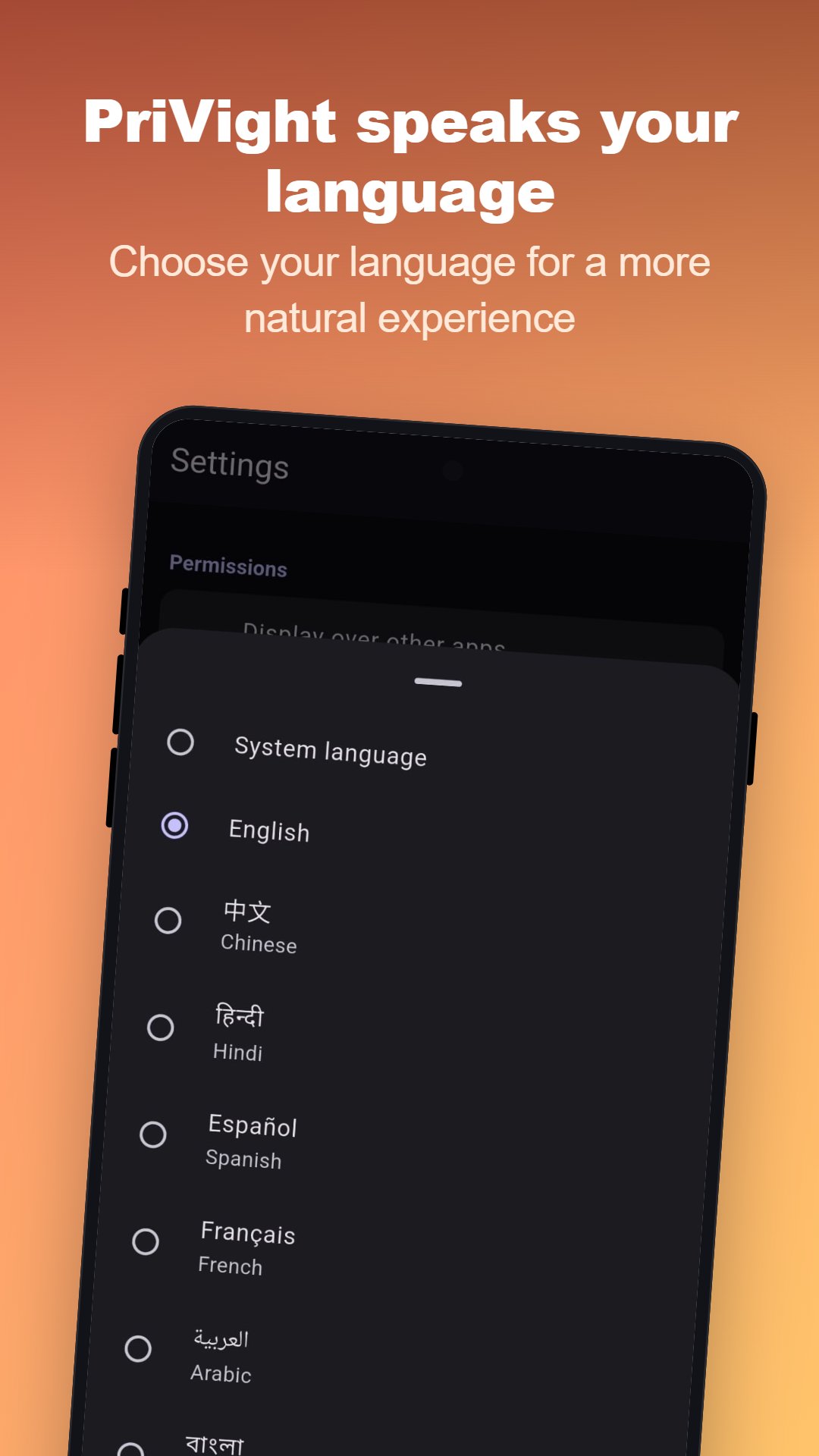
• Interface available in 50 languages
FREE AND PREMIUM FEATURES
The free version includes the main filters, built-in profiles, one custom profile, one app rule and one schedule. An optional lifetime Premium purchase unlocks unlimited configurations, Tilt, advanced patterns and Focus options, plus a second Quick Settings tile.
PriVight requires permission to display over other apps. Smart app rules also require Usage Access. Android may block overlays on protected system or security screens.
PriVight adds a software-based visual overlay. It does not turn the device into a hardware directional privacy screen and cannot guarantee confidentiality.
Latest Version
1.0.0Uploaded by
Jevin Tikoalu
Requires Android
Category
Free Tools AppContent Rating
Everyone
Security Report
Check Now
Report
Flag as inappropriateLast updated on Aug 29, 2026
First release of PriVight
• Adjust your display for night comfort and extra discretion
• Ready-to-use and custom profiles
• Automatic rules by app and schedule
• Extra Dim, warm and red filters
• Premium: Tilt, patterns, Focus and unlimited configurations
• Local data, no account, interface available in 50 languages





APKPure - A multi-platform app store primarily focused on Android, providing extensive app-related content. Discover the app you want easier, faster, and safer, with quick and efficient downloads and installations.