Scan Date:May 2, 2026
Show More

POCO Launcher suits users who want a tidy phone and quick navigation without extra clutter. It centralizes apps in a simple drawer and gives you clear controls to arrange how everything looks and works. As a result, you can reach tools faster during busy days or set a calm layout for focus at night. POCO Launcher APK keeps the interface light so older and newer devices stay responsive, while familiar gestures and icons make the switch easy.
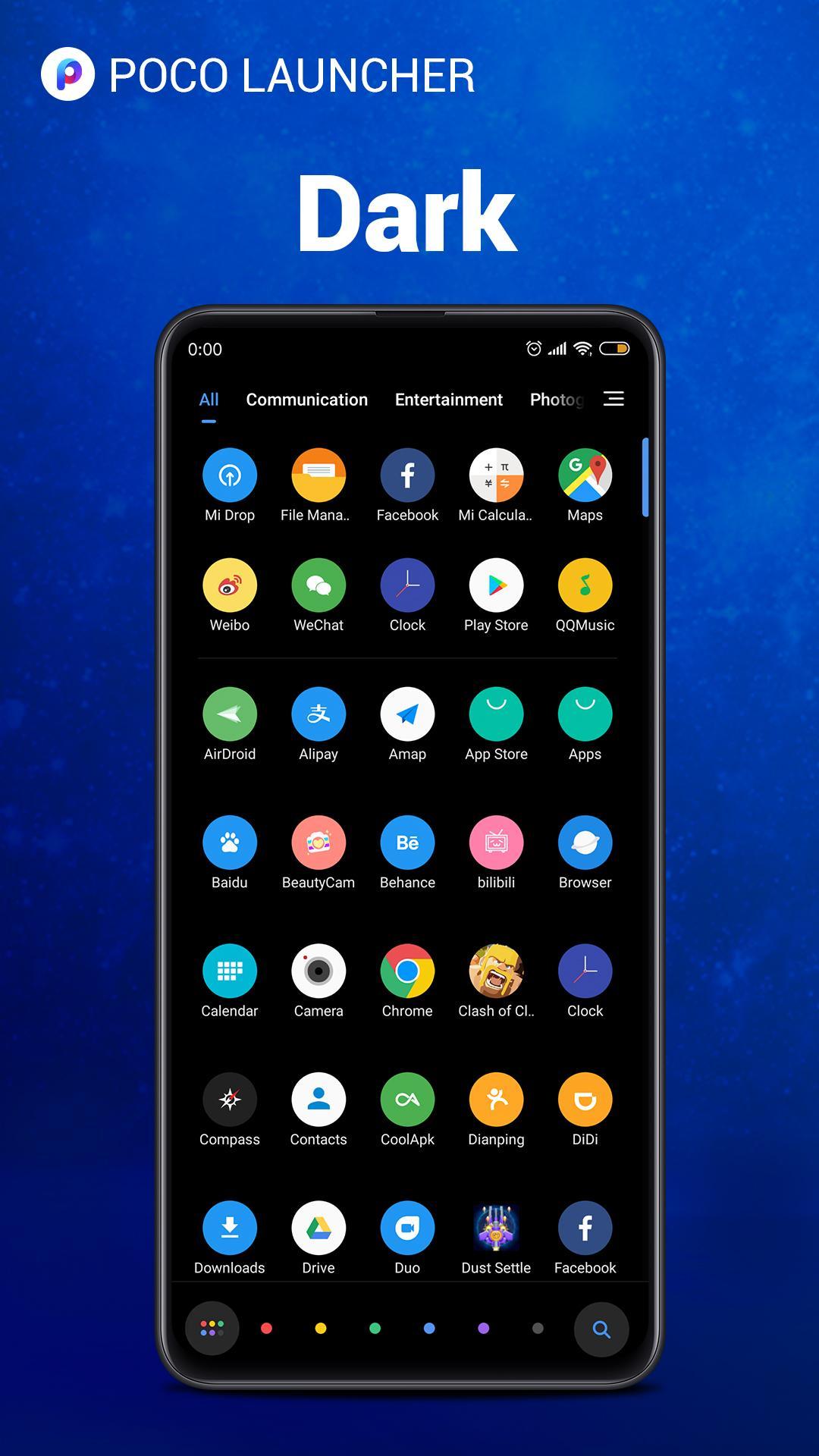
Minimalist app drawer
The launcher moves all apps into an organized drawer that follows Material Design. Your Home screen stays neat, while swiping up opens a clean grid with clear labels. You can keep only essential shortcuts on the Home screen and find everything else in one place.
Deep personalization
You can resize the Home screen layout and icons to match your preferences. Wallpapers, themes, and transition animations help you set a consistent look. If you prefer a different style, third party icon packs work smoothly for a fresh appearance without extra effort.
Smart search and categories
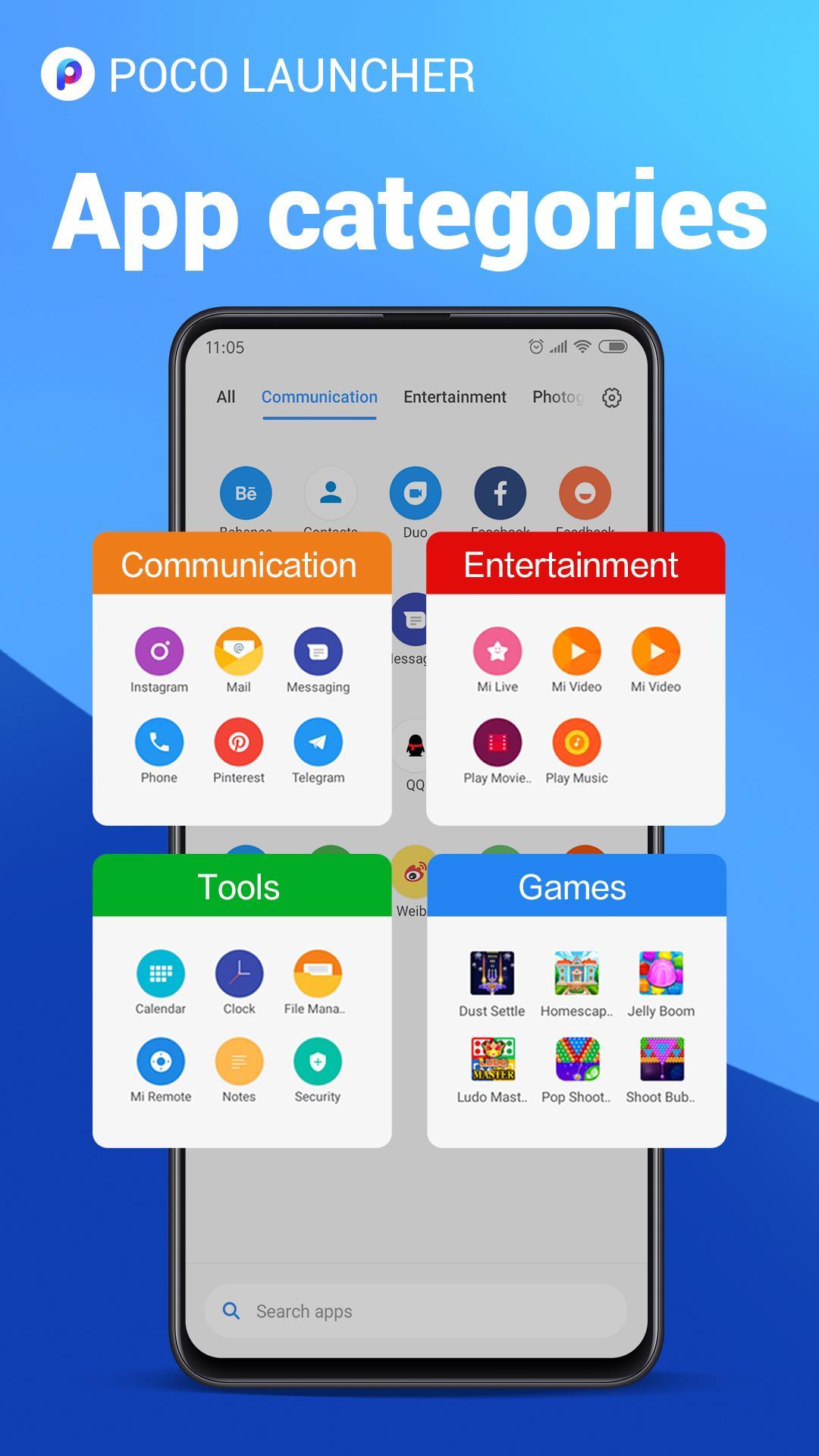
POCO Launcher suggests apps based on usage and highlights them with helpful colors. The app drawer supports customizable categories so you can group tools by purpose, such as work or entertainment. This structure reduces scrolling and shortens the time to launch what you need.
App management and privacy
For finer control, you can automatically group apps by category or create custom groups for quick access. Sensitive tools can be hidden from the drawer to keep icons out of sight. This keeps your main view uncluttered and adds a basic layer of discretion when sharing your phone.
Fast and responsive navigation
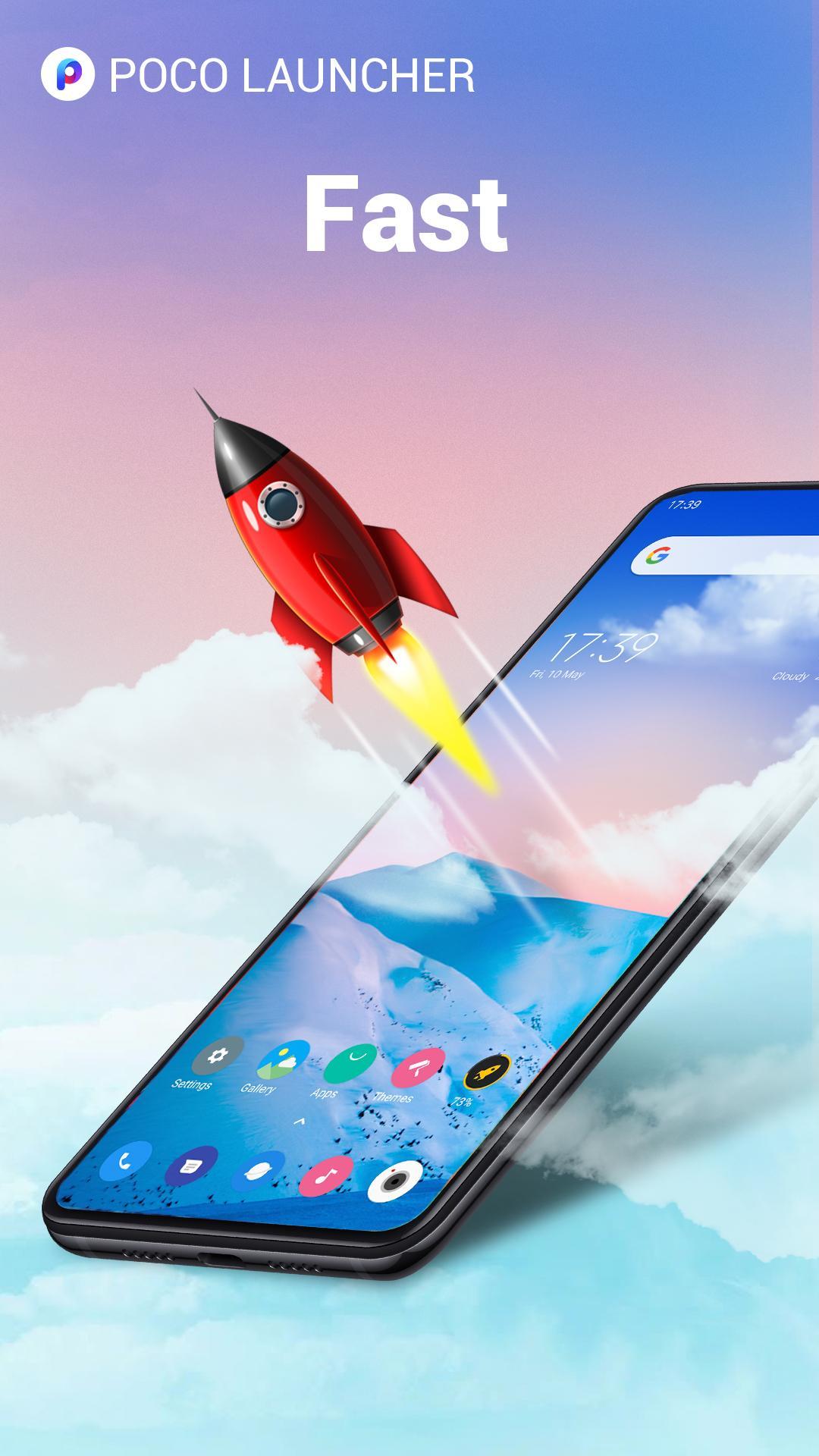
Animations and interactions are optimized for speed, which makes everyday swipes and taps feel consistent. Even as your app list grows, the launcher maintains a steady response so you can move between screens without delay.
The app is developed by Xiaomi Inc., which maintains the design and performance approach used in the POCO line. Some releases may display the name POCO Launcher 2.0 depending on device and build. The app contains ads, so occasional promotional content may appear in the interface.
Users who prefer a familiar layout or need a build that matches device performance can review older releases. This can help if a previous version works better with your phone’s hardware or theme setup. If you choose an earlier build, compare notes such as features you rely on before installing.
Getting started takes only a few minutes, and most options sit inside clear menus. The steps below guide you from first launch to everyday setup in the POCO Launcher latest version.
POCO Launcher organizes your apps, adds practical controls for layout, and keeps navigation quick. If this approach fits your daily routine, download POCO Launcher and try it on your device.
For official support or contact details, use the information below.
Latest Version
RELEASE-6.01.05.1993-02021709Uploaded by
Xiaomi Inc.
Requires Android
Category
Free Personalization AppContent Rating
Everyone
Security Report
Report
Flag as inappropriateLast updated on Jun 1, 2026
This release includes minor bug fixes and general improvements. Update to the latest version for the best experience.




APKPure - A multi-platform app store primarily focused on Android, providing extensive app-related content. Discover the app you want easier, faster, and safer, with quick and efficient downloads and installations.