
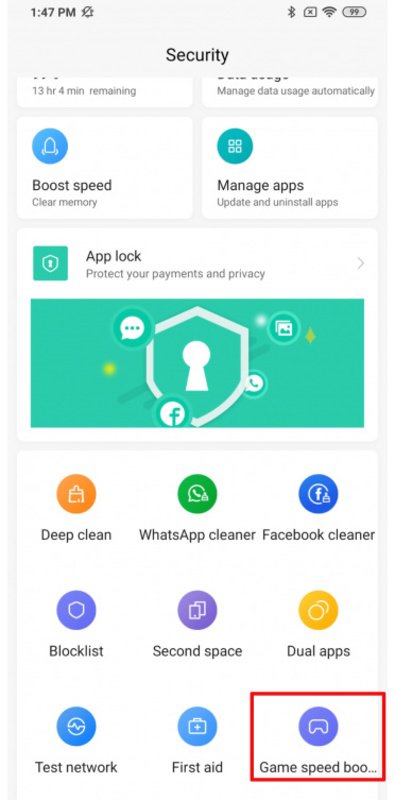
Game Turbo helps when fast paced titles stutter or the device slows down during play. It provides a straightforward place to adjust performance preferences so demanding games feel more consistent, while other apps can remain available in the background. Once installed as a Game Turbo APK on a compatible device, you can manage gaming focus without digging through system menus. As game needs vary, the app keeps controls in one spot to suit different sessions.
Focused resources for gaming
First, Game Turbo can allocate more memory and processing to the game you open so it runs more smoothly. This supports titles that may call for maximum RAM during play.
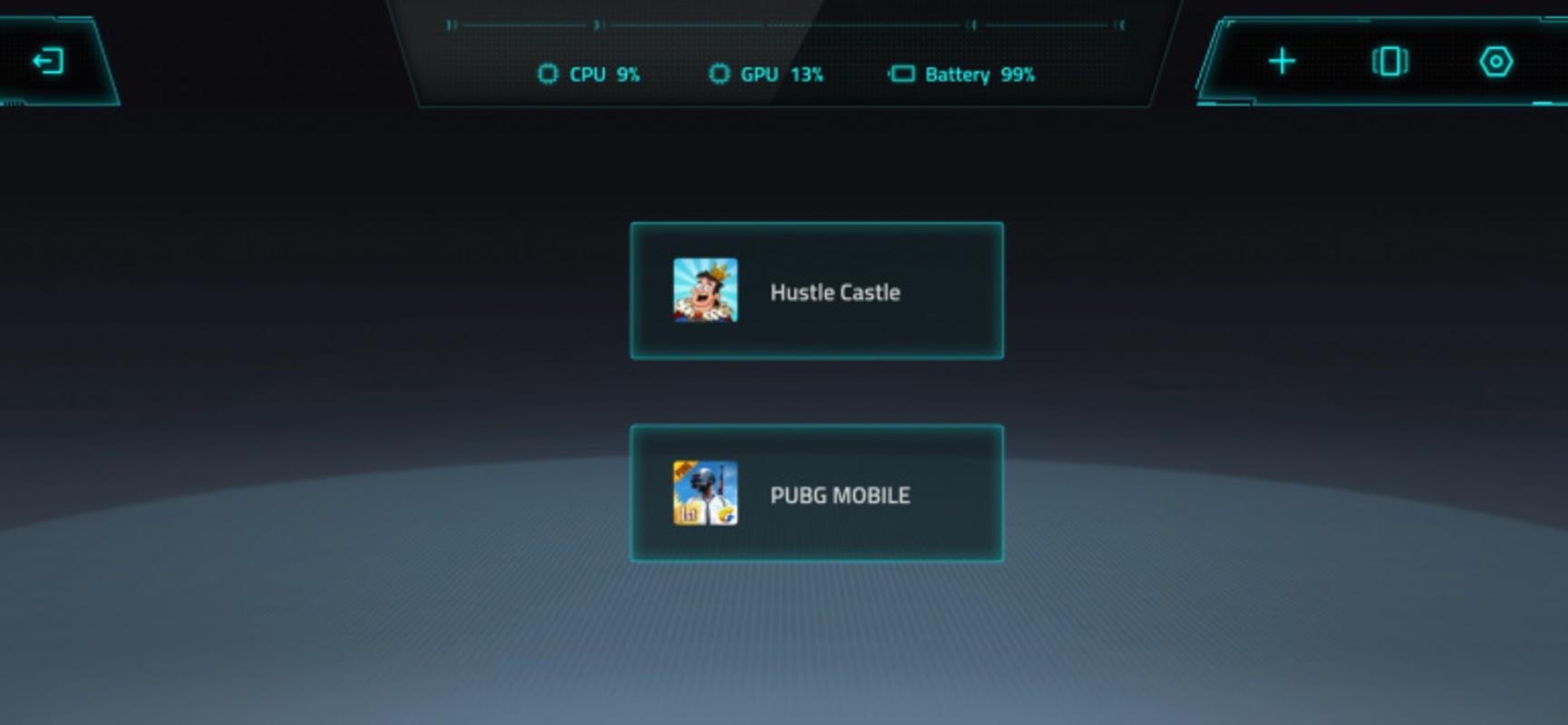
Simple interface
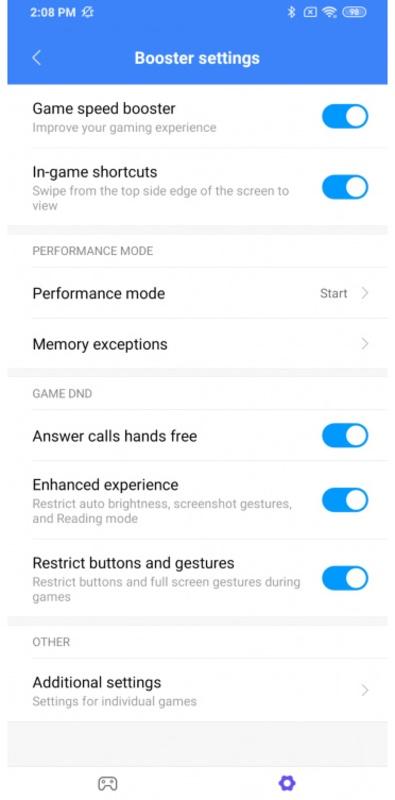
Next, after setup, you choose the performance settings you prefer and start your game. The layout is minimalist and easy to scan on a phone screen. If you plan to update, confirm the Game Turbo latest version matches your device model.
Game aware adjustments
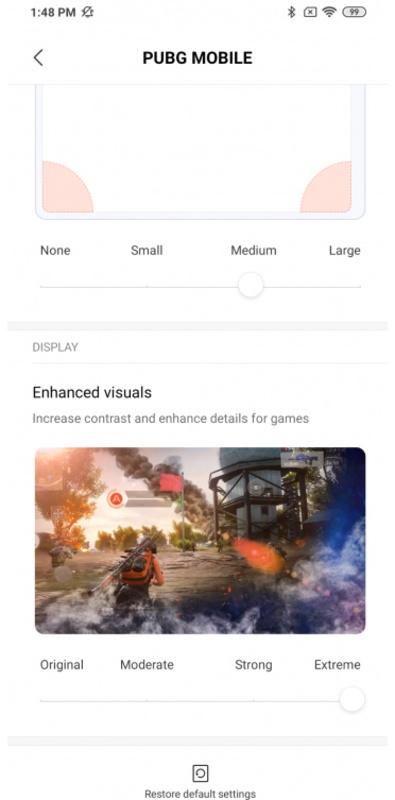
In addition, the app identifies the technical requirements of different games and supplies the power that each one needs. This reduces manual changes when you switch between genres or titles.
Background continuity
Finally, other apps can keep running in the background so you can reply or check information without closing your game. When you return, your session remains in place.
This app centralizes performance controls so games can use the resources they need and other apps stay available. If you need these tools on your device, download Game Turbo and follow the on screen prompts to set your preferences.
Latest Version
2.0.1Uploaded by
Xiaomi Inc.
Requires Android
Android 10.0+
Category
Free Tools AppReport
Flag as inappropriateLast updated on Mar 7, 2022
Minor bug fixes and improvements. Install or update to the newest version to check it out!




APKPure - A multi-platform app store primarily focused on Android, providing extensive app-related content. Discover the app you want easier, faster, and safer, with quick and efficient downloads and installations.