
Package Name:com.leya.pilgi
SHA-256:1a26ec24e3f340c8c99ffea347813527fcfb94bd48028b1d20915058d18ee468
Show More
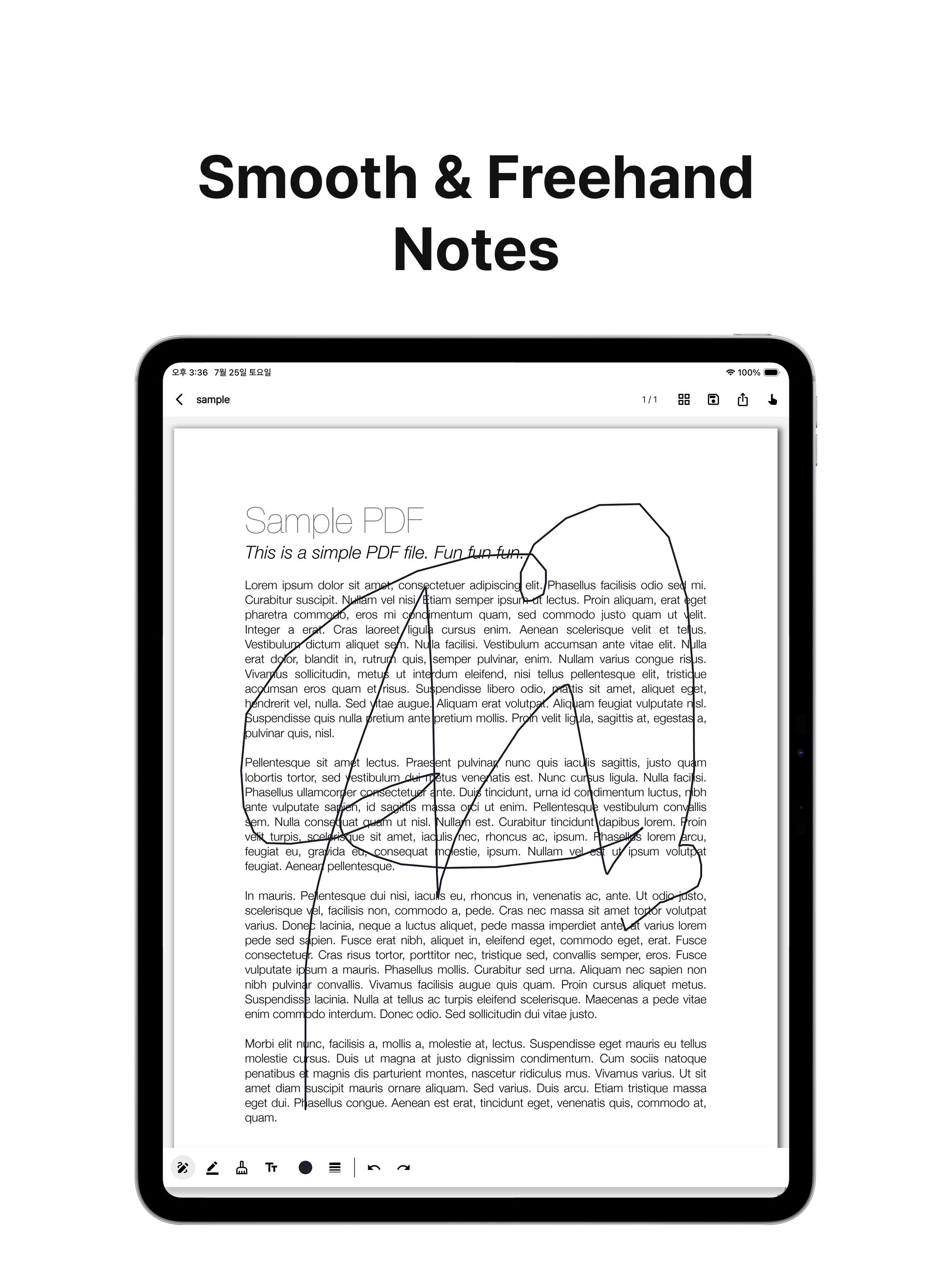
Freely annotate your PDFs with a pen, highlighter, and text.
Choose any color you like, and quickly reselect recent colors like favorites.
pilgi is a PDF reader and annotation app that lets you import your PDF documents and freely write or draw directly on them, just like writing by hand.
Take notes while reading lecture materials, mark up contracts and reports, or solve practice tests on scanned worksheets.
Your original PDF file remains completely untouched—all annotations are saved separately and securely, allowing you to revert to the original state at any time.
■ PDF Library
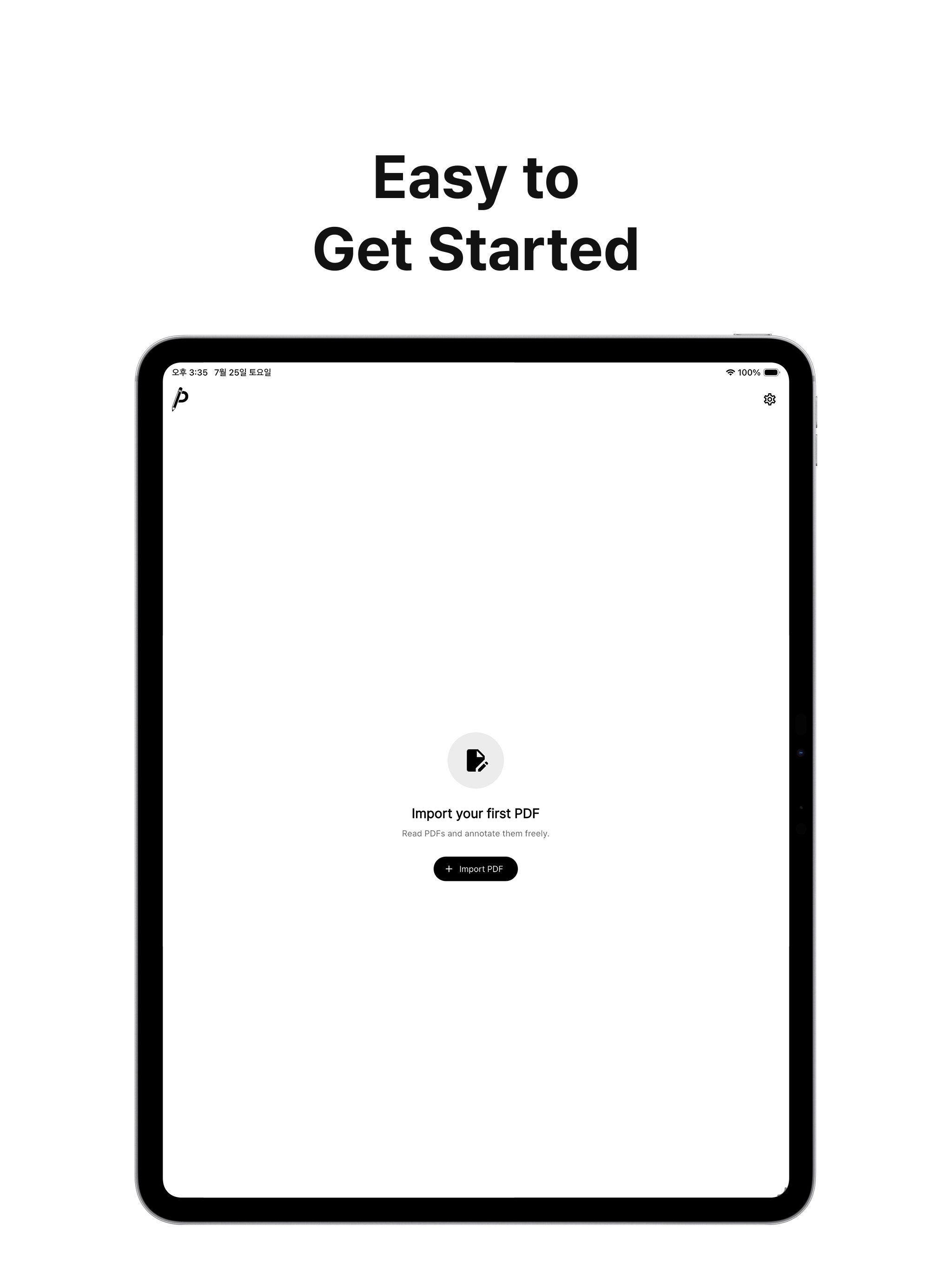
- Directly import PDFs stored on your device
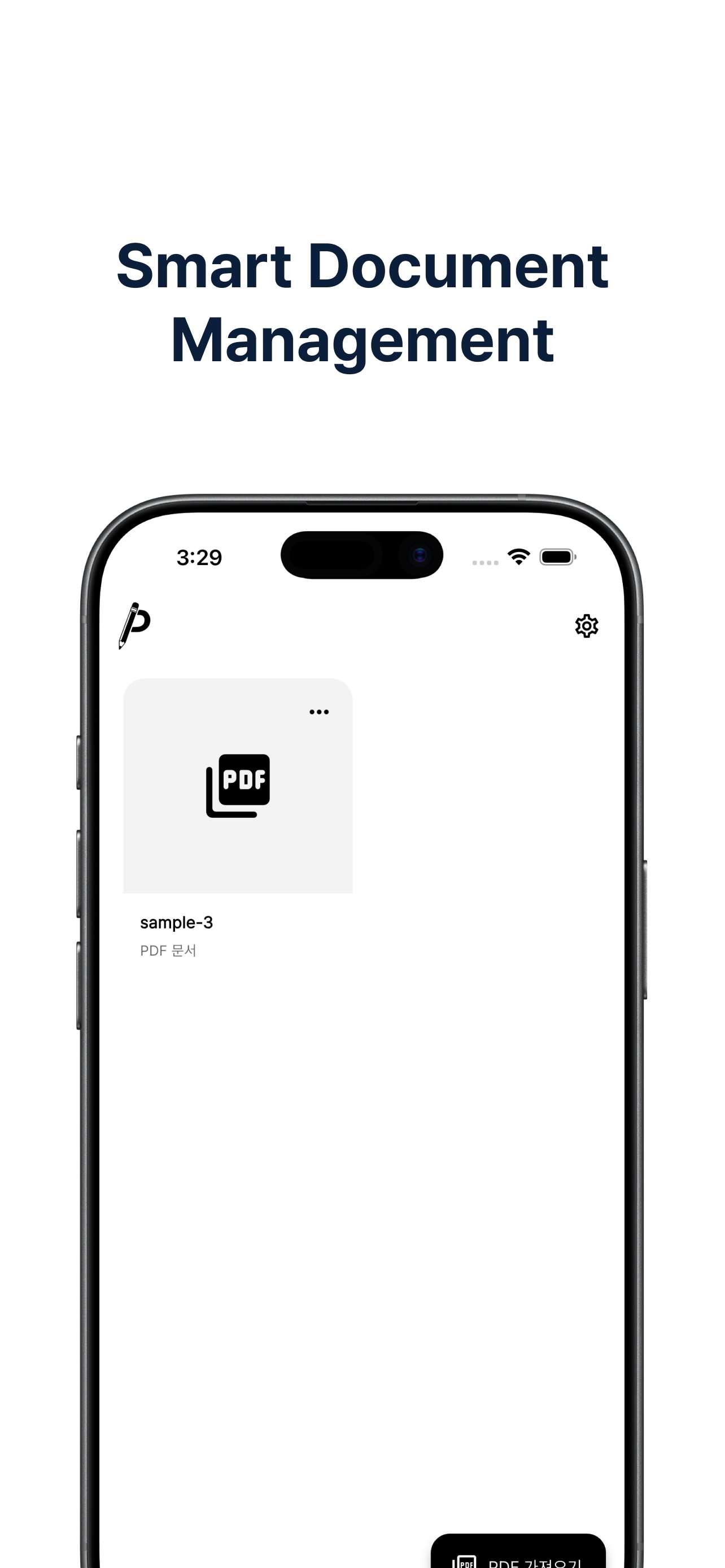
- View recently opened documents at a glance
- Display page counts and last-read positions for each document
- Delete unnecessary documents whenever you want
■ Comfortable PDF Viewer
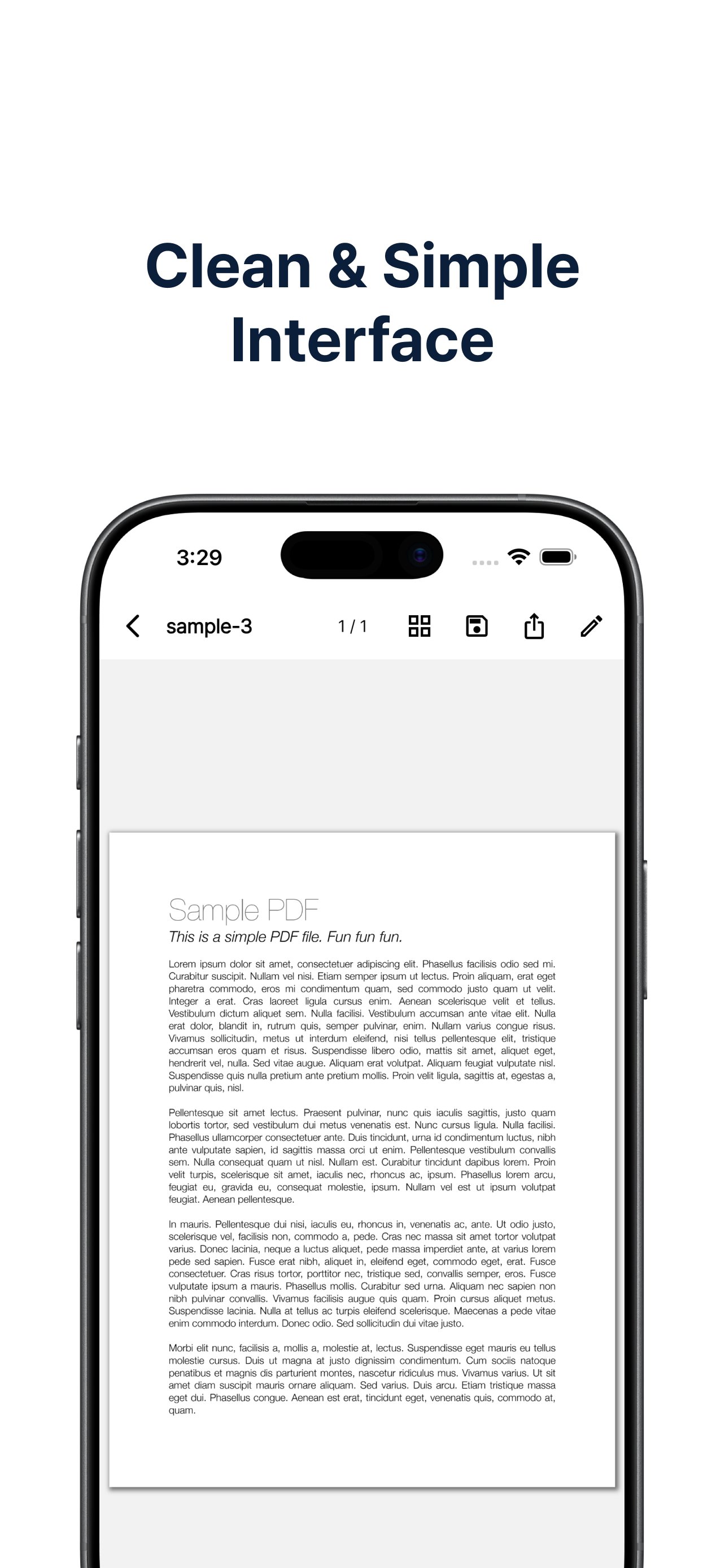
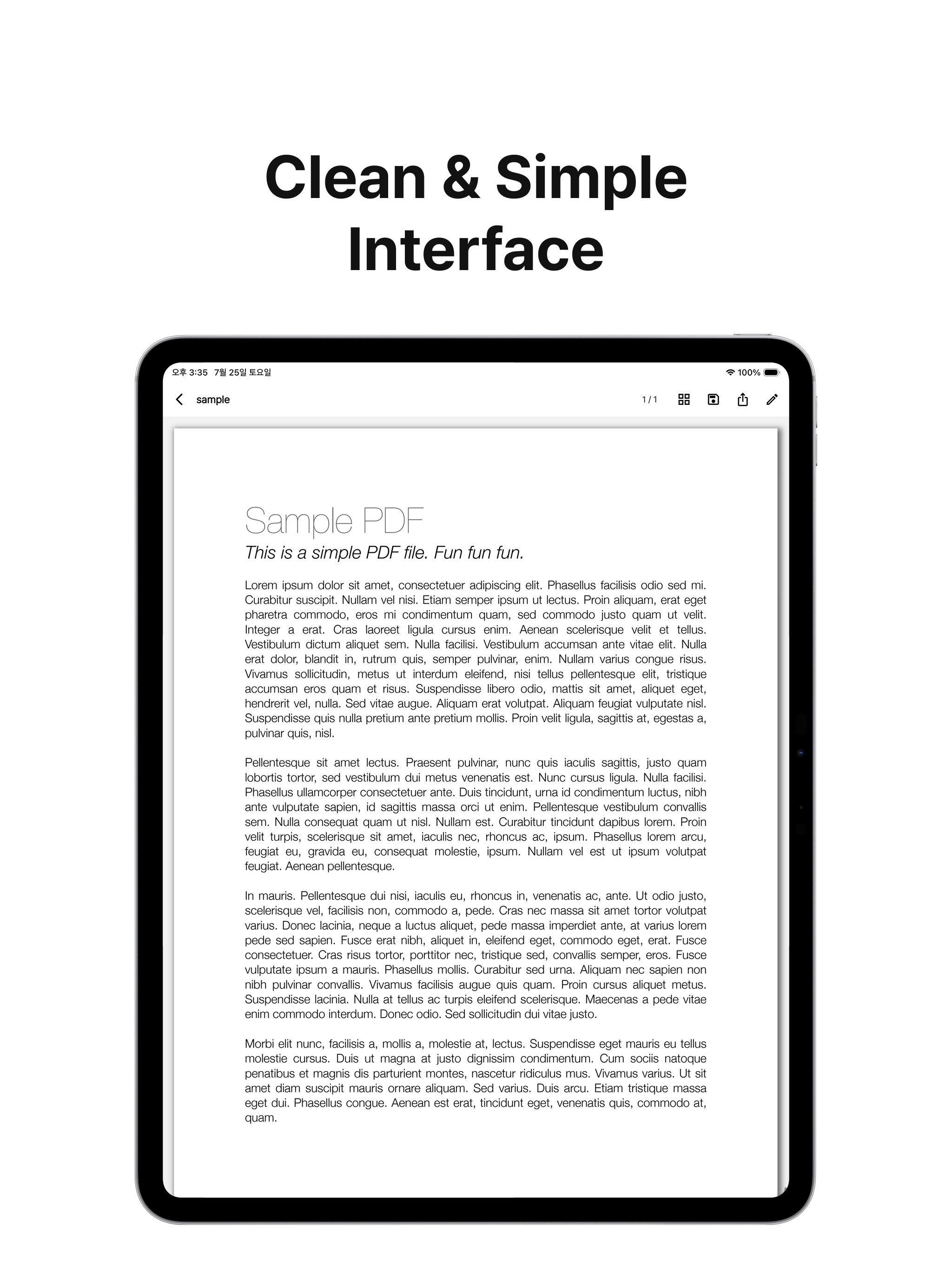
- Smooth vertical scrolling and flexible zoom in/out
- Jump straight to desired pages by entering page numbers directly
- Quickly find the right page by browsing page thumbnails
- Automatically resume from the last viewed page when reopening
■ Freehand & Text Annotation
- 4 essential tools: Pen, Highlighter, Eraser, and Text (typing)
- Choose from preset colors or pick custom colors from a color wheel to create your own palette
- Quick access to recent colors directly from the toolbar, just like favorites
- Text tool includes 5 royalty-free Korean fonts (Pretendard, Noto Sans KR, Nanum Gothic, Nanum Myeongjo, IBM Plex Sans KR)
- Freely adjust text font size
- Full Undo and Redo support so you can annotate with confidence
- Supports stylus pressure sensitivity (such as Apple Pencil) for a natural handwriting feel
- Auto-saves every time you turn a page; your latest notes are preserved even if the app closes unexpectedly
■ Export & Share
- Flatten pen, highlighter, and text annotations onto the original PDF to create a new PDF file
- Share completed annotated PDFs directly via device share sheet (messaging, email, cloud storage, and more)
■ Customized Experience
- Dark Mode support for comfortable viewing in low light
- Switch instantly between 5 languages: English, Korean, Japanese, Simplified Chinese, and Traditional Chinese
- Brief onboarding tutorial on first launch, bringing you straight to your library afterwards
■ Why You Can Use It with Peace of Mind
- Offline-first approach—use immediately without login required
- Minimal risk of file corruption by storing original PDFs and annotation data separately
- Additional auto-save trigger when moving to background or quitting to prevent data loss
Recommended for:
- Students and examinees who want to take notes while reading e-books or scanned materials
- Professionals who want to mark up lecture PDFs or meeting documents on the spot
- Anyone reviewing contracts, reports, or research papers with underlines and notes
- Tablet and stylus users looking for an intuitive handwriting experience
Transform your PDF reading time into your own personal notebook with pilgi.
Latest Version
1.0.1Uploaded by
João Vitor Araújo
Requires Android
Android 7.0+
Category
Free Tools AppContent Rating
Everyone
Security Report
Check Now
Report
Flag as inappropriateLast updated on Sep 30, 2026
- Added support for Bengali and Portuguese (Brazil)!
- Improved app stability





APKPure - A multi-platform app store primarily focused on Android, providing extensive app-related content. Discover the app you want easier, faster, and safer, with quick and efficient downloads and installations.