Package Name:com.ioapps.fsexplorer
SHA-256:daec42957da96770253b173c8df5c522bfefdffac140bd093e41f28a817afc06
Show More

FS File Explorer (File Selector / File Explorer) has two main functions:
1) When you start from the main screen, it acts as a normal file manager.
2) When you start from another application, in this case acts as a file selector that allows the user to select any type and number of files.
It is useful so that other applications can avoid the need to build a utility for selection of images, videos or any other files.
FS File Explorer has all the functions of a file manager:
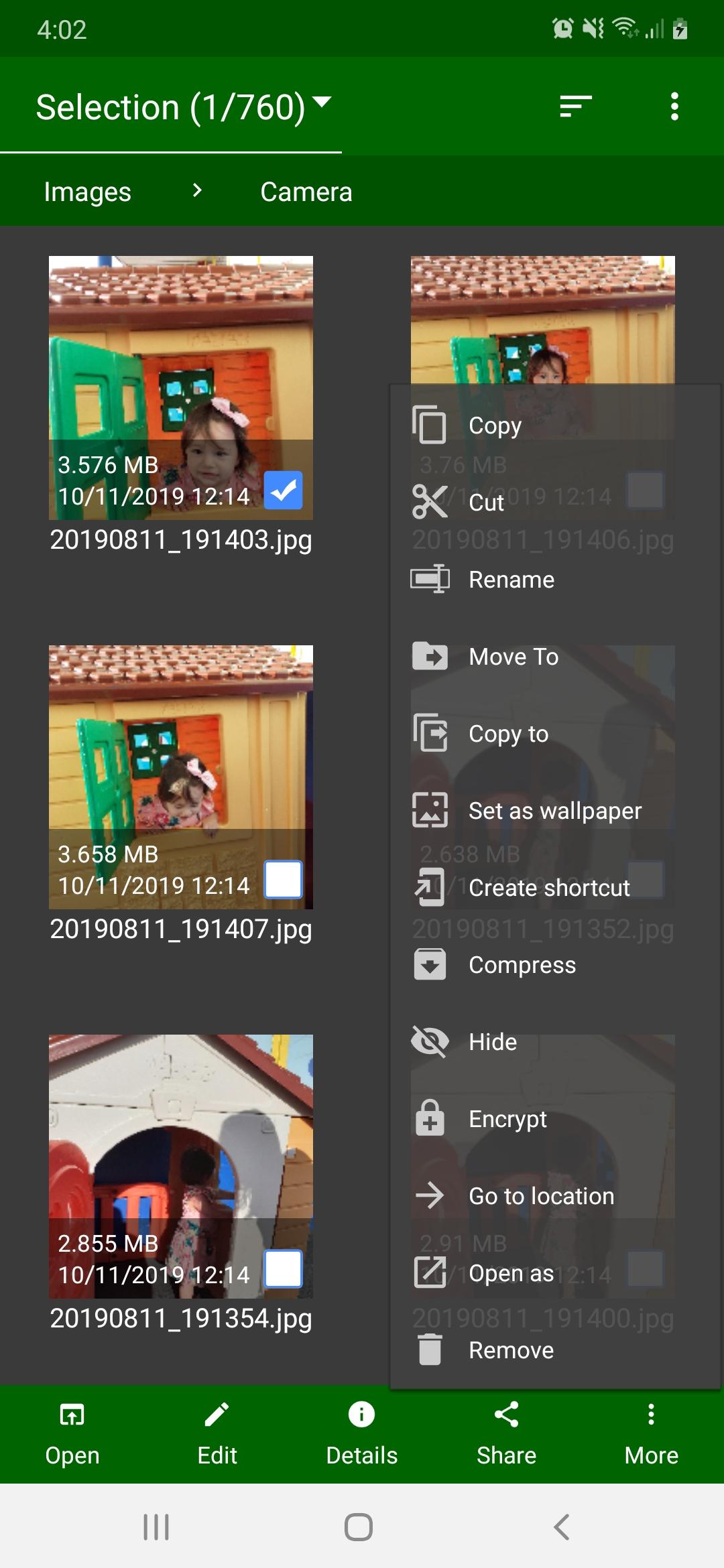
Open, Share, Search, Show Details, Copy, Move, Rename, Zip, Unzip, Sort by, View By, Create new file or folder, etc..
FS File Explorer is a great file manager for Android that makes organizing documents and folders much faster and easier. Very used to share files.
Features of FS File Explorer:
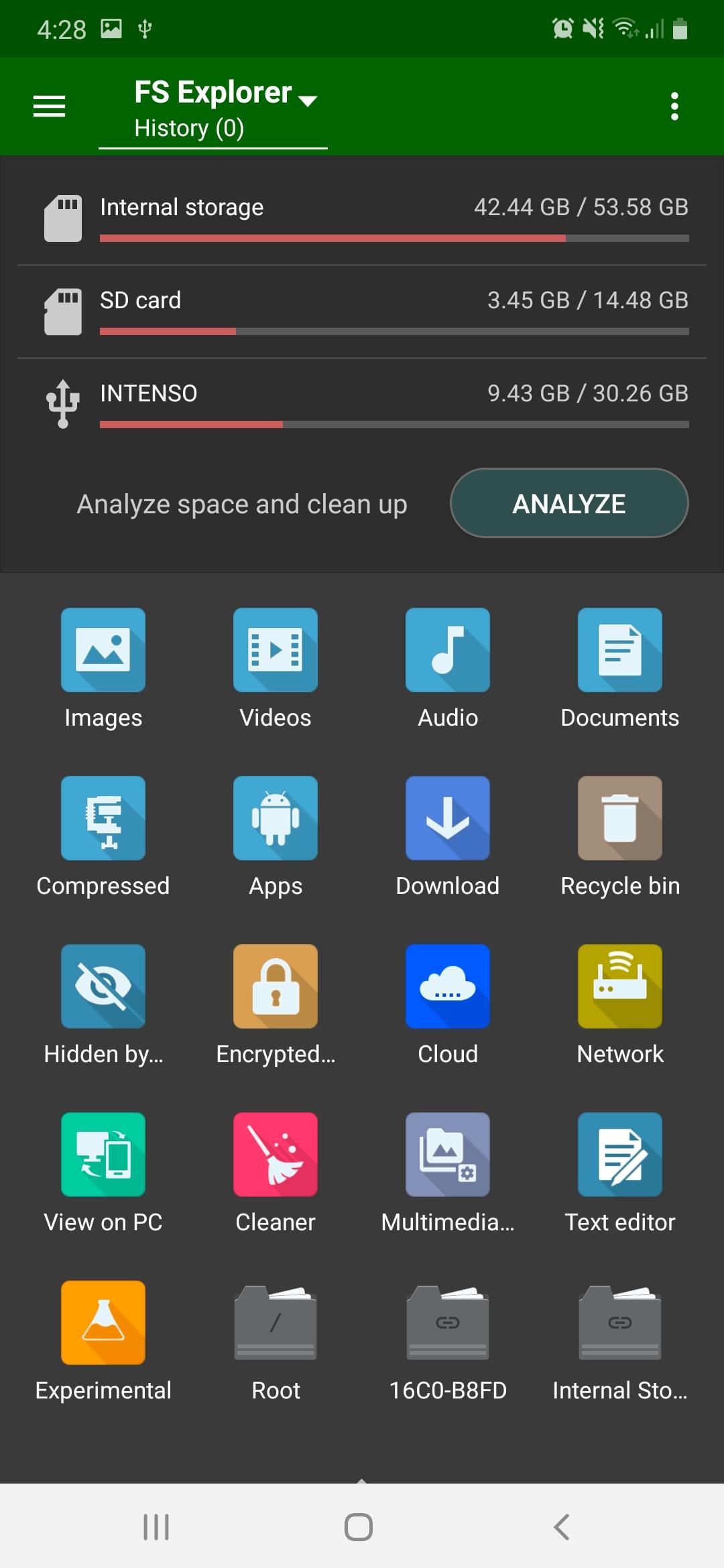
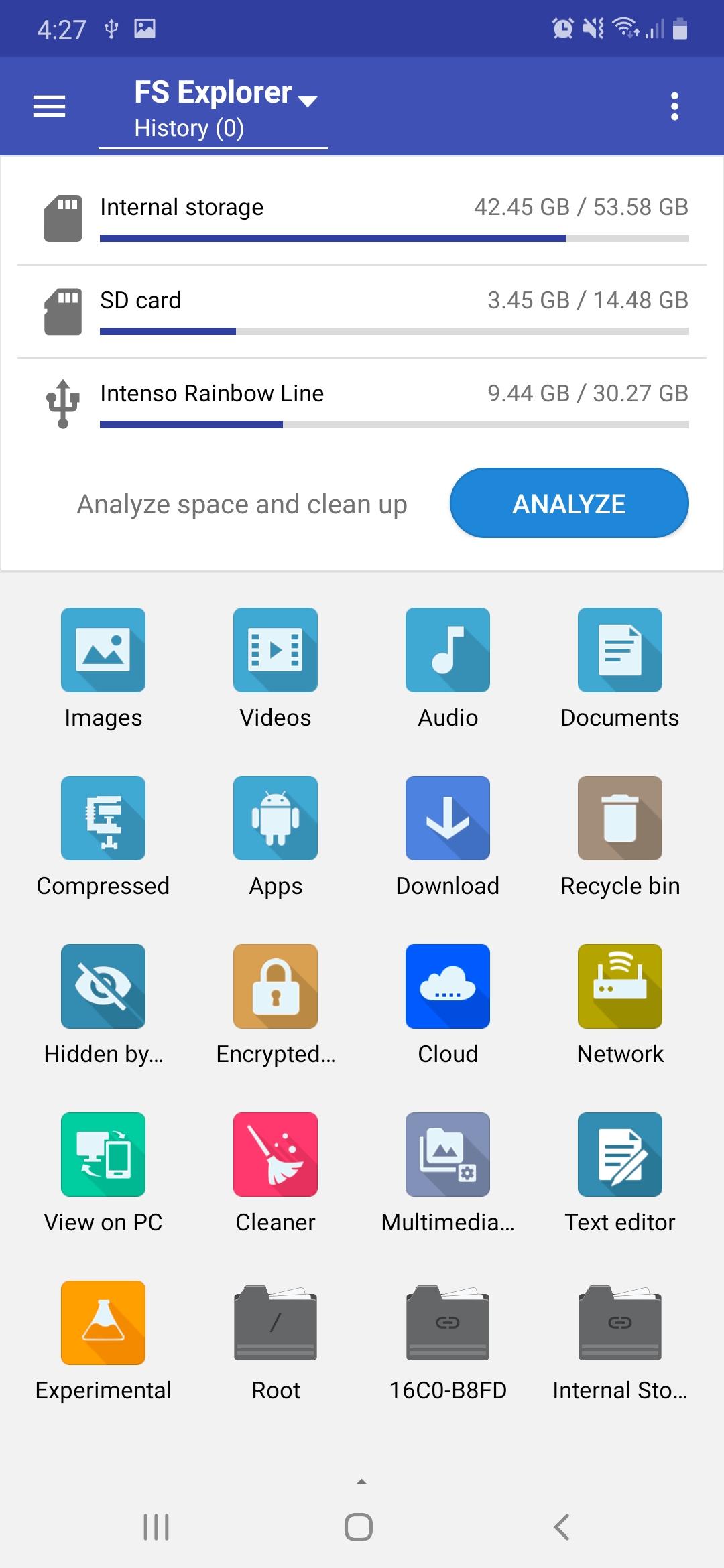
. Internal Storage / SD Card / USB OTG: You can manage all files and folders on both your internal storage and external storage.
. One Drive client to manage your files in the cloud
. FTP server to browse the files on your device from your computer
. FTP client to manage your files on your server
. LAN client to manage files on your computer
. Other storage media and network access
. Applications management
. ZIP Viewer to explore the files without extracting the content
. Encrypt / decrypt files
. Recycle bin to restore deleted files
. Send files via Wifi-Direct
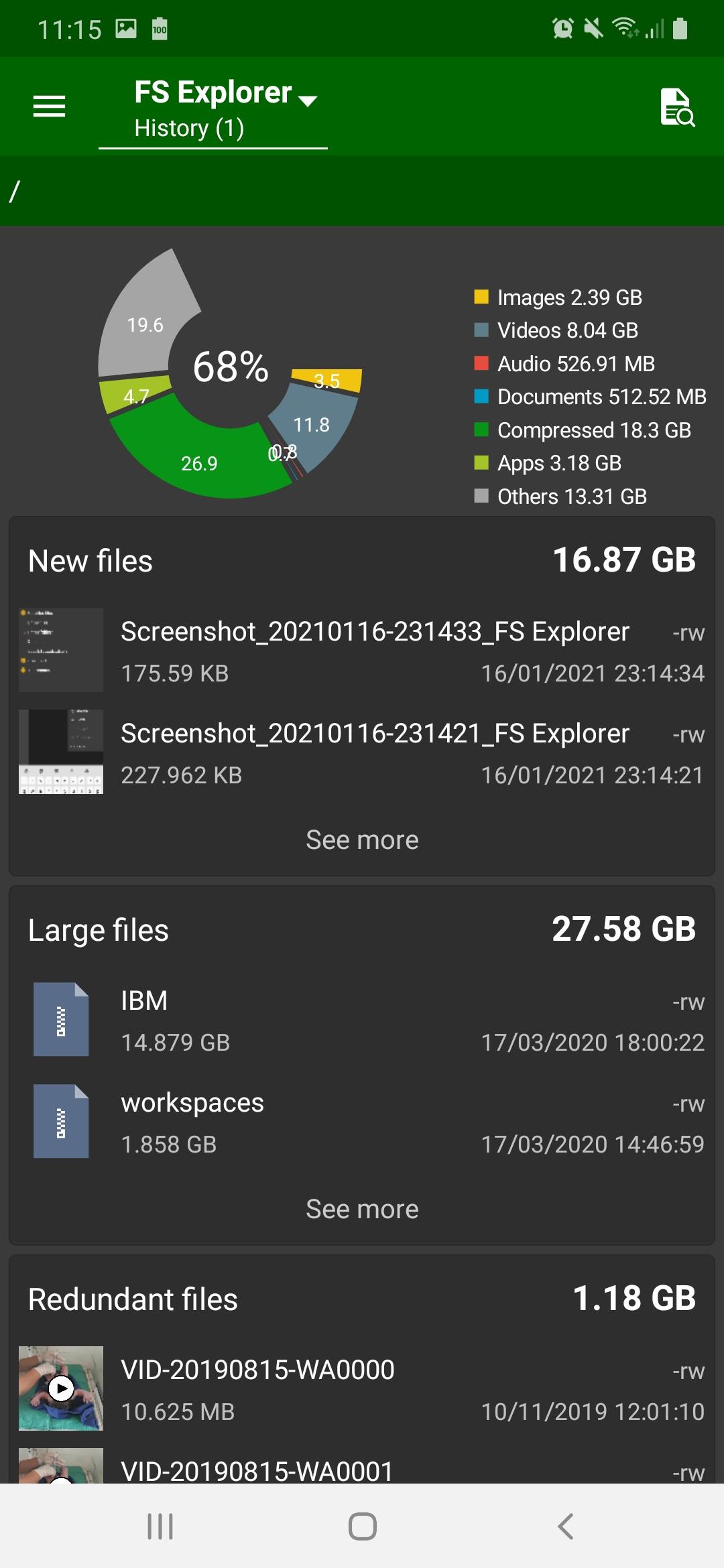
. Analysis of space and cleaning
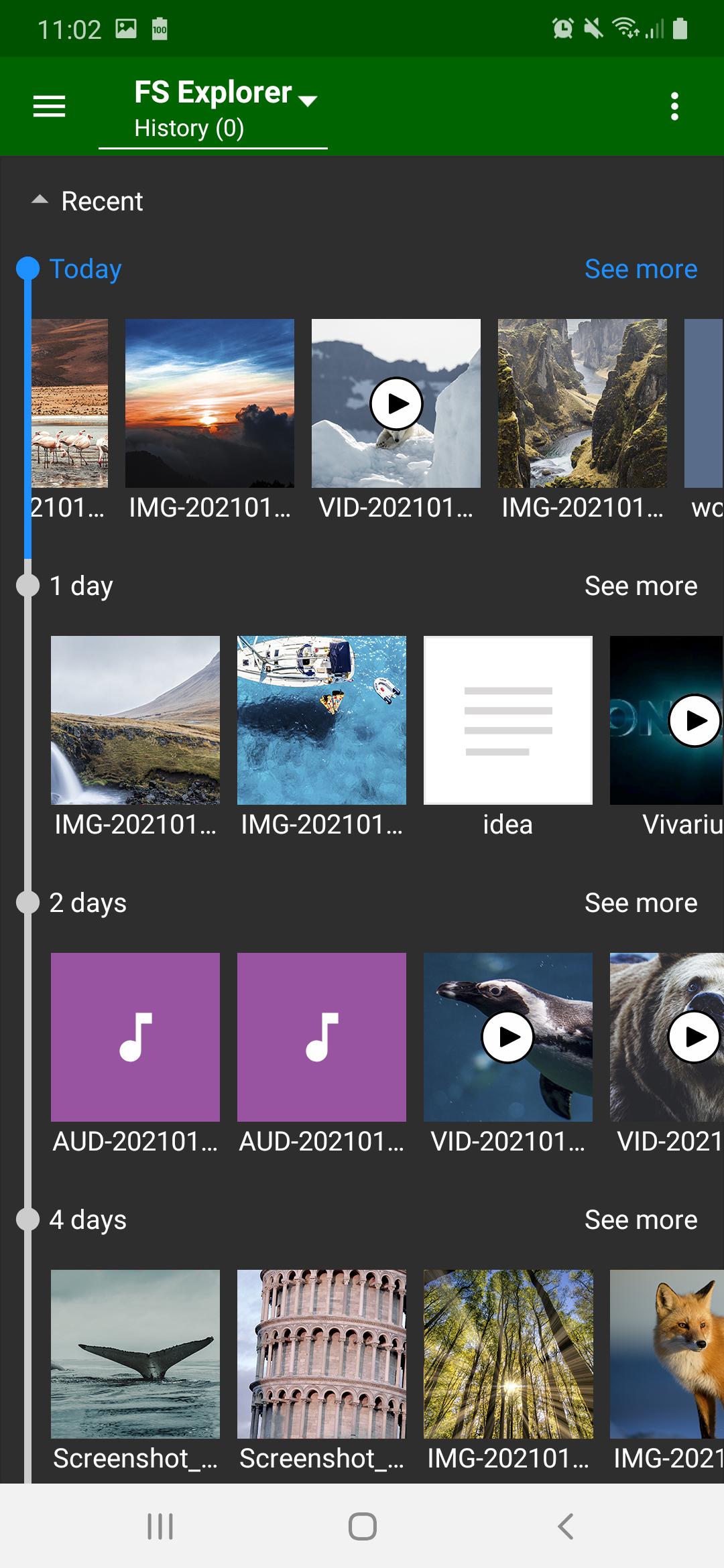
- New Files
- Large Files
- Redundant Files
- Empty files
- Empty folders
- Installed application directories
- Application cache
- Residual data
- etc.
. Multimedia storage repairman to repair and sync media storage
. Edit Image in your preferred editor
. Gif Player to browse and play animated GIF images
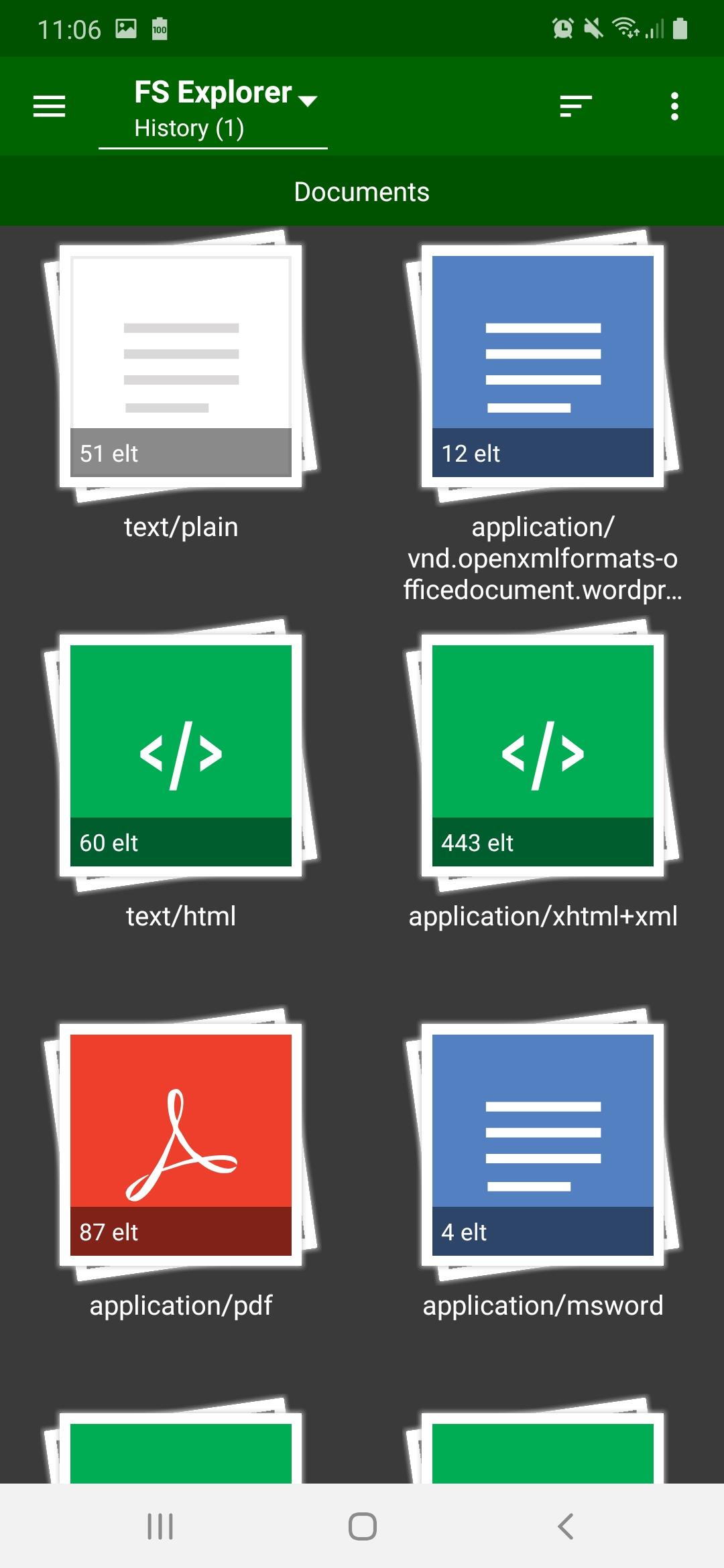
. Text Editor to edit every type of text files such as HTML, XHTML, TXT, etc.
. Set images as wallpaper
. Create shortcut on home screen
. 12 lovely themes
FS File Explorer: File Manager for Android 2021 helps you manage and share all your files stored in local storage, microSD card or OTG USB storage. With an innovative design, FS File Explorer is the best file manager and has the best tools to manage and maintain your files on Android.
Thank you for trusting us.
Latest Version
5.1.2Uploaded by
Kaung Myat
Requires Android
Android 5.0+
Category
Free Tools AppContent Rating
Everyone
Security Report
Check Now
Report
Flag as inappropriateLast updated on Jul 19, 2024
Fixes & improvements



APKPure - A multi-platform app store primarily focused on Android, providing extensive app-related content. Discover the app you want easier, faster, and safer, with quick and efficient downloads and installations.