Package Name:com.sensotec.knfbreader
SHA-256:35ec40c0da2c3536cd4b7c6642304ece48aec971362c7621faed9a2f555f2976
Show More

The OneStep Reader app is an essential tool for anyone with low vision, visual impairments, difficulty reading, reading disabilities such as dyslexia, as well as blind individuals.
It reads anything from menus, bills, documents, signs, mail, PDFs and JPEG files and more for immediate and easy access!
How It Works:
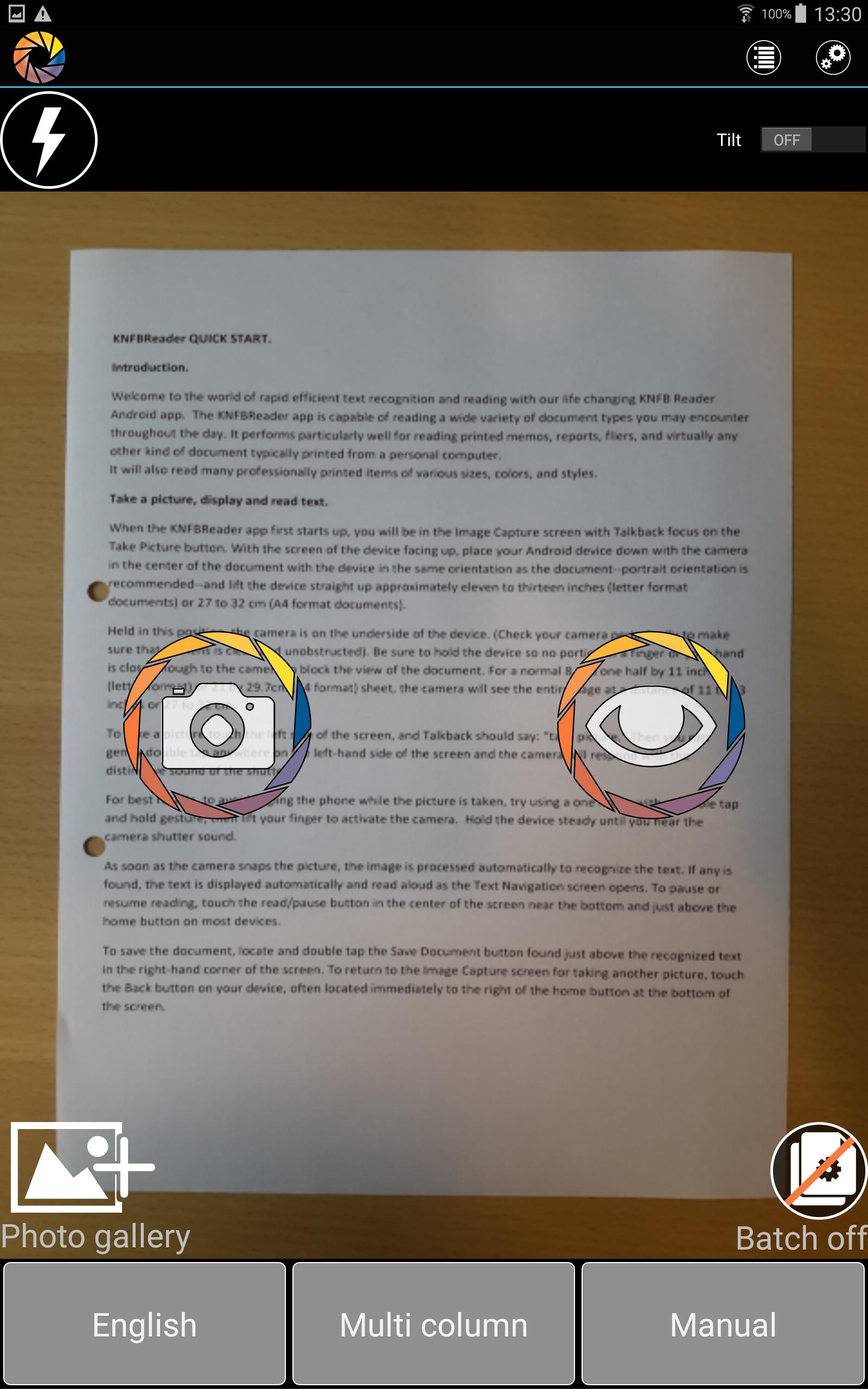
Simply take a picture of any text with your device and the app reads it aloud or displays it with a connected Braille display. The app uses high-quality speech to text and OCR for accuracy.
The app helps you get a good photo with viewfinder assist, tilt assist, and automatic text detection. It navigates by line, sentence, word, or character and has synchronized text highlighting. It can read multiple pages and is fully accessible using Google TalkBack.
It works in multiple languages, including, but to limited to English, Norwegian (Bokmål), Dutch, French, German, Italian, Portuguese, Spanish, Swedish, Danish, Turkish, Russian and Polish. More details below.
KNFB Reader is the winner of the 2016 AFB Access Award.
Users love it! How else can OneStep Reader make your life easier?
It can read receipts. Never worry about being overcharged again. You will know what has been put on your card at restaurants, stores, or in taxis.
OneStep reader can read package labels. Wonder who sent you that package? Want to know what came in the mail? Can’t remember when you bought that lunchmeat in the fridge? Need nutritional information from your breakfast cereal? OneStep Reader captures it all quickly and easily.
OneStep Reader can read price tags, clothing labels, and tags on shelves.
OneStep Reader can capture print from your computer or tablet screen. If your screen reader is not cooperating, just photograph the screen and know exactly what those error messages say.
OneStep Reader can read lengthy user manuals. By scanning multiple pages at a time in the batch mode you can easily learn how to operate any new device or appliance.
OneStep Reader helps you read books. Batch mode scans multiple pages and saves them so you can read them at your leisure.
OneStep Reader has various options to adapt the font type, size and color, background color and the use of double highlighting. Visually impaired people or those with other print disabilities (such as dyslexia) can easily follow what is being read aloud on the screen by watching the cursor move across the document.
Fully localized versions (user interface, recognition and speech) are available for: English, Norwegian (Bokmål), Dutch, French, German, Italian, Portuguese, Spanish, Swedish, Danish, Turkish, Russian and Polish.
Other languages available for only speech and recognition: Finnish, Czech, Bulgarian, Ukrainian, Estonian and Greek
Compatibility:
• Optimal experience: Android device with a hexa or octa core CPU, an eight megapixel camera
Visit our website at: www.onestepreader.com
Please send feedback and suggestions to: support@onestepreader.com
Latest Version
3.2Uploaded by
Toru Khan
Requires Android
Android 5.0+
Category
Free Productivity AppContent Rating
Everyone
Security Report
Check Now
Report
Flag as inappropriateLast updated on Feb 2, 2025
- Improved OCR quality
- Added an option to add external files





APKPure - A multi-platform app store primarily focused on Android, providing extensive app-related content. Discover the app you want easier, faster, and safer, with quick and efficient downloads and installations.