

OLED Saver helps when low screen brightness makes your AMOLED display flicker or pulse. It adjusts how bright the image looks without cutting the power flowing through individual pixels, so the screen stays stable while the view gets dimmer. This approach targets the flicker issue seen on many phones that use AMOLED panels. Many users look for OLED Saver APK when they need a simple way to avoid discomfort at night or in dark rooms, while keeping readability in everyday use.
Flicker reduction without lowering pixel current
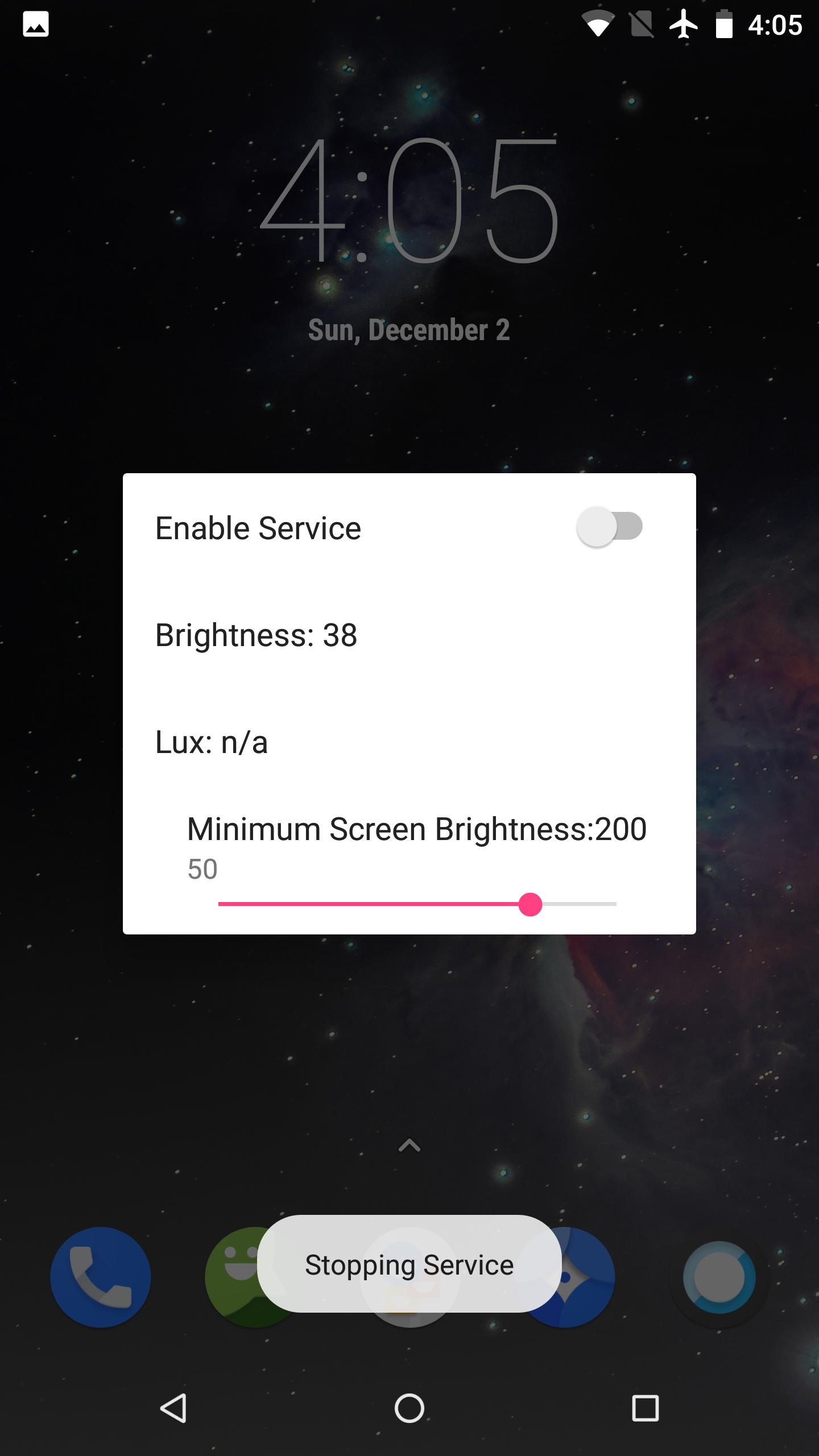
OLED Saver reduces perceived brightness by turning off some pixels and adding a transparent black mask layer. Because the physical brightness stays high enough, the display avoids the pulsing that can happen at very low levels.
Automatic brightness based on ambient light
It can automatically lower the visible brightness according to ambient light, so your eyes get a softer image in darker places. When conditions change, adjustments apply smoothly to keep viewing consistent.
Manual controls and extra dark levels
Quick access on Android O and later
On Android O and later, quick controls remain available in the status bar, the notification dropdown menu, and on the lock screen. Updating to the OLED Saver latest version helps ensure these shortcuts stay accessible during daily use.
OLED Saver focuses on reducing AMOLED flicker while keeping the screen readable at low light. For a practical dimming solution that works with everyday routines, download OLED Saver and use the quick controls to set comfortable levels.
Latest Version
1.39Uploaded by
فرج جميل
Requires Android
Android 5.0+
Category
Free Tools AppContent Rating
Everyone
Report
Flag as inappropriateLast updated on Mar 19, 2019
1. Add system brightness adjustment control.
2. Fixed the problem that the brightness automatically became lower under some conditions.
3. Add Traditional Chinese support.
4. Add a pause function (temporarily disable the mask).
If the upgrade user encounters an abnormal situation when the screen is rotated, please uninstall and reinstall the app.



APKPure - A multi-platform app store primarily focused on Android, providing extensive app-related content. Discover the app you want easier, faster, and safer, with quick and efficient downloads and installations.