

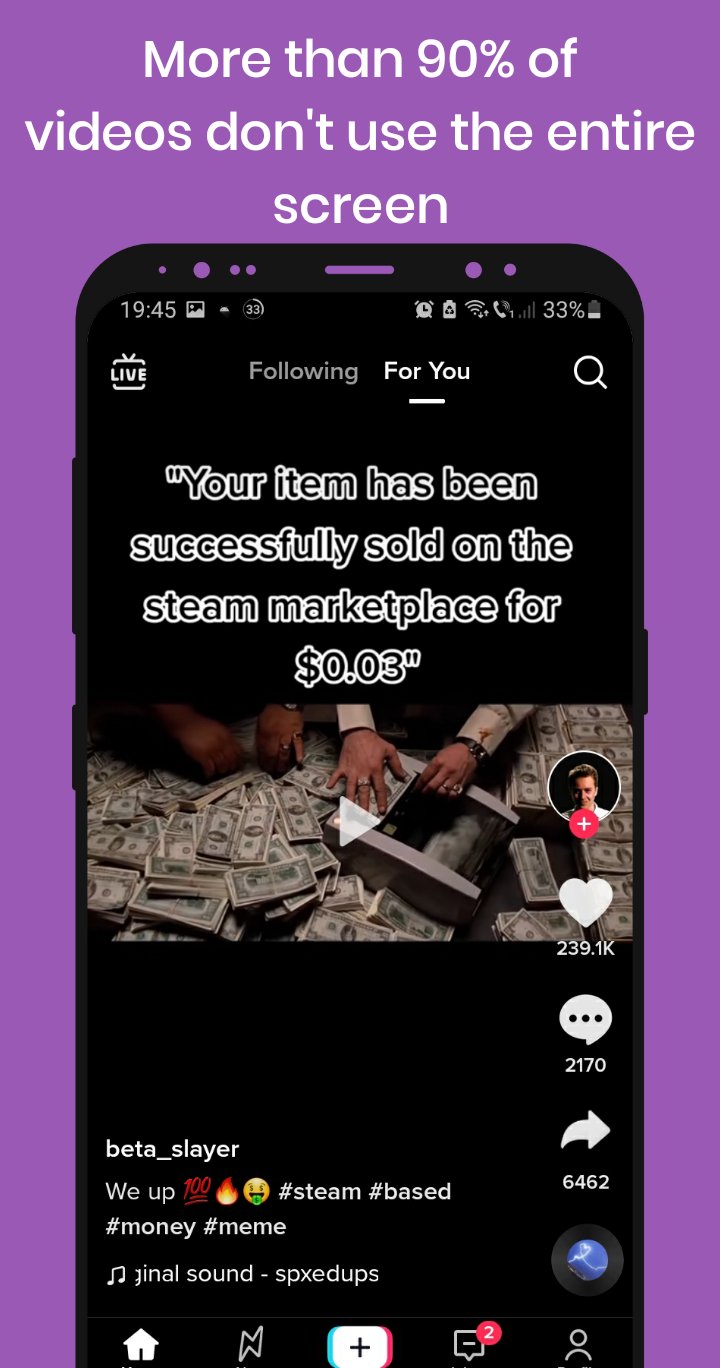
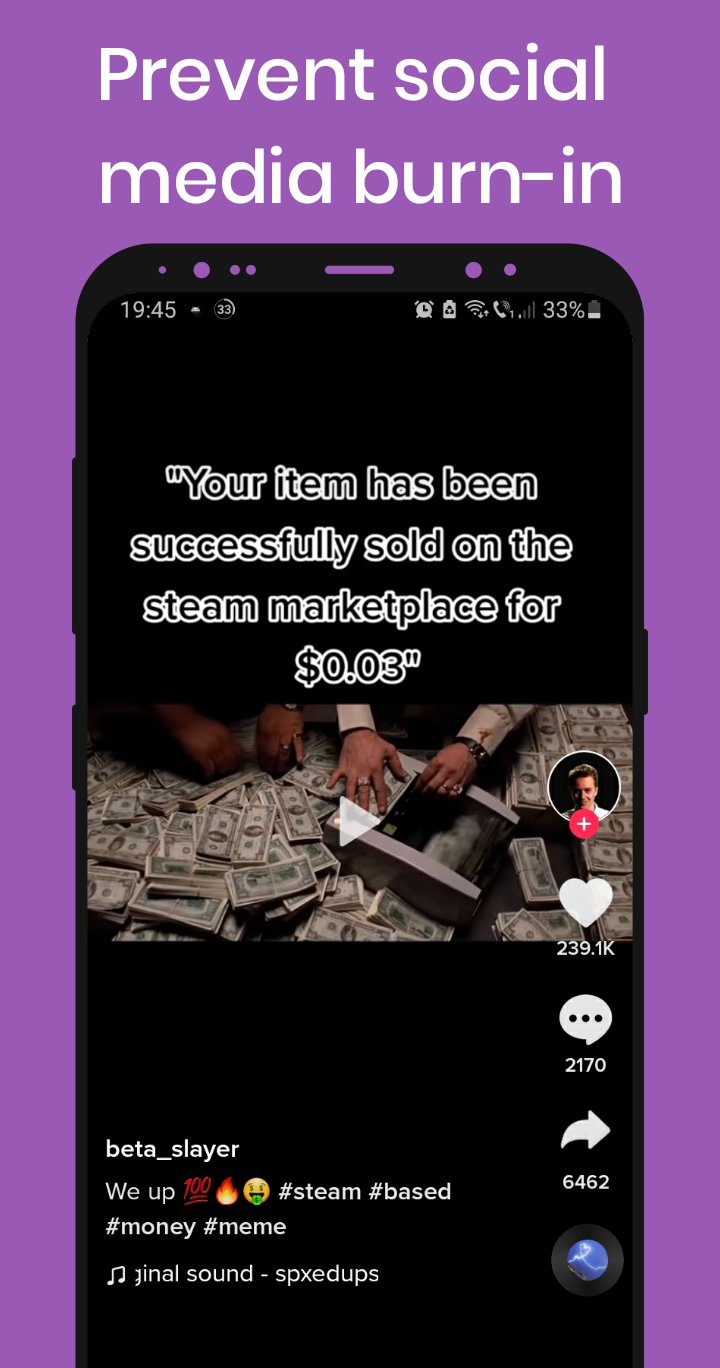
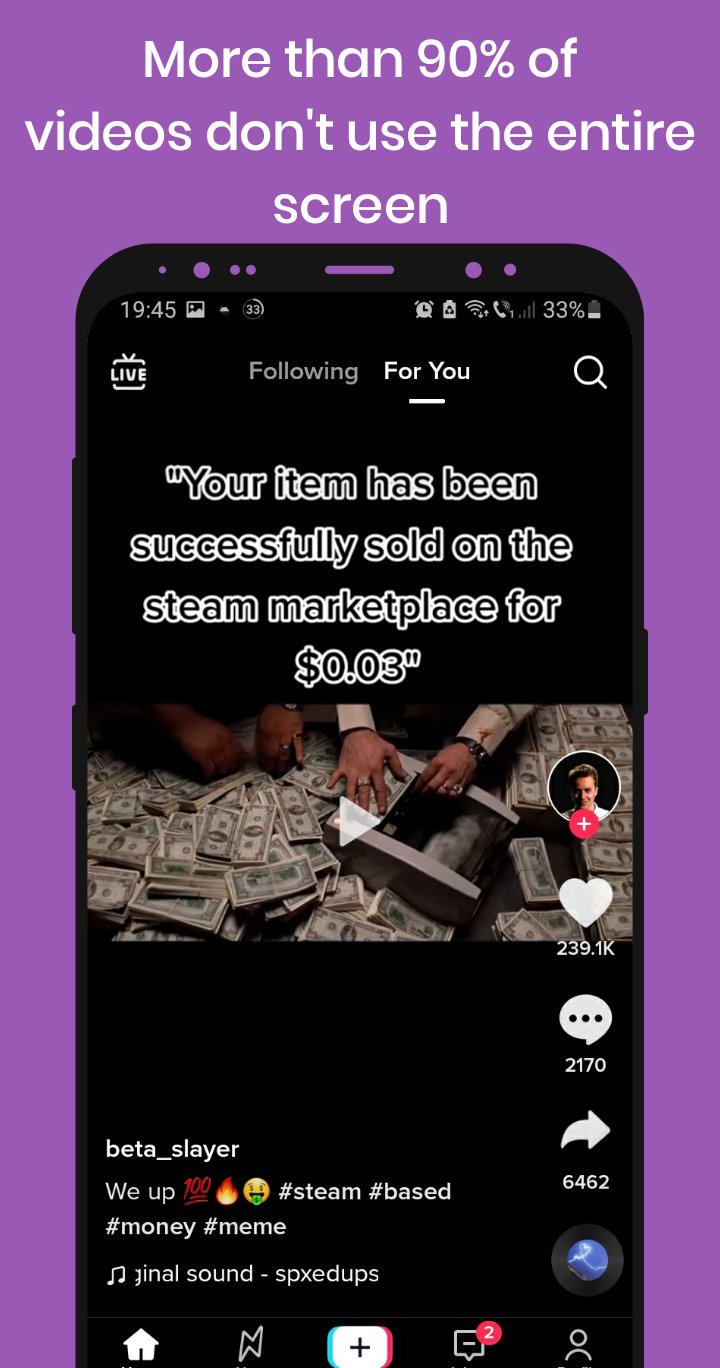
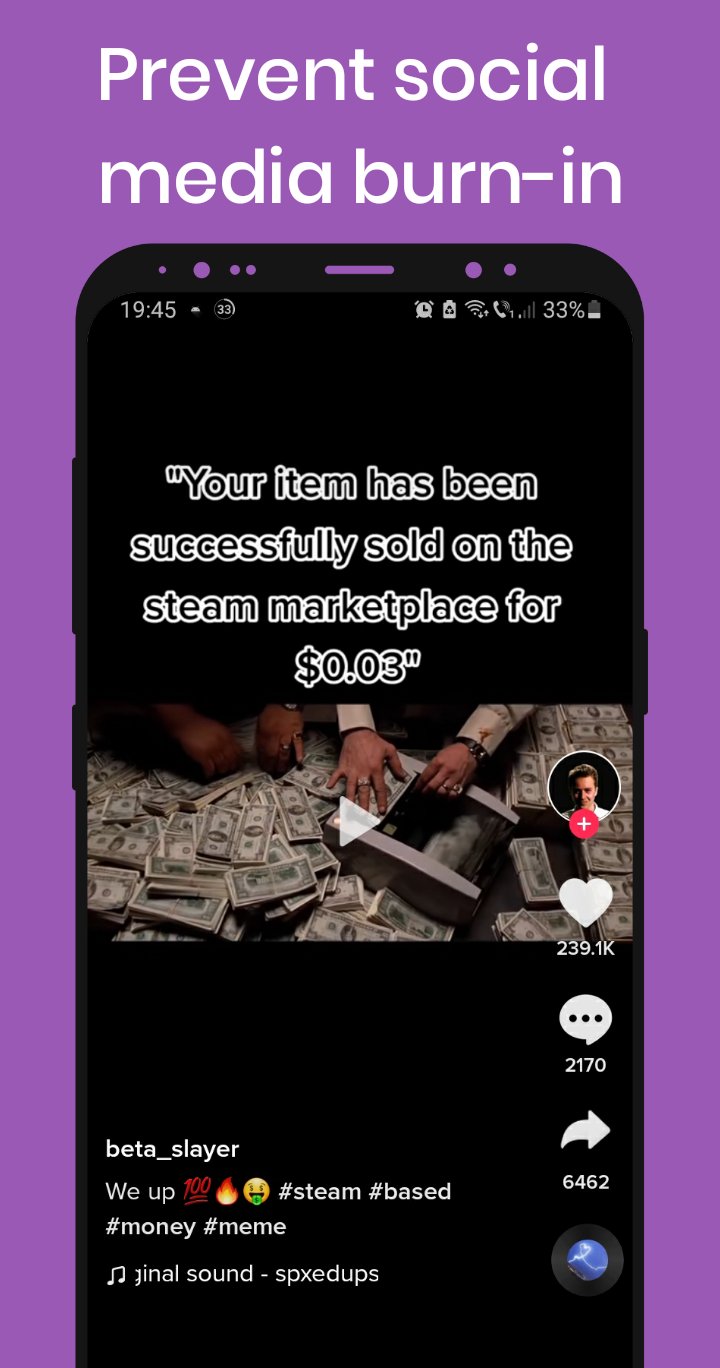
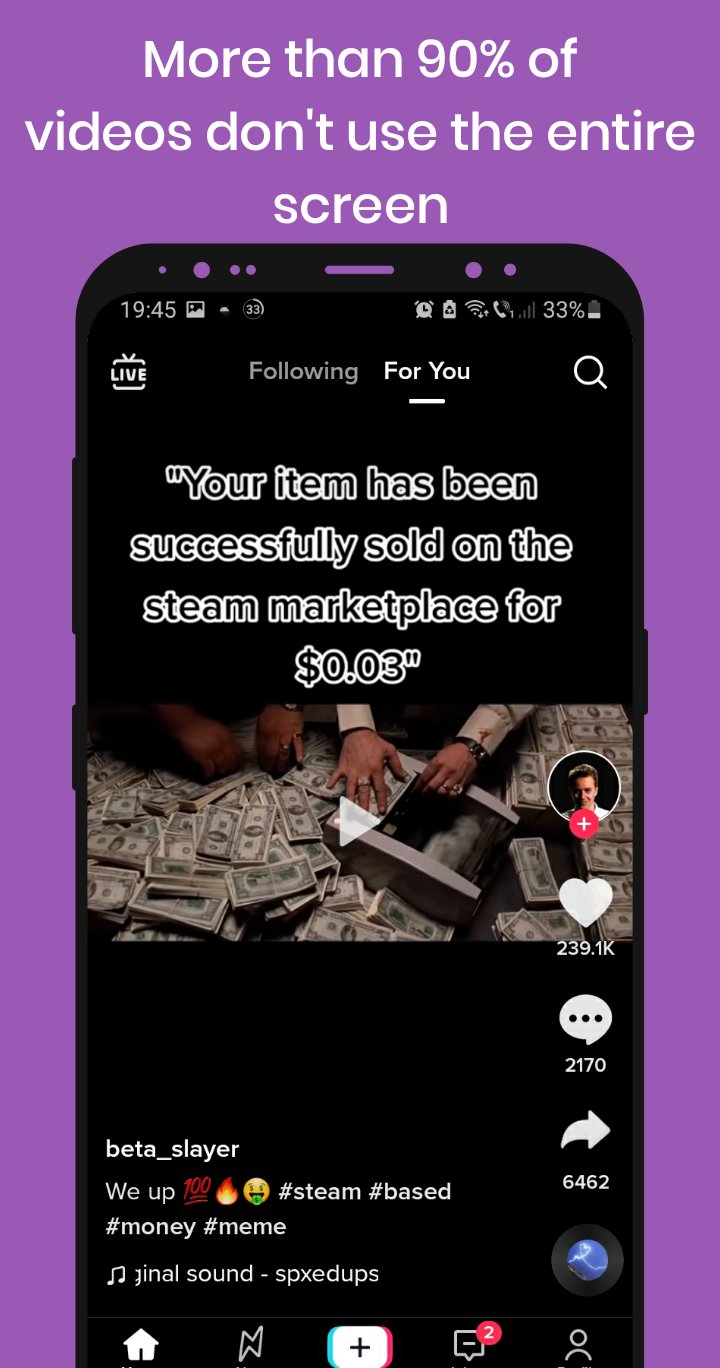
Protect Amoled - Burn in fix helps users who watch a lot of social media videos that rarely fill the screen. Static interface elements can leave marks on AMOLED panels over time, so this tool focuses on reducing that exposure during everyday use. It is light and simple, and designed to run over your current apps without getting in the way. Additionally, a repair video is included for existing burn-in issues. If you need a small utility, consider installing Protect Amoled - Burn in fix APK.
On screen protection overlay
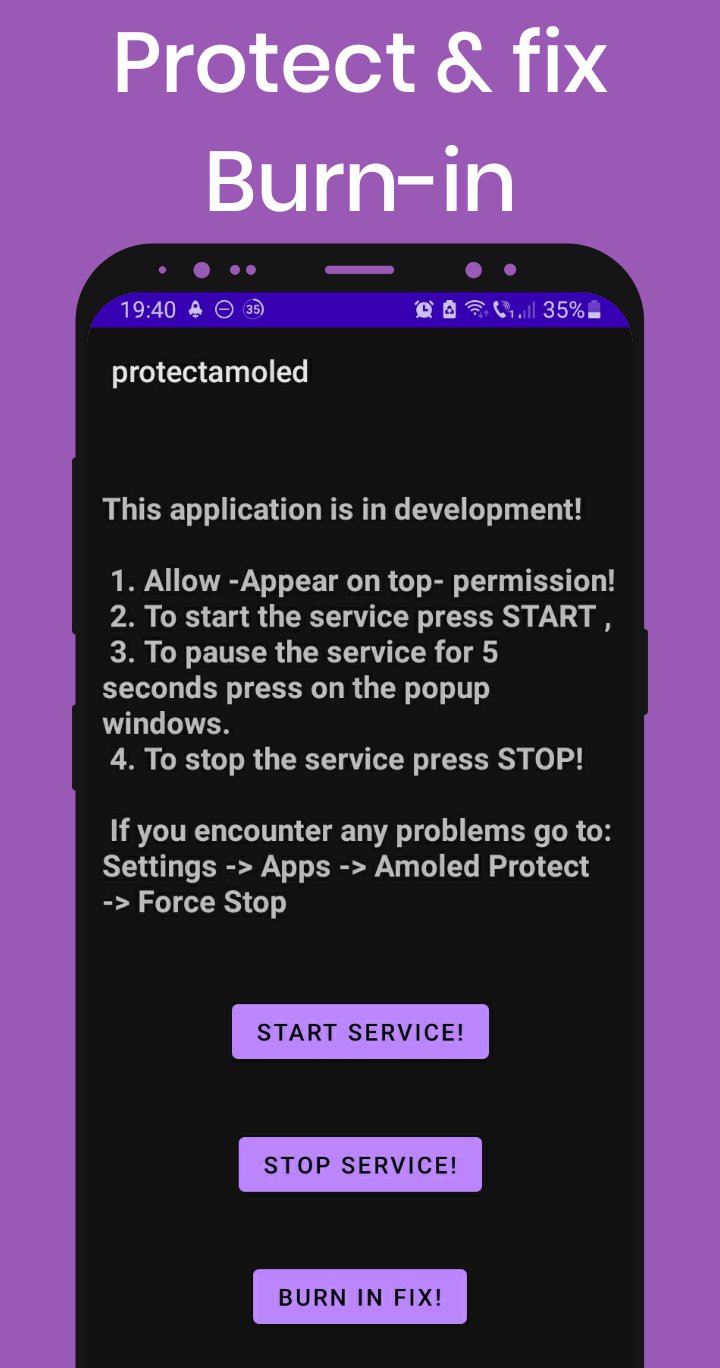
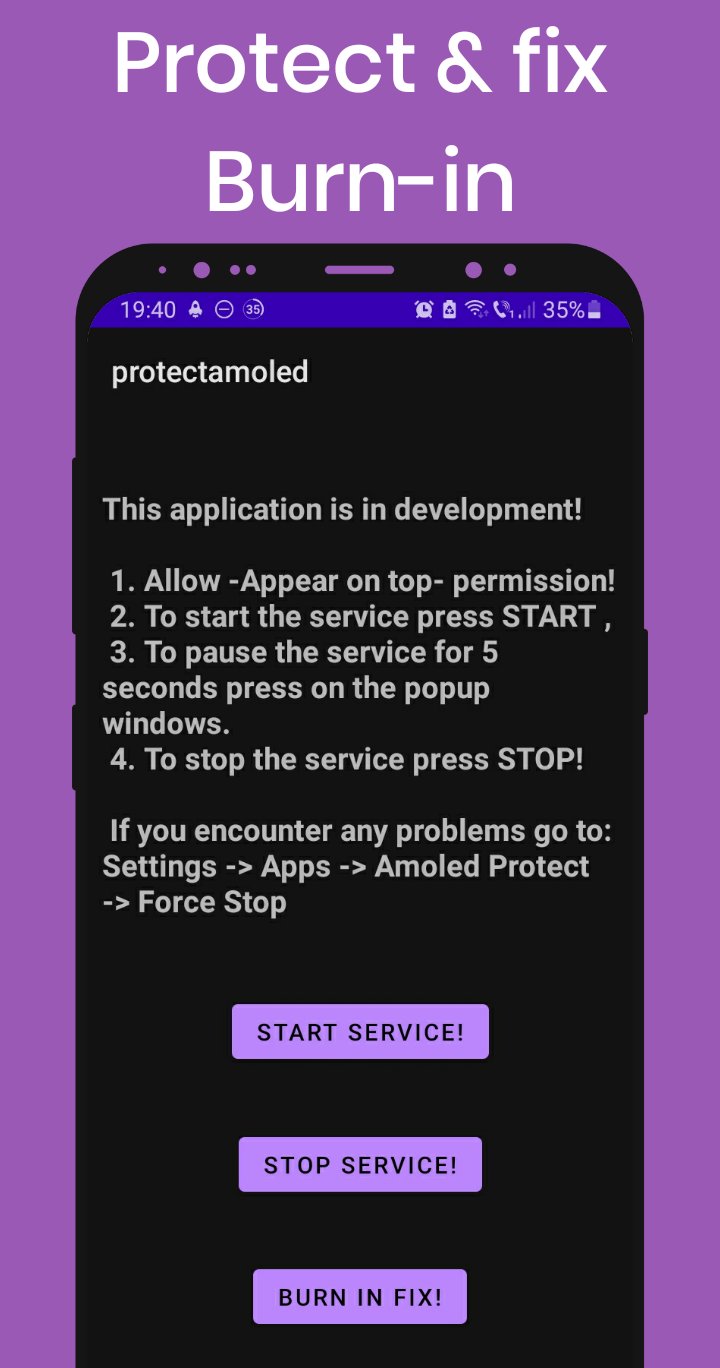
Protect Amoled - Burn in fix can place a protection overlay above other apps to reduce static areas while watching content that is not full screen. When the service is active, your display edges are covered so fewer fixed elements stay visible. This approach aims to lower the chance of visible burn-in during daily use.
Simple controls and quick pause
Burn-in fix video
Protect Amoled - Burn in fix includes a special video for users who already see burn-in. You can run it as long as you want; longer sessions may improve results. Warning: this video may trigger seizures in people with photosensitive epilepsy. Use viewer discretion and stop immediately if discomfort occurs.
Lightweight app in early development
This app is lite and simple, making it easy to keep running in the background without heavy settings. Because it is in early development, features and behavior may change over time. Users should expect a straightforward interface focused on protection and repair, rather than advanced options.
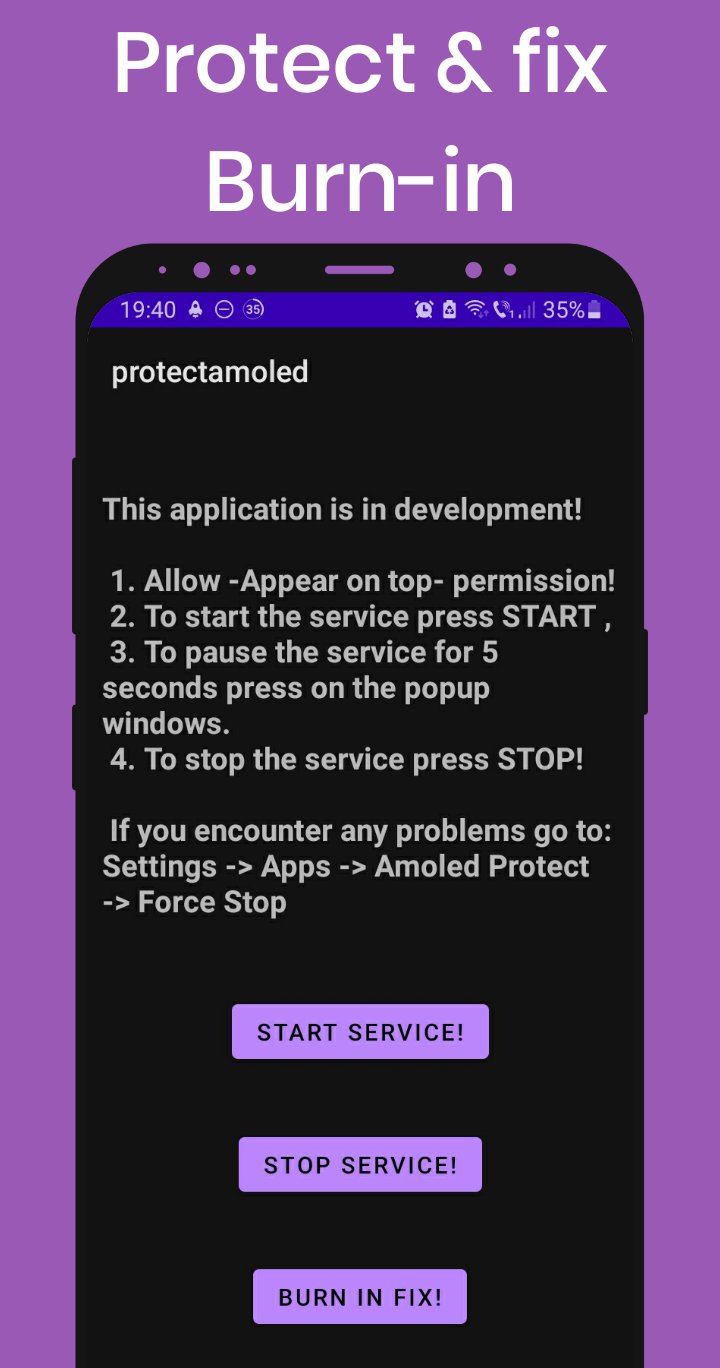
Protect Amoled - Burn in fix offers a light overlay for daily viewing and an optional fix video for existing marks. Follow the permission prompt, start the service, and pause or stop as needed. To get started, download Protect Amoled - Burn in fix and use the tool with care.
Latest Version
1.0Uploaded by
بشير الايرحم
Requires Android
Android 5.0+
Category
Free Tools AppContent Rating
Everyone
Report
Flag as inappropriateLast updated on Nov 21, 2022
First release.


APKPure - A multi-platform app store primarily focused on Android, providing extensive app-related content. Discover the app you want easier, faster, and safer, with quick and efficient downloads and installations.












