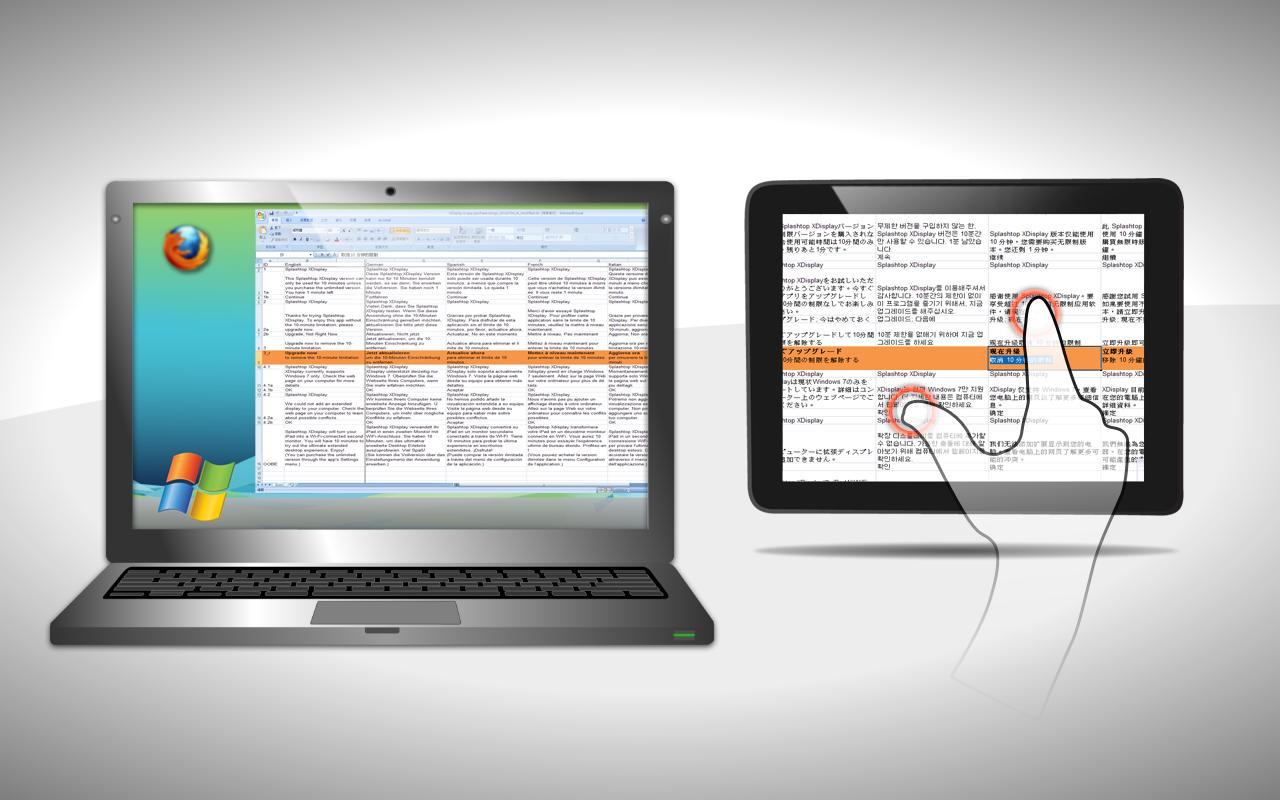
***Turn your Android tablet into a WiFi-connected second monitor!***
USE CASE
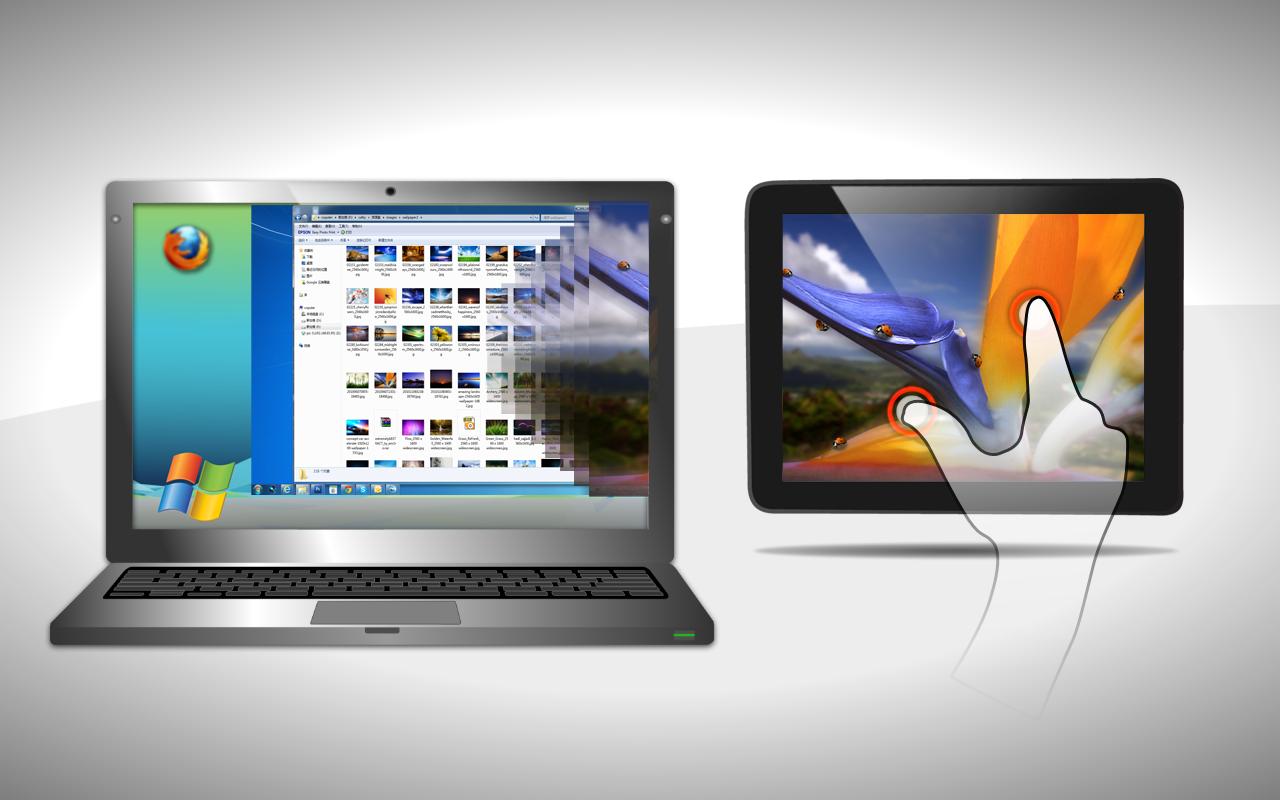
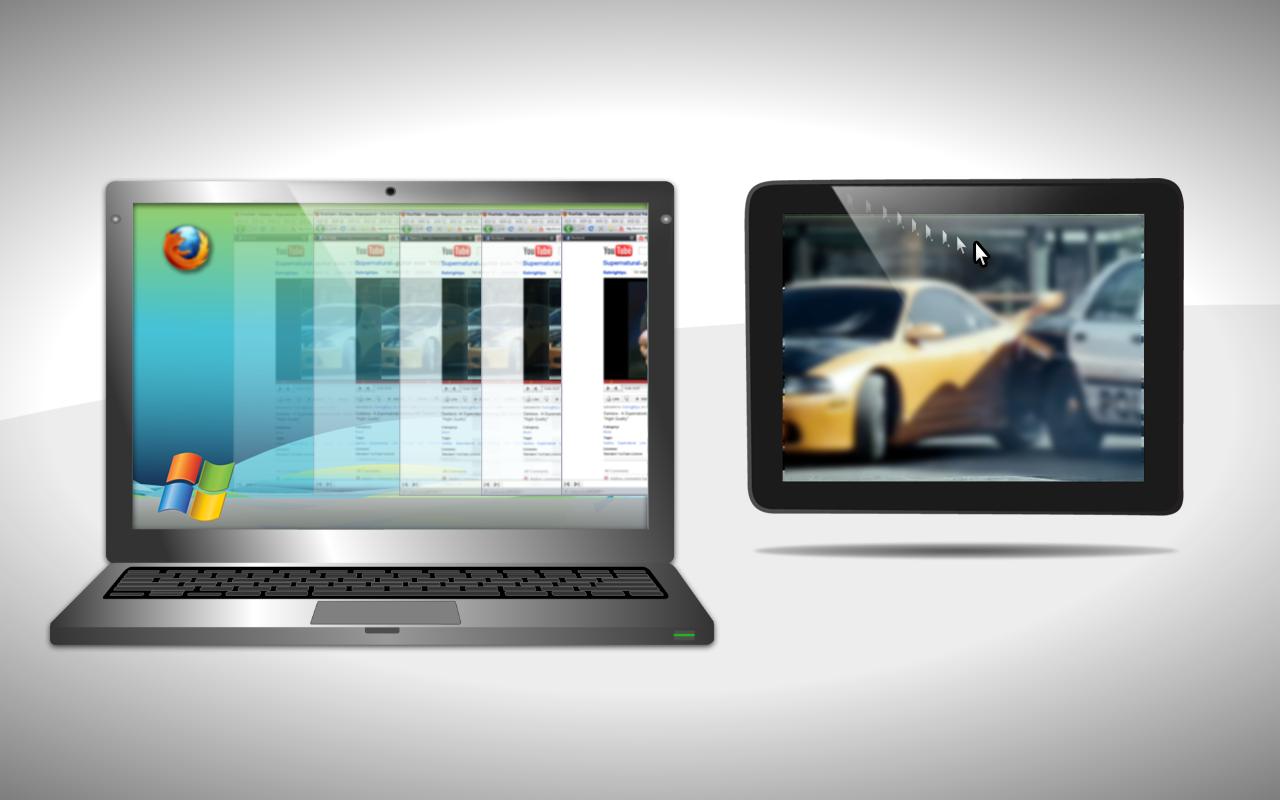
XDisplay turns an Android tablet into a wireless second display for your computer to enhance productivity. Using the Android tablet as a screen extender can server many purposes. For instance:
* Reduce desktop clutter by filling your Android tablet screen with widgets, folder shortcuts, IM buddy list, Skype, Twitter, Photoshop paletts, and other utility apps
* View spreadsheets across monitors so that all columns can be seen without scrolling
* Park background entertainment windows such as Netflix, Hulu, or social games (FarmVille) on the Android tablet while working
* Edit an HTML page on one monitor while viewing the rendered web page on the Android tablet
* Collaborate with others by showing them additional content on the extended Android tablet screen
* Play Flash movies and videos on your Android tablet in bed or on the couch and avoid the hassle of transferring or converting
FEATURES
* Full audio and video support (sound can be independently turned on/off from either the PC or Android tablet)
* Support Windows 7 default Areo desktop theme featuring translucent windows
* Intuitive touch gestures with pinch-to-zoom capability
* Virtual on-screen keyboard as optional text input method
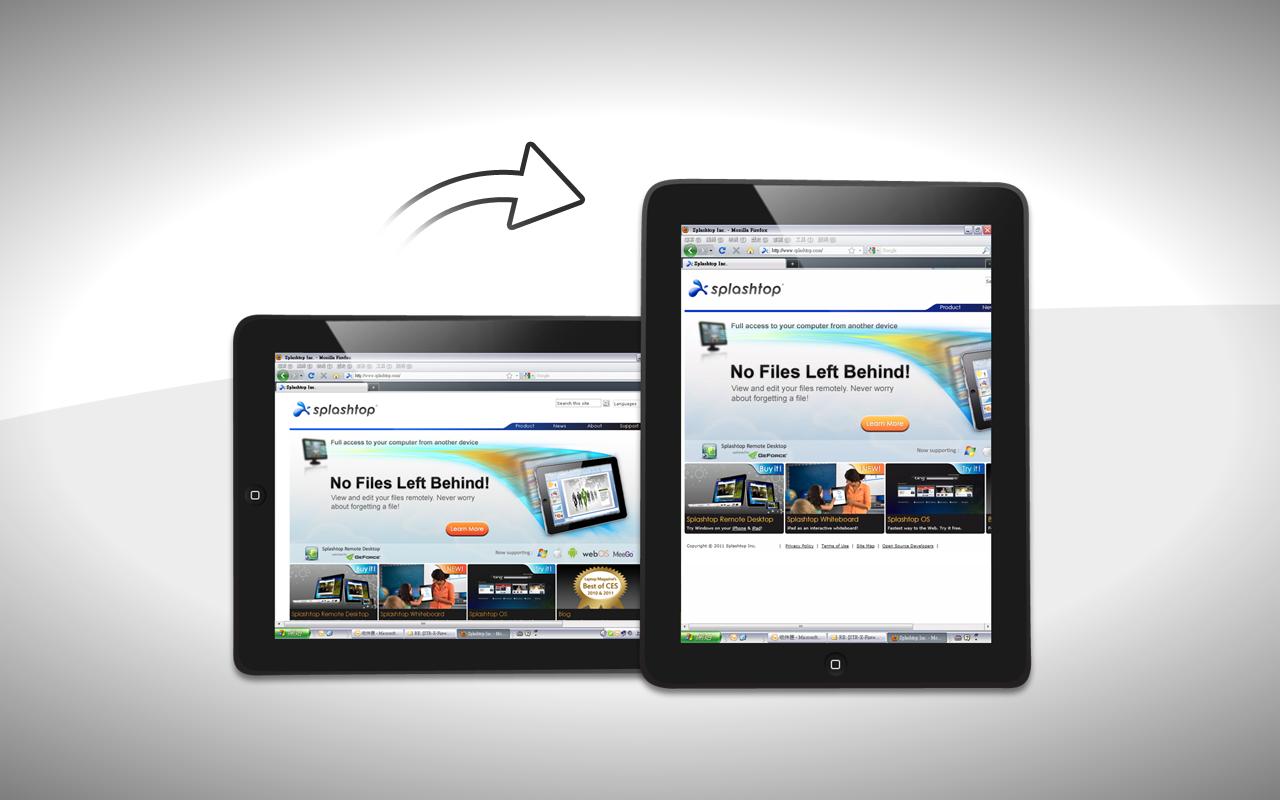
* Auto orientation when Android tablet is turned (works in both landscape and portrait modes)
* Password protection for privacy
* Ability to choose the position of your extended display relative to the PC
FAST AND EASY SETUP
1. Download Splashtop XDisplay from Google Play
2. Download latest Splashtop Streamer for your computer at http://www.splashtop.com/streamer (For Mac users, to enable XDisplay, install the virtual driver on Mac Streamer under [Settings] -> [Advanced Settings])
3. Choose your computer from Splashtop XDisplay device list and you are good to go
REQUIREMENTS
* Windows 7, Mac OS X 10.6 or 10.7
LIMITATIONS
For Windows 7 users:
* Currently only supports computers with at least one unused video display output.
* When Windows Areo is disabled, certain functions might not be available.
Latest Version
1.9.11.1Uploaded by
Miguel Franco Barrios
Requires Android
Android 3.1+
Category
Free Tools AppContent Rating
All ages
Report
Flag as inappropriateLast updated on Oct 7, 2016
*Security improvements


APKPure - A multi-platform app store primarily focused on Android, providing extensive app-related content. Discover the app you want easier, faster, and safer, with quick and efficient downloads and installations.











