


Package Name:com.obdii_lqc.android.exgauge.demoversion
SHA-256:9e6a2d438154ee4ab4c3e6897afeec43e727449bad4f6f548803b7c3370dc4dd
Show More
EX Gauge Demo Version 1.3.1
Tool for every car (Gas and Diesel engine)
Runs on Android Mobile and Tablet devices
Requirement:
1. The car must be OBD-II compliant to use the tool
2. A Bluetooth Adapter ELM327 or compatible
3. The minimum Android OS is : 4.0.3 and higher
4. The built-in bluetooth device on the phone(Tablet) must be enabled and paired with the bluetooth OBD-II adapter
OBD-|| protocol:
* The functionality of Auto detect the OBD-II protocol let's the app to be very easy to use
* Displaying the description of the protocol used in the car
SAE J1850 PWM (Ford)
SAE J1850 VPW (GM)
ISO 9141-2 (Chrysler, European, Asian)
ISO 14320 KWP-2000
ISO CAN 15765 - 11bit, 29 bit, 250Kbaud, 500Kbaud (most models after 2008)
Features:
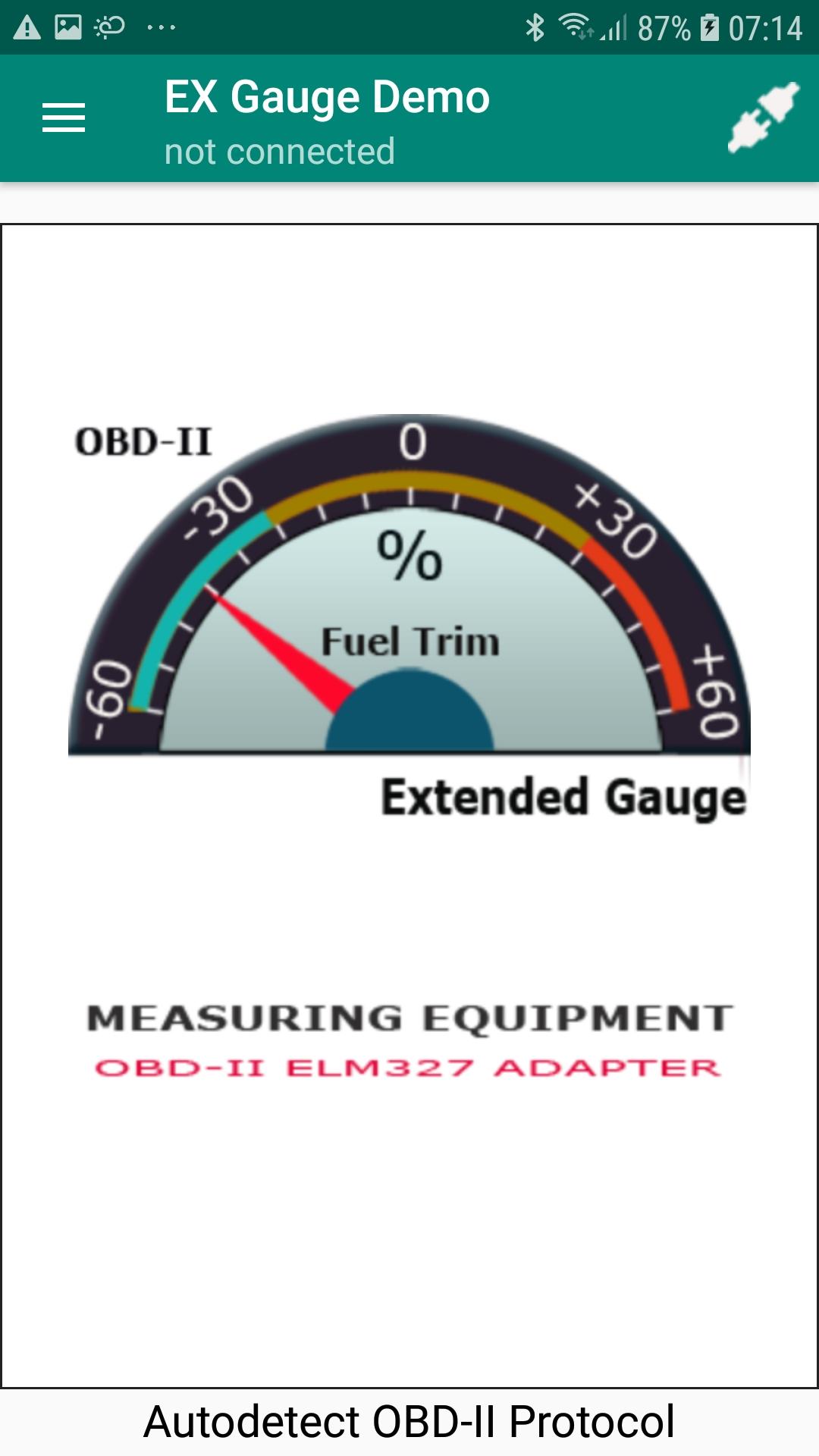
* Each sensor live data is shown in 2 formats:
1. By analog gauge - Shows the relative value
2. By Digits - Shows absolute value
* This Application supports up to 49 different generic OBD-II sensors, these generic sensors are supported by most all cars
* Gauges were divided into 6 groups, so they are convenient to manage and observe
1. Group of fuel trim gauges - up to 4 sensors
2. Group of O2 sensor gauges - up to 8 sensors
3. Group of air / fuel ratio gauges - up to 16 sensors
4. Group of Catalyst temperature gauges - up to 4 sensors
5. Group of Temperature gauge - up to 4 sensors
6. Group More - the rest of generic sensors - up to 12 sensors
Note: Each tap on the "More" Button the application shows maximum of 3 gauges. You have to tap several times to view all gauges if there are more gauges in the "More" Group
Some statistics:
In fact there is no car, that could support all these gauges(sensors), but only partial supports.
A diesel car could support amount of gauges much more than a gas car
A common gas car normally supports about 20 gauges
How to use :
Once you have the bluetooth OBD-II adapter plugged into the car's OBD-II ports and powered on, you need to connect to the car's system computer via that bluetooth adapter, by pulling down the option menu and select item "Connect to OBD-II Adapter", a dialog window will appears and shows a list of paired devices (one or more devices in the list), each paired device has two information as following:
Name of paired bluetooth device (for example: obdii)
Max address (for example: 77:A6:43:E4:67:F2)
The Max address is used to distinguish two or more bluetooth adapters have the same name.
You must choose your bluetooth OBDII device by select the correct it's name (or it's max address) in the list and click on the item, then the app starts connecting process and autodetects the OBD-II protocol.
If the process finished successfully the protocol description will be displayed near the bottom of the screen and the notification "Connected to OBDII Adapter" will appear on the status bar. (on top of the screen)
Next step:
1. If the app detects some amount of gauges supported by the car, it notifies you to buy the EX GAUGE PRO version with full unlock functions
2. If the app did not detect any gauge supported by the car, it warns you do not install the EX GAUGE PRO version
This DEMO version does not show real data. The data shown only are nature illustration. To view real and live data, please use the EX GAUGE PRO version.
Privacy policy
https://www.freeprivacypolicy.com/live/4666d76d-503f-423f-910b-6265bc12c6b1
Latest Version
1.3.1Uploaded by
Thant Zin
Requires Android
Android 5.0+
Category
Free Tools AppContent Rating
Everyone
Security Report
Check Now
Report
Flag as inappropriateLast updated on Feb 5, 2026
Version 1.3.1





APKPure - A multi-platform app store primarily focused on Android, providing extensive app-related content. Discover the app you want easier, faster, and safer, with quick and efficient downloads and installations.










