Scan Date:Apr 30, 2026
Show More


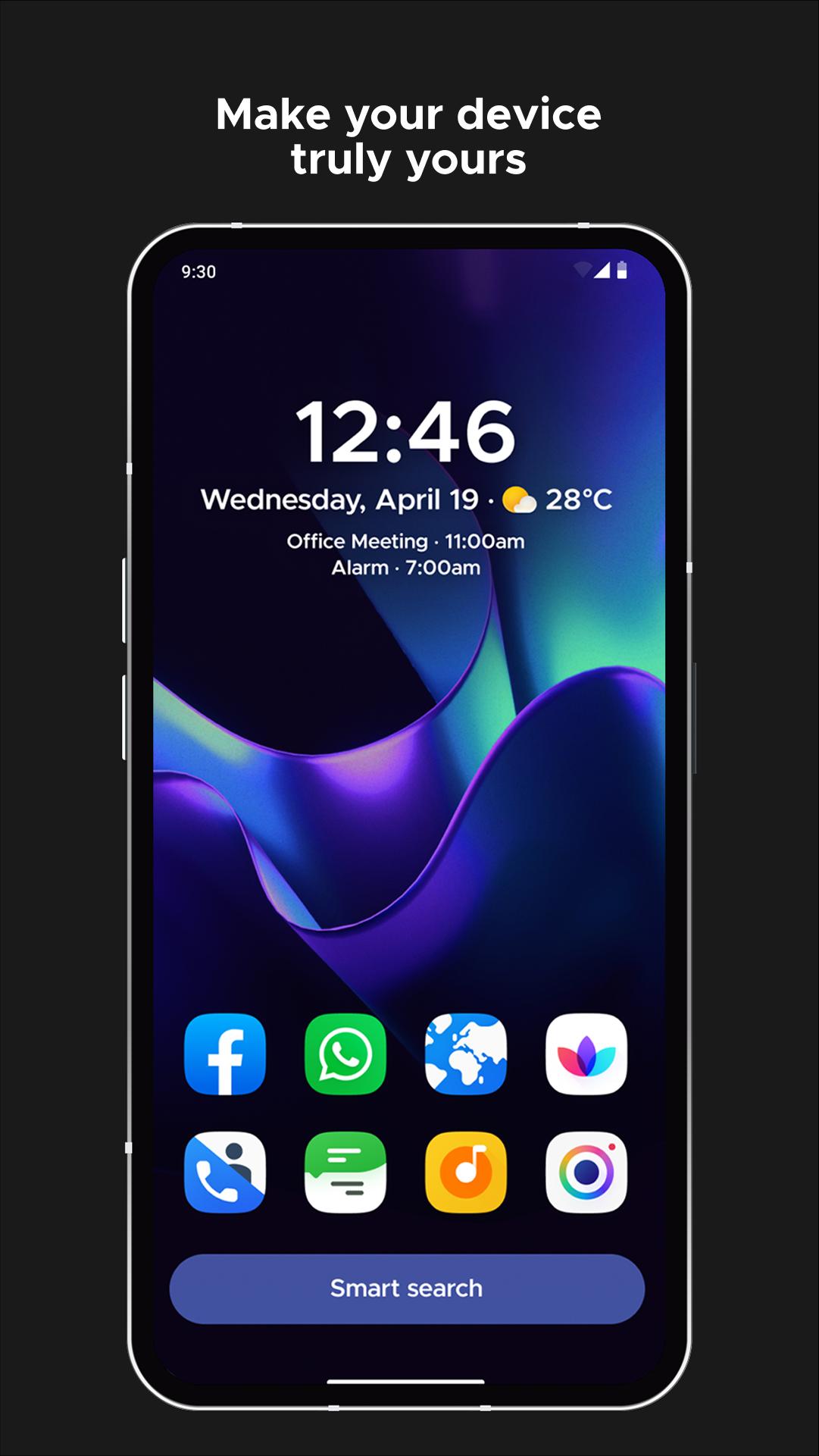
Smart Launcher suits users who want a clean, efficient home screen without extra setup. It reduces clutter, makes navigation straightforward, and helps you focus on daily tasks. With a thoughtful layout and simple labels, you can reach apps, contacts, and tools quickly. Additionally, it adapts to many devices, so you can keep the same habits across phones and tablets. To get started, download Smart Launcher and tailor the home screen to your routine.
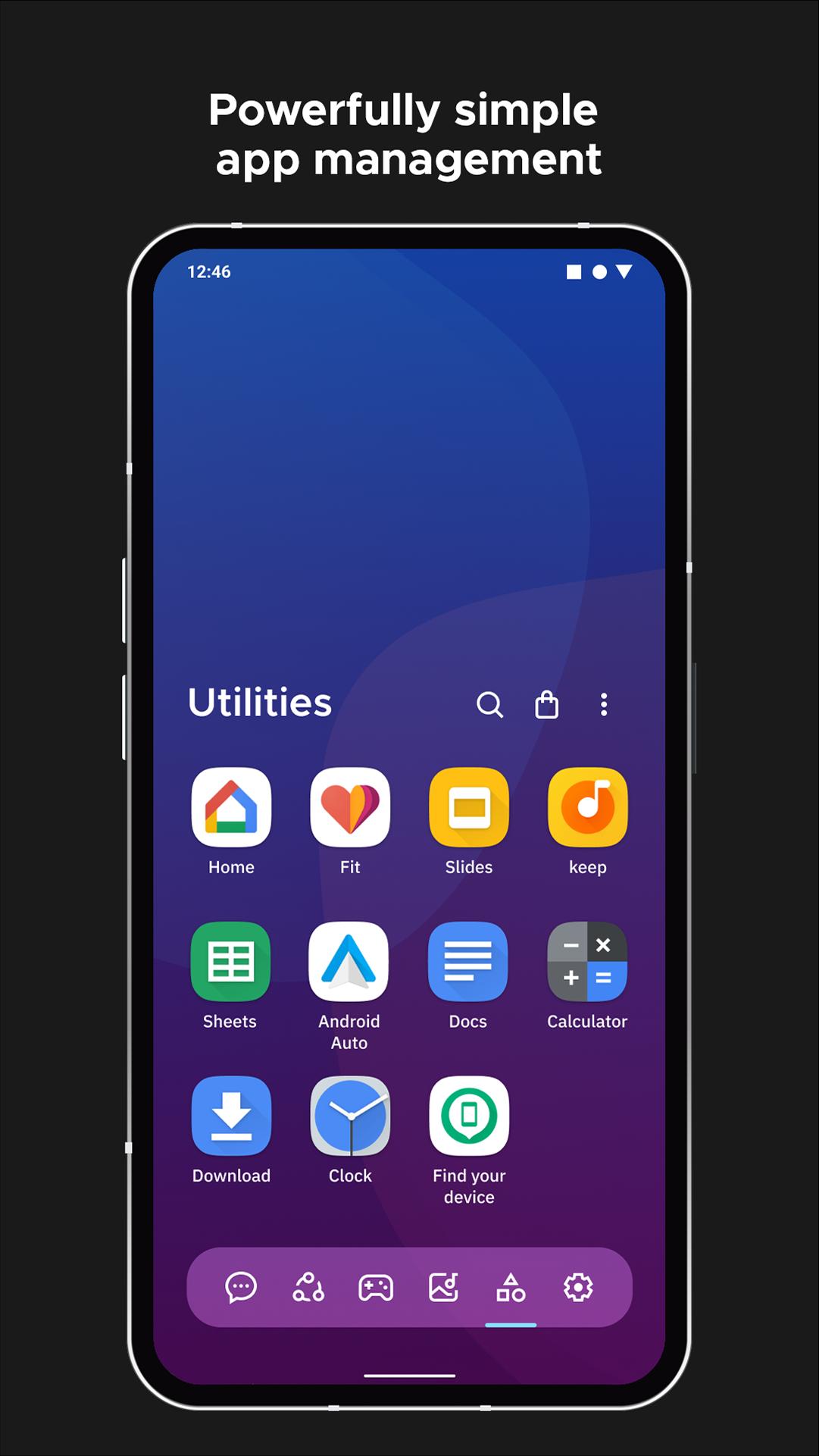
Automatic app sorting
Smart Launcher sorts apps into clear categories automatically. No more dragging icons or arranging screens. The grid stays tidy, so you can scan and find items faster. New apps are placed in the right section without extra steps.
Smart search bar
Use the smart search bar to find contacts, open apps, start a web search, or run a quick calculation. Results appear with few taps, which helps when you need something in a hurry.
Customization and ambient theme
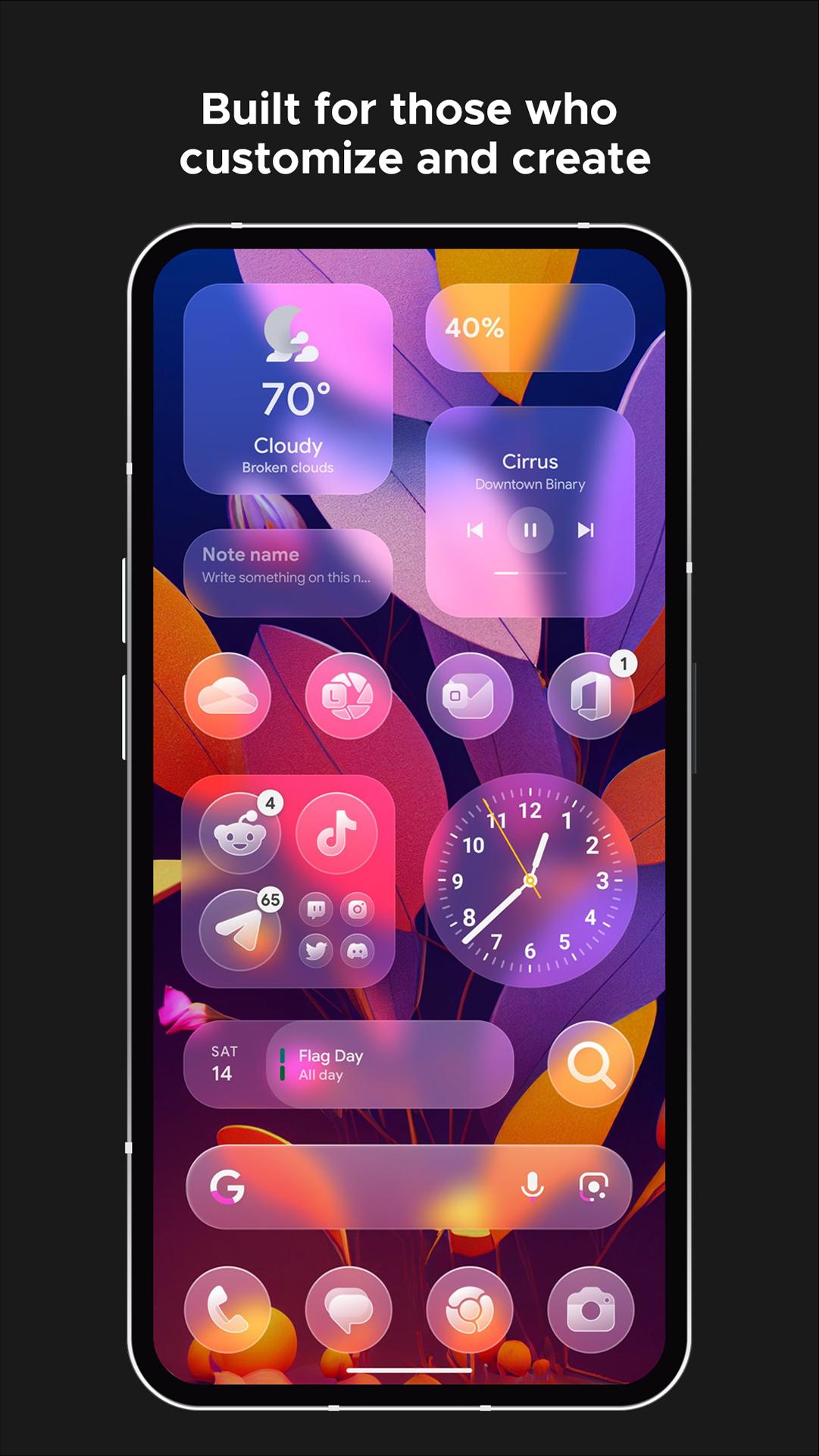
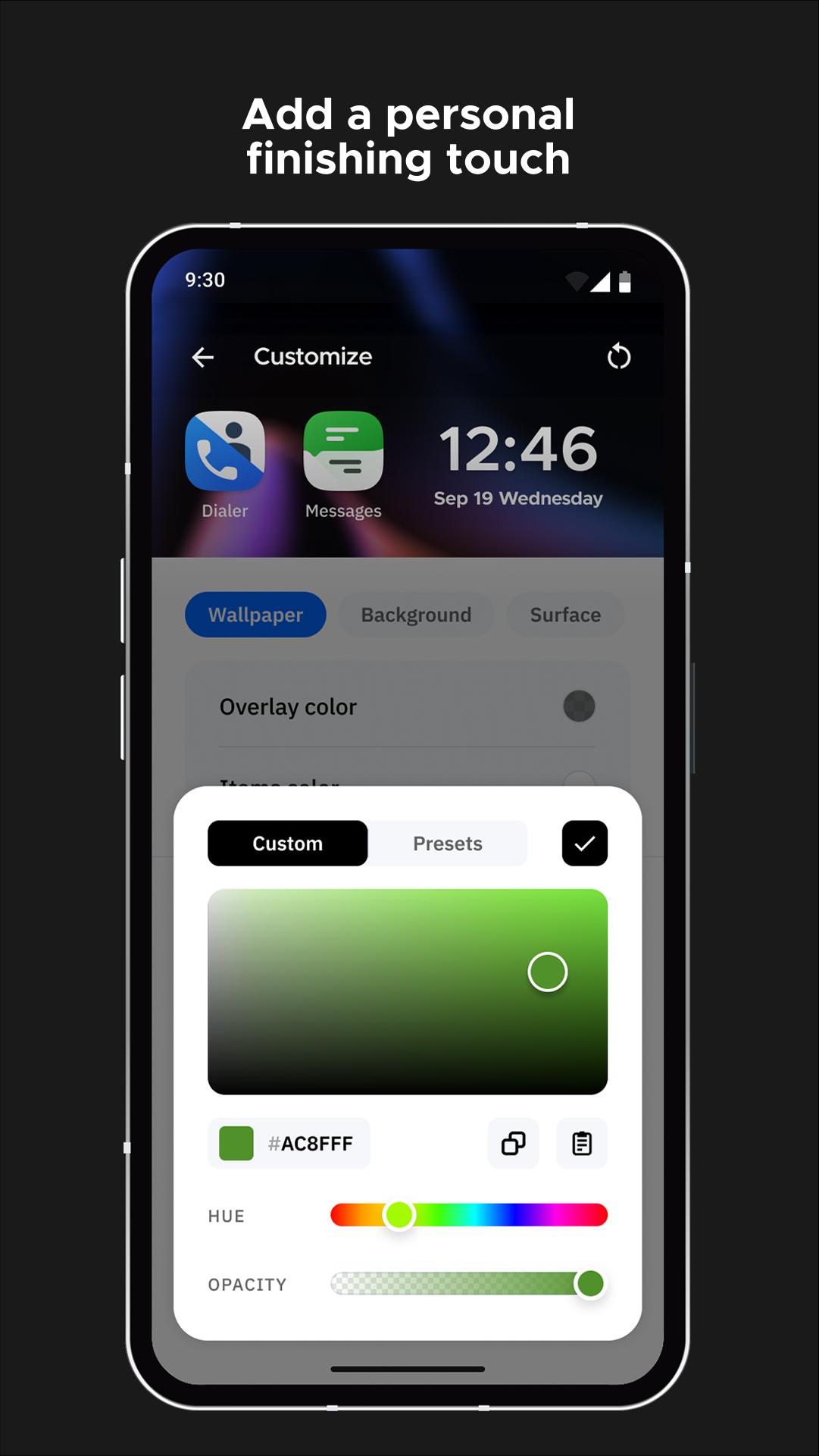
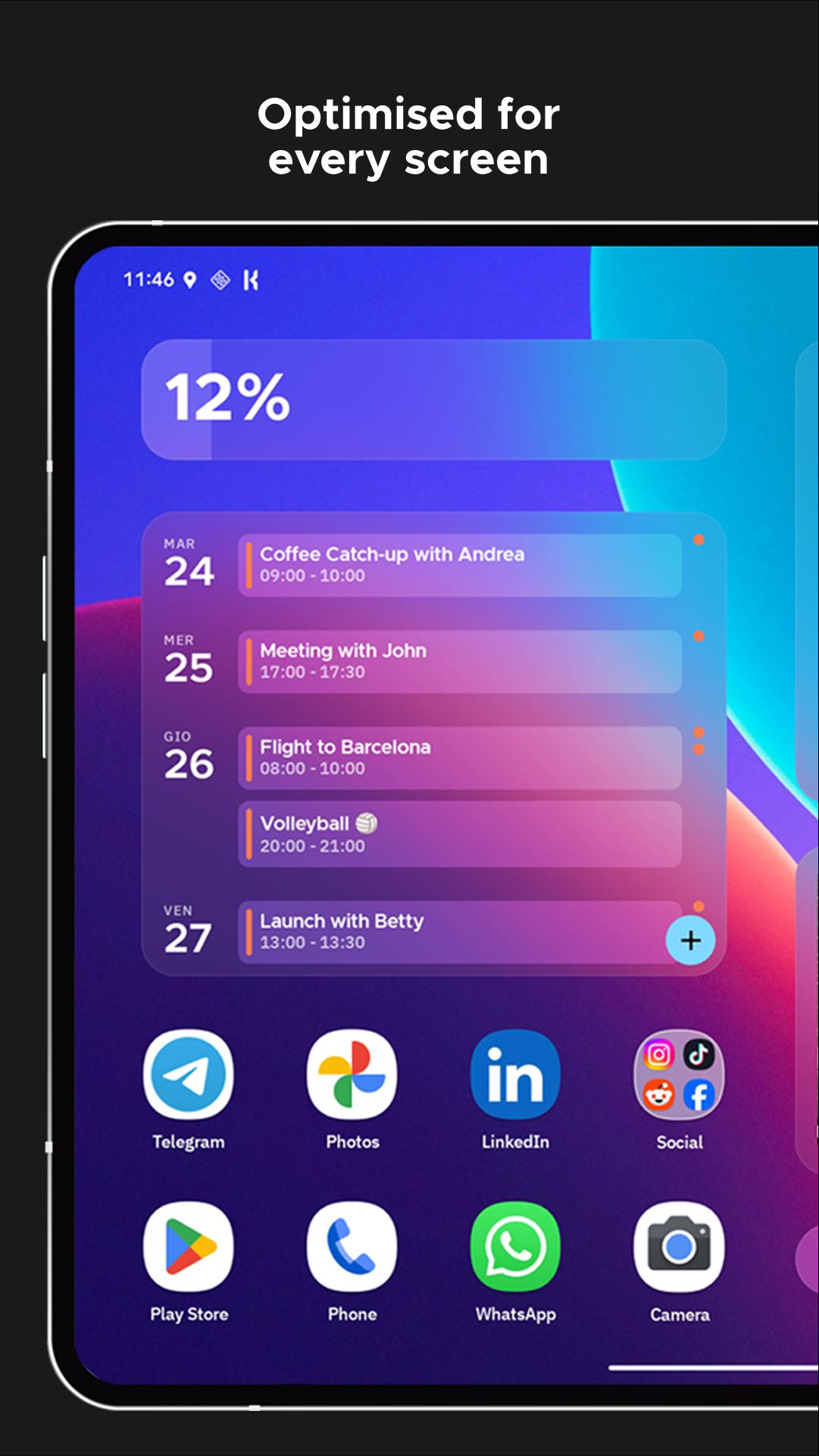
Customization covers colors, fonts, and icon styles. The ambient theme matches your wallpaper, and adaptive icons keep shapes uniform. Installing the Smart Launcher APK makes these options available on many Android devices.
Gestures, notifications, and display options
Smart Launcher offers a clean home screen with helpful tools for everyday use. Check device permissions if you plan to use gestures. For updates and fixes, install the Smart Launcher latest version to keep features working smoothly.
Latest Version
6.6 build 010Uploaded by
น๊ะนาย สุราษฎร์
Requires Android
Android 10.0+
Category
Free Personalization AppContent Rating
Everyone
Security Report
Report
Flag as inappropriateLast updated on Apr 28, 2026
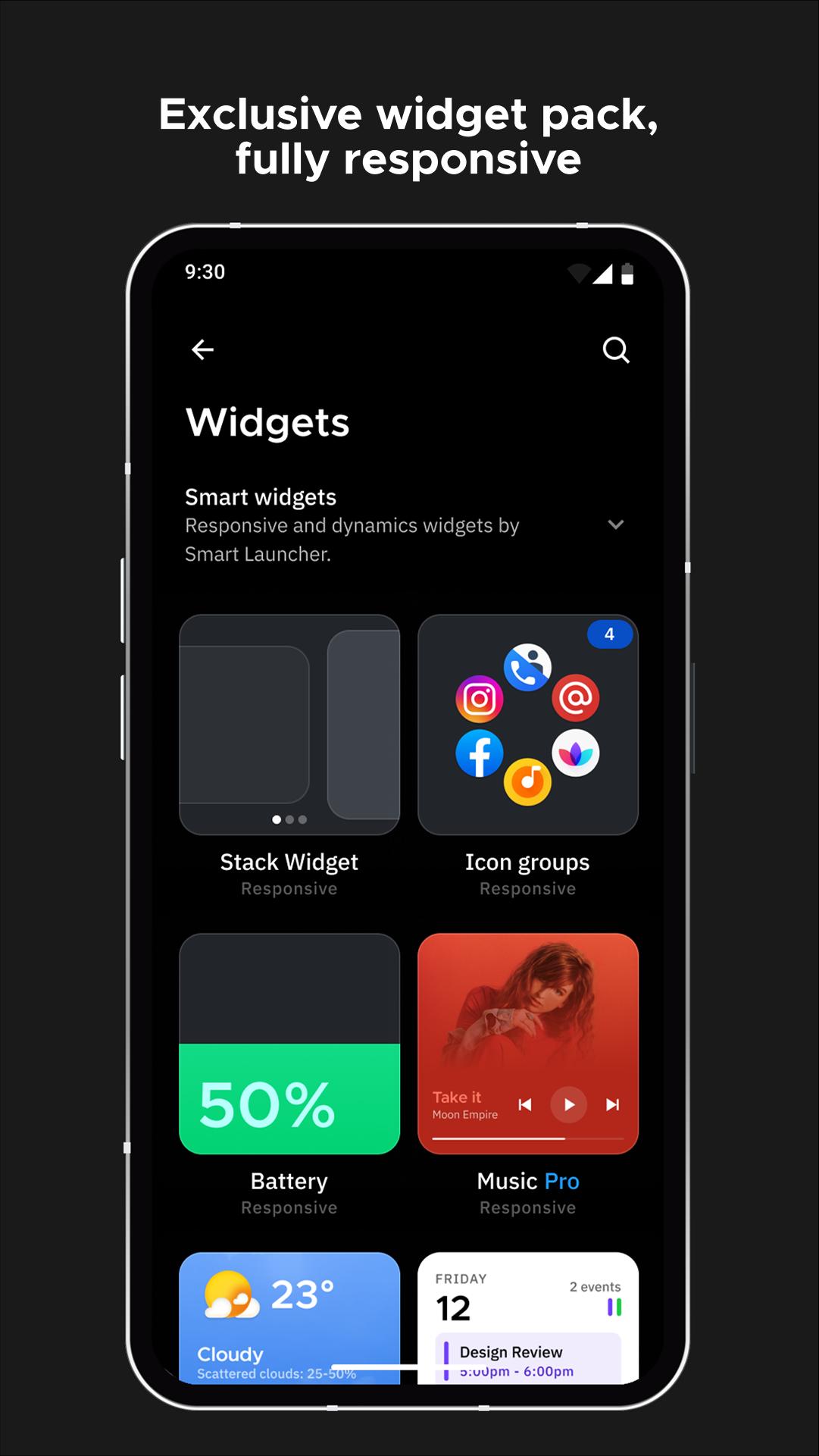
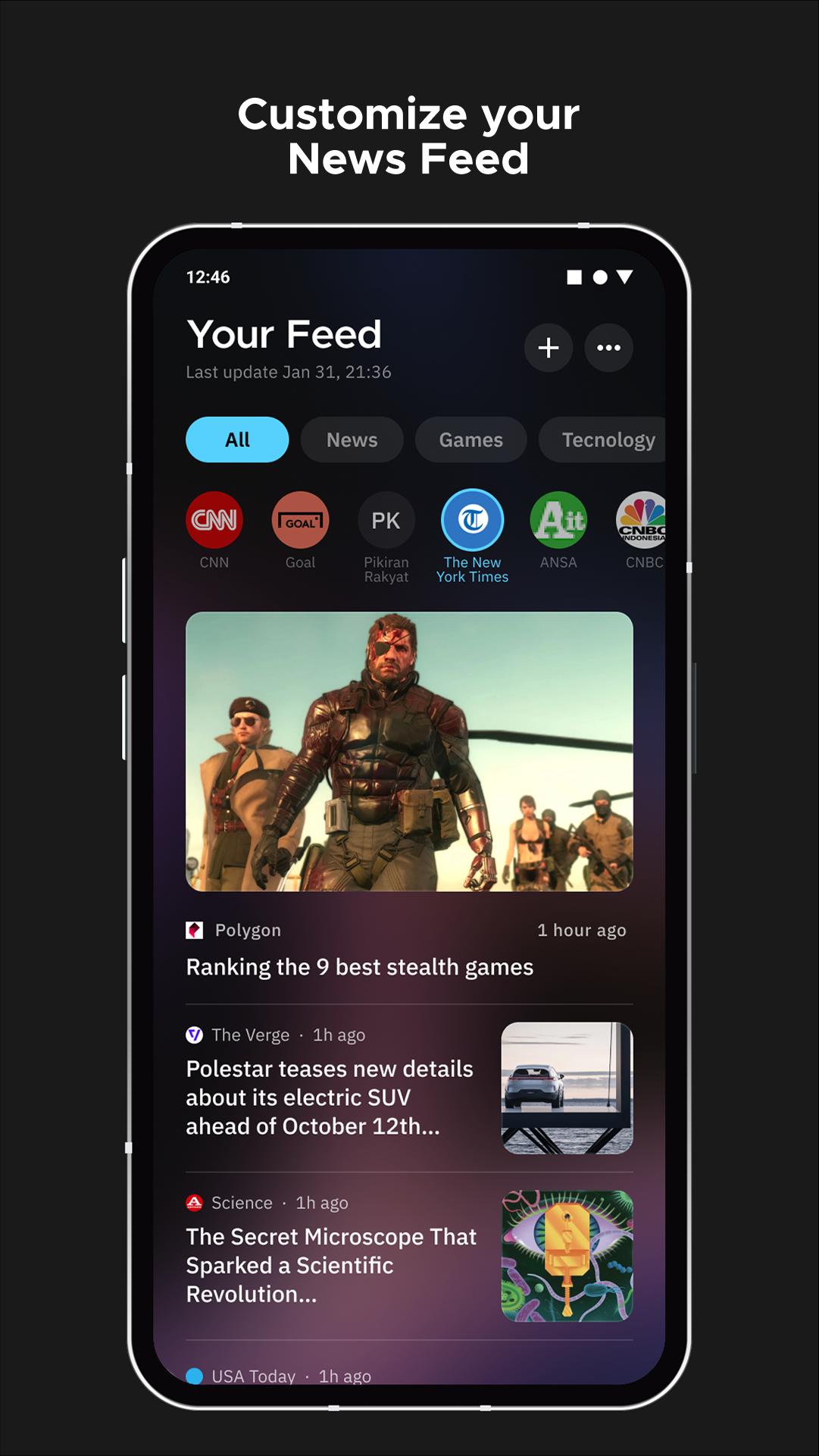
Enjoy a fresh update packed with new customization options and fixes. You can now drag and drop or copy and paste stickers and text on your Home screen, preview feed content before adding a source, and reset widget stacks to their default position when returning Home.
This update also includes a refreshed Material You theme, AccuWeather as weather provider, improved shortcuts, better backups, and several bug fixes across the app.
https://www.smartlauncher.net/blog/the-sticky-update

APKPure - A multi-platform app store primarily focused on Android, providing extensive app-related content. Discover the app you want easier, faster, and safer, with quick and efficient downloads and installations.