Welcome to Nine Work for Intune.
This is integrated with Intune SDK, and you should login on Intune Company Portal to use Nine Work for Intune.
Nine Work for Intune is an email app to synchronize with Office 365 based on Intune using ActiveSync.
As of today email communication became a critical thing as interpersonal communication skill within an organization or in your daily life. There might be nothing more important than efficient communication in the work of a company. Nine is a full-fledged email application for Android based on Direct Push technology to synchronize with Microsoft Exchange Server using Microsoft Exchange ActiveSync, and also designed for entrepreneurs or ordinary people who want to have efficient communication with their colleagues, friends, and family members at anytime, anywhere. You may already have good experience with other E-Mail apps for Android. Regardless of your existing experience, we will give you a superb experience more than anything else. Leveraging E-Mail, Contacts, Calendar, Tasks and Notes on your mobile devices through wireless networks enhances your user experience and dramatically reduces your time.
Key features
- Direct Push Synchronization with Exchange ActiveSync. Nine does not have any server to store user's Nine data. Nine app connects to user server directly. All Nine data is stored in user device only.
- Great user experience & beautiful GUI
- Multiple accounts
- Calendar and Contacts (Integrated into stock Calendar and Contacts application along with Nine account)
- Rich-Text Editor (Android KitKat and higher)
- Client Cert
- S/MIME
- IRM
- Global Address List (GAL)
- Favorite Folder (Be able to check out all of email messages including sub-folders in one special folder at a time)
- Select folders to push (Email notification per each folder)
- Automatic setup for many popular email services like Office 365, Exchange Online, Hotmail, Live.com, Outlook, MSN or Google Apps
- Full HTML (inbound, outbound)
- Secure Sockets Layer (SSL)
- Hybrid Email Search (Integrate with fast local search and online search)
- Conversation Mode
- Unread Badge (Nova Launcher, Apex Launcher, DashClock and Samsung & LG devices)
- Widgets (Unread badge, Shortcuts and Email list)
- Supports Android Wear
- Notes Sync (Exchange 2010 and higher)
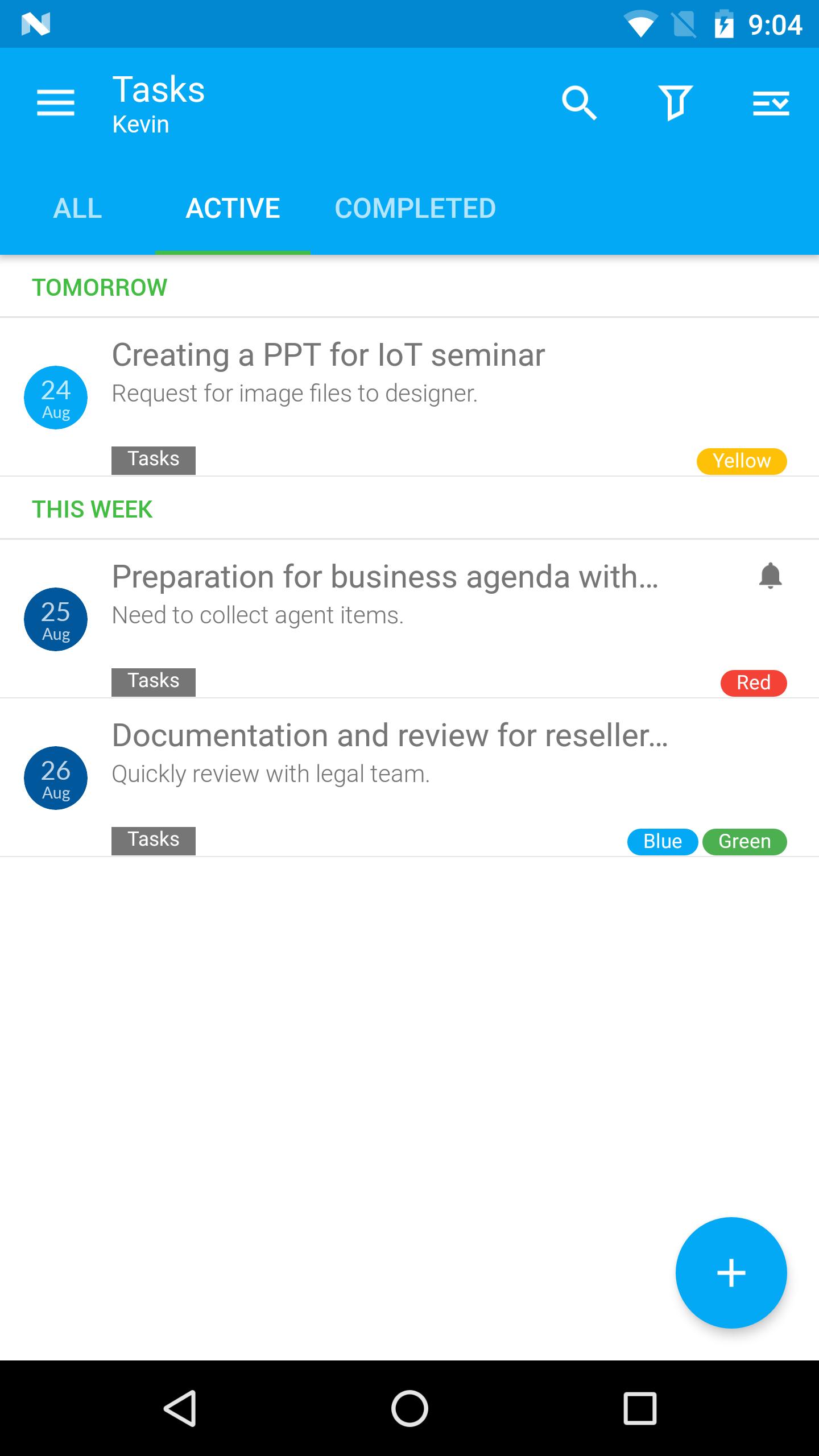
- Tasks Sync (Recurrence Tasks, Reminder, Categories)
Supported Servers
- Exchange Server 2003 SP2/SP3 and above
- Office 365
- Hotmail
- Outlook.com
- Google Apps
- Other servers(IBM Notes Traveler, Groupwise, Kerio, Zimbra, Horde, IceWarp, MDaemon etc) supported Exchange ActiveSync
* Notice: The general Gmail users couldn't use Nine because Google had changed the policy not to support ActiveSync for general Gmail users on January 2013. You can find detailed information at below link titled “Google Sync End of Life”.
http://support.google.com/a/bin/answer.py?hl=en&answer=2716936
The users for paid Google apps can use to sync with ActiveSync. Thus, the users can use Nine.
** Available Android
- Android 5.0 (Lollipop) and above
** Note
Nine is not cloud based. It stores your accounts’ passwords only on the actual device. It connects only to the actual mail servers. It stores your messages only on the device.
** Support
- If you have a question or a special request, just send an email to support@9folders.com and we will get back to you as soon as we can.