*This app is a theme for NiLS Lock Screen Notifications (http://bit.ly/get-nils)*
*Requires NiLS v1.5.1*
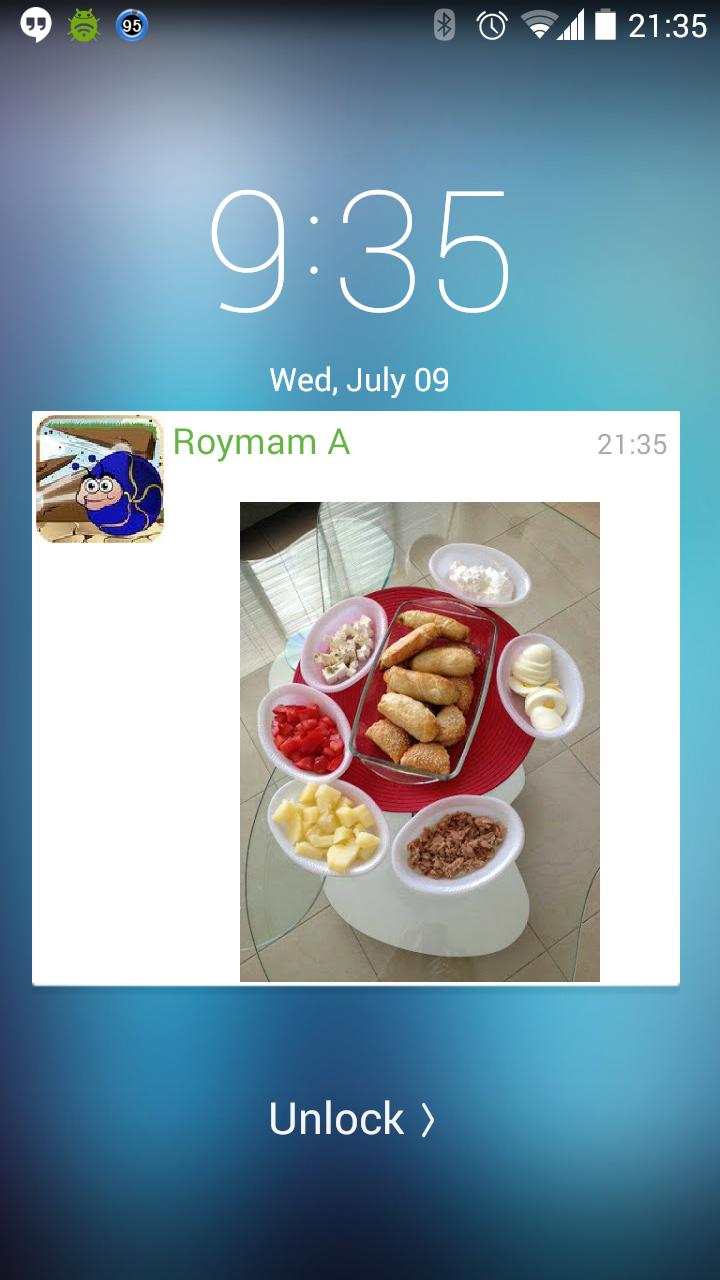
Love the new look of Android Lollipop lock screen notifications? You can have it now with NiLS Android Lollipop Theme!
1. Install NiLS app version v1.5.1.423 or above from Google Play.
2. Enable Notifications Panel and purchase the upgrade.
3. Install NiLS Android Lollipop Theme.
4. Choose Android Lollipop on NiLS Notifications Panel settings from the top dropdown list.
5. Optional - Enable Auto Tile Color
6. Enjoy the new look.
Latest Version
1.0.17Uploaded by
Tommy Gunner
Requires Android
Android 4.0+
Category
Free Personalization AppContent Rating
Everyone
Report
Flag as inappropriateLast updated on Aug 14, 2015
v1.0.17
Fixed extra padding bug with v1.6
v1.0.16
Fixed to work with NiLS v1.6:
1. Quick reply and action buttons on Heads-Up
2. Improved card appearance
NiLS v1.6 is still under final test phase. it might take few days until it gets to everyone.




APKPure - A multi-platform app store primarily focused on Android, providing extensive app-related content. Discover the app you want easier, faster, and safer, with quick and efficient downloads and installations.











