
Minecraft suits players who want to set their own goals in a world that changes with every new start. Instead of following one fixed story, you choose how to spend your time and what to work toward. You can focus on a personal project, prepare for a difficult outing, or spend time in a shared world. The Minecraft APK gives Android players access to this block-based game format in one mobile app.
Choose Creative or Survival Mode
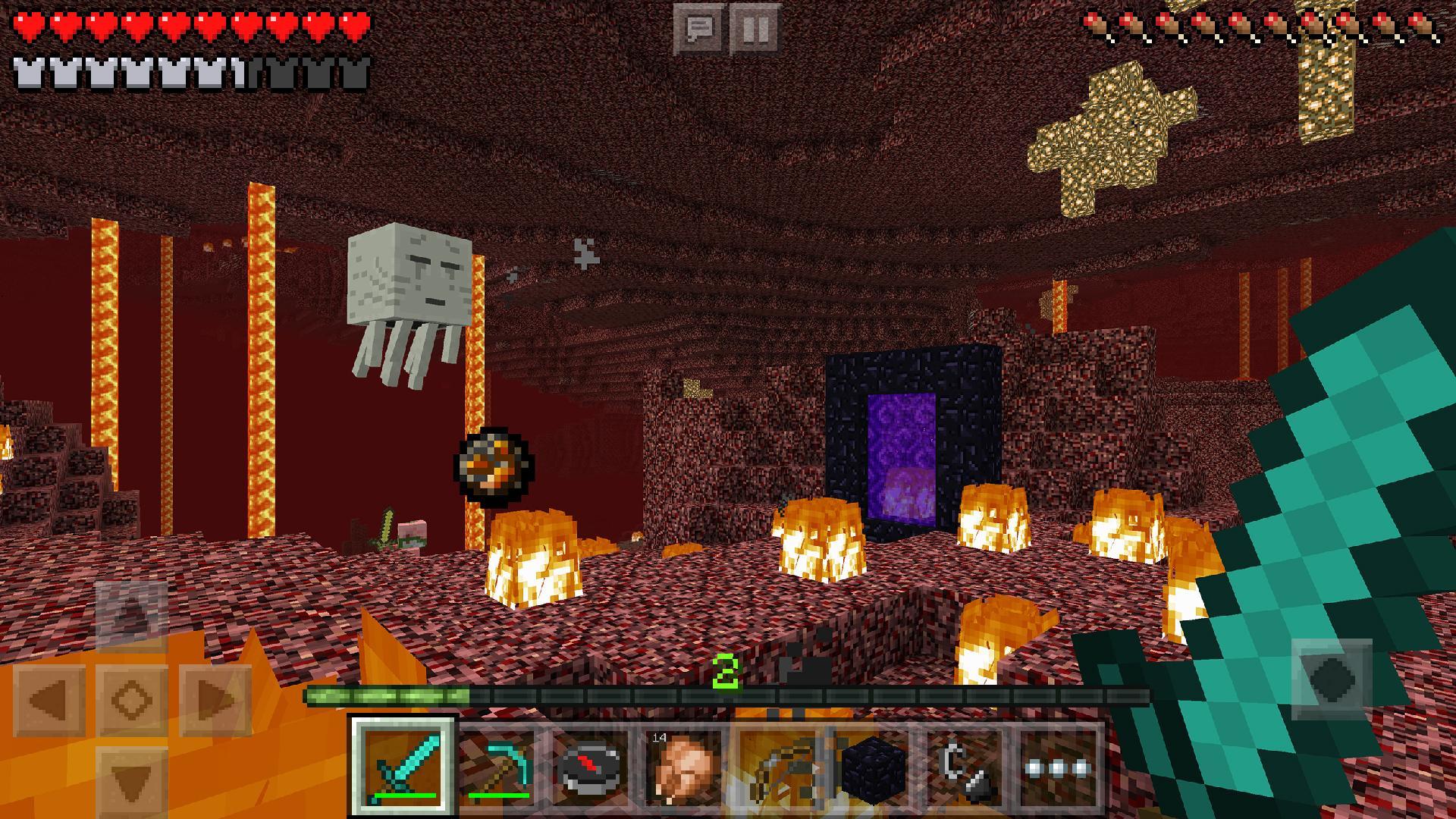
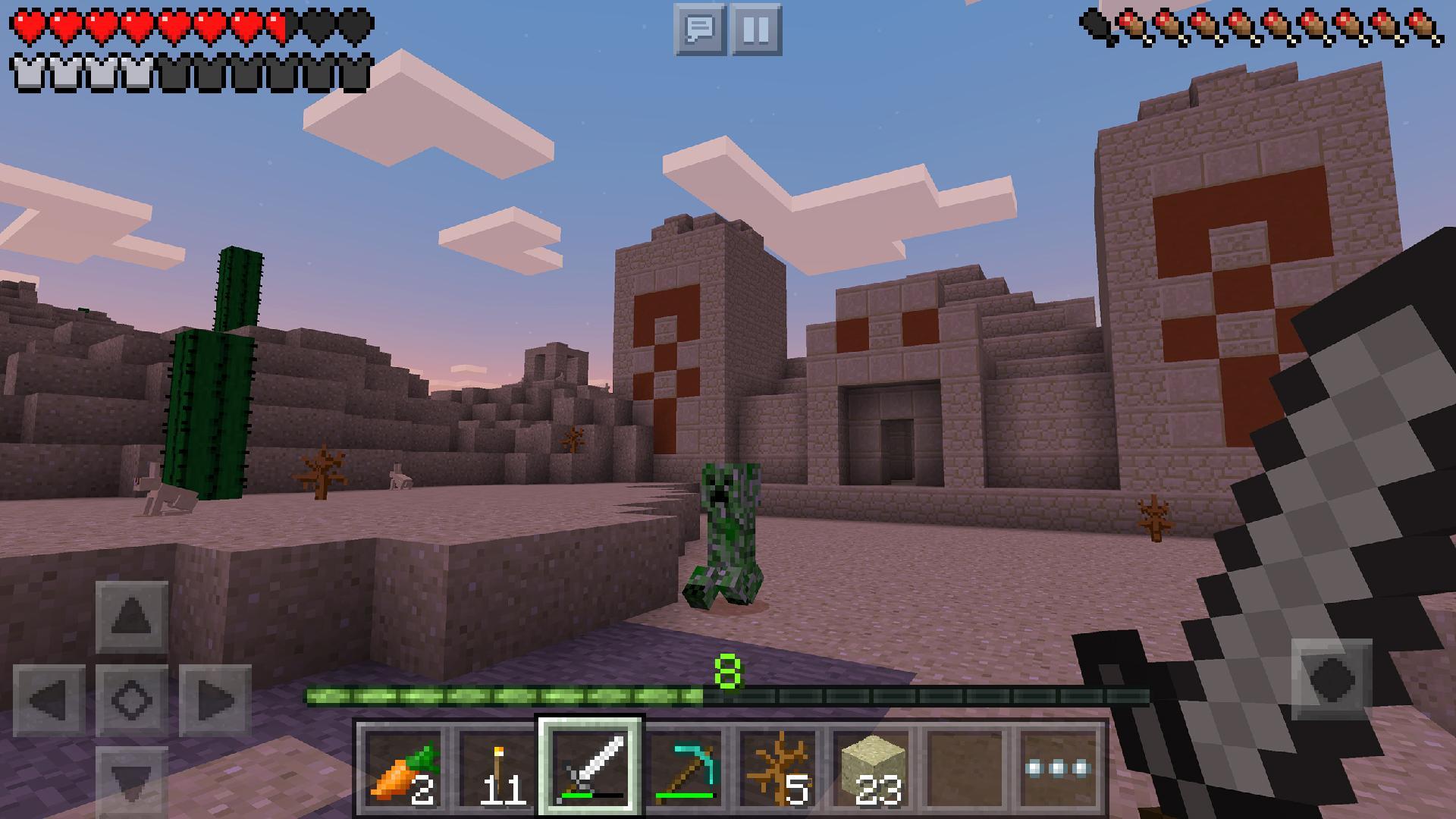
Minecraft lets you choose a mode based on how you want to play. Creative Mode gives you unlimited resources, and health, hunger, and hostile mobs do not stop your work. Survival Mode asks you to collect materials, watch your health and hunger, and make shelter before hostile mobs appear after dark.
Explore a different world each time
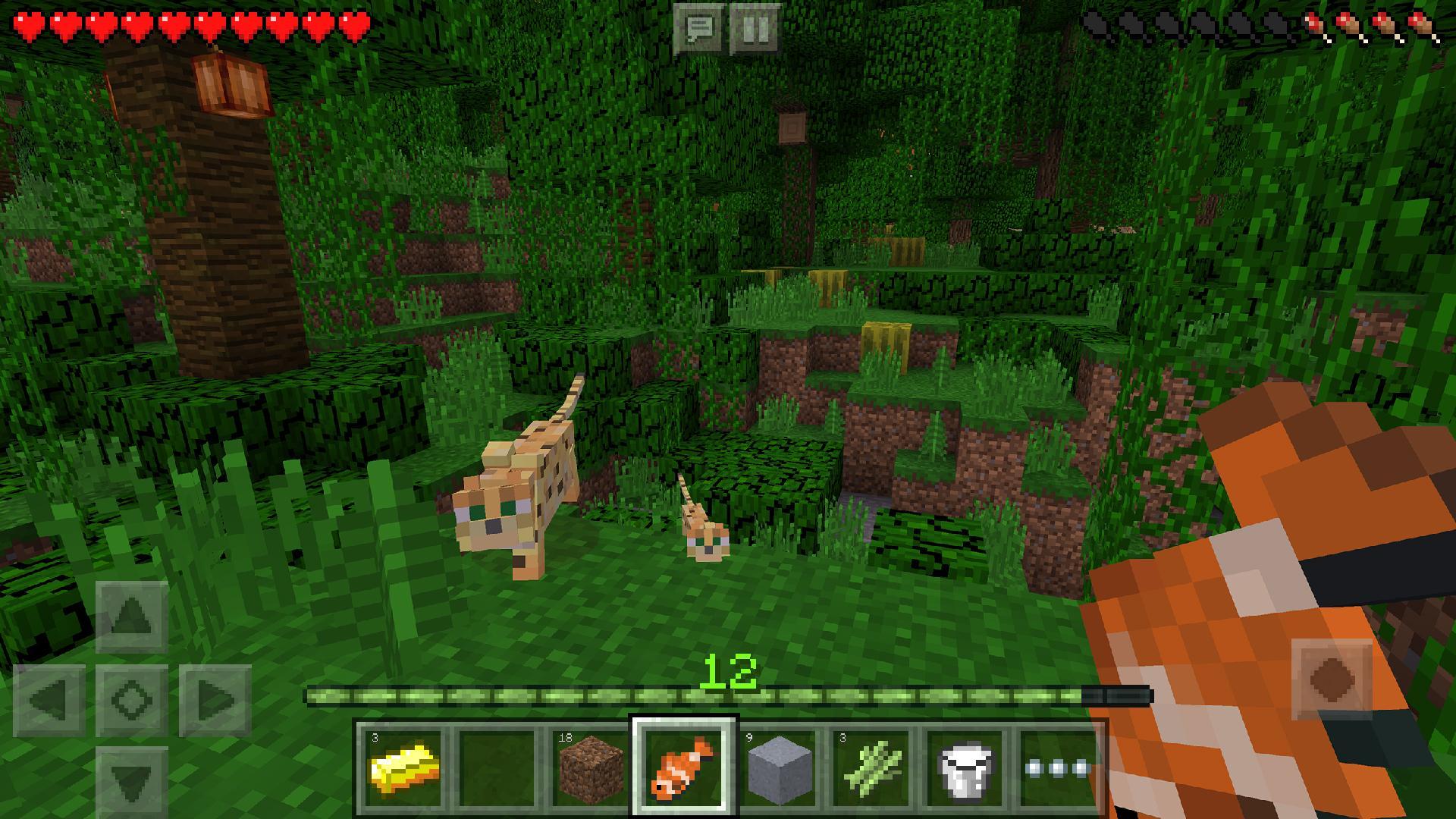
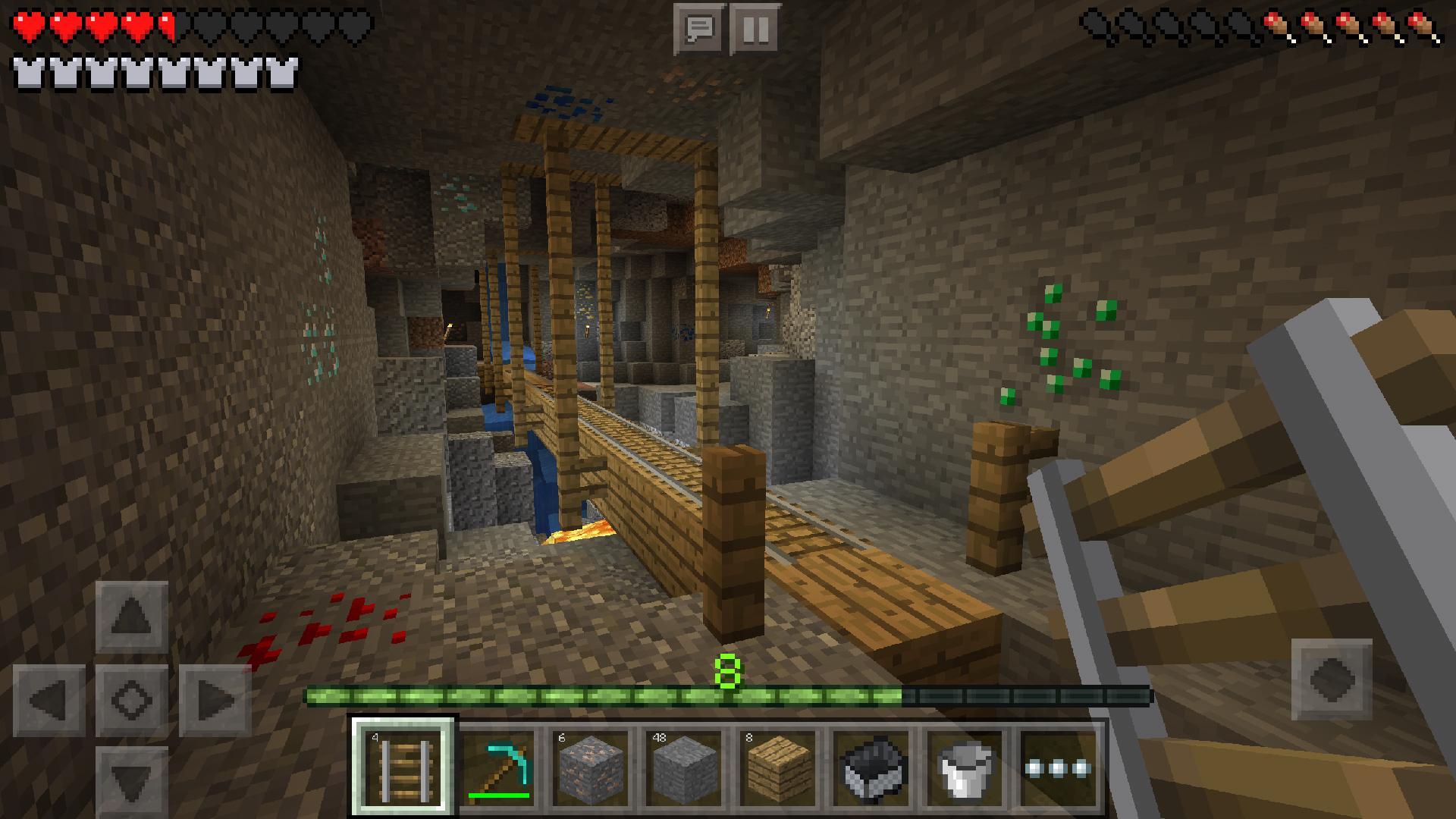
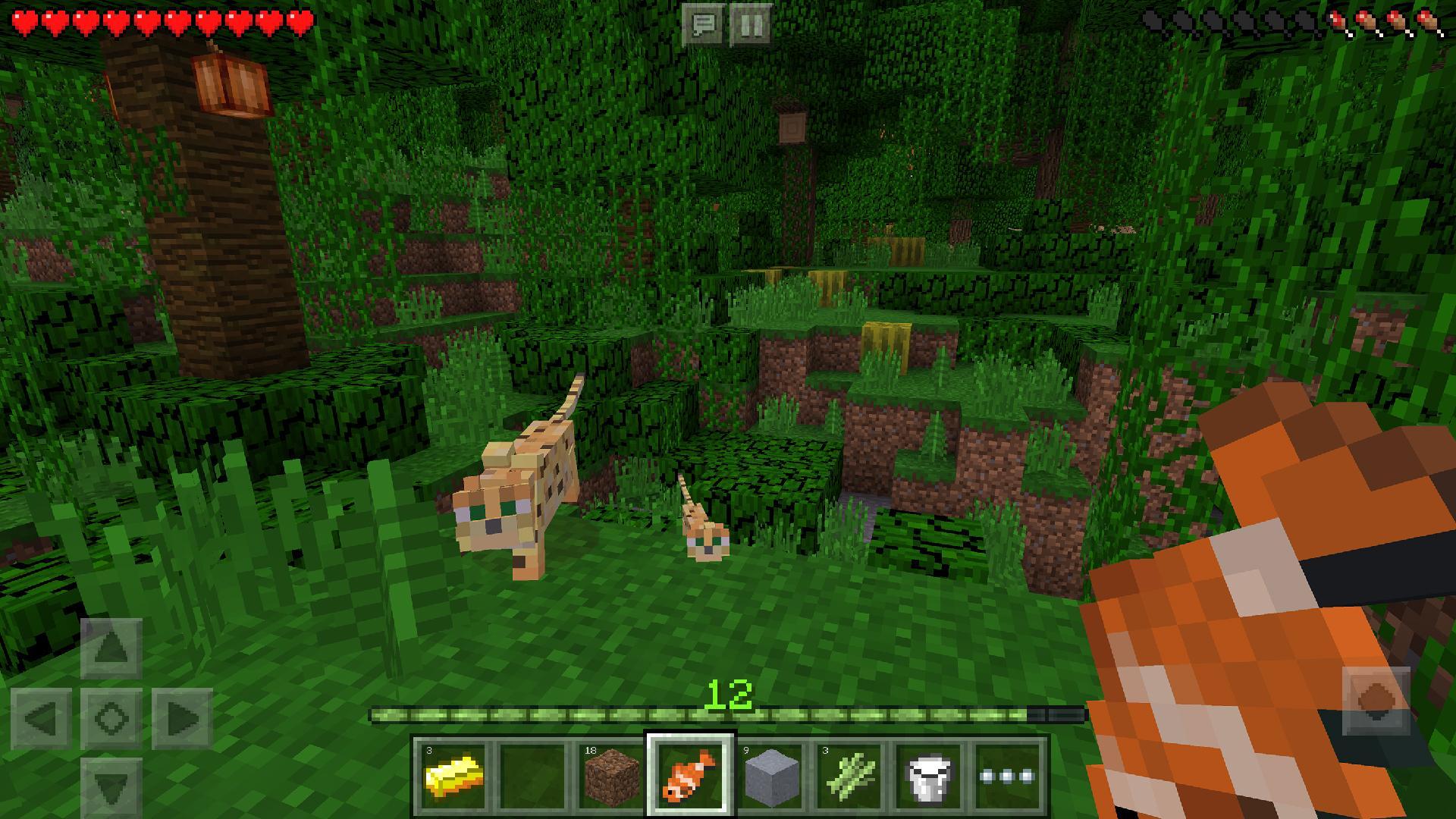
Each new Minecraft world is randomly generated, so the terrain, caves, resources, and places you find can differ from the last one. You can travel across varied landscapes while looking for materials for a project or an expedition. This means players can decide whether to stay near their starting area or keep exploring.
Collect blocks and craft useful items
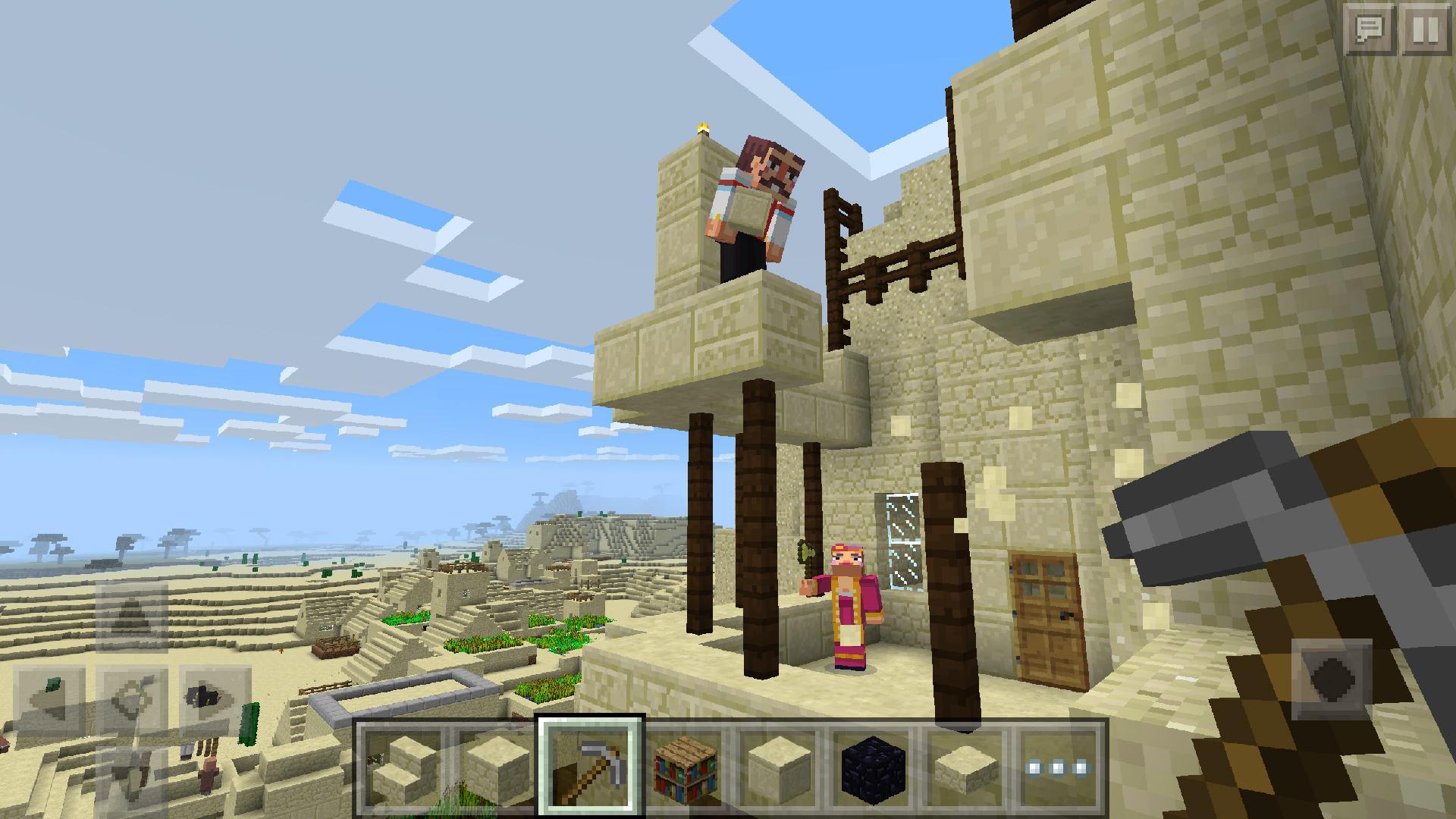
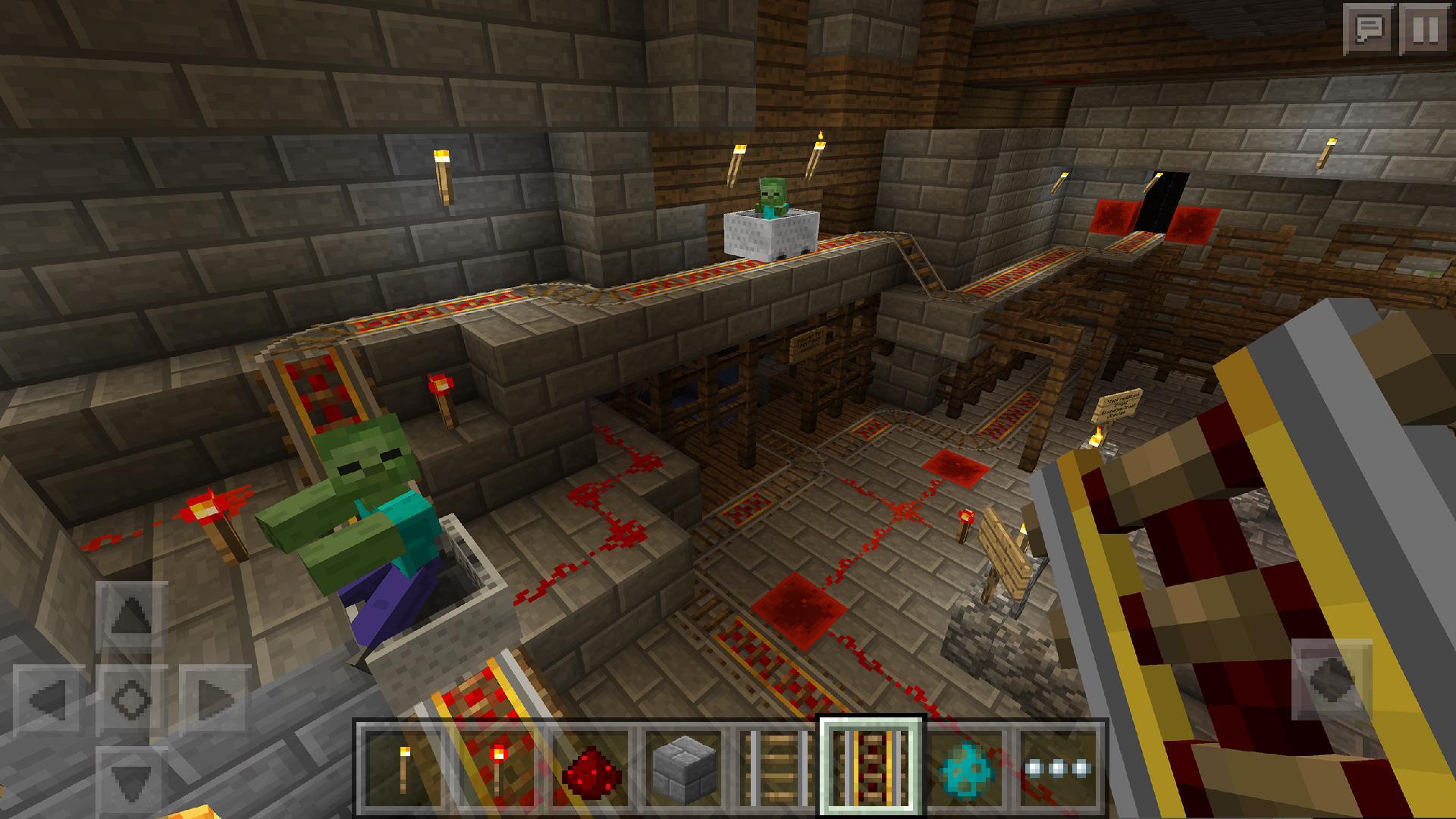
In Survival Mode, you break blocks to gather materials such as wood and stone. You then use these resources to make tools, weapons, armor, storage, and structures. As your supplies grow, you can prepare for longer trips and build a more secure base.
Play in shared worlds
Minecraft multiplayer gives players several ways to play together. You can create a world for friends, join public servers with community activities and minigames, or use Minecraft Realms for a private world that remains available for invited players. The right option depends on whether you want a small group space or a larger public community.
Change the look and content of your game
Minecraft includes optional Marketplace content for players who want to change selected parts of their game. Skins change a character’s appearance, while texture packs adjust how blocks and environments look. Maps provide prepared worlds, and add-ons can change items, mobs, blocks, recipes, or other elements in supported worlds.
Players need the same game version to enter the same shared world or server. Before arranging a session with friends, check that everyone has installed the matching Minecraft latest version. This also applies when joining a Realm, since different versions can prevent players from connecting to the same world.
Marketplace items are optional and are not required for normal play. Choose a skin if you only want a different character appearance, or select a texture pack if you want to change the visual style of blocks and environments. A map is useful when you want a prepared setting, while an add-on is for worlds that include changed gameplay elements such as mobs, items, or recipes.
New players can begin with a simple first-day plan after they download Minecraft. Survival Mode becomes more manageable when you collect basic supplies before night arrives. Focus on immediate needs first, then expand your base and equipment as you find more resources.
Open Minecraft and create a new world, then select Survival Mode before entering it.
After spawning, find nearby trees and break wood blocks to collect your first materials.
Use the wood to make basic crafting materials, then create starter tools for gathering stone and other blocks.
Before night, collect enough blocks to make a small shelter and place yourself inside it.
Continue gathering resources after you are safe, then craft better tools, weapons, armor, storage, and building materials.
Minecraft gives Android players an open world where building, resource collection, exploration, survival, and shared play can be approached at their own pace. Choose Creative Mode for unrestricted construction or Survival Mode for resource-based progress.
For official game information, visit the developer’s website.
Official website: https://www.minecraft.net/en-us
Latest Version
Varies with deviceRequires Android
Varies with device
Category
Arcade GameContent Rating
Everyone 10+ · Fantasy Violence
Report
Flag as inappropriateLast updated on Dec 21, 2017
This release includes minor bug fixes and general improvements. Update to the latest version for the best experience.


APKPure - A multi-platform app store primarily focused on Android, providing extensive app-related content. Discover the app you want easier, faster, and safer, with quick and efficient downloads and installations.