Minecraft 1.26.13: All about the new update and its most important fixes

2026-04-10
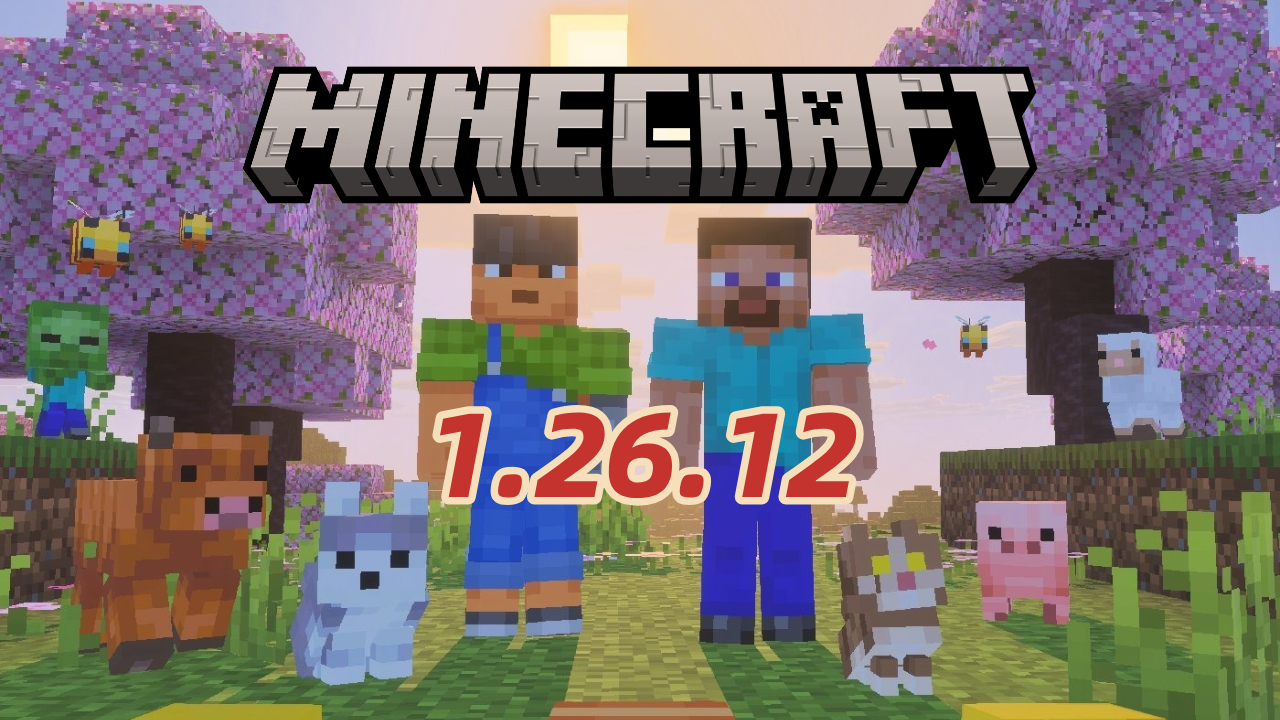
The Minecraft 1.26.13 update improves game stability, fixes major bugs, and provides a smoother experience for all Bedrock Edition players.
The new Minecraft Bedrock Edition 1.26.13 update has begun rolling out across various platforms, including consoles, mobile devices, and PC. This hotfix aims to resolve several issues identified in the previous version, ensuring a smoother and more stable gameplay experience for all players.
Unlike major updates, this version focuses primarily on performance optimization and bug fixes, maintaining gameplay balance without introducing new blocks or mobs.
Minecraft 1.26.13: Main fixes and improvements
Patch 1.26.13 includes several important technical fixes:
- Fixes errors that affected overall gameplay, preventing unexpected crashes or bugs when interacting with certain entities.
- Fix for the issue with custom entity components, which were locked by runtime IDs (MCPE-237713).
- Improvement to the emote system, preventing selected gestures from reverting to default values when restarting the game (MCPE-188449).
These improvements aim to enhance stability and customization within the Bedrock Edition environment, a key aspect for the Minecraft creative and technical community.
Minecraft 1.26.13: Impact on the gaming experience
Thanks to this hotfix, players will experience fewer interruptions and more consistent performance, especially in large or multiplayer worlds. The fixes related to custom entities also make things easier for content creators and add-on developers.
In addition, adjusting emotes helps preserve user settings, strengthening the sense of identity in multiplayer games.

Minecraft Trial is a sandbox survival game that lets you test the core Minecraft experience for a limited time.

How to update Minecraft to version 1.26.13
To enjoy the latest version, you only need an internet connection and to follow these steps:
🕹 Xbox One and Series X|S consoles : Go to "My games & apps", select Minecraft, then "Manage game & add-ons" and finally "Updates" to download version 1.26.13.1.
🎮 Nintendo Switch : Open Minecraft and accept the update notification or update manually from the software menu.
📱 Mobile devices
- Google Play Store: Access the app store on your Android device and check for Minecraft updates.
- APKPure: If you prefer to download the APK directly, you can use APKPure as a safe alternative.
How To
Cómo descargar Minecraft 1.26.13.1 APK última versión gratis para Android 2026Lee esta guía para aprender a descargar e instalar Minecraft mod 1.26.13.1 apk en el móvil en 2026. Sigue el tutorial paso a paso para descargar la última versión de Minecraft mod apk para Android.
Learn More🖥 Windows 10/11 : Download or update from the official Minecraft Bedrock Edition launcher, making sure you have a stable connection and enough space.
Minecraft 1.26.13 may seem like a minor update, but it plays a vital role in keeping the game stable, reliable, and free of frustrating bugs. Mojang continues to demonstrate its commitment to the community by providing quick and effective fixes, ensuring that both casual players and creators can continue to enjoy the Minecraft universe without interruption.
* See the full patch notes on the Minecraft website: Minecraft: Bedrock Edition 26.13 Hotfix Changelog .
 NEWS
NEWS REVIEWS
 HOWTO
HOWTO