Scan Date:Jan 18, 2026
Show More

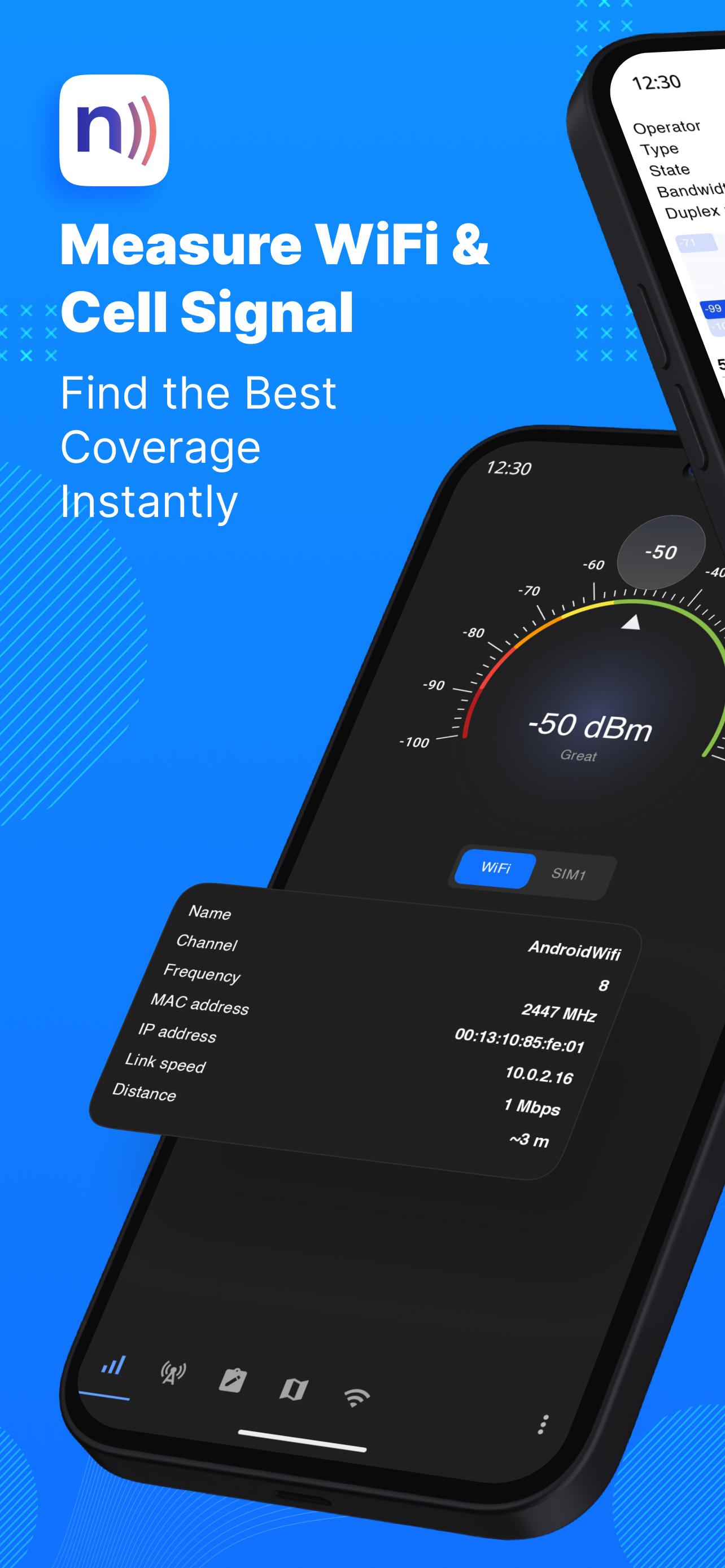
With Netmonitor you can get a good idea of the cellular and WiFi signal strength and find out which corners of your office or home are having the best reception. Adjust the direction of the antenna to have better signal reception and to improve internet speed.
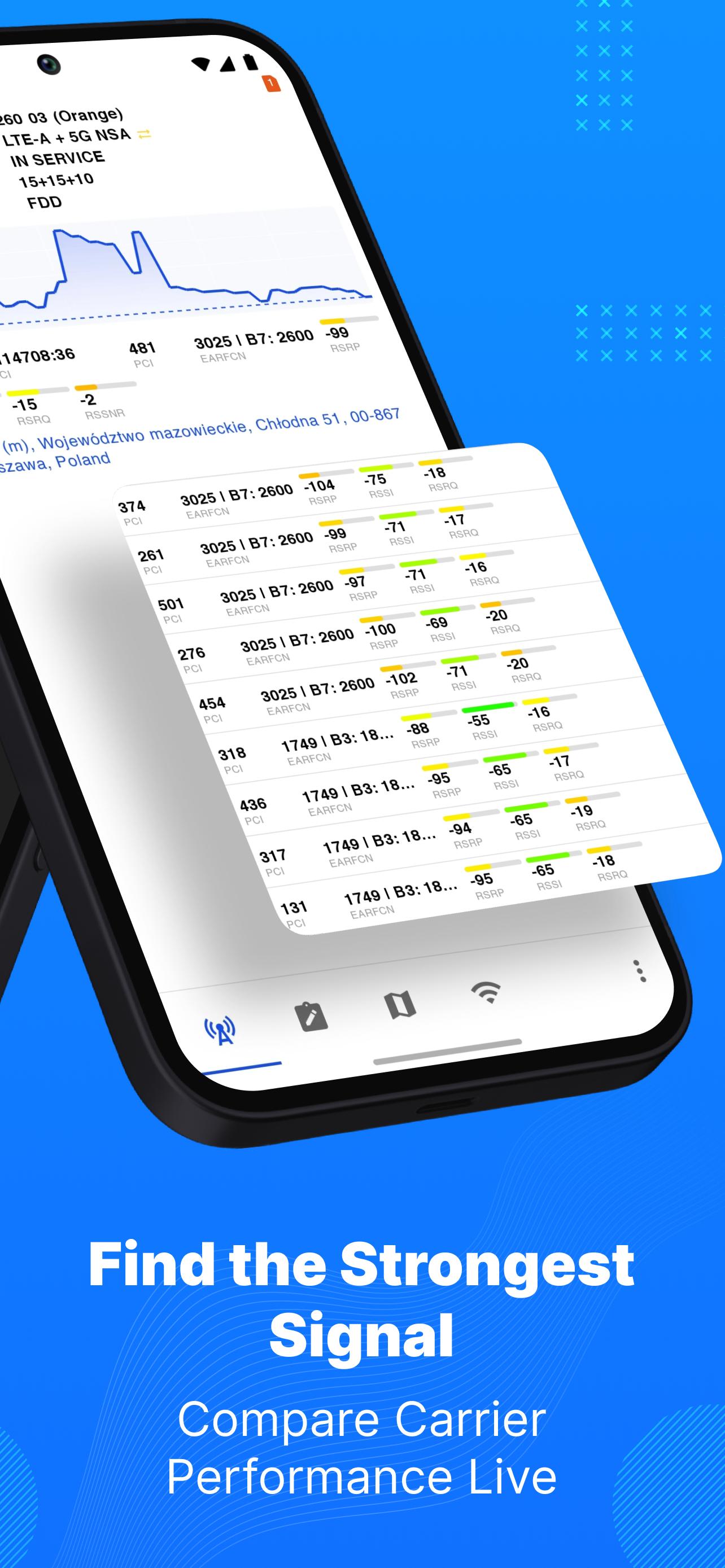
Netmonitor displays advanced 2G / 3G / 4G / 5G (NSA and SA) cellular network information and helps you to watch the state of cellular network by gathering data about cell towers. Also detects aggregated carriers (so-called LTE-Advanced).
Tool for voice and data service quality troubleshooting, RF (Telecom) optimization and engineering field work.
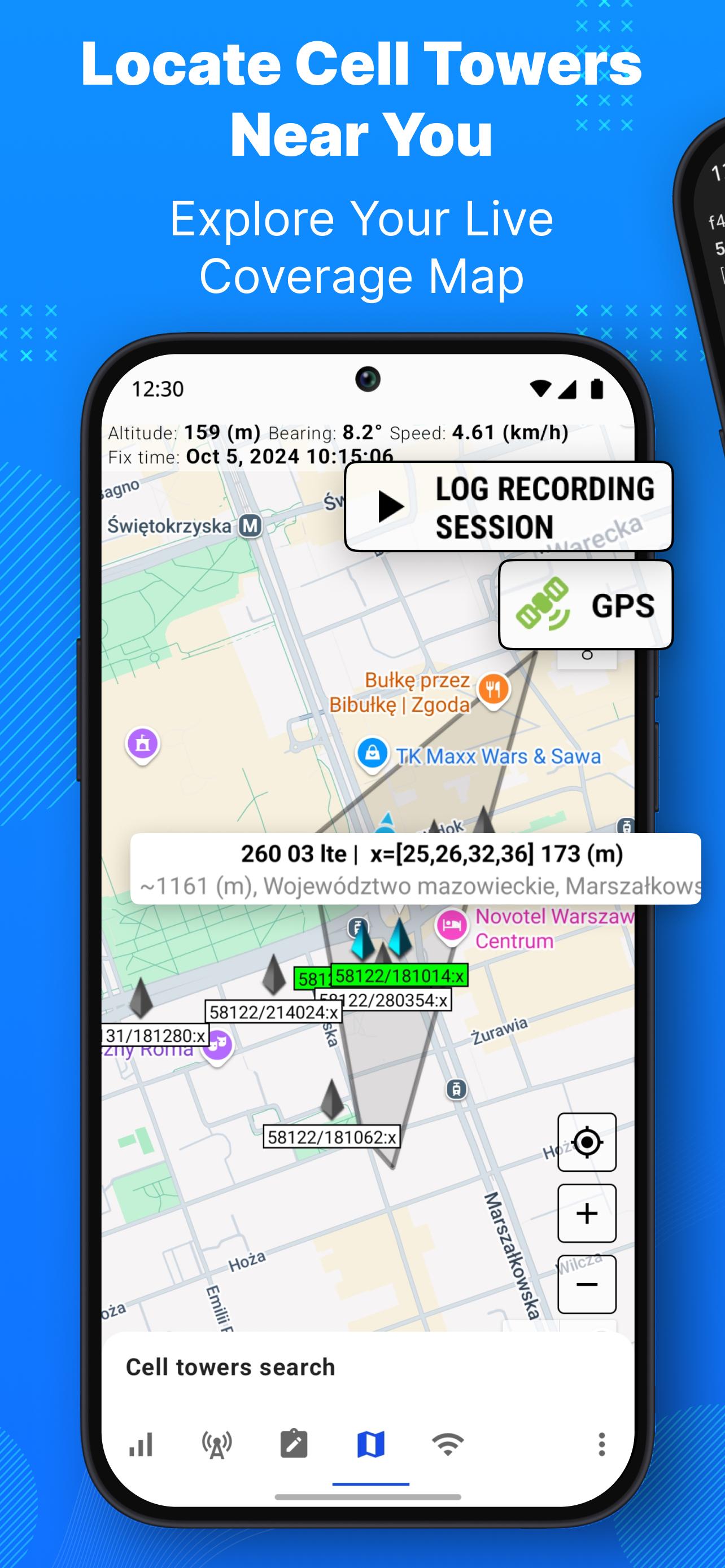
In most cases precision of estimated cell tower position is better for sites with 3 cells detected (sectors). If you see only one cell, this is not cell tower position, this is cell serving area center.
Features:
* Almost realtime CDMA / GSM / WCDMA / UMTS / LTE / TD-SCDMA / 5G NR networks monitoring
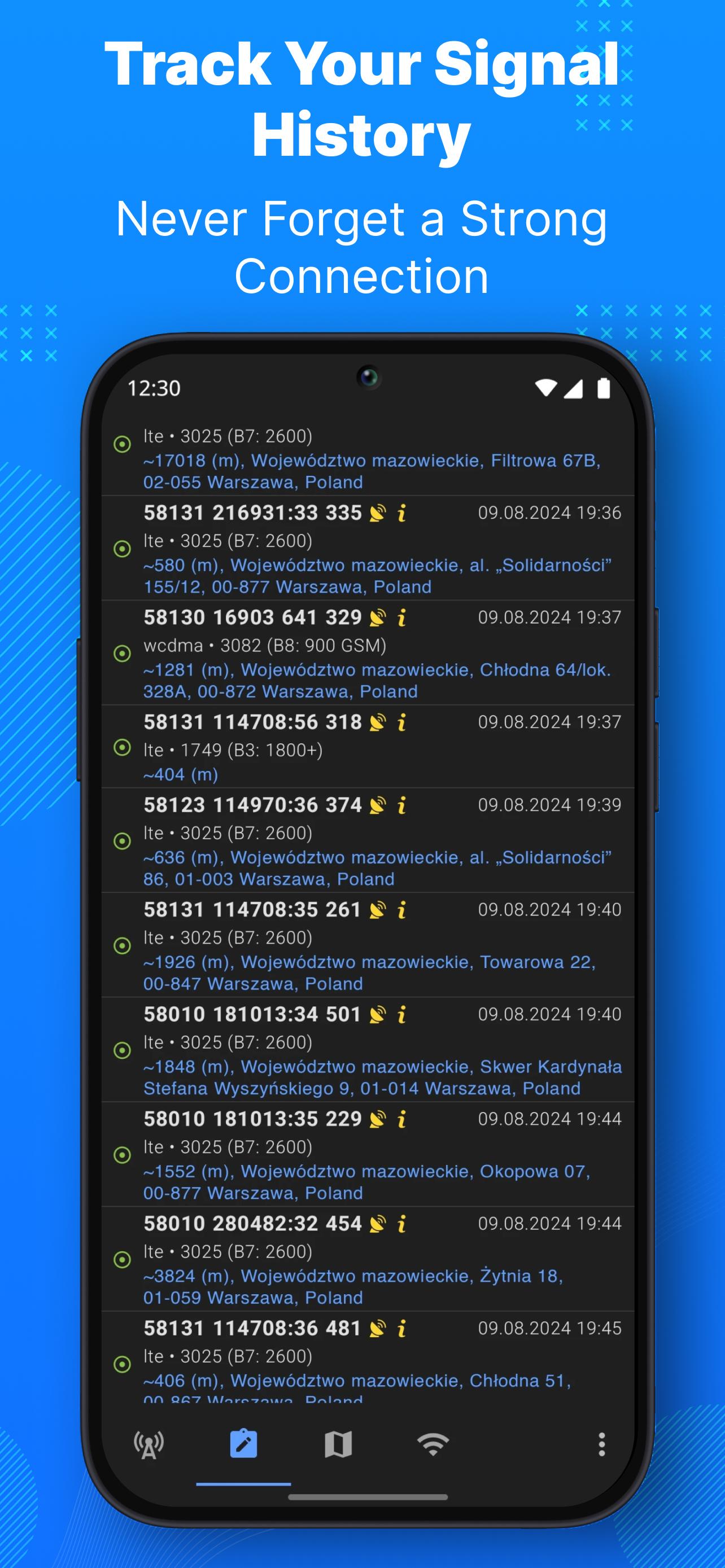
* Current & neighboring cell infos (MCC, MNC, LAC/TAC, CID/CI, RNC, PSC/PCI, channels, bandwidths, frequencies, bands)
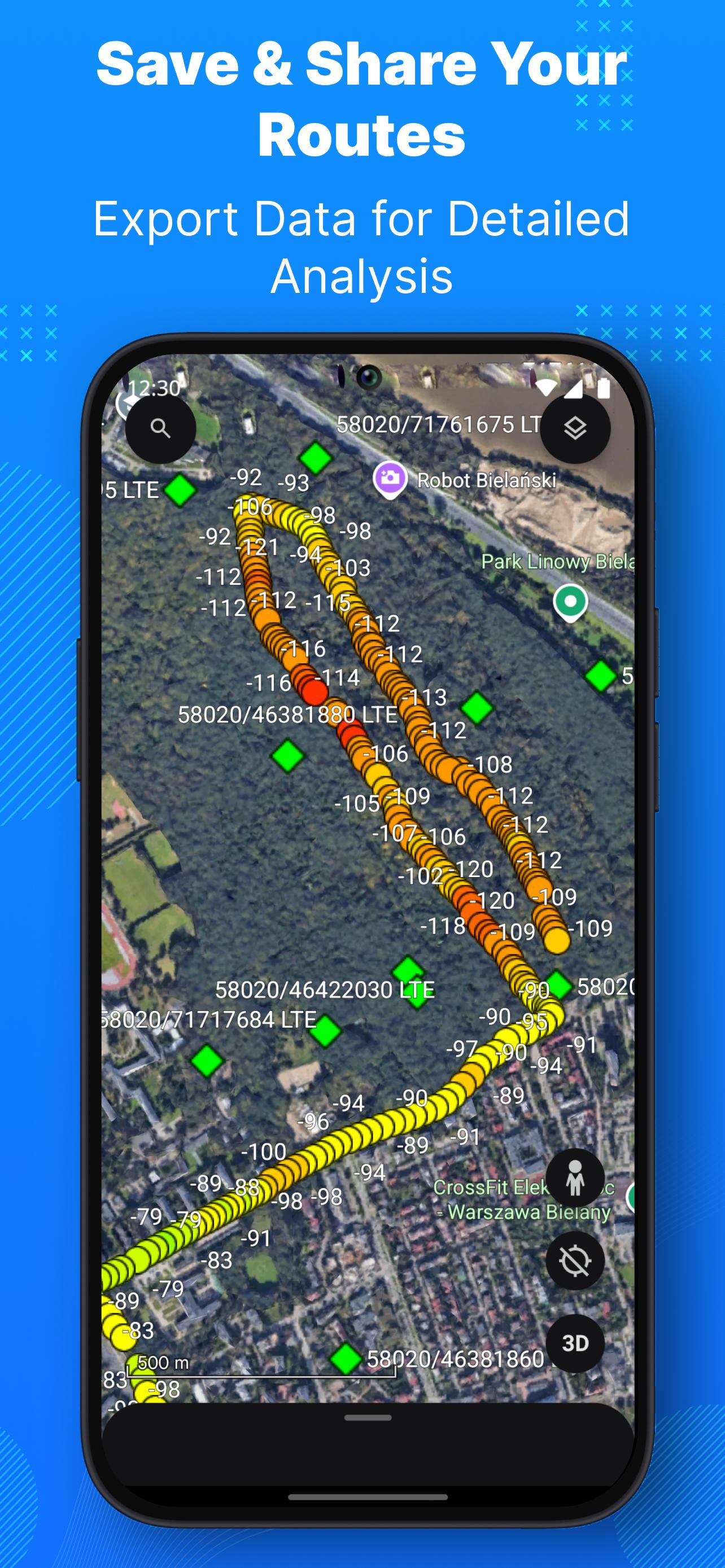
* DBM signal changes visualization
* Network info in notification
* Multi SIM support (when possible)
* Export sessions to CSV and KML. View KML in Google Earth
* Load external BTS antennas data with precise cell towers location information
* Data collection in background
* Cell tower sectors grouping on the map
* Google Maps / OSM support
* Approximate cell tower location with address based on geolocation services
* Cell finder & locator - discover new cells in the area
Force LTE only (4G/5G). Lock LTE band (Samsung, MIUI)
Feature is not available on every phone, it is accessible via firmware hidden service menu.
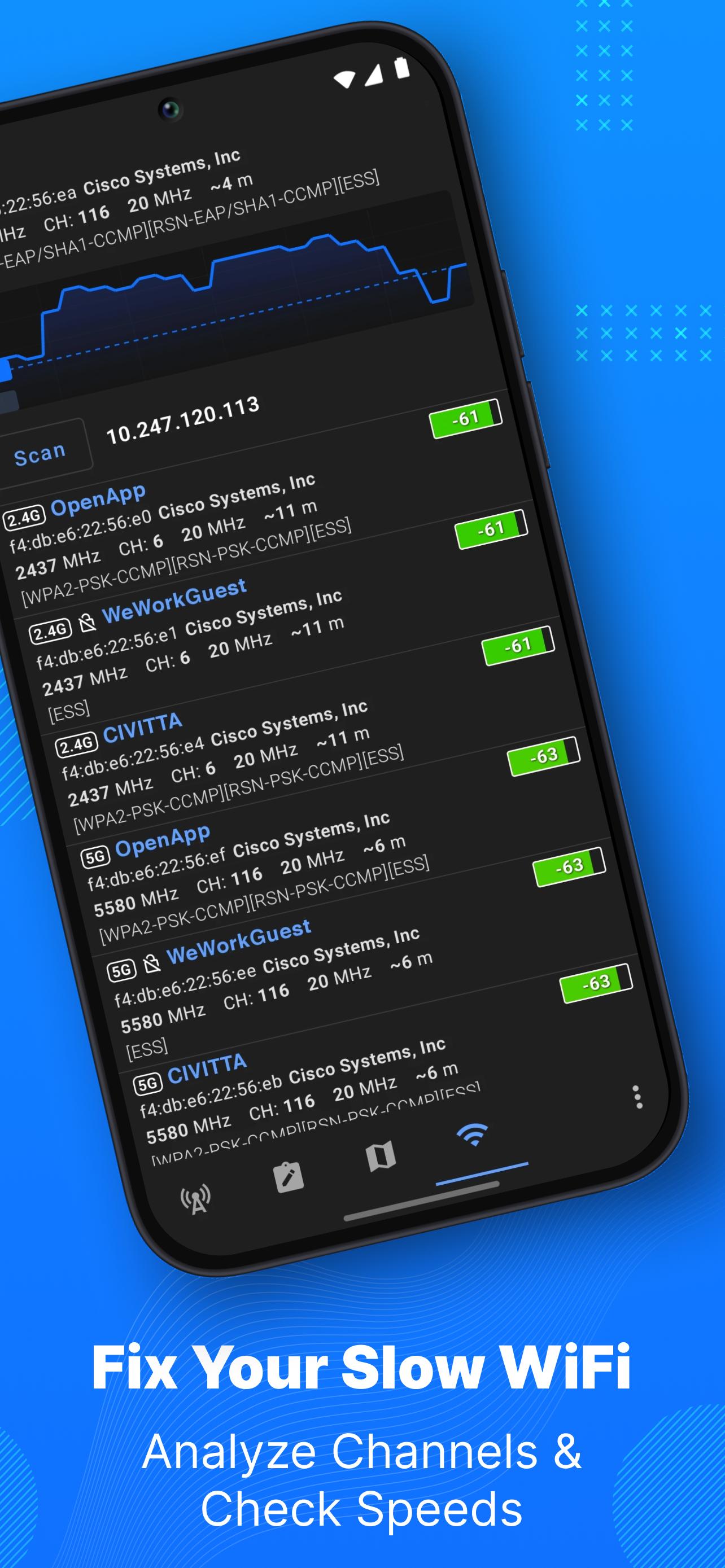
Netmonitor can help you diagnose various problems in your WiFi network setup. Detect available WiFi networks and analyze network coverage. Increase signal strength and reduce traffic volume. Helps discover the best channel for a wireless router. Detects devices connected to the network. Who’s using the network?
Features:
* Name (SSID) and identifier (BSSID), frequency and channel number
* Graph signal strength over time
* Router manufacturer
* Connection speed
* Estimated distance to the access point
* IP address, subnet mask, gateway IP address, DHCP server address, DNS addresses
* Spectrum bands - 2.4GHz, 5GHz and 6GHz
* Channel width - 20MHz, 40MHz, 80MHz, 160MHz, 80+80MHz
* Technologies - WiFi 1 (802.11a), WiFi 2 (802.11b), WiFi 3 (802.11g), WiFi 4 (802.11n), WiFi 5 (802.11ac), WiFi 6 (802.11ax), WiFi 6E (802.11ax in 6GHz)
* Security options - WPA3, OWE, WPA2, WPA, WEP, 802.1x/EAP
* WiFi encryption (AES, TKIP)
Permissions are required to access specific data:
PHONE - Multi SIM support. Get network type, service state. App NEVER makes phone calls
LOCATION - Get current & neighboring cells, carrier name. Access GPS location. Scan WiFi access points
🌐 Learn more:
https://netmonitor.ing/
Latest Version
1.28.1Uploaded by
فريد الجزائري
Requires Android
Android 6.0+
Category
Free Tools AppContent Rating
Everyone
Security Report
Report
Flag as inappropriateLast updated on Jan 8, 2026
• Fixed memory leaks for improved performance and battery life
• Background monitoring is now disabled by default to save battery


APKPure - A multi-platform app store primarily focused on Android, providing extensive app-related content. Discover the app you want easier, faster, and safer, with quick and efficient downloads and installations.