Navigation Bar app is a Back Home Recent buttons that can replace a failed or broken button in your android device, also not just helpful in case you have broken buttons, but you can use this app to navigate in your smart phone using button on screen, simple to use, simple to launch and simple to control.
--> Vertical and Horizontal Support
--> Android Phones or Tablets Support.
Required Permissions and Privacy Notes
This app uses Accessibility services Permission. Accessibility is used to detect when the physical or capacitive buttons are pressed on your device so they can be remapped to custom actions to accommodate your needs. It is not used to see what you type. Button Mapper does not collect or share any of your personal information, it is safe and your privacy is respected.
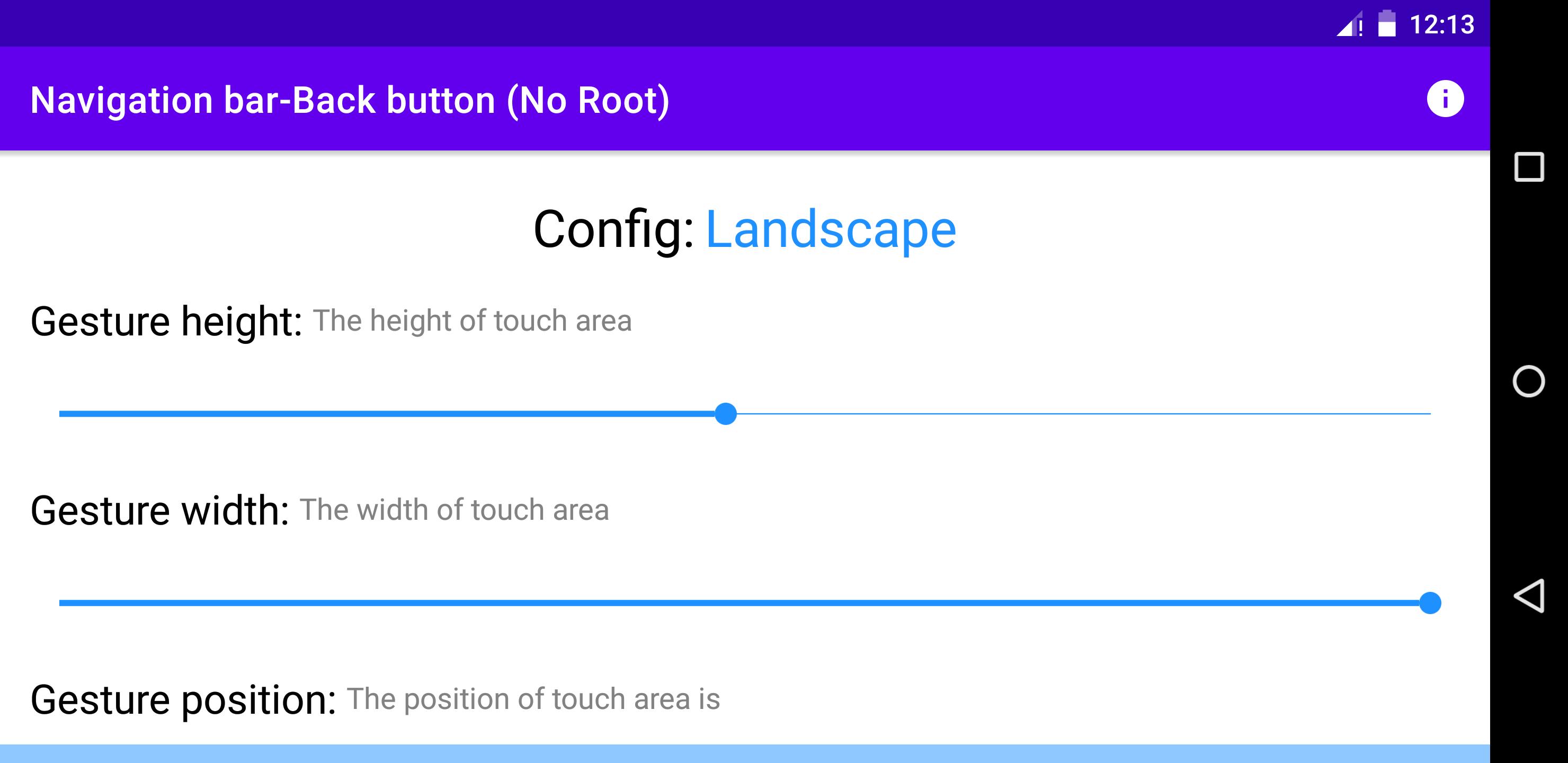
--> Control position of buttons.
--> Auto-hide navigation buttons or you can determine time for hiding.
--> Lock navigation bar
How to use?
Open app, enable permissions if asked, find Navigation Bar in accessibility setting and enable it, that’s all.
If you have any question be free and contact us anytime.
Latest Version
1.1.2Uploaded by
Mateusz Giedziński
Requires Android
Android 4.4+
Category
Free Tools AppContent Rating
Everyone
Report
Flag as inappropriateLast updated on Feb 23, 2023
Fix bugs




APKPure - A multi-platform app store primarily focused on Android, providing extensive app-related content. Discover the app you want easier, faster, and safer, with quick and efficient downloads and installations.