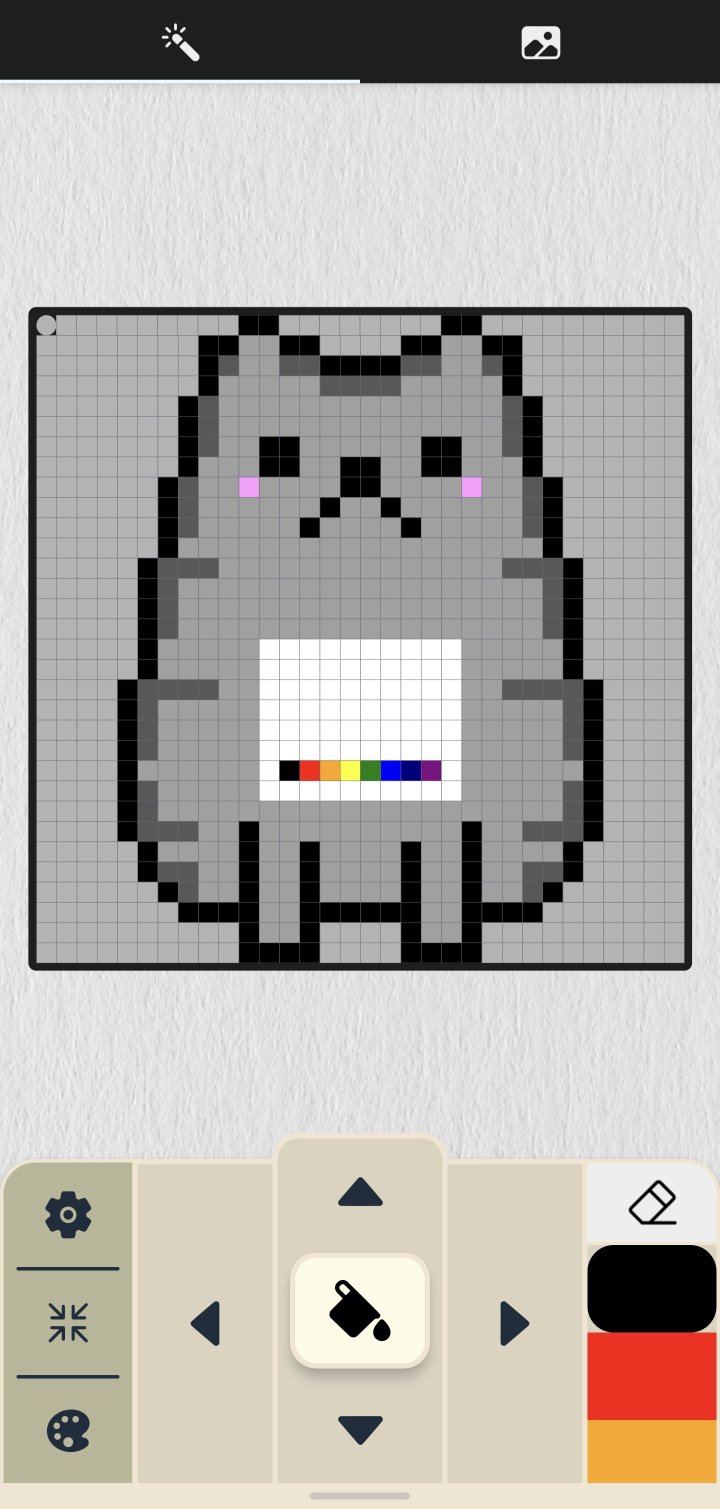
1. MyPixel allows you to draw 8x8, 16x16, and 32x32 pixels easily and simply.
2. You can draw pixels using the arrow keys at the bottom of the screen, or you can draw by directly pressing a pixel on the screen.
3. You can save and load your progress, so you can draw your own pixels without any burden.
4. You can set various colors and transparency and save them in 10 palettes.
5. You can view the drawn pixels at a glance and save them to the gallery.
Latest Version
1.0.126Uploaded by
Laureano Rodriguez Laucho Rodriguez
Requires Android
Android 6.0+
Category
Free Art & Design AppContent Rating
Everyone
Report
Flag as inappropriateLast updated on Jul 29, 2024
This release includes minor bug fixes and general improvements. Update to the latest version for the best experience.



APKPure - A multi-platform app store primarily focused on Android, providing extensive app-related content. Discover the app you want easier, faster, and safer, with quick and efficient downloads and installations.






![Upgrade Android - 9/P/Pie [Tutorial] APK](https://image.winudf.com/v2/image1/Y29tLmhlZXRocGphaW4uaGVldGgudXBncmFkZWFuZHJvaWRfaWNvbl8xNTQ4NjA3ODczXzAyMg/icon.png?w=102&fakeurl=1)