

Launch Google Settings helps users on China phones or custom ROMs where the Google Settings entry does not appear. If Google Mobile Services is installed but the menu is missing, this tool offers a direct way to open it. It does not install any Google apps, and no root is required. For users who need a tiny launcher that needs no permissions, Launch Google Settings APK keeps the process simple.
Open Google Settings directly
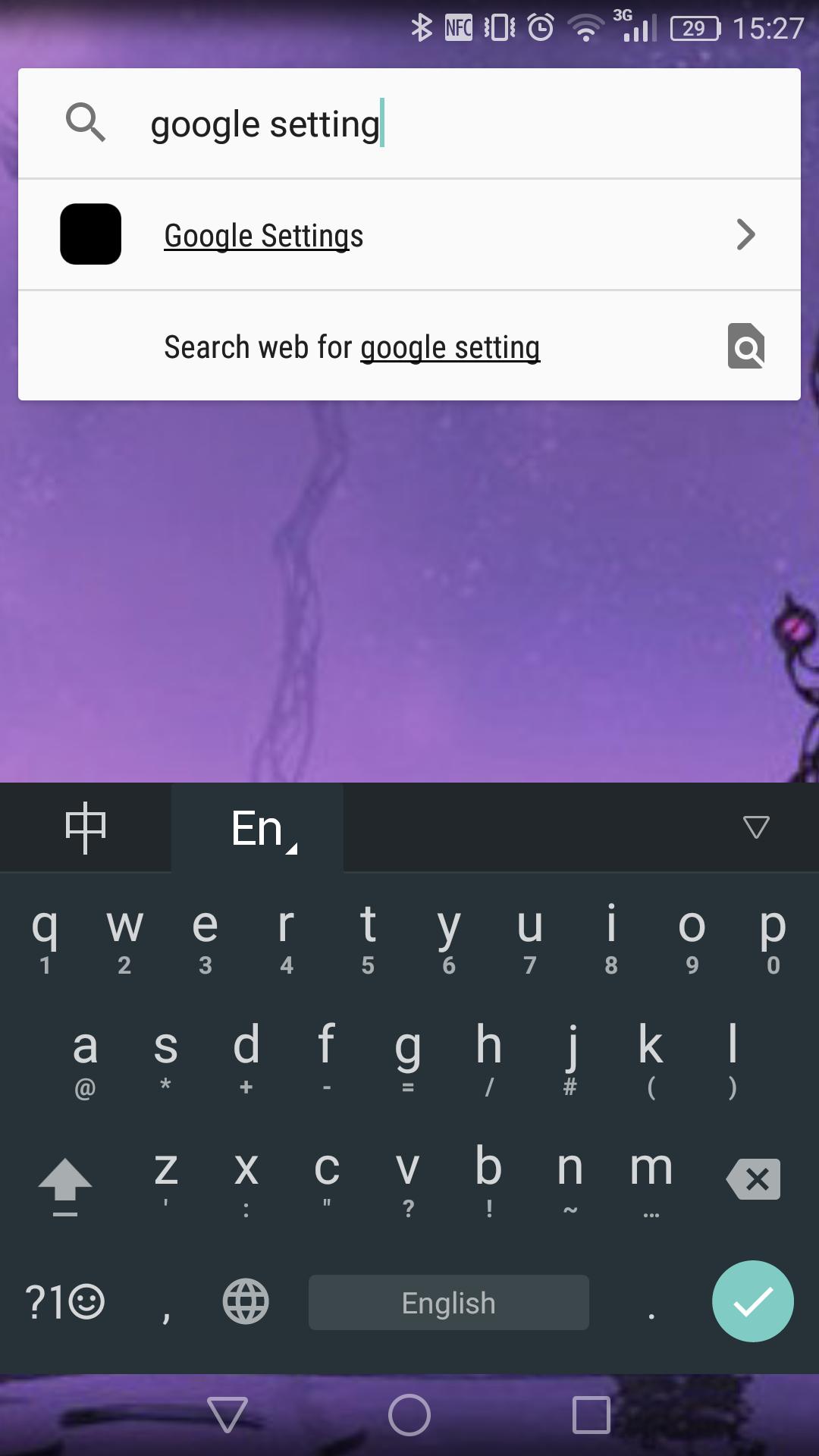
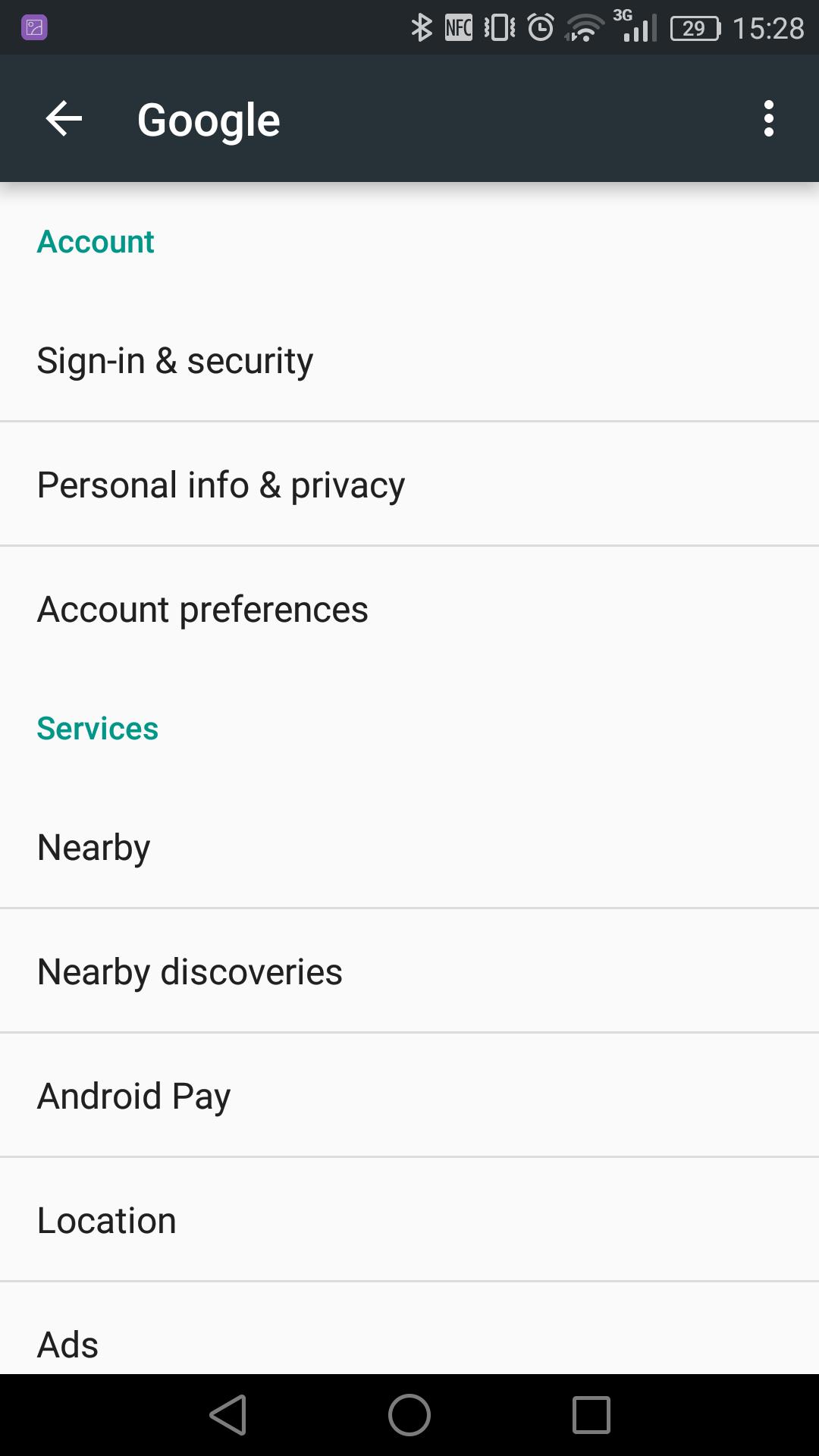
Launch Google Settings starts the Google Settings screen inside Google Mobile Services when that component exists on your device. It performs a single action and does not change system settings by itself. If Google Mobile Services is absent or blocked by the ROM, the shortcut will not work. The Launch Google Settings latest version keeps this behavior consistent.
Built for devices without the menu
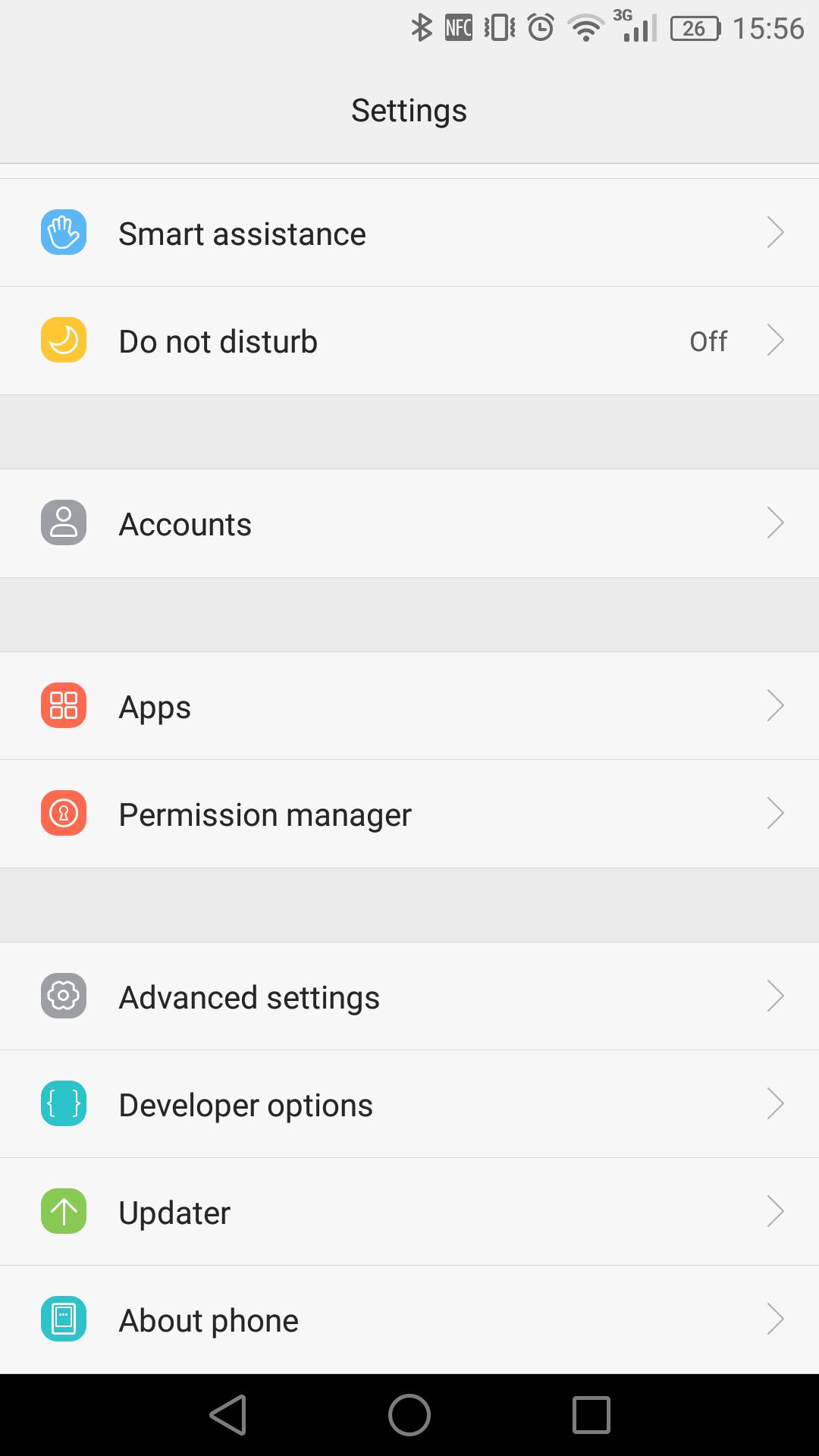
Some China phones and alternative ROMs remove the Google Settings entry from system settings. After you install Google components on such devices, finding that menu can still be difficult. This app provides a reliable way to reach it so you can manage preferences linked to your Google account.
No root, no permissions, tiny download
Open source project
The code is publicly available for review, which makes behavior easy to verify. Users who prefer transparent utilities can inspect how the app launches the settings screen before using it.
Install the app, ensure Google Mobile Services is present, then open the launcher entry to access Google Settings. It is intended for devices where the original settings menu is hidden or removed. For a quick setup, download Launch Google Settings and confirm that your ROM allows Google components to run.
Latest Version
1.0Uploaded by
مهند الشلح
Requires Android
Android 2.2+
Category
Free Tools AppContent Rating
Everyone
Report
Flag as inappropriateLast updated on Sep 21, 2016
This app won't show a window anymore.


APKPure - A multi-platform app store primarily focused on Android, providing extensive app-related content. Discover the app you want easier, faster, and safer, with quick and efficient downloads and installations.










![[Root] Change Mobile Network APK](https://image.winudf.com/v2/image/b3JnLmdlbWluaS5tb2JpbGVfbmV0d29ya19tb2RlX2ljb25fMTUwOTk0OTQ2Ml8wNjA/icon.png?w=102&fakeurl=1)
![[Root] GPS On / Off APK](https://image.winudf.com/v2/image/b3JnLmdlbWluaS5ncHNfb25vZmZfaWNvbl9lZWllOTR2dw/icon.png?w=102&fakeurl=1)

![[Root] Set Long-Press Home Button Action APK](https://image.winudf.com/v2/image/b3JnLmdlbWluaS5zZXRfYXNzaXN0YW50X2ljb25fMDBmbzhyd28/icon.png?w=102&fakeurl=1)










