Scan Date:Mar 30, 2026
Show More


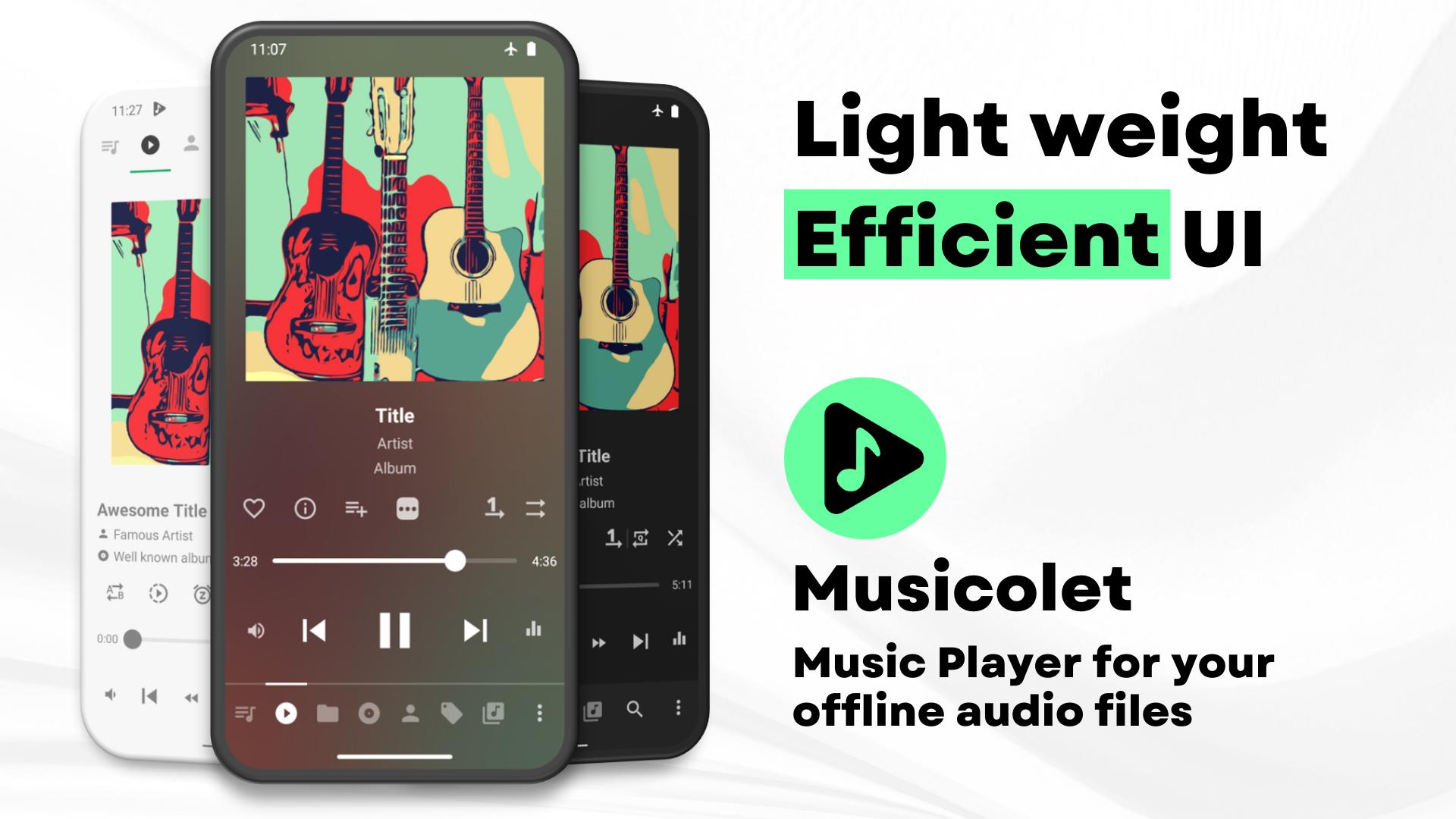
Musicolet suits users who keep their music stored on the phone and prefer a focused listening experience. It works entirely offline, avoids unnecessary permissions, and keeps navigation quick for large libraries. You can browse local folders, albums, artists, and playlists without network access, which helps maintain privacy and conserve data. The interface favors practical controls over flashy elements, so daily playback feels straightforward. For those comparing options, Musicolet APK offers an ad-free approach centered on local audio management.
Offline and ad-free by design
Musicolet runs without internet permissions, which means no streaming, no online search, and no background data activity. Playback and browsing stay local to your device’s storage, so your library remains private. You avoid ads and online prompts, and the app keeps its focus on quick access to your files.
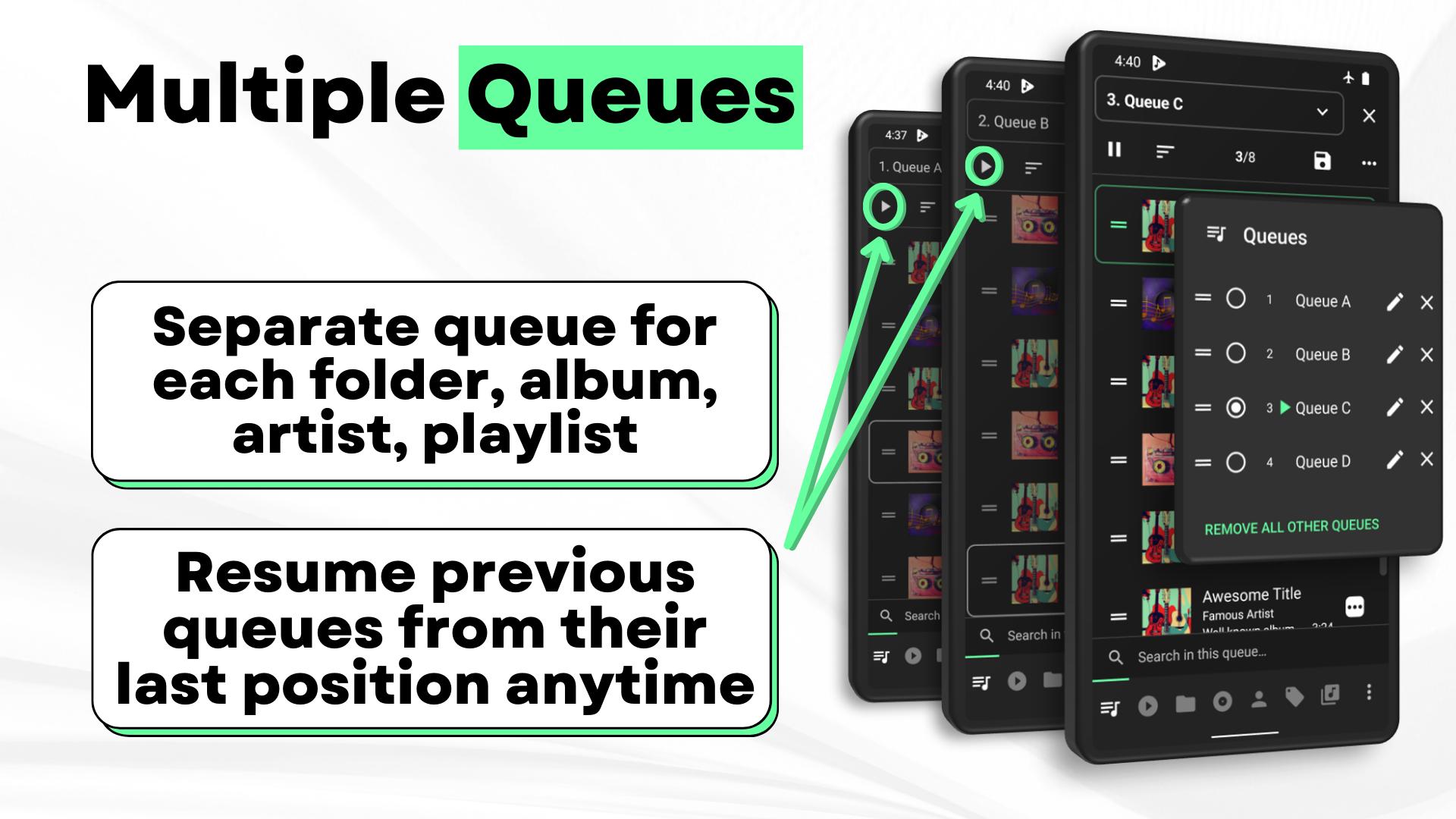
Multiple queues with quick navigation
You can maintain different queues for folders, albums, artists, and playlists, and switch between them as needed. Musicolet uses a single-row navigation approach that places essential actions one tap away. This helps you jump back to a queue or resume positions without digging through menus, especially when managing a large collection.
Tag editor and lyrics support
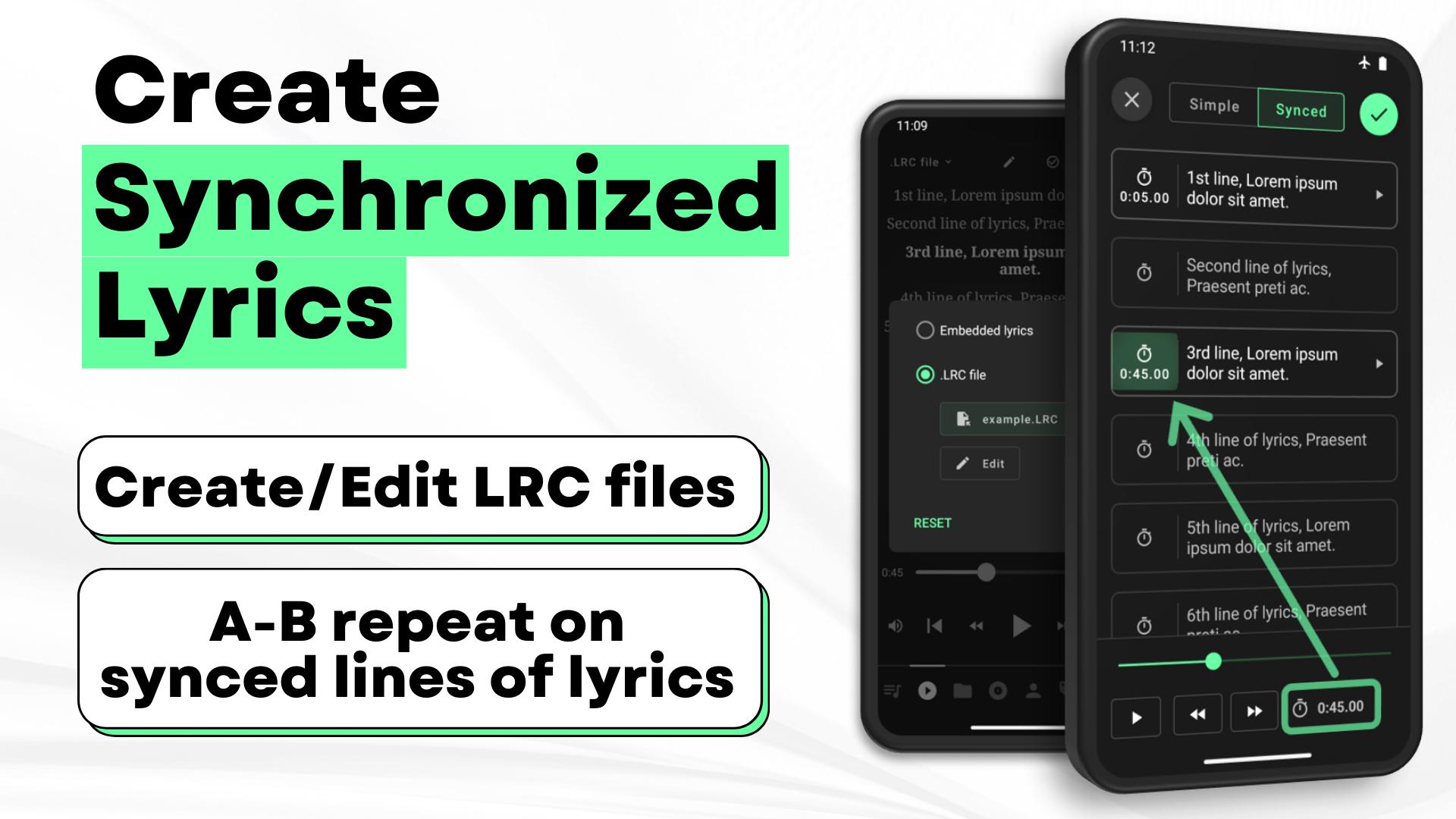
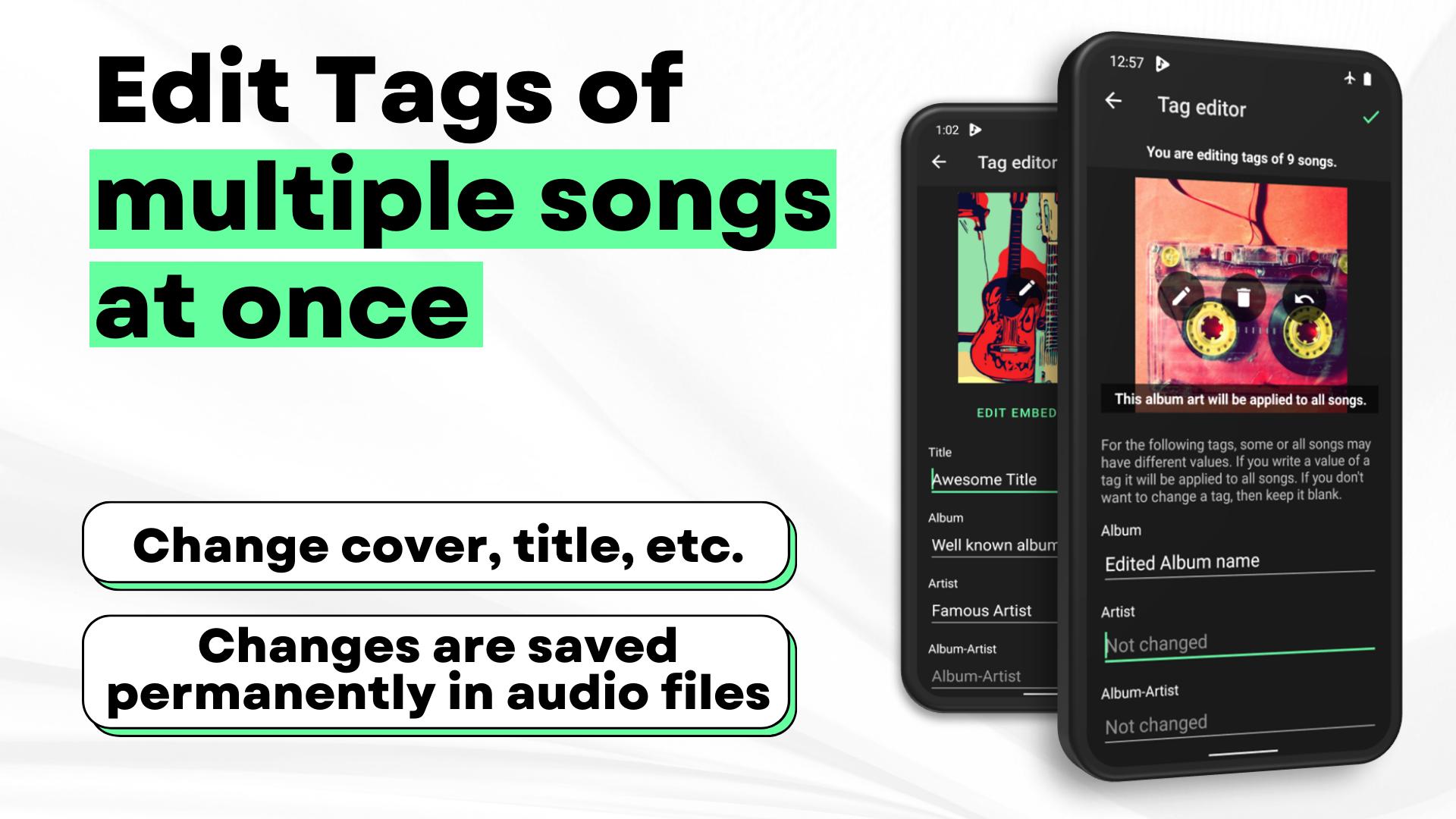
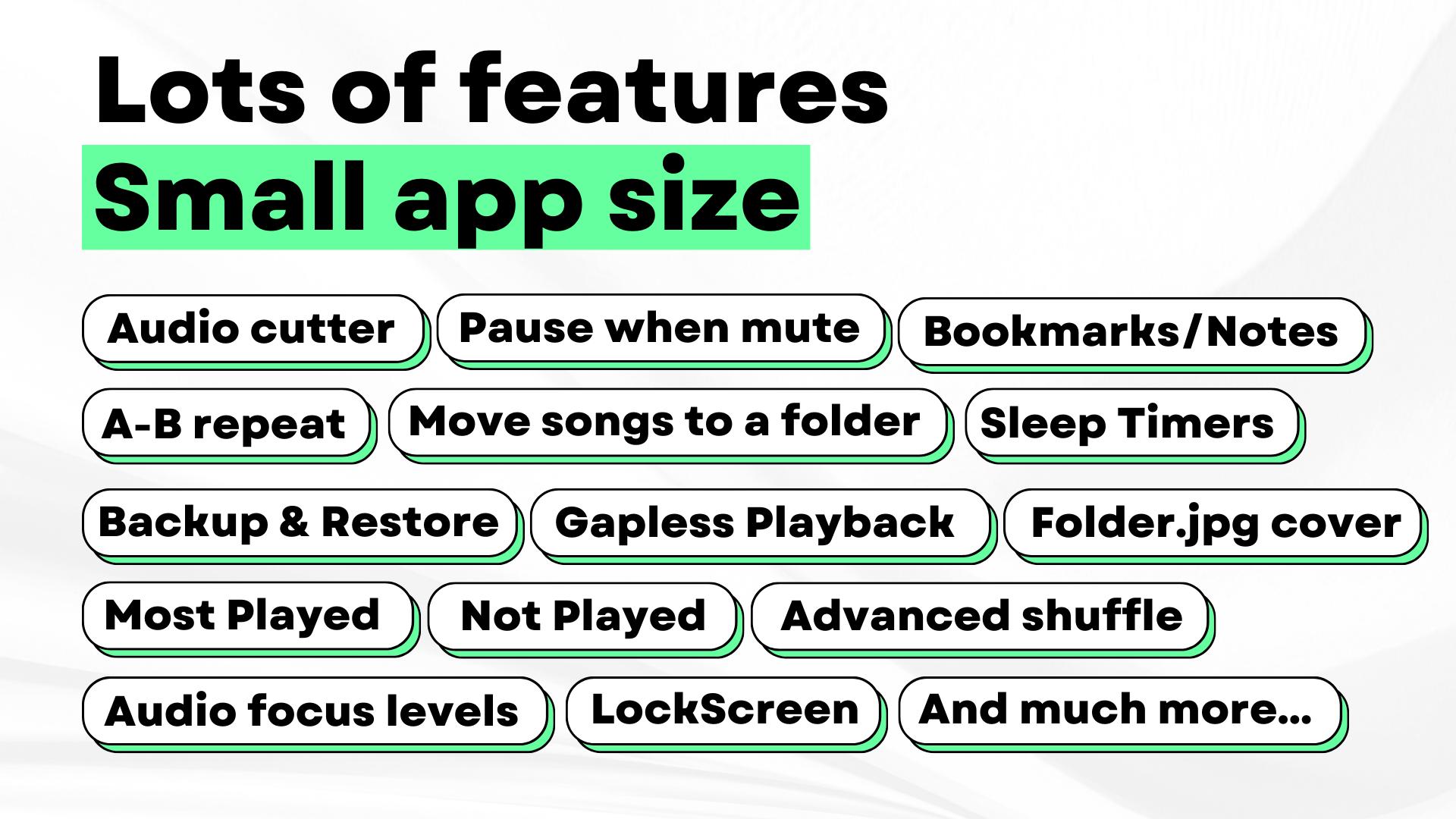
Musicolet lets you batch-edit tags and album art to keep metadata consistent across your library. For lyrics, you can use embedded tags or add synchronized .lrc files for time-based display. The app reads embedded lyrics where available and can show line-by-line sync when you provide matching .lrc files.
Audio controls that matter
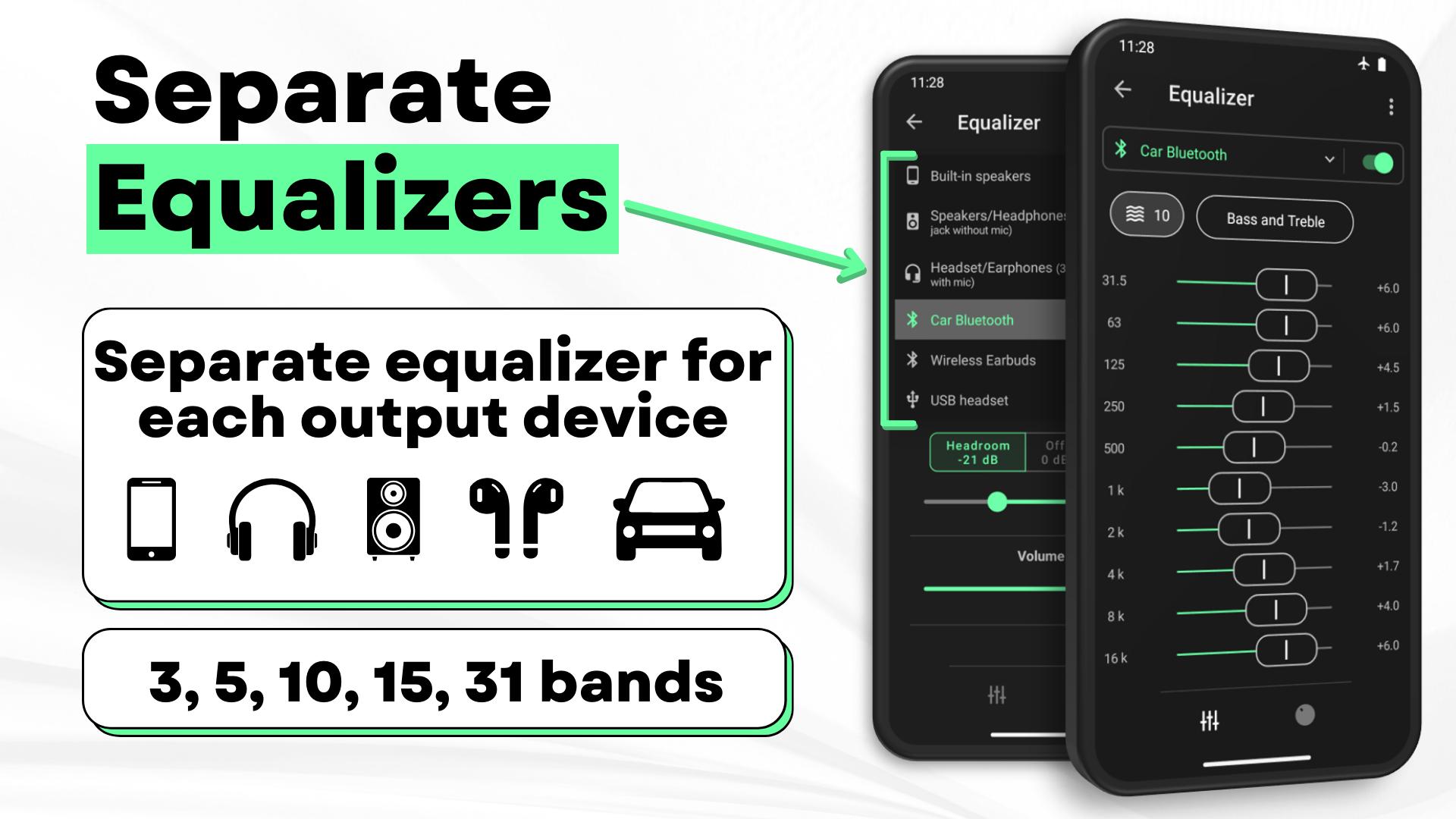
Musicolet includes an equalizer with separate presets for speakers, headphones, and Bluetooth outputs. Gapless playback helps tracks transition smoothly, and earphone click controls make it practical to manage playback without unlocking your phone. These controls aim for reliable handling of everyday listening situations.
File and library management
Musicolet can move or copy songs and rename folders from within the app, which reduces switching to a file manager. You can browse folders in a linear view or a hierarchical structure depending on your preference. Advanced multi-select keeps actions efficient when organizing large batches of files.
Convenience features across the system
Musicolet works with Android Auto for in-car playback and offers lock screen views that can show the queue and lyrics. Home screen widgets provide direct controls, while sleep timers can stop after a set time or after a chosen number of songs. Backup and restore options help you keep queues, settings, and organization intact across device changes.
Musicolet focuses strictly on local music. It does not stream from online services, download tracks, or search the web, and it requests no internet permissions. For synchronized lyrics, you need embedded tags or a matching .lrc file placed alongside the song in storage. The core app is free and ad-free, which suits users who want a private, offline player.
Musicolet is an Android app and does not have a native version for PC or iOS. For information on Musicolet latest version releases, check the official website linked below. Availability outside Android is not offered, so plan your library and usage around an Android phone or tablet.
Getting started is simple and focuses on your local files. To begin, install the app, open it, and grant storage access so Musicolet can index your music. This guide helps you move from a first scan to everyday playback, including queues and tags, with one mention of Musicolet APK to match download intent.
Musicolet centers on local, offline playback with practical controls and clean navigation. Users who value privacy and simple organization can download Musicolet for a focused listening setup.
For official resources and support, use the links below.
Latest Version
6.13 build522Uploaded by
Talebi Sat
Requires Android
Android 10.0+
Category
Free Music & Audio AppContent Rating
Everyone
Security Report
Report
Flag as inappropriateLast updated on Mar 24, 2026
v 6.13:
⭐ Export most played songs/artists data to a CSV file.
🌟 [PRO]: Automatically export most played songs/artists data to CSV files at the end of each week, month and year.
✨ Optimizations and bug fixes.




APKPure - A multi-platform app store primarily focused on Android, providing extensive app-related content. Discover the app you want easier, faster, and safer, with quick and efficient downloads and installations.