The application is very light because both the games and the emulator are online (you need to be connected to the internet when loading a game).
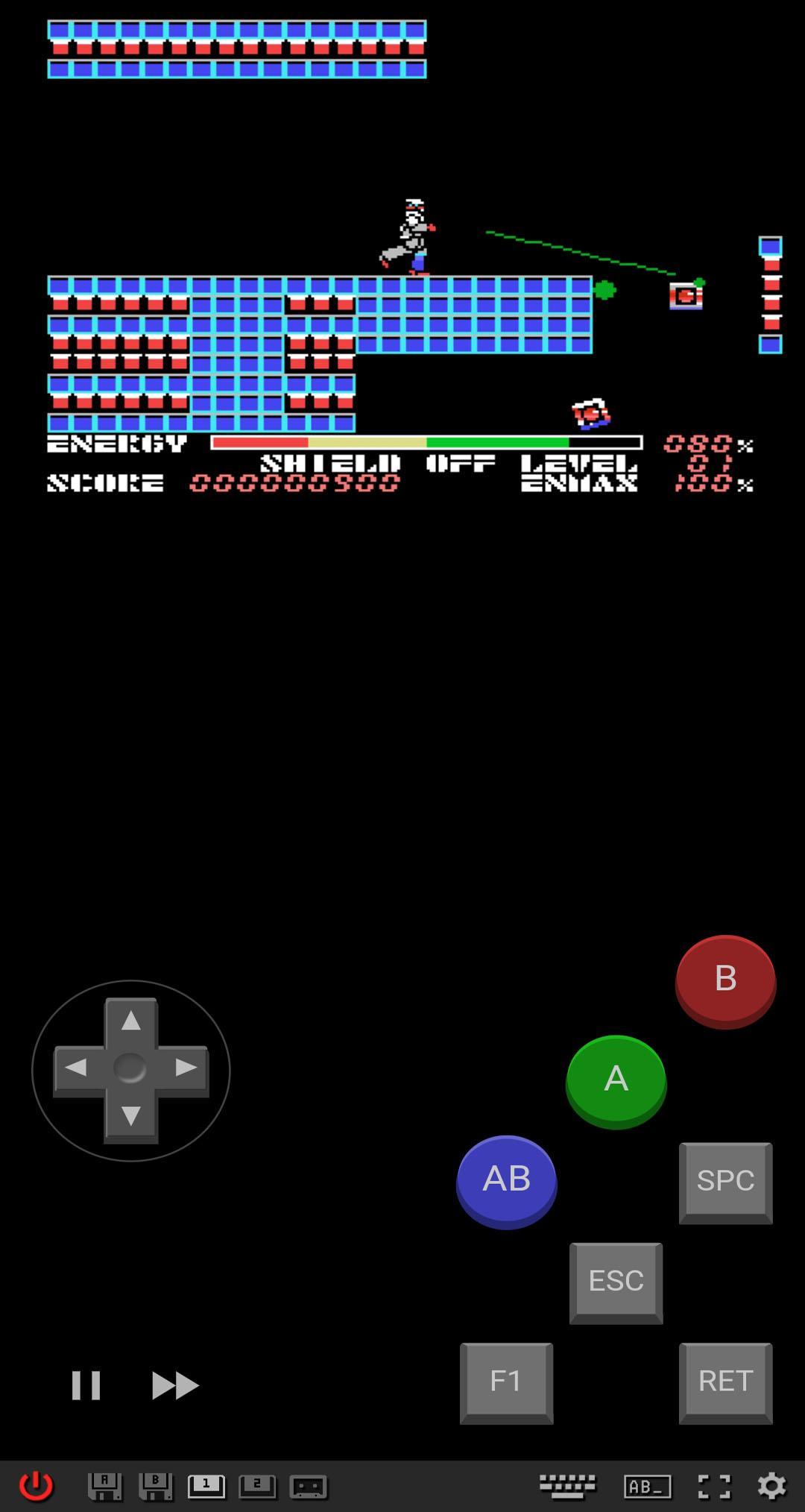
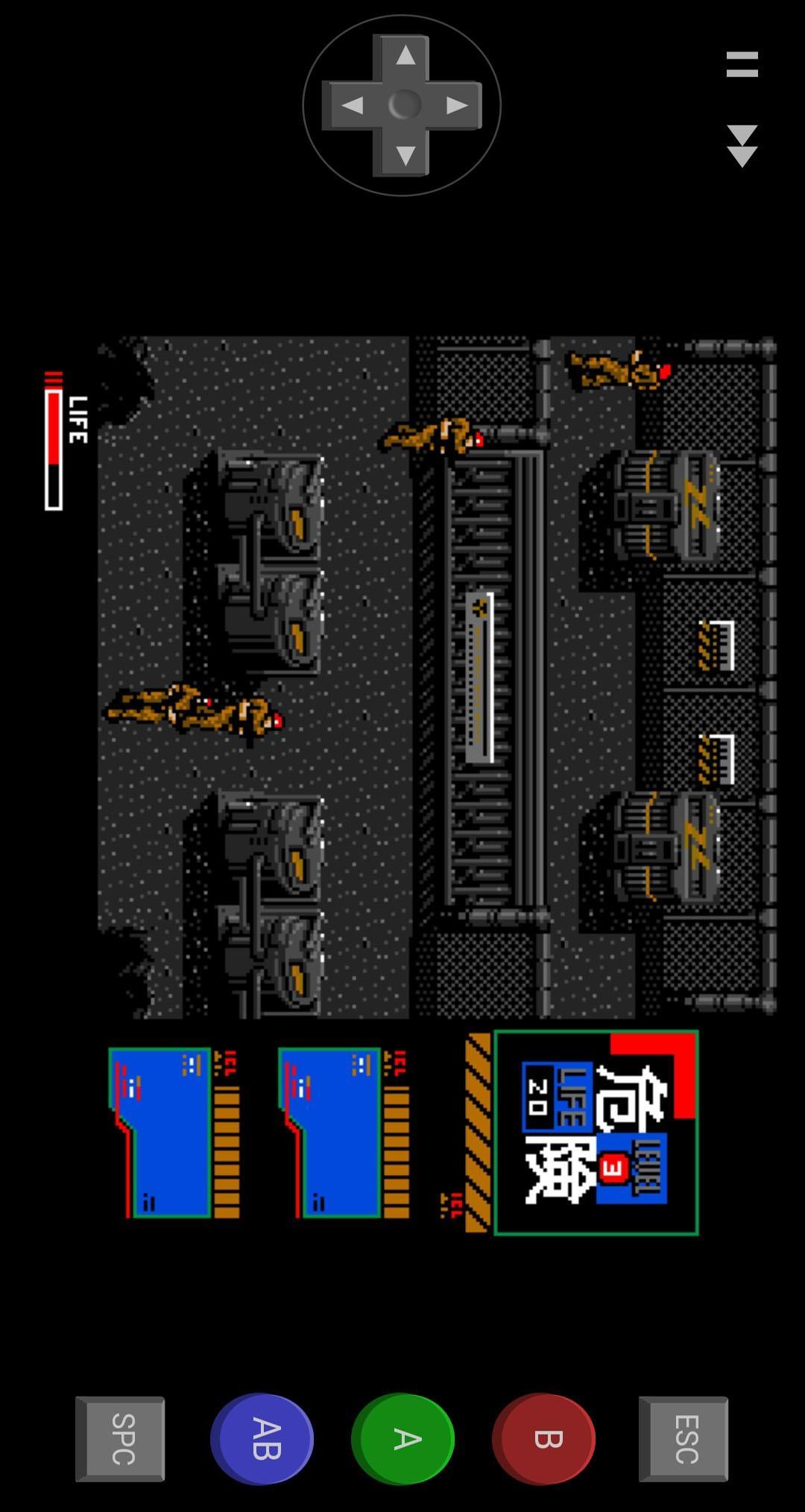
Play in vertical or horizontal mode and you can still activate MSX keyboard if needed.
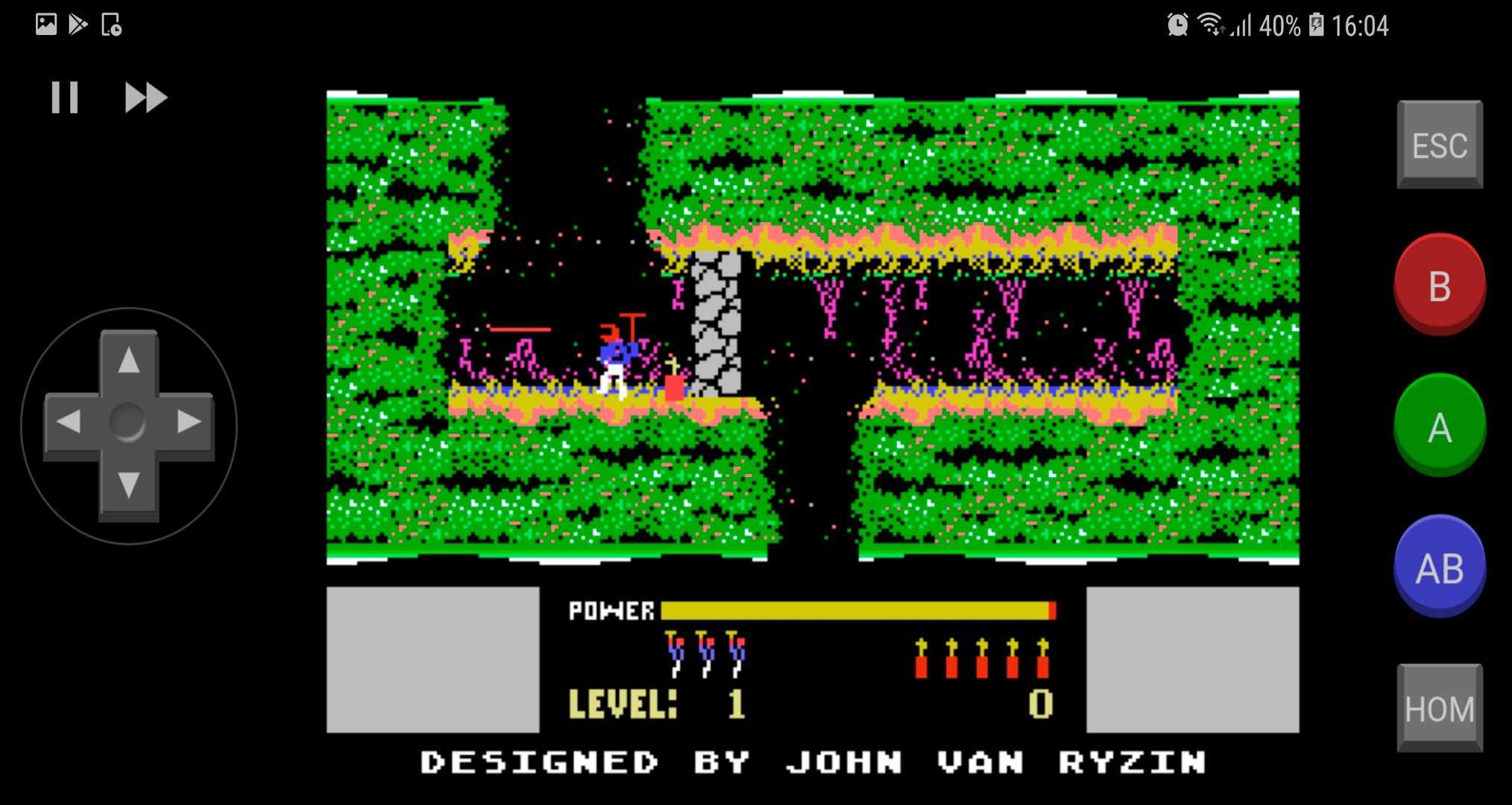
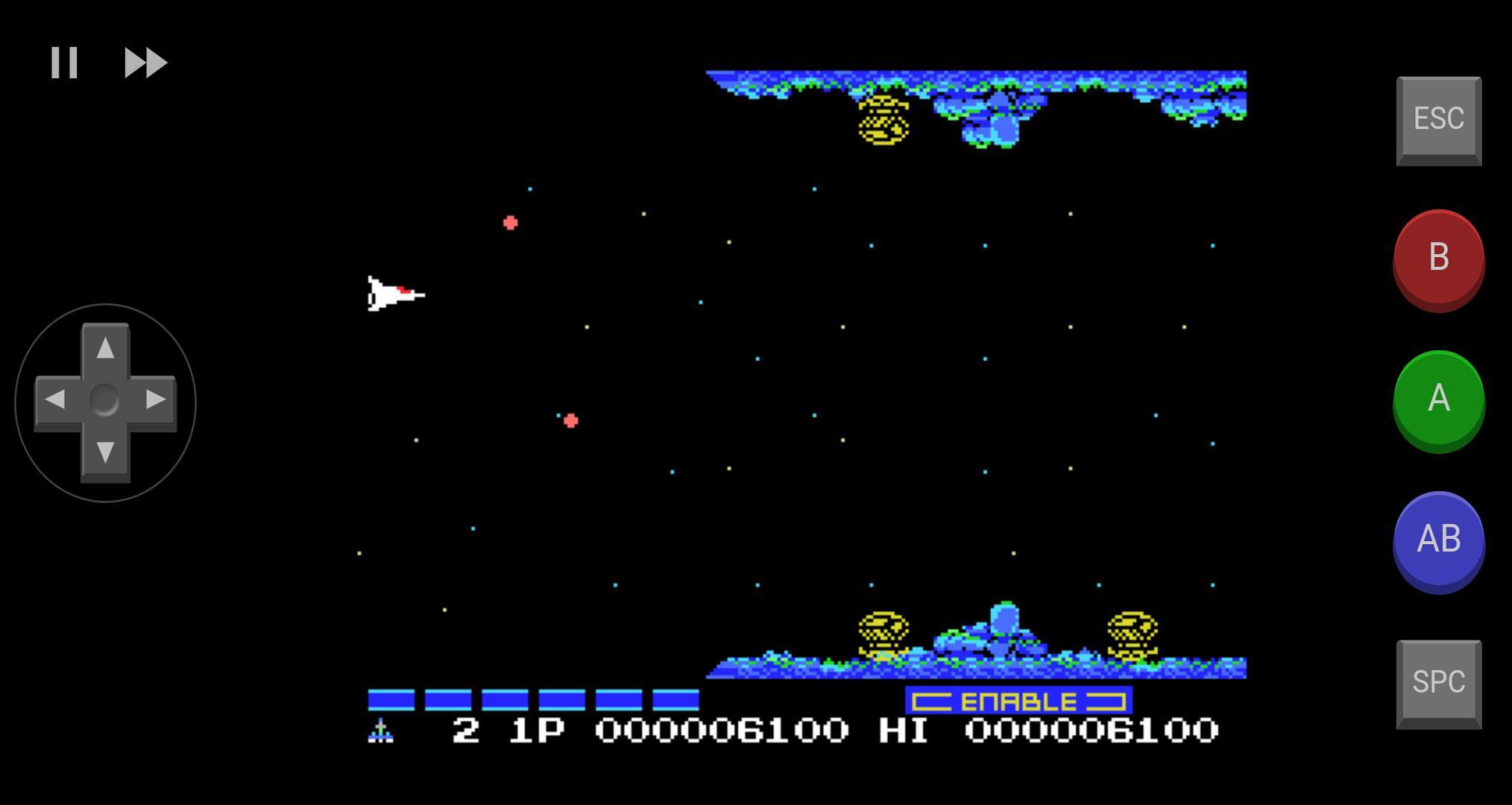
Use the joystick (on screen) or keyboard of the emulator.
Customize the virtual gamepad! You can increase the directional control or even change its shape. You can also configure each button (assigning different keys) individually:
- Entering the emulator (after choosing a game), click settings (gear icon in the lower right corner), and then "Touch Setup".
You can also use a joystick or external keyboard via bluetooth.
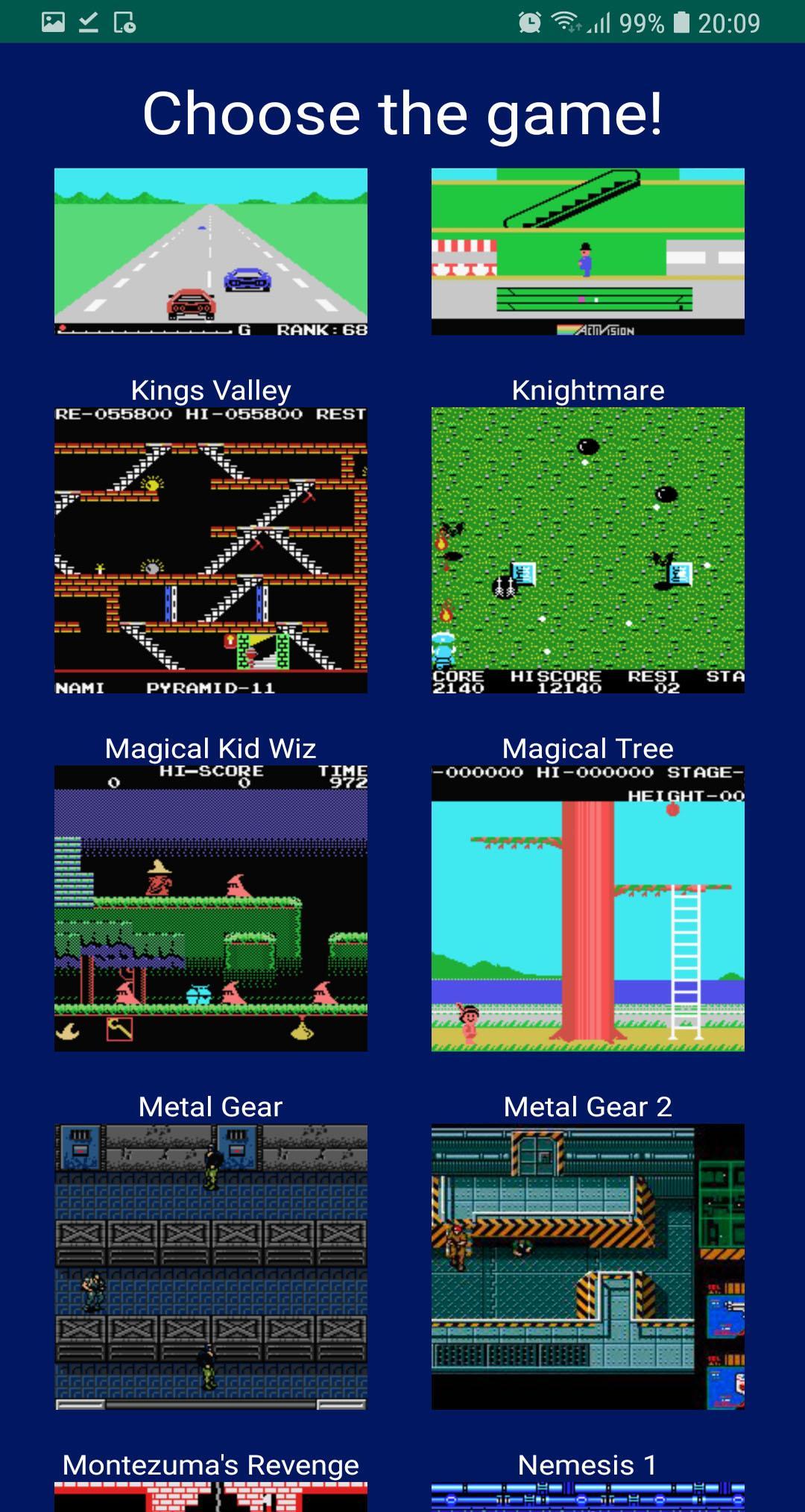
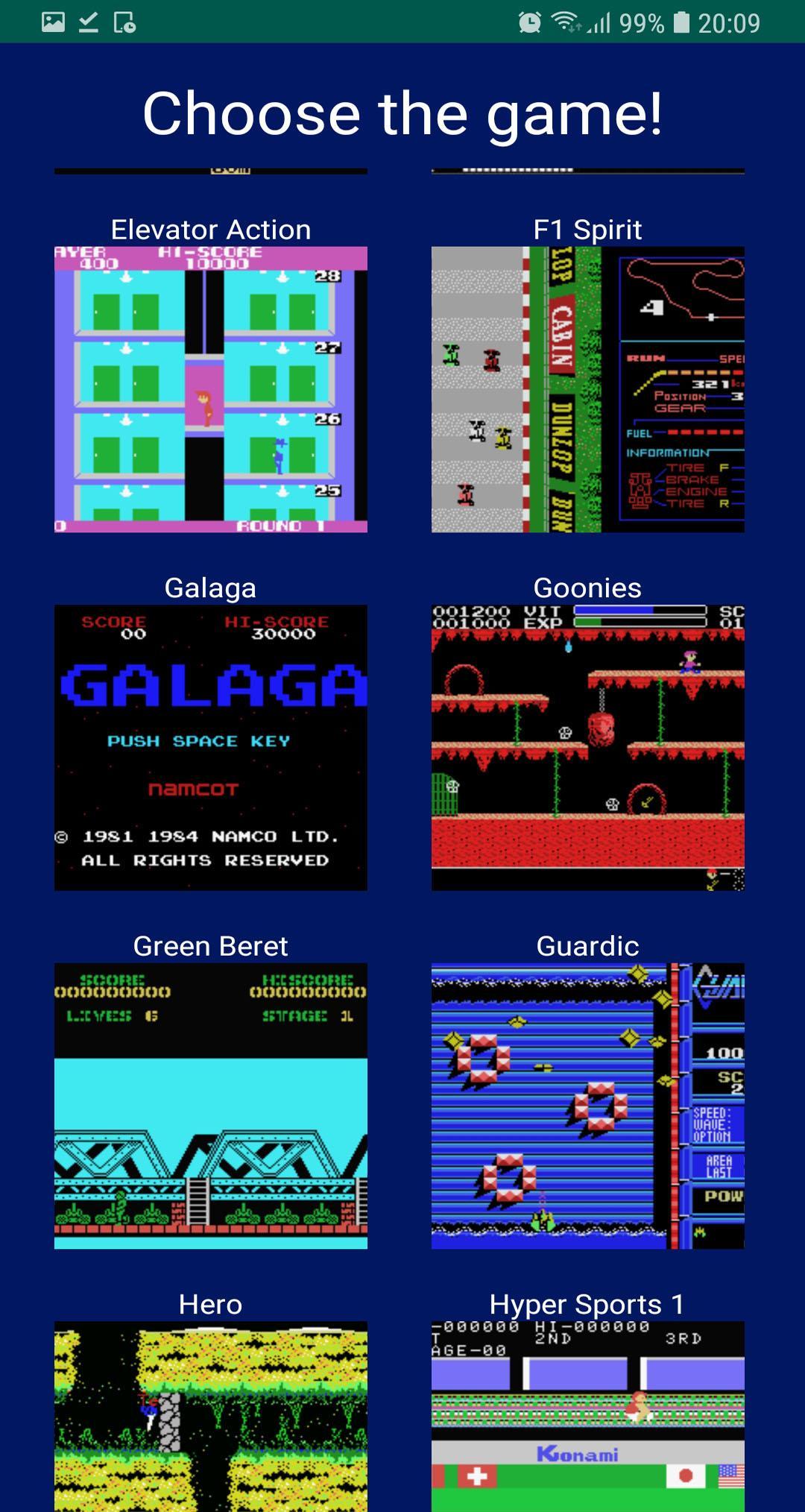
There are lots of great games for MSX! We seek to include in this release some of the most acclaimed games by users of this platform.
Latest Version
2.3Uploaded by
Somying Aeimsuksang
Requires Android
Android 4.0.3+
Category
Free Arcade GameContent Rating
Everyone
Report
Flag as inappropriateLast updated on Aug 18, 2019
Added new section in "Tips" ("Control Setup").




APKPure - A multi-platform app store primarily focused on Android, providing extensive app-related content. Discover the app you want easier, faster, and safer, with quick and efficient downloads and installations.