Scan Date:Feb 23, 2025
Show More


NostalgiaNes helps users who already have NES game files enjoy them on a phone or tablet. It does not include any games and works with ROMs you place on your device storage. The setup is straightforward because the app scans common folders and lists compatible titles for quick access. For convenient installation, the NostalgiaNes APK provides a simple way to start without extra steps. Additionally, core options like save states and controller settings are available, with more details below.
Flexible controls and input
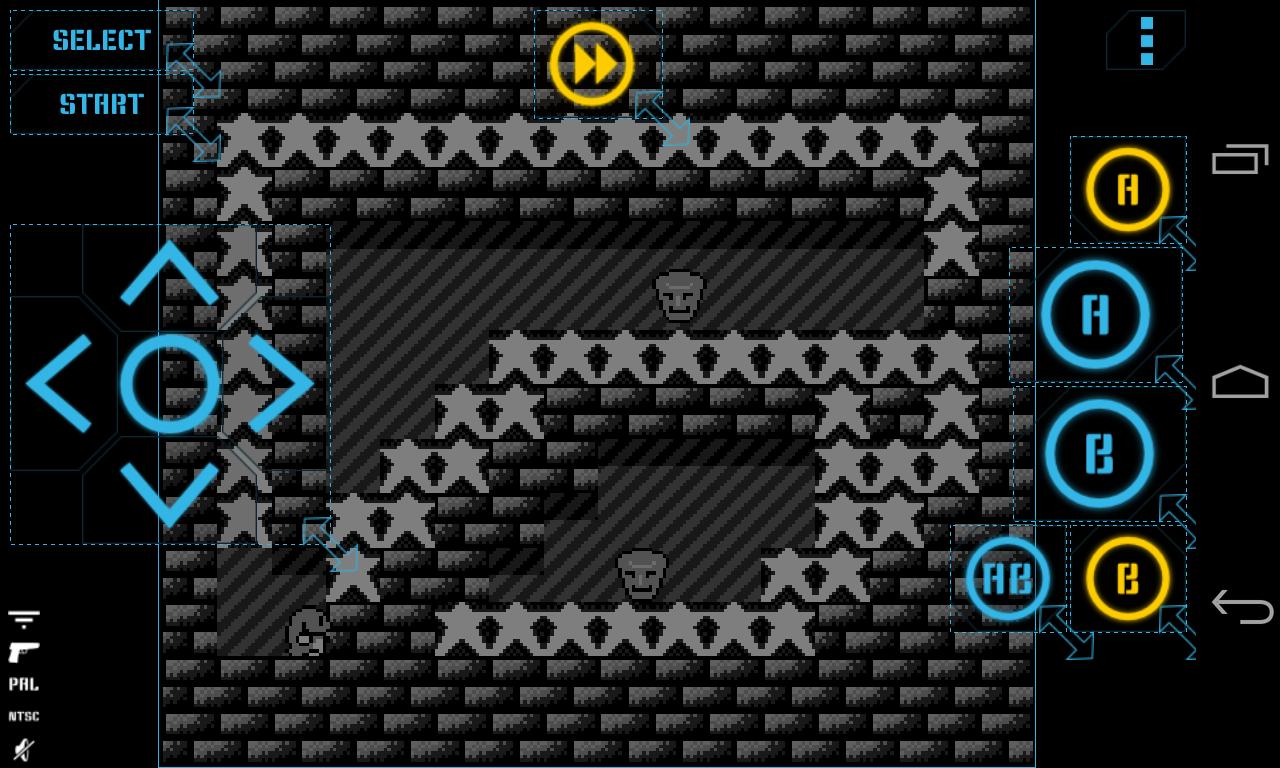
To control gameplay the app offers a virtual controller you can resize and move. It also supports hardware keyboards and common Bluetooth gamepads. You can enable turbo buttons, use the A plus B shortcut, and try Zapper light gun emulation. If you prefer, turn a second device into a WiFi controller and play local multiplayer for up to four players.
Progress tools and screenshots
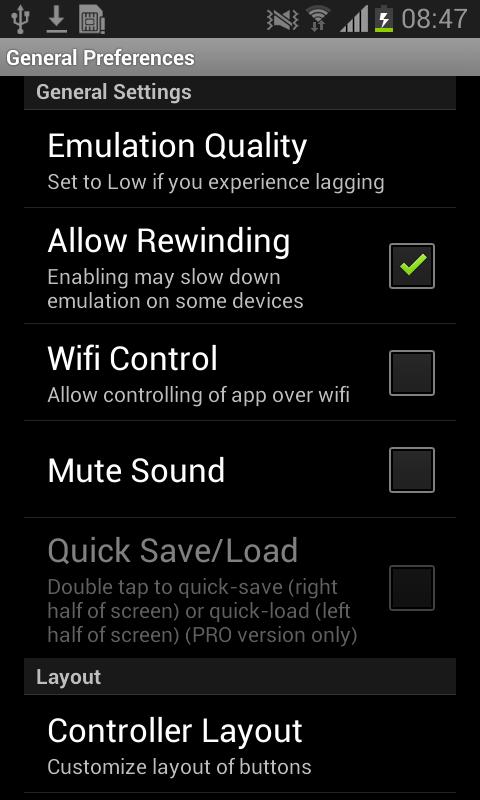
NostalgiaNes includes multiple save slots with an autosave slot for quick resume. You can share save states using Bluetooth, email, or other apps. If a mistake happens, rewind a few seconds and try again. Screenshots and basic cheat code support are available for easy capture and simple tweaks.
Performance and video modes
Lite version notes
This is the lite edition with ads. Manual save and load and the rewind function work only when ads are shown, which requires an internet connection. Ads do not appear while a game is running.
Place your NES ROMs on device storage, then open the app to scan and list them. No games are included. Install the NostalgiaNes latest version, adjust controls as needed, and launch a title to begin. Use the notes above to confirm which functions require a network connection.
Latest Version
2.5.6Uploaded by
Nostalgia Emulators
Requires Android
Android 5.0+
Category
Free Arcade GameContent Rating
Everyone
Security Report
Report
Flag as inappropriateLast updated on Oct 31, 2024
Fix - saving touch controll layout



APKPure - A multi-platform app store primarily focused on Android, providing extensive app-related content. Discover the app you want easier, faster, and safer, with quick and efficient downloads and installations.