

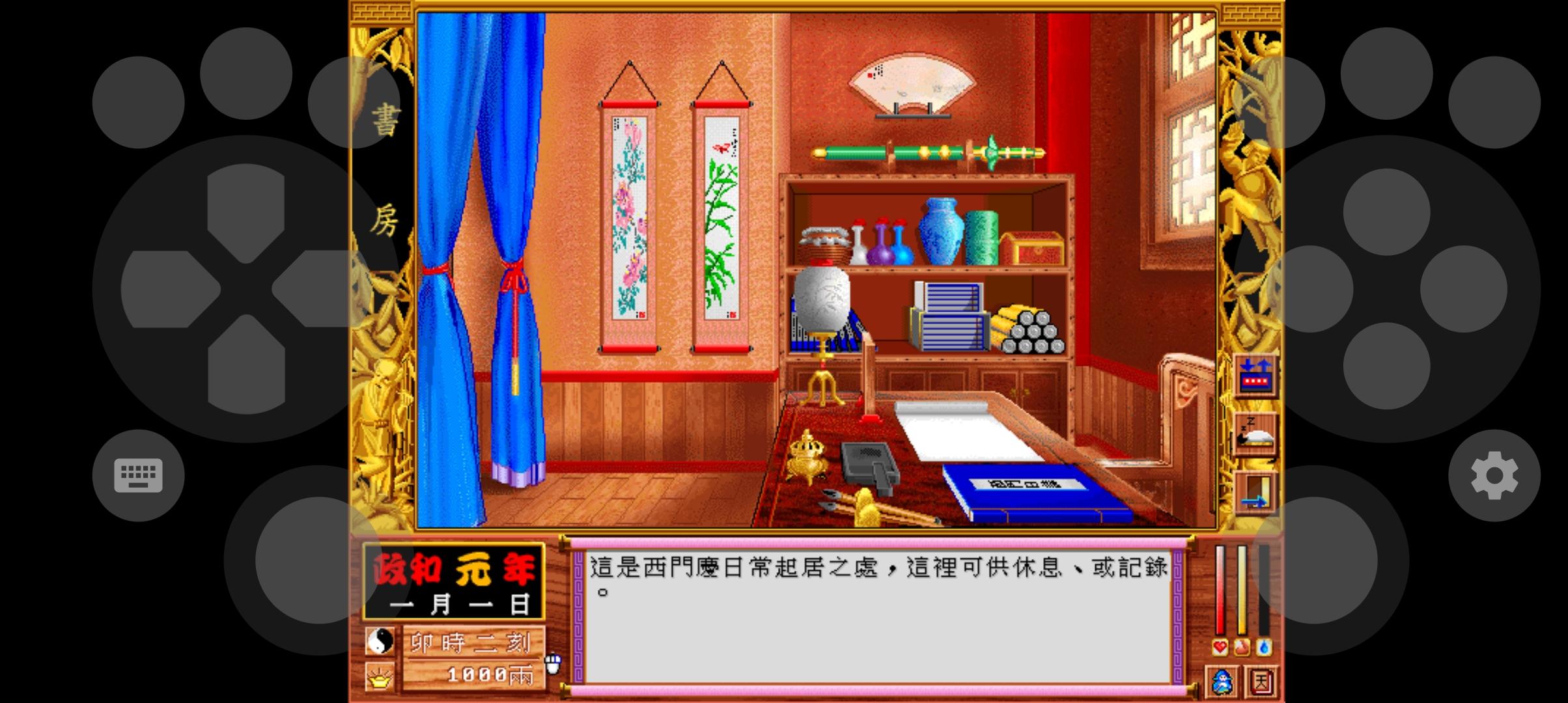
MS DOS Emulator helps users who want to revisit classic DOS and some Windows titles on a phone or tablet. It focuses on running old games and applications with practical input and audio support, so sessions feel familiar. Whether you are on a commute or setting up at home, the app keeps controls accessible and gameplay responsive. To get started, install the MS DOS Emulator APK and prepare your own game files, since content is not included.
Flexible controls and input
Fast emulation on Android
MS DOS Emulator focuses on responsive performance for classic software. You can lock orientation to landscape or portrait to suit each title. Optimizations aim to keep input responsive during play, which helps sessions feel consistent across different devices.
Progress and sound support
Save and Load States let you pause and resume without relying on in game saves. MIDI sound emulation preserves music in many DOS titles, so audio behaves as expected. You can return to a session later with a single action.
File management and disk images
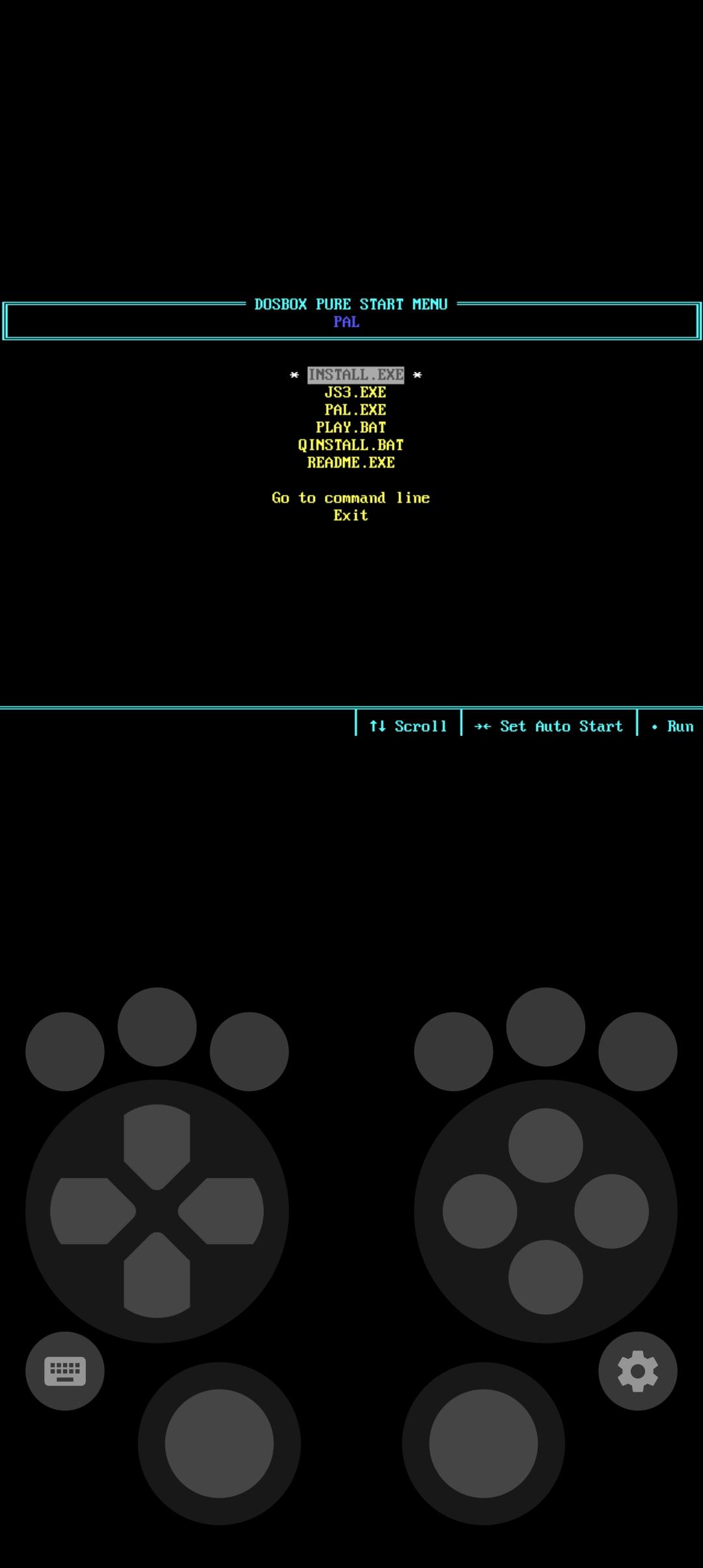
A ROM file manager helps you browse directories and launch files. The multiple disk image creator lets you set up titles that span several disks, which is common for older software. Add your own DOS games and applications, as games are not included.
MS DOS Emulator brings classic DOS and select Windows titles to Android with reliable controls and handy tools. To begin, download MS DOS Emulator, add your own game files, then configure input to match your device. After setup, open a title and use save states to manage progress.
Latest Version
24.12.20Uploaded by
Emuor S
Requires Android
Android 5.0+
Category
Free Arcade GameContent Rating
Everyone
Report
Flag as inappropriateLast updated on Dec 27, 2024
Fix Bugs





APKPure - A multi-platform app store primarily focused on Android, providing extensive app-related content. Discover the app you want easier, faster, and safer, with quick and efficient downloads and installations.