This is the easiest way. Mobile applications.
Features
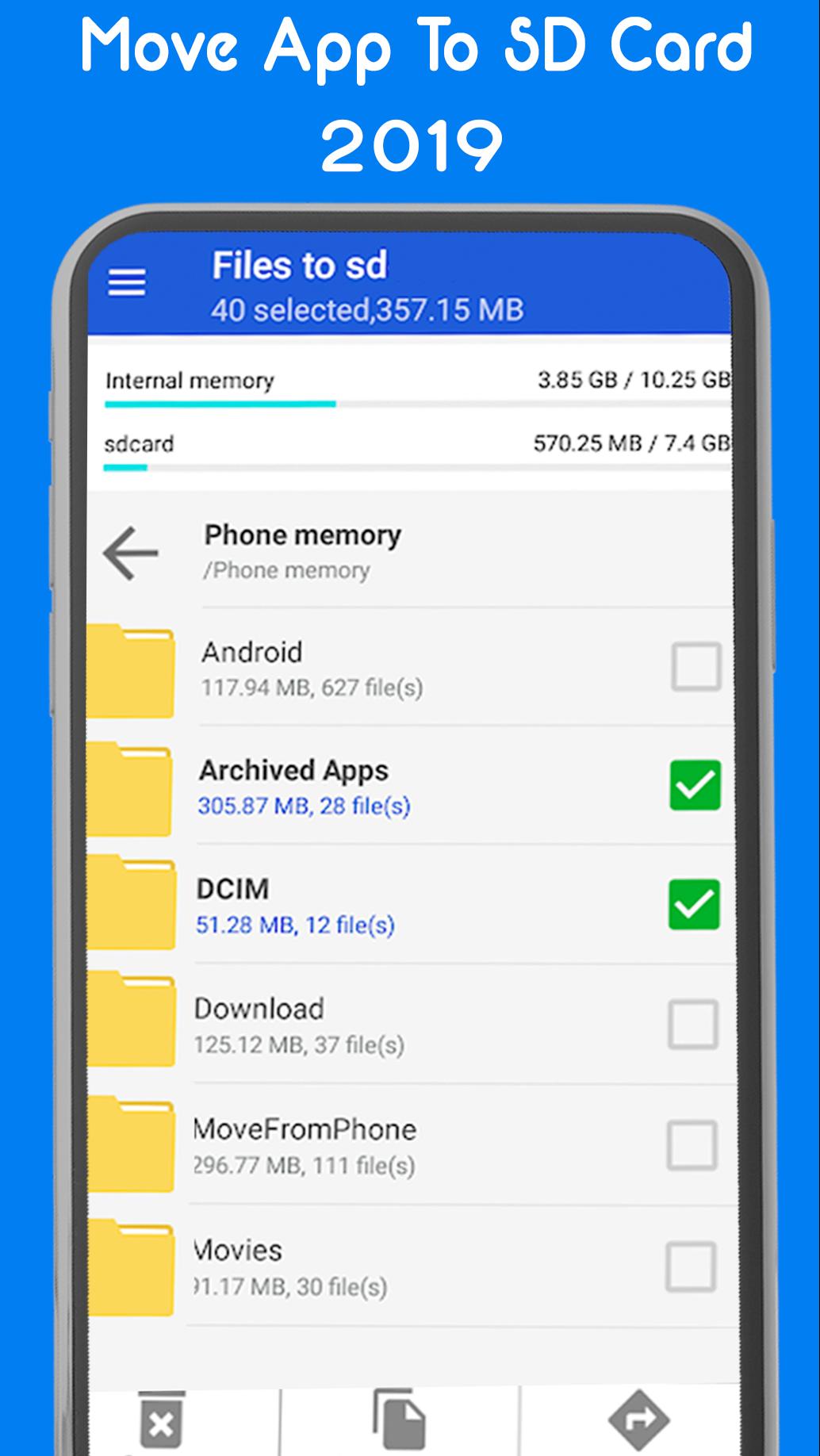
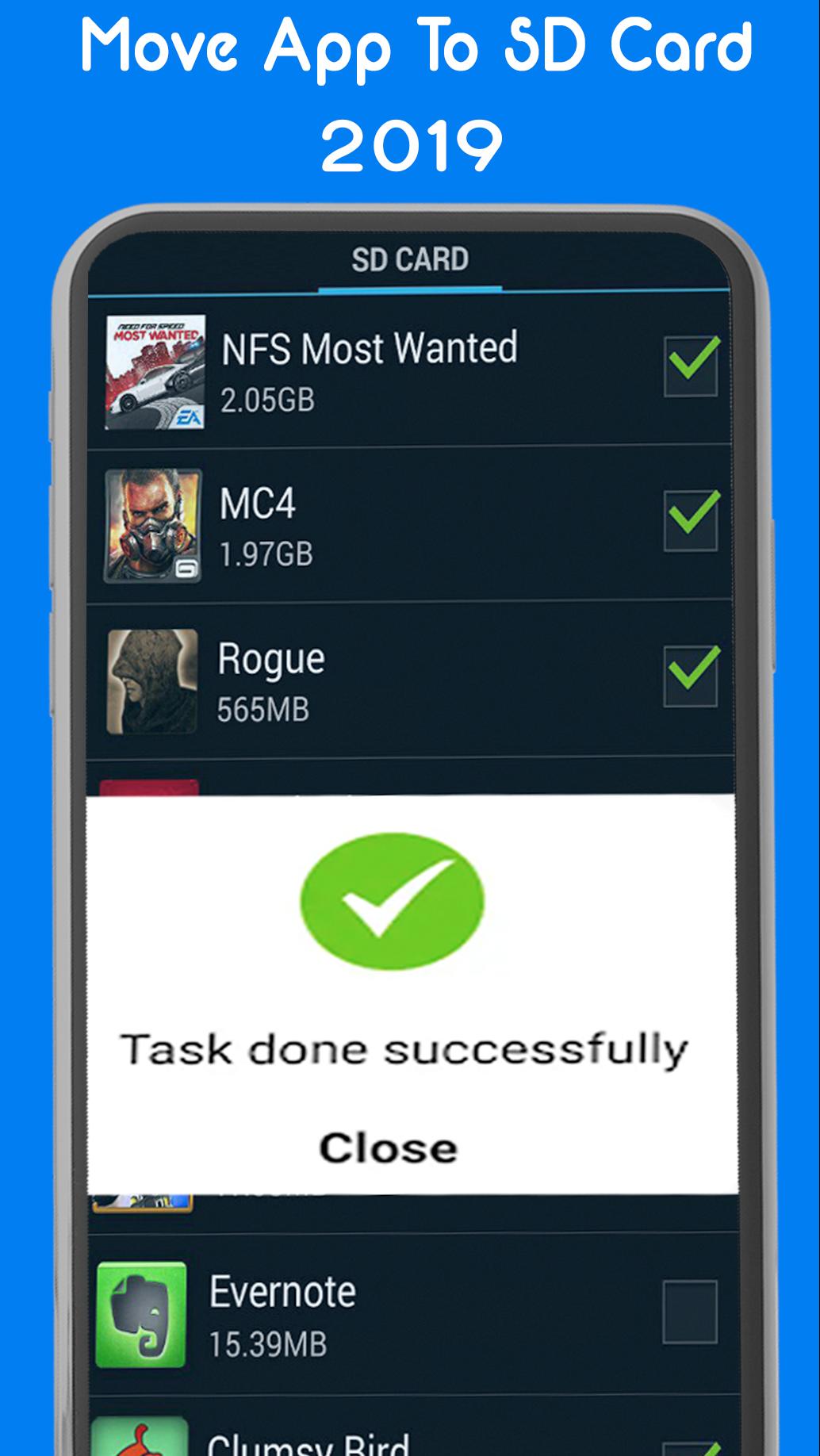
• Move applications to the SD card.
• The application for the internal memory of the phone
Name, size and time • move the sorting of applications
• Customize the user with a list of paths, you can click on install the Apk [package name]
• Invisible characters apps: install apk size, time, path.
• Open applications
• Market studies
• Package research Apk, name of the application name
We can move multiple one-click, almost all applications applications, you have root permissions.
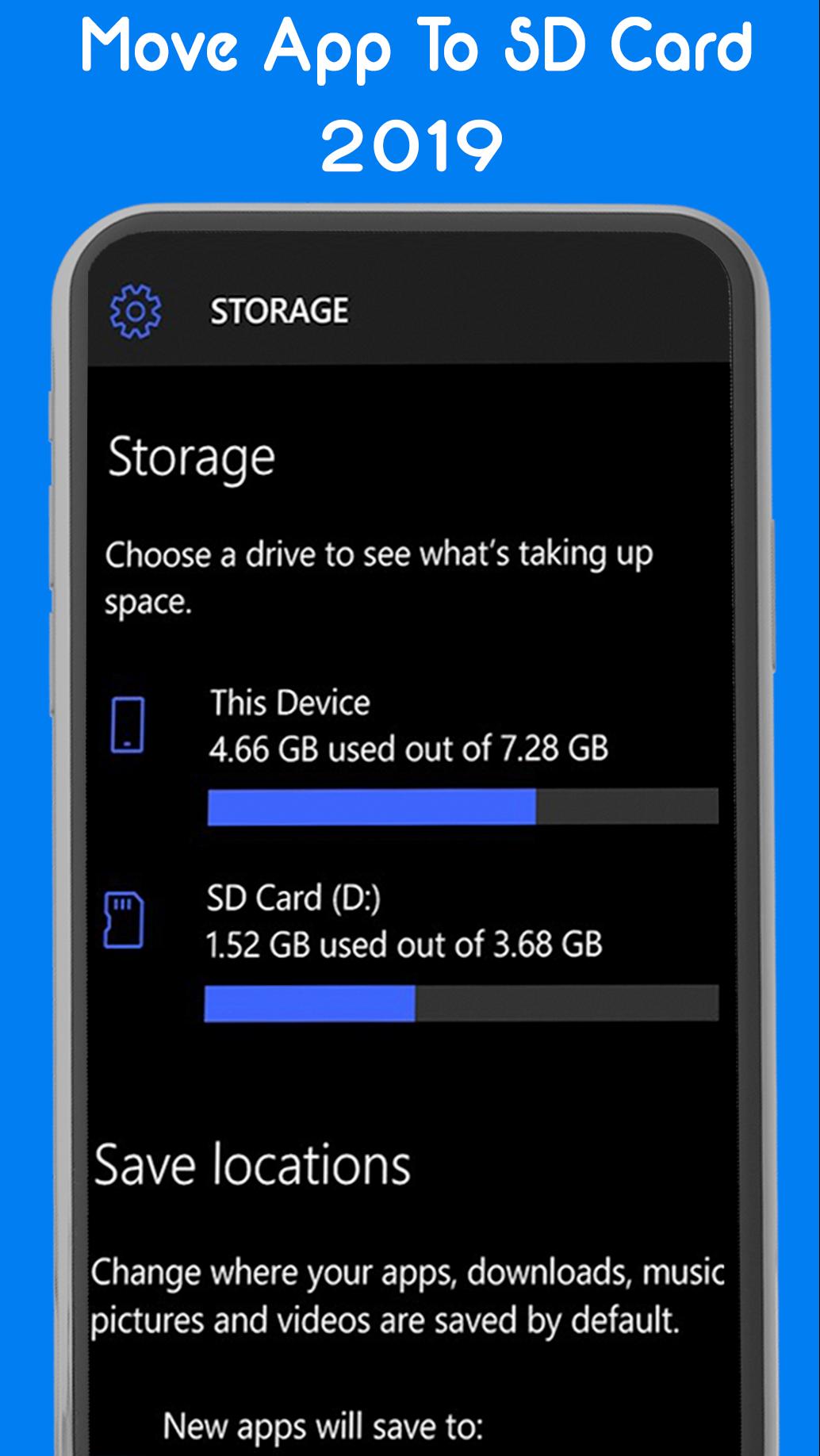
Android OS means "Card reader Sd share the same operating system" to obtain the settings * default * partition SD card and the system partition, disk on the SD card by default by the system due to the same application of impossible to come back to disk.
Latest Version
6.0Uploaded by
وردة الكاردينيا
Requires Android
Android 2.3.2+
Category
Free Tools AppContent Rating
Everyone
Report
Flag as inappropriateLast updated on Aug 11, 2019
Minor bug fixes and improvements. Install or update to the newest version to check it out!



APKPure - A multi-platform app store primarily focused on Android, providing extensive app-related content. Discover the app you want easier, faster, and safer, with quick and efficient downloads and installations.