Scan Date:Sep 23, 2025
Show More

** We are aware of performance issues when deleting and modifying files on some devices, and are looking into ways to speed things up while maintaining high reliability **
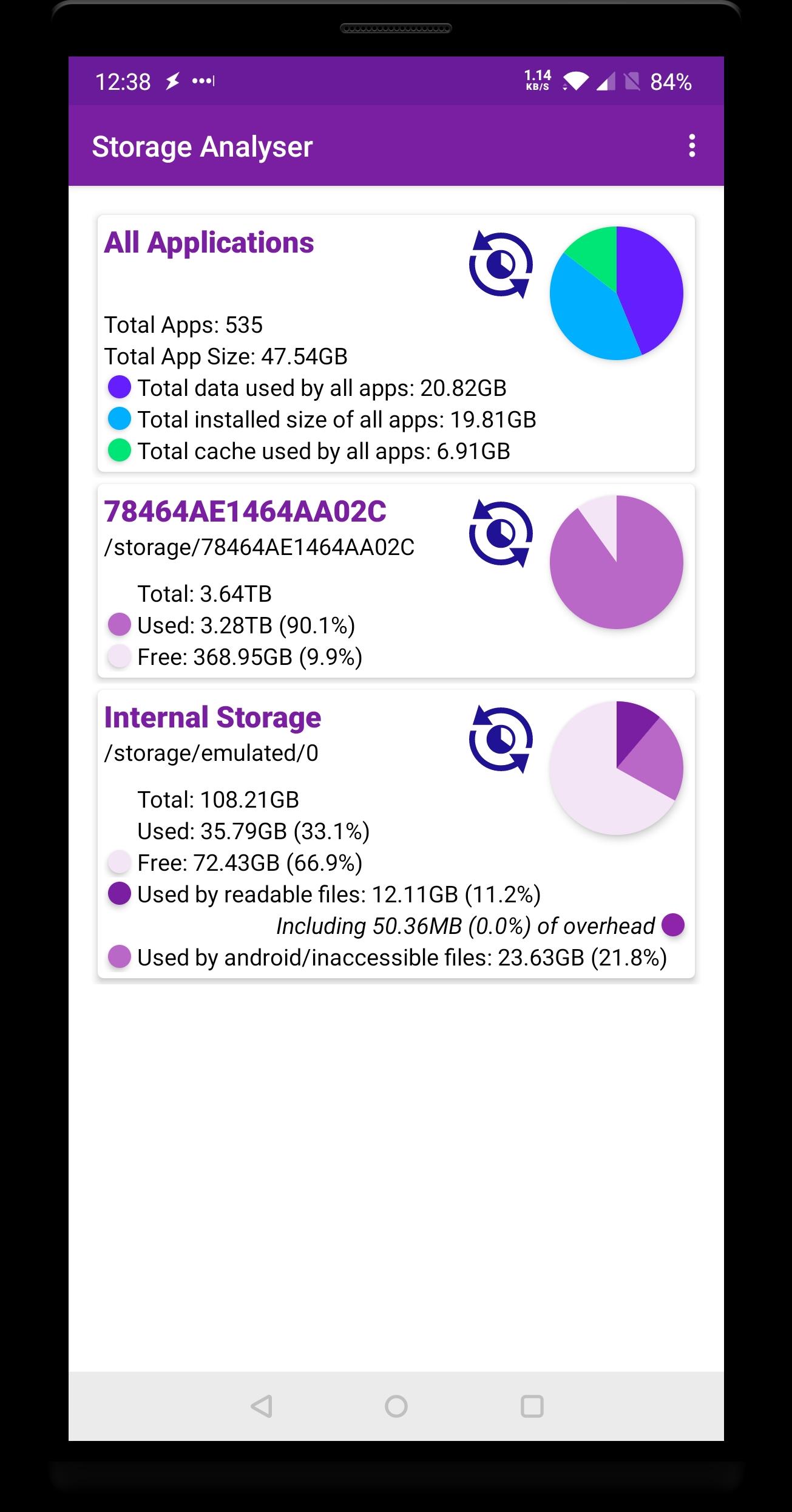
Storage Analyzer is a tool to help visualise and manage the space used on your phone, tablet, or Chromebook. The information is presented in a simple manner to make it easy to understand where your space has gone.
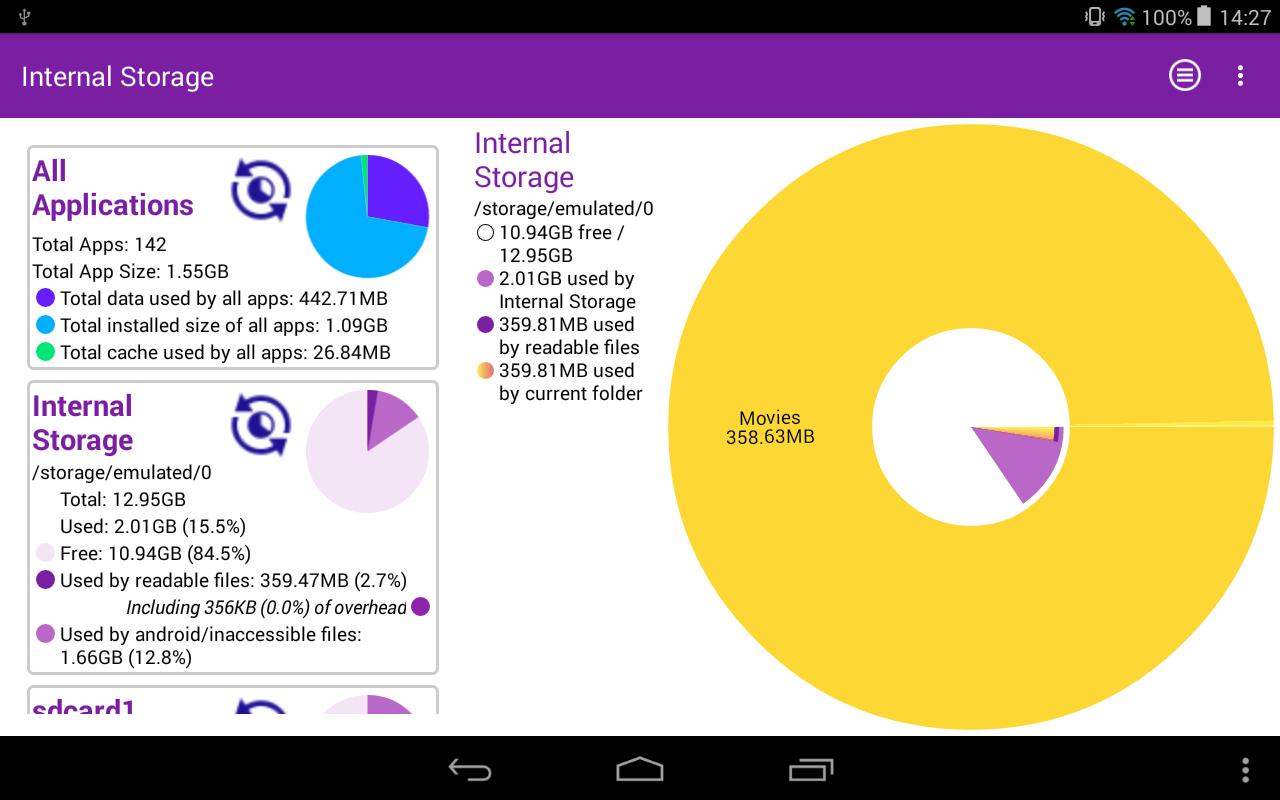
It lists the storage areas and devices available on your phone or tablet including internal storage, SD cards and attached devices such as hard drives, and shows the total and used space on each. You can then scan each one and view them in detail, and delete files which are no longer needed or move files around to manage your free space.
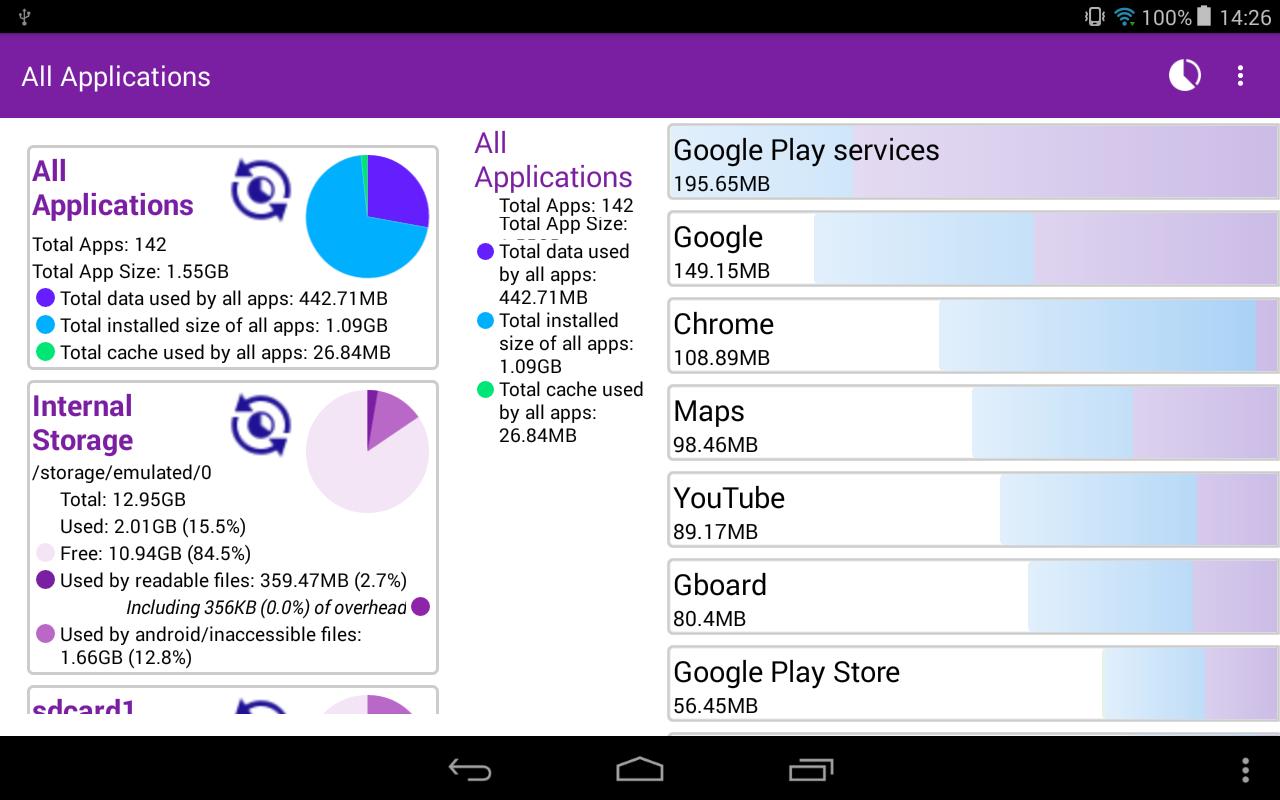
Pro users can also now scan their installed apps to see which are taking up lots of space, and can then go straight to the app's settings to clear data or uninstall the app (where possible).
Storage analyzer has no popup or full screen ads, and is easy to use.
Coming Soon
• Wear OS Support
• View your images and videos within the app
Latest Version
3.6.1Uploaded by
Adi Saprianto
Requires Android
Android 5.0+
Category
Free Tools AppContent Rating
Everyone
Security Report
Report
Flag as inappropriateLast updated on Feb 7, 2025
We know it's been a while since the last update. We can only apologise!
We have done a number of updates behind the scenes to get ready for new features, which we can hopefully bring to you as soon as possible!




APKPure - A multi-platform app store primarily focused on Android, providing extensive app-related content. Discover the app you want easier, faster, and safer, with quick and efficient downloads and installations.