Scan Date:May 15, 2025
Show More


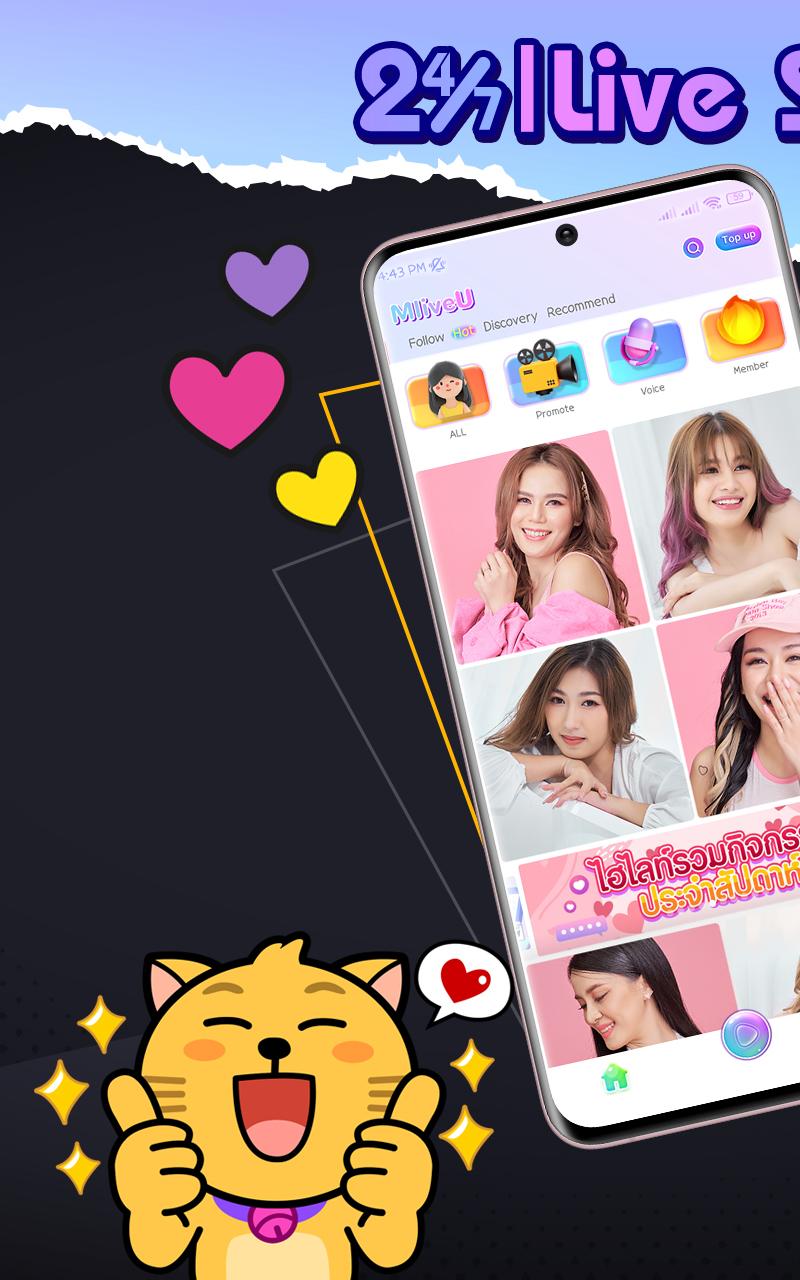
MLiveU fits moments when you want to watch live entertainment, chat with friends, or share your talent instantly from your phone. The app brings together a global community where you can browse live rooms, interact with hosts, and start your own stream without extra equipment. It is designed to help new and experienced creators find an audience and grow at a steady pace. For users who prefer to install outside of app stores, the MLiveU APK provides a direct way to access the service.
Go live with real time chat
MLiveU lets you start a live show from your smartphone in just a few taps. You can talk to viewers through live chat and respond to comments as they appear. This setup helps you keep the conversation moving while you perform, host a Q&A, or simply hang out with your audience.
Guilds for co-streaming and growth
You can build or join a Guild to collaborate with other creators. Guilds help you co-stream, coordinate schedules, and learn what works by sharing tips with peers. This structure supports faster community growth because members cross‑promote and invite their audiences to join shared sessions.
Gifts, Bonus Rain, and Jackpots
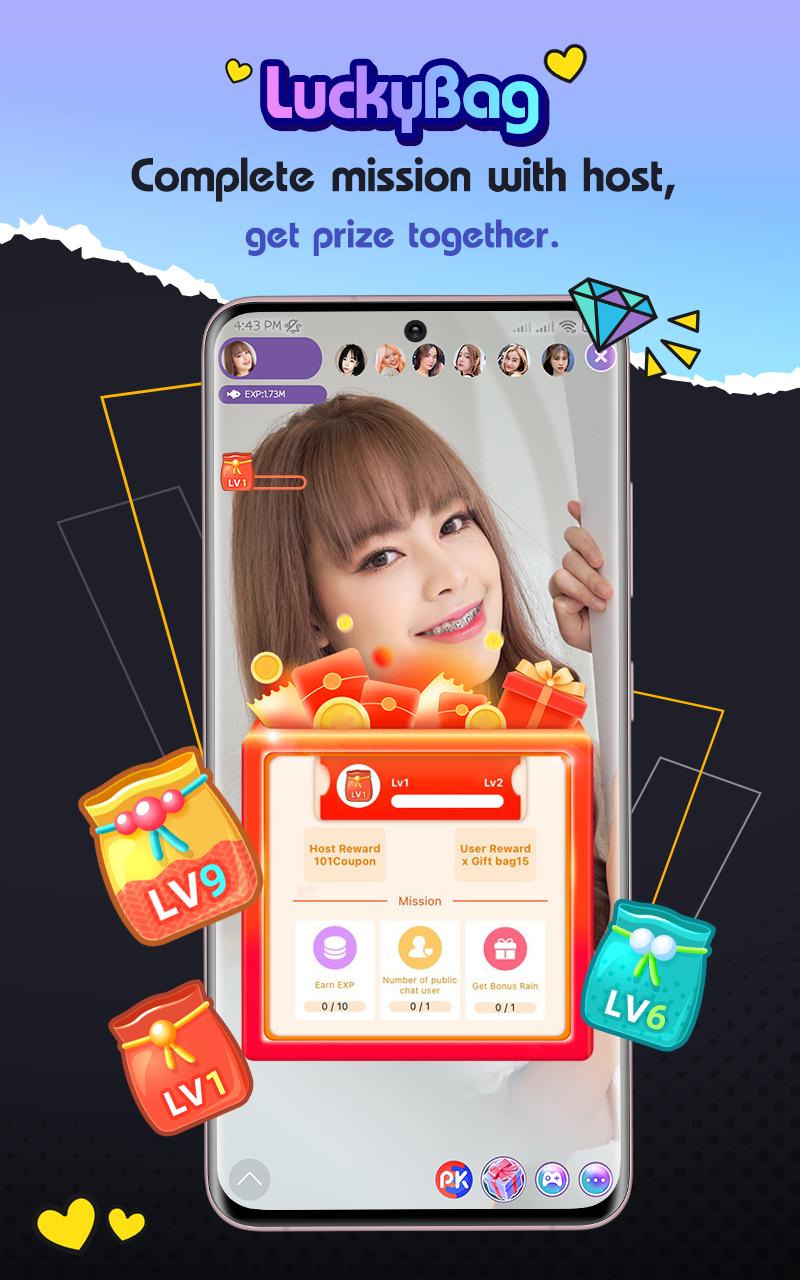
MLiveU includes virtual Reward Gifts that viewers send during streams. Room‑wide Bonus Rain red packets and surprise Jackpots create moments that draw more participation from everyone watching. These tools encourage interaction and give hosts clear signals about what engages their audience.
Creator path and monetization
You can follow favorite VJs or start as a new host and build your own fan base. Gifts you receive can be exchanged for income, and leveling up unlocks more earning potential. This structure offers a transparent path from first stream to consistent hosting with clear steps you can track.
Events and special programs
Ongoing events and themed entertainment programs spotlight popular idols and rising hosts. These schedules give you regular opportunities to discover new rooms and join sessions that match your interests. For creators, events provide extra visibility and a steady flow of new viewers.
MLiveU communicates clear data handling practices to help users feel informed before going live. According to the app’s stated approach, no data is collected or shared beyond what is needed for core functions, and data in transit is encrypted. A data deletion request option is available, and account controls are accessible through in‑app settings or support channels. This transparency helps you manage your information while using live features and interactive tools.
Live streaming works best when everyone follows shared rules. MLiveU provides community guidelines that set expectations for behavior in rooms and during events. Before you host or join a show, review these guidelines in the app or on the official website so you understand what is allowed and how to keep interactions respectful.
The steps below outline how to start watching or hosting a live show after you download MLiveU. The flow keeps things simple so you can move from account setup to your first stream without extra tools.
MLiveU helps you watch shows, chat with creators, and host your own sessions with interactive tools that support growth. To try the latest features and events, install the MLiveU latest version and join a live room today.
For official resources or support, use the contacts below.
Latest Version
2.3.9.5Uploaded by
Prisca Utapara
Requires Android
Android 5.0+
Category
Free Social AppContent Rating
Mature 17+
Security Report
Report
Flag as inappropriateLast updated on May 15, 2025
New Version Update
Improved Google Login: Enhanced Google login process.
Added Full-Screen IDX Watermark: VJs can toggle it on, and viewers will see their own ID.
Added Child Safety Concern Feedback Menu: Inclusion of a feedback menu for child safety concerns.
Added Pre-Live and Upload Clip Tips: Introduction of tips before going live and uploading clips.
Improved App Display and Performance: Optimization of app display and performance.







APKPure - A multi-platform app store primarily focused on Android, providing extensive app-related content. Discover the app you want easier, faster, and safer, with quick and efficient downloads and installations.