
Microsoft Office Mobile suits busy moments when you need to check a document, make a small change, or present from your phone. It offers a familiar Office experience adapted for a small screen, so you can keep work moving while away from a computer. Because it connects to the cloud, your files and recent activity follow you across devices. When installation is required, users often look for the Microsoft Office Mobile APK to get started in regions where the app is not readily available.
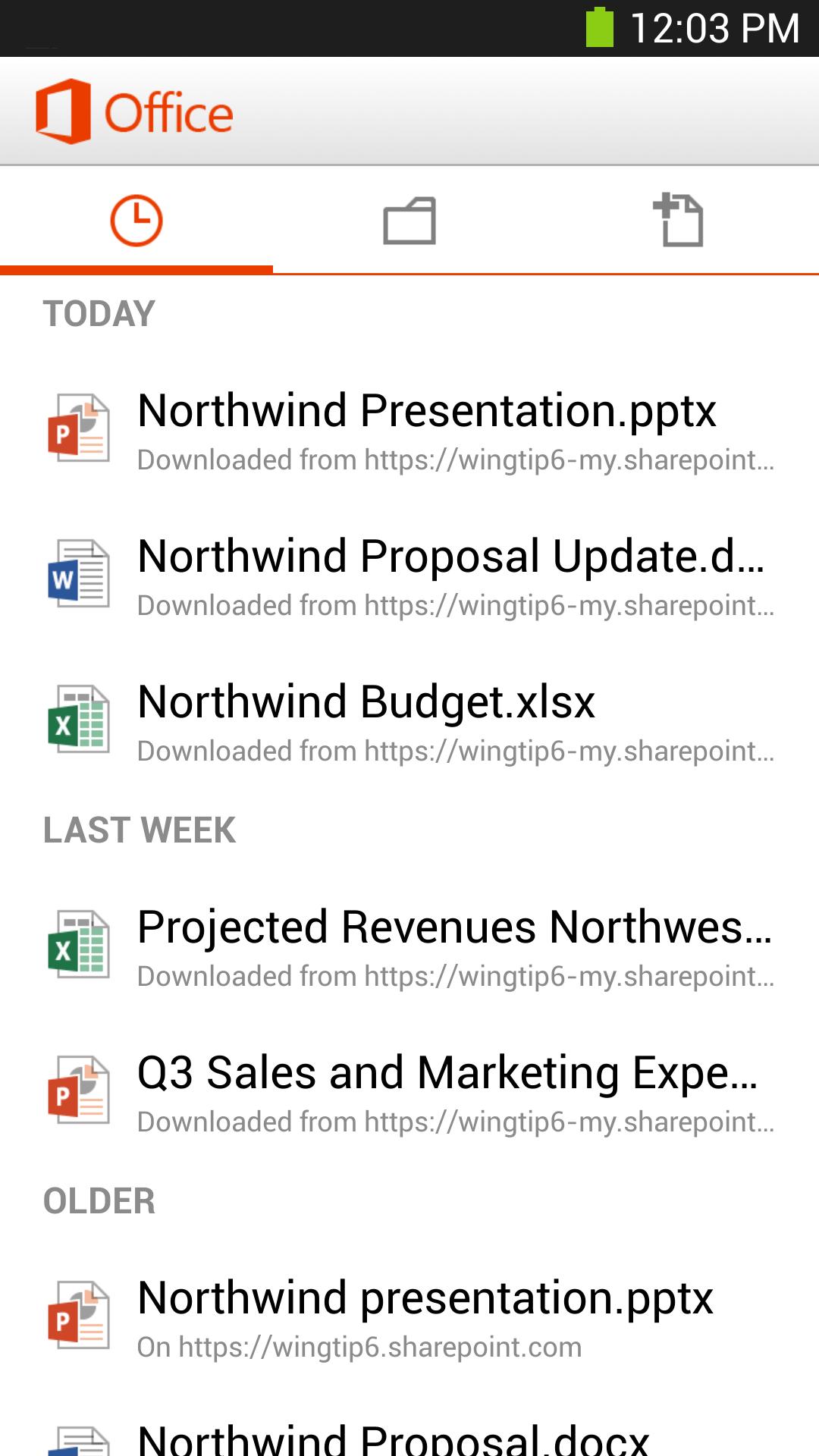
Microsoft Office Mobile connects to OneDrive, OneDrive for Business, and SharePoint. You can also open email attachments without extra steps. The cloud‑connected Recent list helps you quickly find files you used on other devices.
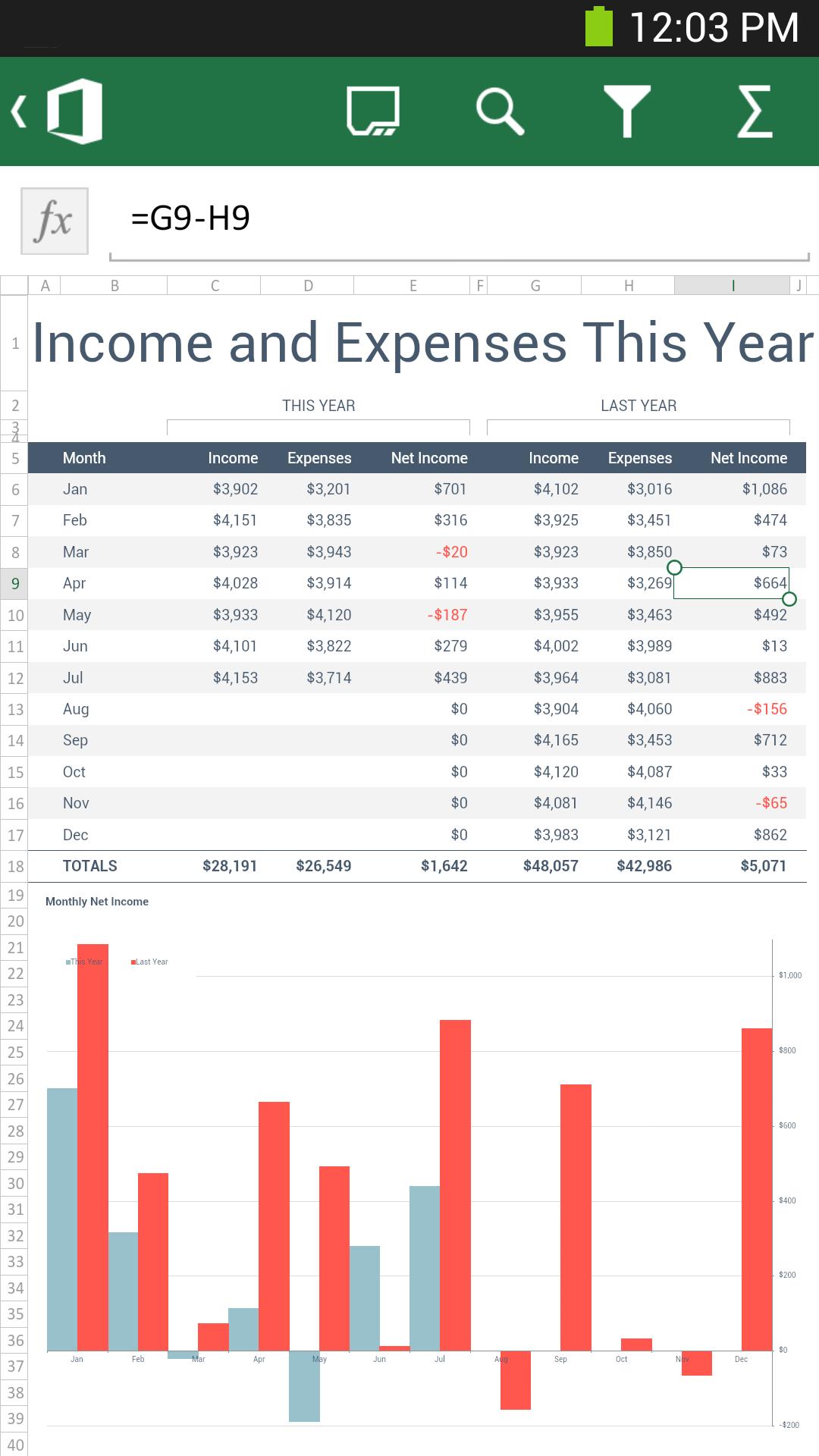
True‑to‑original viewing across OfficeWord, Excel, and PowerPoint files keep their original formatting on your phone. Charts, SmartArt graphics, animations, and shapes render as expected. This supports reliable review and quick checks while you are on the go.
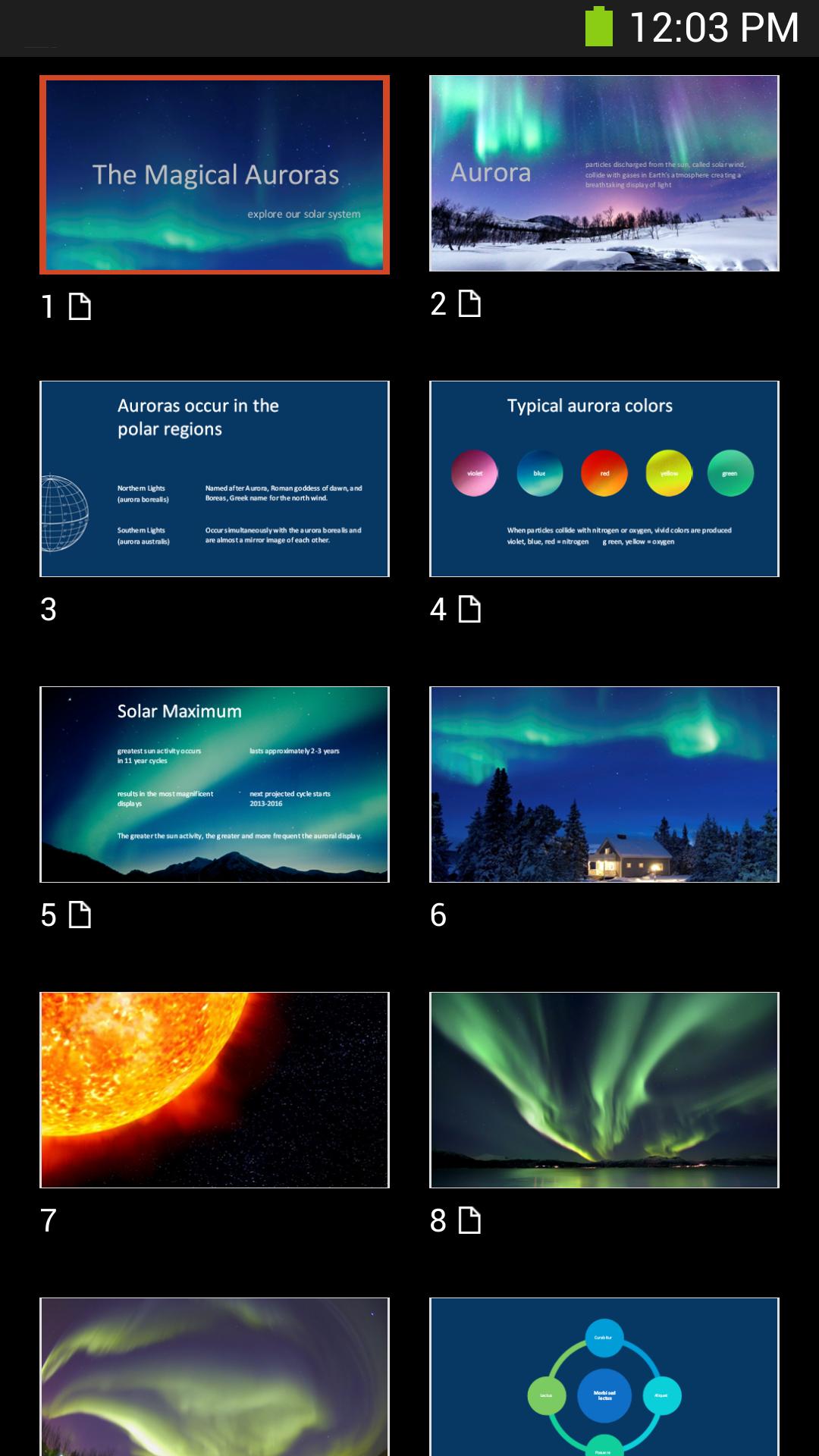
Mobile tools for reading and presentingWord includes Resume Reading so you return to the last spot you viewed. PowerPoint offers a Slide Navigator and speaker notes that help you browse or present from your phone. These tools make short sessions more manageable.
Create and edit on your phoneYou can create new Word and Excel documents directly in Microsoft Office Mobile. Quick edits preserve styles and content, so layout stays intact after saving. This is useful when a small tweak is all you need before sharing.
Comments and licensing clarityReview existing comments and add your own in Word and Excel to keep feedback moving. Sign in with a free Microsoft account to create, edit, and save for home use. Business use requires a Microsoft 365 subscription, which separates personal and work scenarios.
Microsoft Office Mobile is a legacy companion for Android phones. For the best experience today, consider installing the newer standalone Microsoft Word, Microsoft Excel, or Microsoft PowerPoint apps on Android. Users who want a single hub can try the Microsoft 365 Copilot mobile app, which offers unified access to Word, Excel, PowerPoint, and PDFs along with on‑the‑go creation. Availability may vary by region, so options can differ depending on where you are.
Home use is free when you sign in with a Microsoft account. Business use requires an active Microsoft 365 subscription, which unlocks work features and organizational access. If installation is not possible in your region, you can work in the web apps at office.com and save files to OneDrive for cross‑device use. This approach keeps editing and sharing simple without an immediate Office app download.
After you download Microsoft Office Mobile, basic setup and everyday actions are straightforward. The app uses cloud connections to help you open, edit, and share files from your phone with minimal steps.
Microsoft Office Mobile helps you view, edit, and present Word, Excel, and PowerPoint files on Android. To stay current, check the Microsoft Office Mobile latest version and use connected services like OneDrive for cross‑device access.
Latest Version
16.0.18925.20124Uploaded by
Microsoft Corporation
Requires Android
Android 10.0+
Category
Free Productivity AppContent Rating
Everyone
Report
Flag as inappropriateLast updated on Aug 14, 2025
Minor bug fixes and improvements. Install or update to the newest version to check it out!



APKPure - A multi-platform app store primarily focused on Android, providing extensive app-related content. Discover the app you want easier, faster, and safer, with quick and efficient downloads and installations.











