LSPosed helps users who want to tweak app behavior or system features at runtime without patching or repacking files. It is designed for Android power users who use Magisk and prefer controlled, reversible changes. With simple setup and a manager interface that appears after reboot, it keeps customization organized and easy to manage. As a result, users can explore modules and scopes with minimal risk to system stability. For those searching for LSPosed APK, this framework provides a structured path to safe module use.
LSPosed offers consistent APIs with the original Xposed, so many Xposed modules work without changes. You can run familiar modules and manage them from the LSPosed Manager. This helps users migrate existing setups while keeping a modern runtime approach.
No APK modification, easy rollbackAll hooks run in memory, which means APK files remain untouched. If a module causes an issue, simply disable it and reboot to restore normal behavior. This design keeps changes contained and reversible during everyday use.
Broad Android and Magisk supportLSPosed supports Android 8.1 to 14 and works with both Zygisk and Riru flavors. You can choose the flavor that fits your Magisk setup from v24 and above. This flexibility helps users keep their device configuration consistent across updates.
Integrated module repositoryLSPosed includes a module repository inside the manager for browsing, installing, and updating modules. You can discover new tools and follow updates without leaving the app. This keeps module management simple and focused in one place.
Open source with active developmentThe project is open source under GPL 3 and maintained by an active community. Stable releases and canary builds are published for those who want reliable updates or early testing. Users can follow development progress and choose the build style that suits their needs.
LSPosed requires Magisk v24 or newer. If you prefer the Riru flavor, use Riru v26.1.7 or newer. Users often search for “LSPosed zygisk-release” or “LSPosed zip,” which refer to the different build packages for Zygisk and Riru. Pick the package that matches your current Magisk configuration.
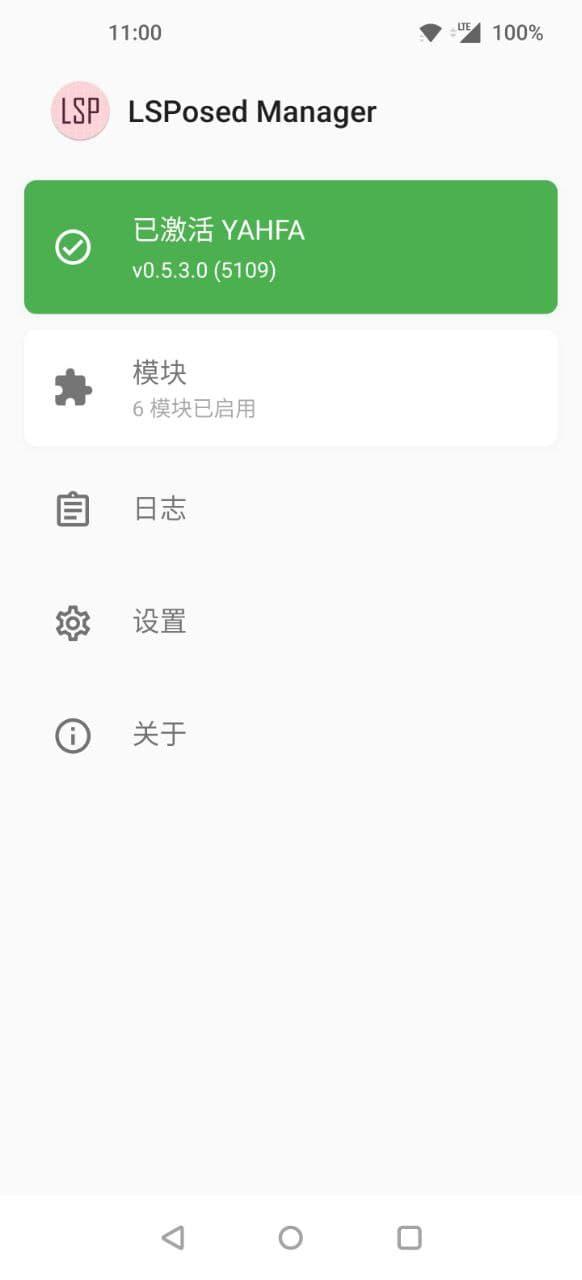
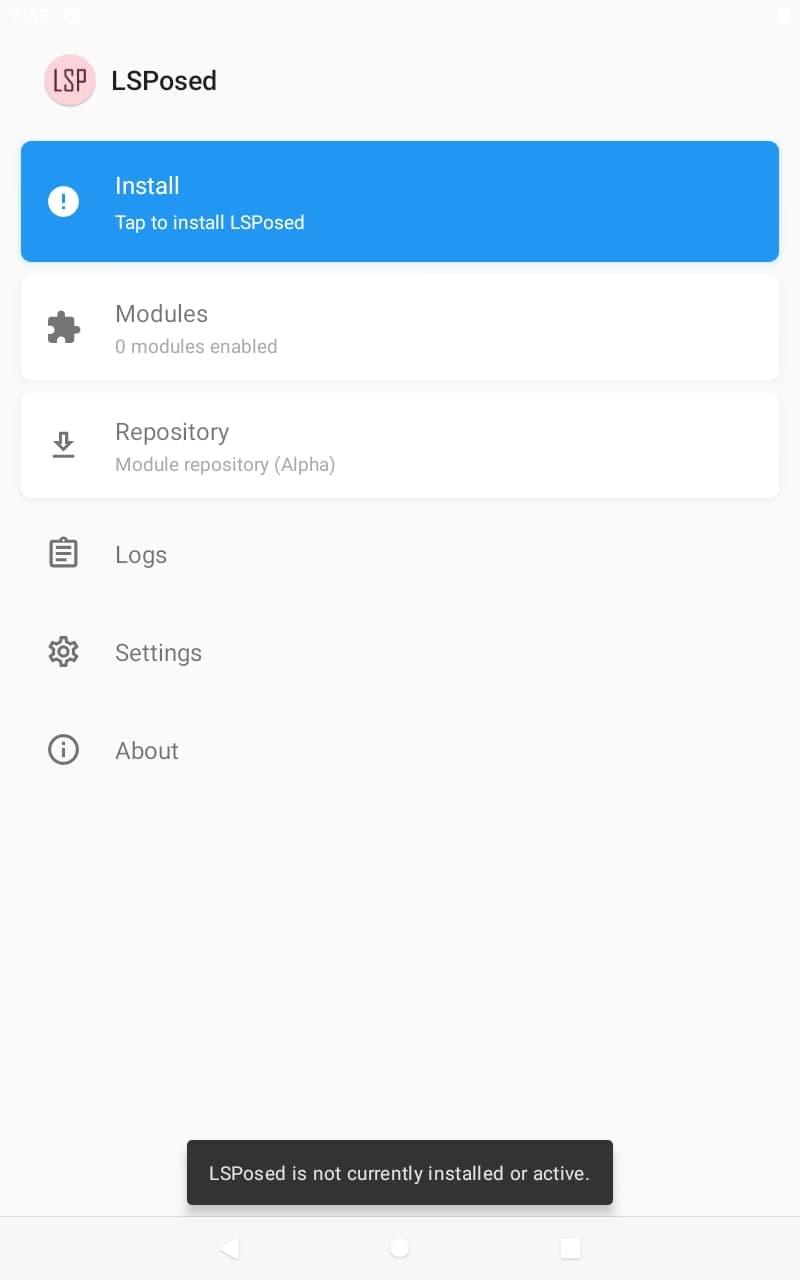
After installation and reboot, LSPosed Manager appears via a system notification. If you cannot find it, check notifications and tap the prompt to open the manager. From there, you can manage modules and scopes in one place.
Support currently covers Android 8.1 through 14. Users often ask about Android 15, so it is best to watch official project updates if you plan to move to a new system version. For authenticity, official builds are published by the project on its repository, and “mod APK” queries usually refer to repacks that are not maintained by LSPosed.
The module repository in the manager helps you view available modules and track updates. For issues, follow project guidance on submitting reports, which typically requires a latest debug build and clear steps to reproduce the problem.
This quick guide helps you get started with installation and basic module management. If you plan to download LSPosed, review the steps carefully and confirm your device prerequisites first.
LSPosed provides a controlled way to apply runtime hooks and manage modules on modern Android. It is suited to users who rely on Magisk and want reversible changes. To stay current, check the LSPosed latest version when planning updates and pick the build flavor that matches your setup.
Latest Version
1.9.2Uploaded by
LSPosed
Requires Android
Android 8.1+
Category
Free Tools AppContent Rating
Everyone
Report
Flag as inappropriateLast updated on Feb 10, 2025
This release includes minor bug fixes and general improvements. Update to the latest version for the best experience.



APKPure - A multi-platform app store primarily focused on Android, providing extensive app-related content. Discover the app you want easier, faster, and safer, with quick and efficient downloads and installations.