
Location Changer for Tinder let you to fake your location and match people from all over the world. This app will help you to Fake your GPS Location for Tinder.
Features:
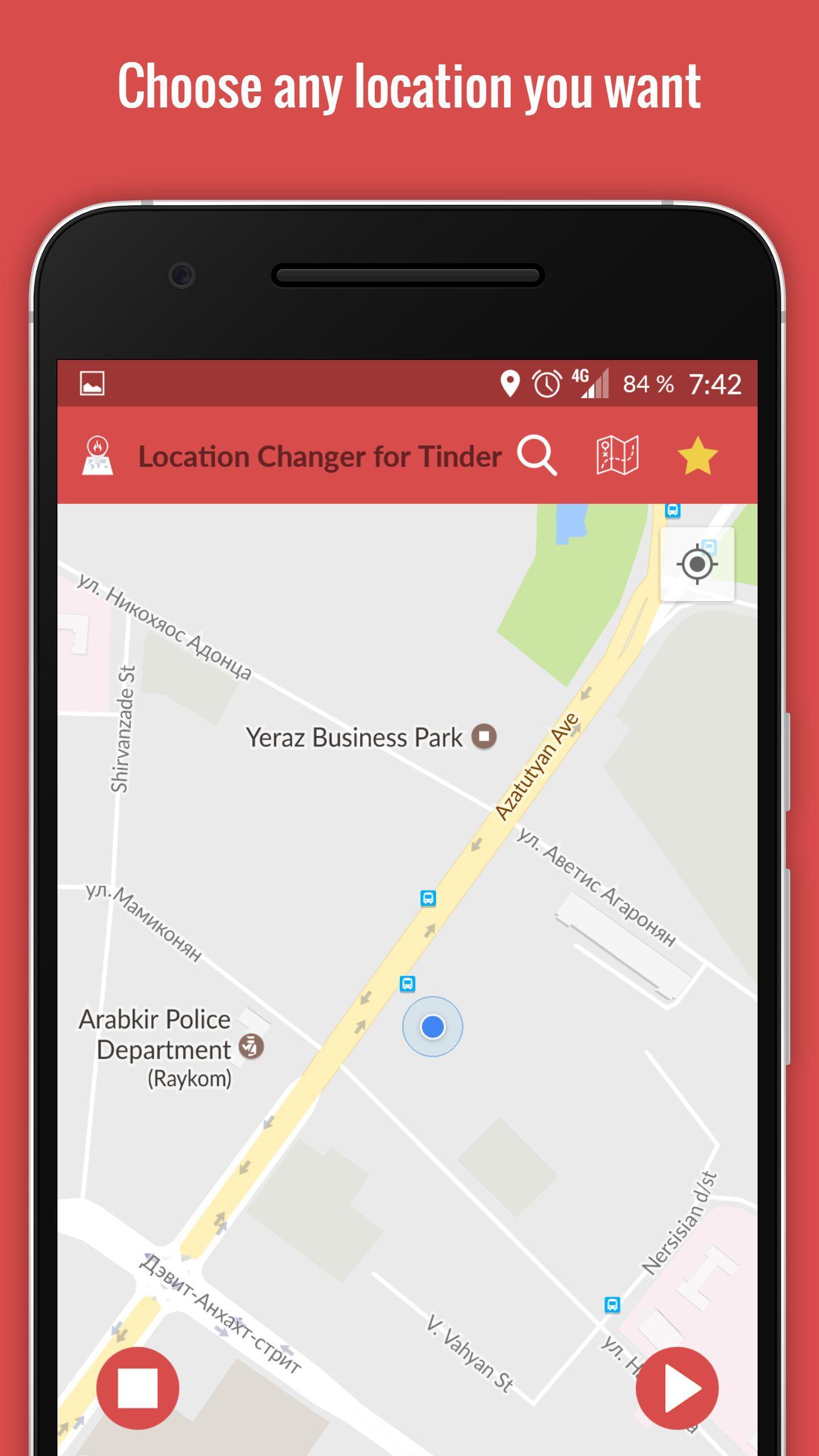
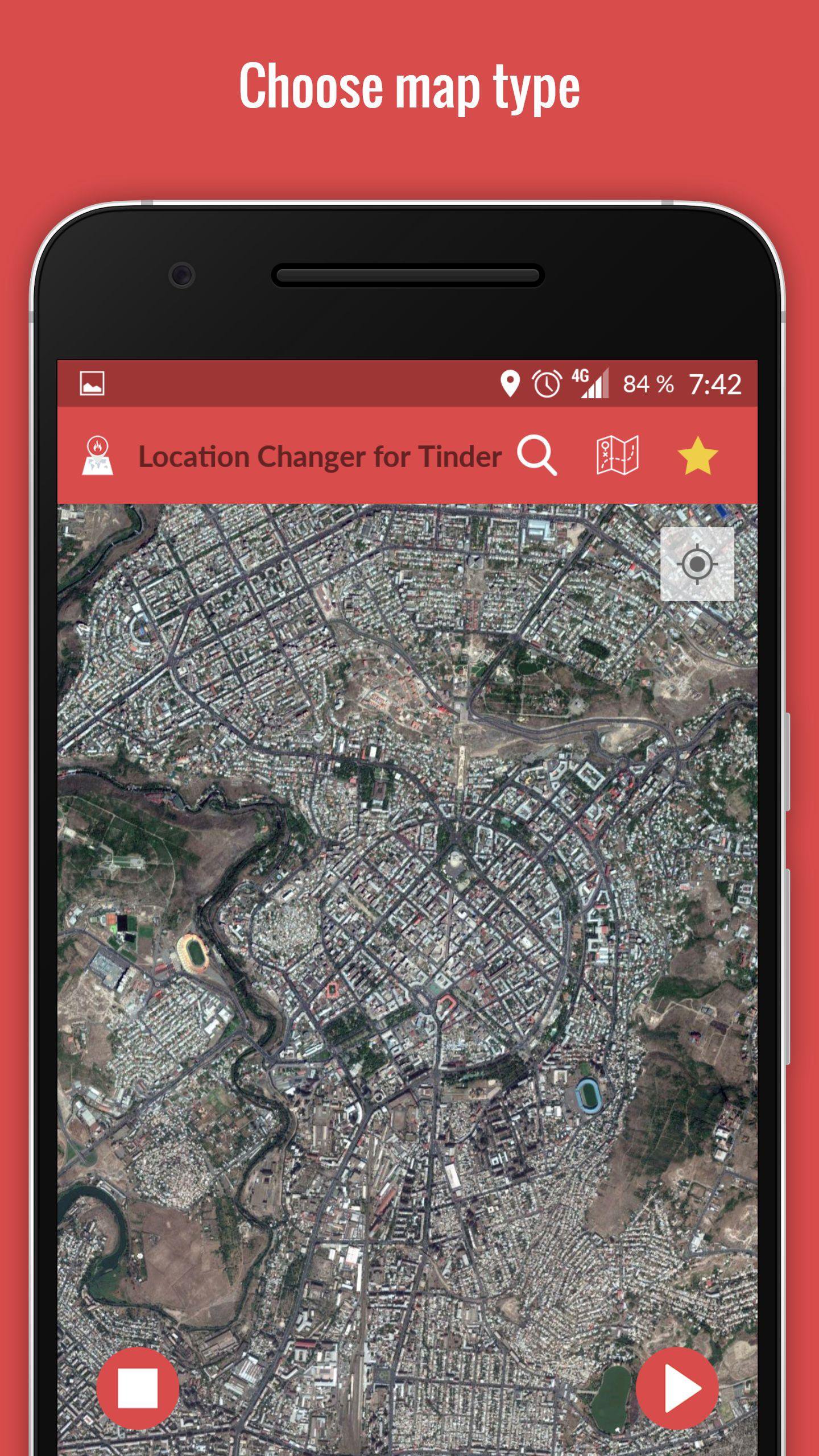
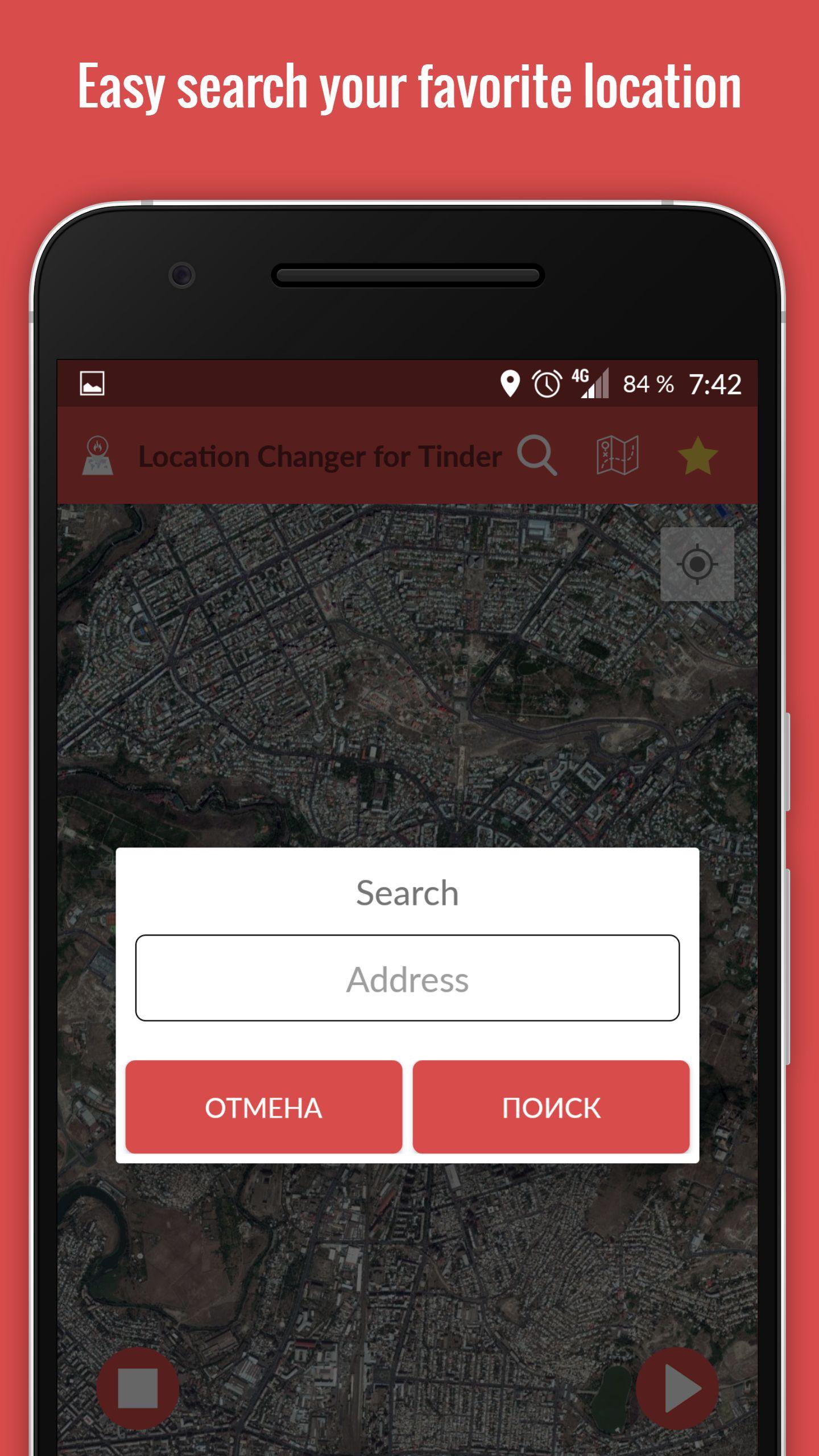
- Select a location on the map
- Change GPS location to the selected location
- Save Locations and simply use them later
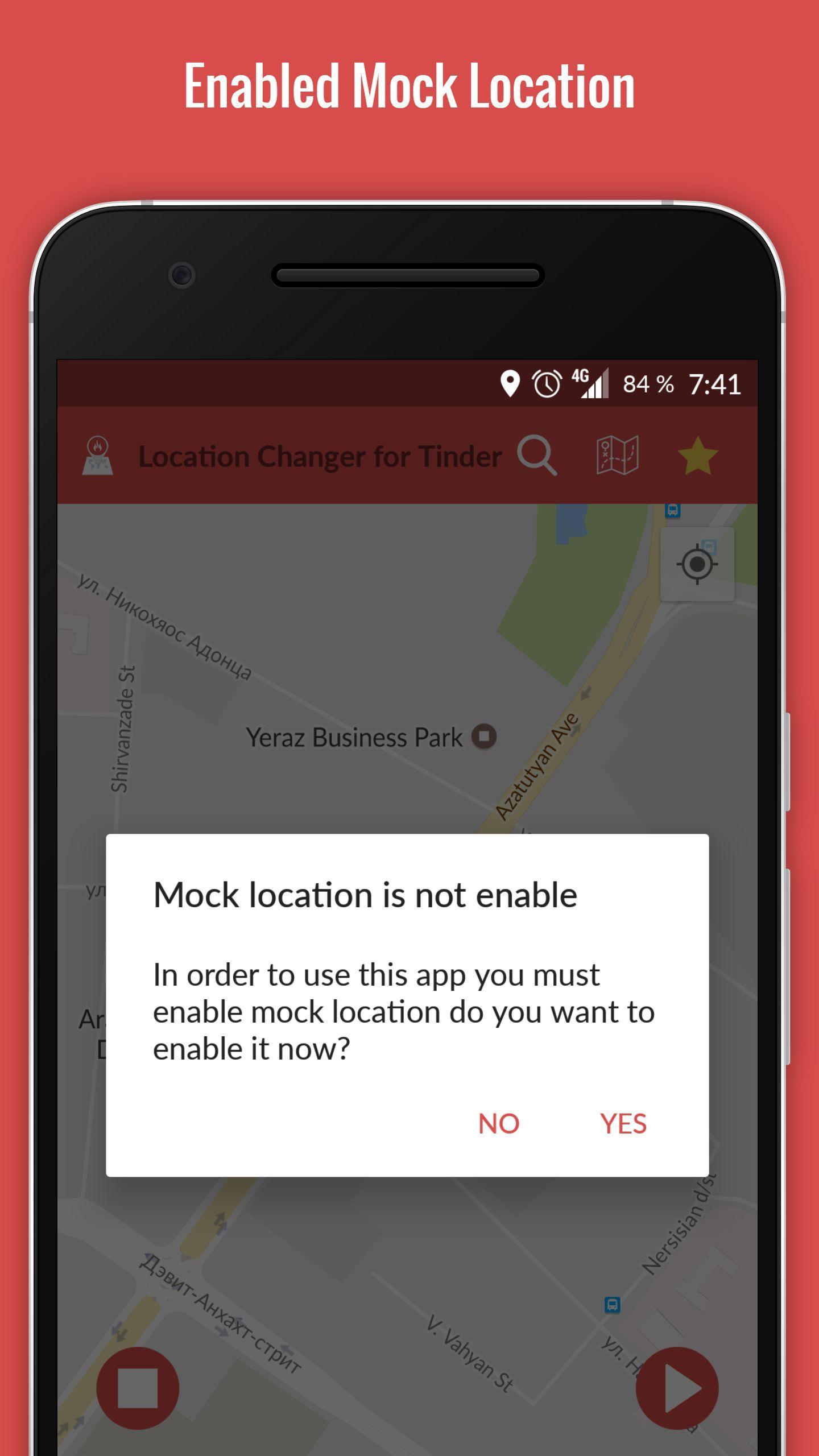
The following is needed to make sure the app runs properly
1 - Enable the developer settings on your device. To enable the developer settings go to settings > about phone > and click on the android version about 7 times.
2 - In the developer options enable mock locations
3 - set your location to be 'device only' use only GPS location
Latest Version
1.0Uploaded by
Rian Paulo
Requires Android
Android 4.0.3+
Category
Free Tools AppContent Rating
Everyone
Report
Flag as inappropriateLast updated on Feb 9, 2017
Minor bug fixes and improvements. Install or update to the newest version to check it out!

APKPure - A multi-platform app store primarily focused on Android, providing extensive app-related content. Discover the app you want easier, faster, and safer, with quick and efficient downloads and installations.