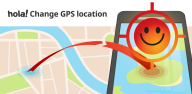

Fake GPS Location - Hola helps when an app depends on where you are and you need to appear somewhere else. It is useful for checking region restricted social or dating apps, testing features that trigger by location, or pulling a light prank. The interface is simple to understand, so you can switch places quickly and return to normal when finished. For users comparing options, download Fake GPS Location - Hola to try a straightforward GPS location spoofer without complicated setup.
One tap location changer
Fake GPS Location - Hola lets you jump to a new location with a single press. Pick any country, city, or neighborhood and start spoofing right away. This keeps the process simple, so you can focus on the app you want to test rather than the tool itself.
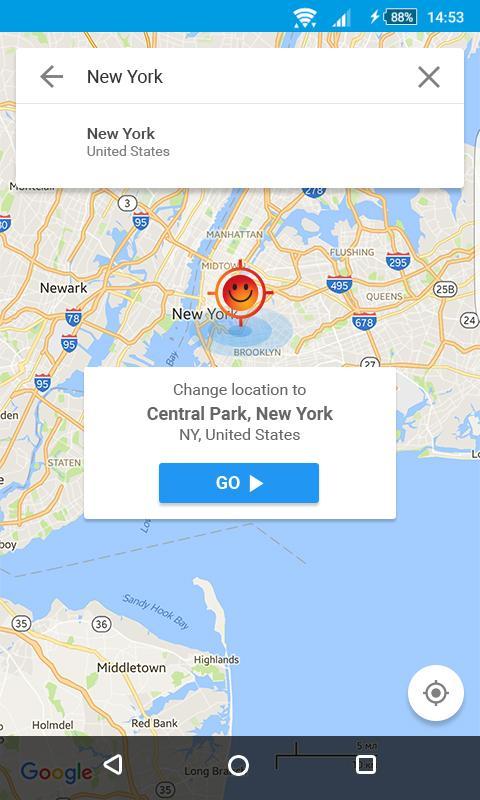
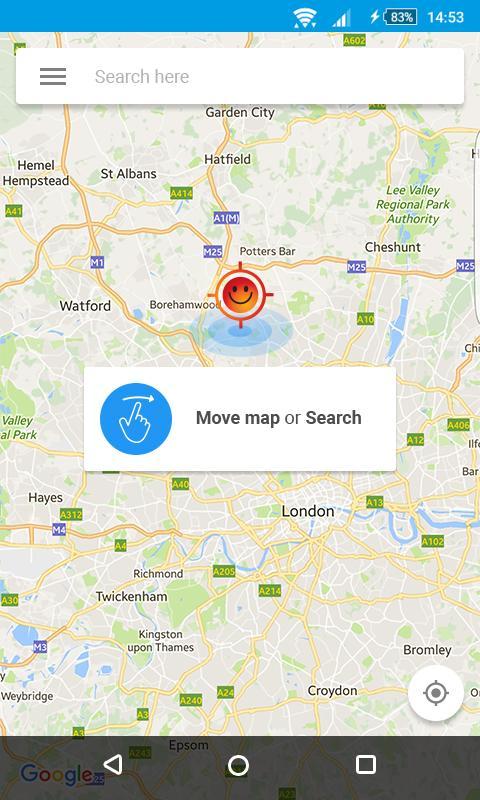
Map picker and address search
You can choose a point directly on the map or search for a specific address. If precision matters, fine tune the pin before starting. After setting the spot, pressing Play begins the fake location and other apps read the new coordinates.
System wide GPS spoofing
Once active, Fake GPS Location - Hola overwrites your phone’s GPS so other apps use the fake location. This helps you check how different apps behave when your position changes. Because it works system wide, you do not need separate settings for each app.
Free use without limits
The tool is free to use and does not cap the number of changes. You can switch locations as often as needed for everyday testing or social scenarios. This is helpful when you compare multiple regions in quick succession.
Control and quick setup tips
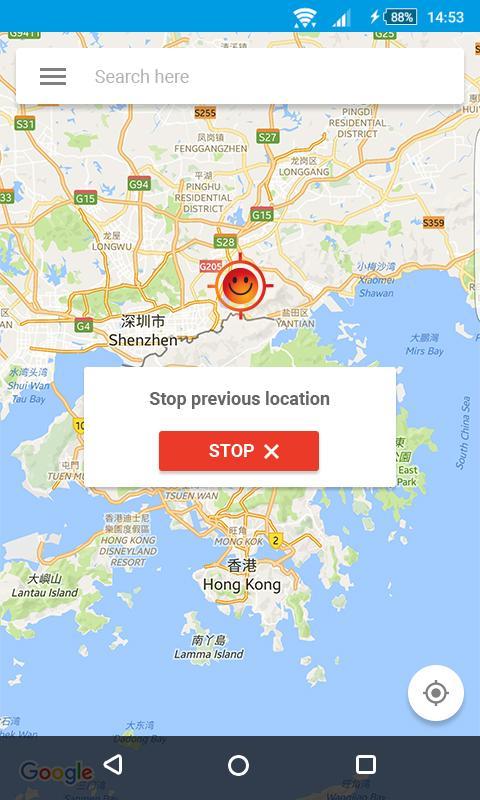
When you finish, stop spoofing to return to your real location in seconds. For smoother results, set Android Location mode to GPS or Device only before starting. This helps your phone rely on the chosen GPS signal rather than mixed sources.
This tool fakes GPS only and does not change your IP address. If you need IP masking, consider using a separate VPN service alongside location spoofing. Some apps can detect spoofed locations and may restrict accounts or limit features. To avoid issues, follow each platform’s rules and use location changes responsibly.
Hola discloses that, while the app is free, it may use some phone resources when on standby to benefit others in the network. Review the End User License Agreement and related policies on Hola’s official site before using long term. Transparency helps you decide whether this approach fits your needs. If questions arise, you can reach the team using the contact information below.
Setup takes only a moment on most Android phones. For best results, confirm location settings first, then select your target spot. If you prefer an APK install, search for Fake GPS Location - Hola APK from a trusted source.
Fake GPS Location - Hola offers a quick way to appear in another place for testing or social scenarios. You can change location with one tap and return just as fast. To keep your toolkit current, look for the Fake GPS Location - Hola latest version when installing or updating.
For support and policy details, use the contact and resource list below.
Latest Version
1.184.486Uploaded by
Hola VPN Ltd.
Requires Android
Android 4.0.3+
Category
Free Tools AppContent Rating
Everyone
Report
Flag as inappropriateLast updated on Mar 1, 2025
Minor bug fixes and improvements. Install or update to the newest version to check it out!

APKPure - A multi-platform app store primarily focused on Android, providing extensive app-related content. Discover the app you want easier, faster, and safer, with quick and efficient downloads and installations.